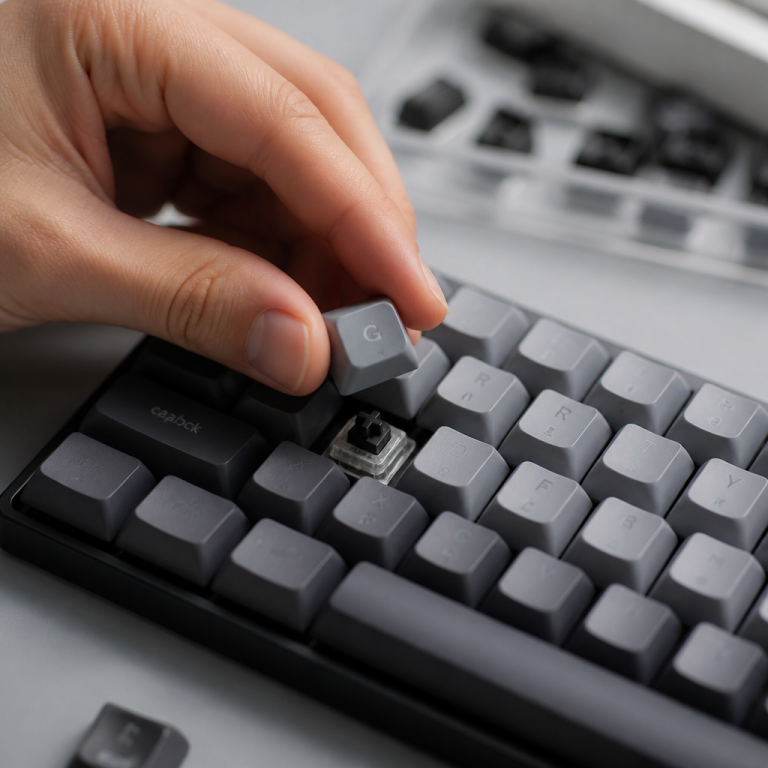
What Is a TKL Keyboard? 7 Surprising Benefits Explained
When I first started getting serious about my computer setup, I remember looking at my desk and thinking, “There has to be a better way.” My old, bulky full-size keyboard felt like it was swallowing half my workspace, especially when I was trying to maneuver my mouse during intense gaming sessions or just trying to keep my notes close by. That’s when I stumbled upon Tenkeyless (TKL) keyboards, and honestly, it felt like I was about to discover a hidden gem. This type of compact keyboard changed my whole perspective, striking a fantastic balance between having all the keys I truly needed and reclaiming precious desk space.
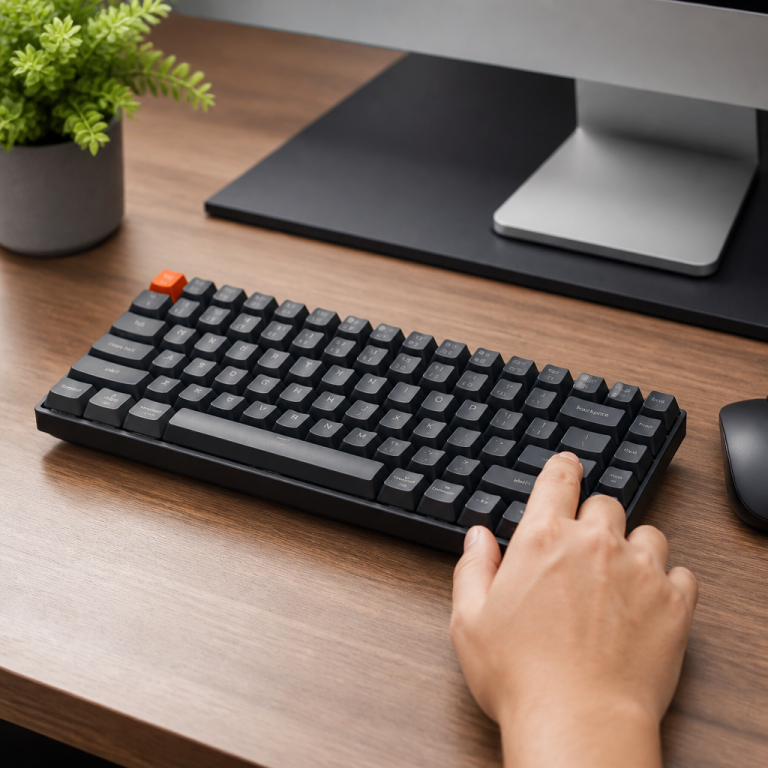
Essentially, a TKL keyboard is a popular type of compact keyboard layout that stands out because it doesn’t have the numeric keypad – you know, that block of number keys usually on the far right of a standard full-size keyboard. This design choice makes the keyboard noticeably shorter in width, bringing a bunch of advantages, especially for those of us who value a neat desk, better comfort, or the ability to easily take our setup on the go. While a full-size keyboard usually has between 104 and 108 keys, a Tenkeyless model typically sports 87 or 88 keys. This reduction in key count is purely from ditching the 17-key numeric keypad section. What’s cool is that these compact boards still keep all the other essential keys most people use every day. This includes your complete alphabet and number keys, the function row (F1-F12) at the top, the navigation keys (like Insert, Delete, Home, End, Page Up, and Page Down), and the dedicated arrow keys. This smart design means you still get a full typing and command experience without the extra bulk of a numpad that, personally, I found I rarely used. In my opinion, it’s a brilliant compromise.
TKL Keyboard Layout and Physical Characteristics
TKL Keyboard Layout Explained
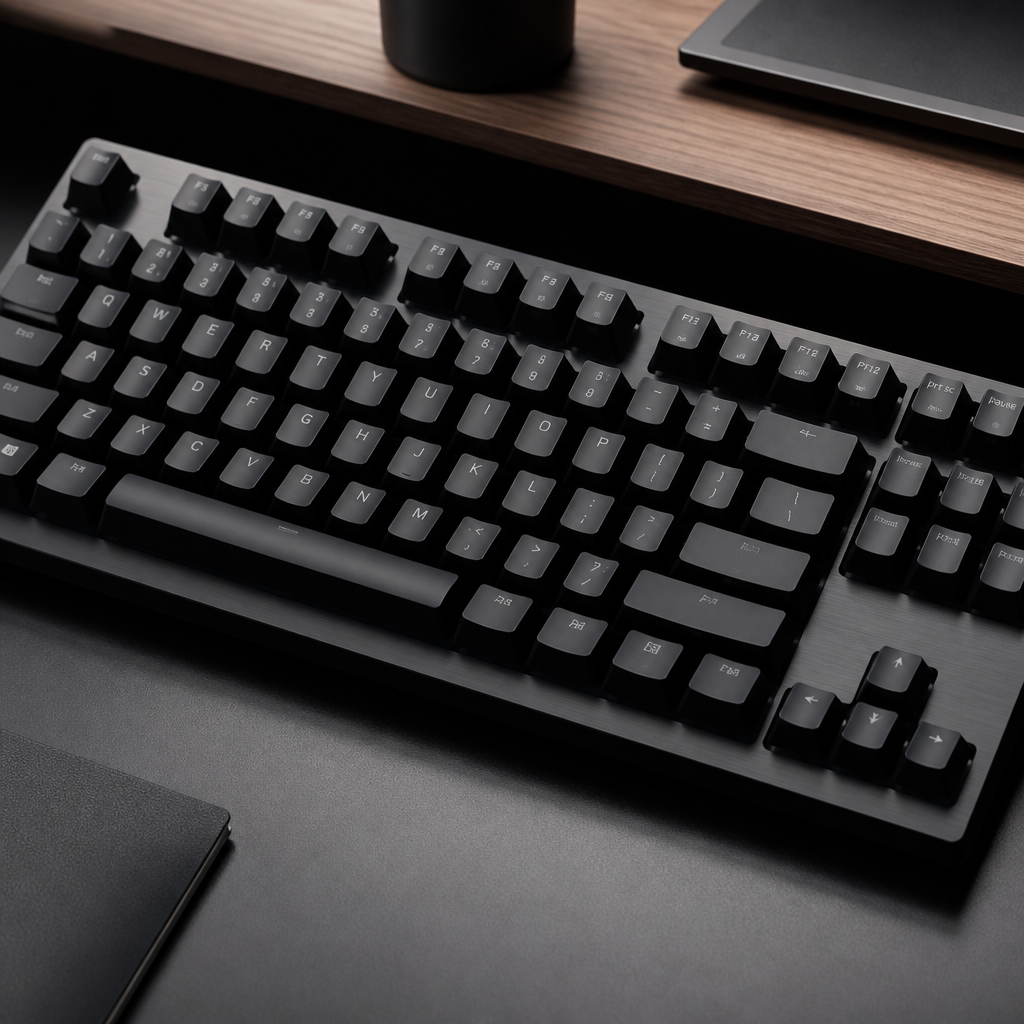
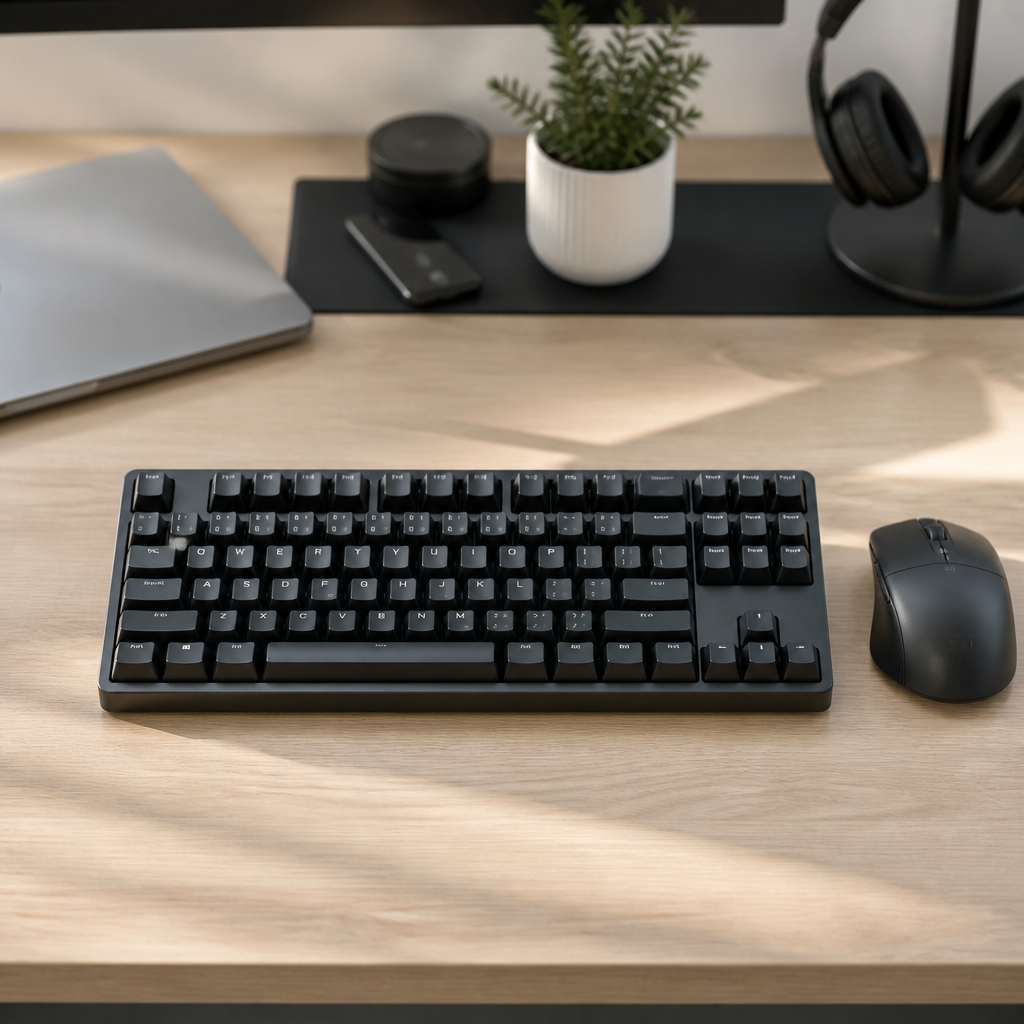
The Tenkeyless (TKL) keyboard layout trims down the traditional full-size keyboard by removing the numeric keypad. This key difference defines the TKL format, typically resulting in 87 or 88 keys compared to the 104 to 108 keys found on a full-size model. The main goal is to provide a smaller keyboard that occupies less space, without sacrificing essential typing and command keys. By eliminating the 17-key numeric keypad, which includes numbers 0-9, math symbols, and a separate Enter key, these keyboards become much narrower.
Despite losing the numpad, the Tenkeyless layout retains all other important key sections. You’ll still find the full function row (F1-F12) above your main letter keys, which is crucial for software shortcuts and computer control. Navigation keys like Insert, Delete, Home, End, Page Up, and Page Down are usually arranged in their standard 3×2 block. Plus, the separate arrow keys, typically in an upside-down ‘T’ shape, are kept for familiar cursor control. The main typing area maintains the regular QWERTY layout, ensuring that anyone accustomed to standard keyboards will feel comfortable. This careful design, which keeps core keys intact, means the layout supports everyday typing, running commands, and navigating your screen without requiring you to relearn how to type. I’ve personally found this transition incredibly smooth.
It’s also interesting to note that some Tenkeyless models may have 88 keys, particularly those designed for ISO layouts, which often include an extra key compared to the ANSI layouts common in the US. What’s more, many modern TKL models let you control media (like volume or music playback) and set up custom actions (macros) using a special ‘Fn’ (function) key. This means certain keys, when pressed with the Fn key, can perform secondary functions. For example, Fn + F1 might mute your sound. From my perspective, this “Fn layer” is a clever way to add functionality without adding bulk. While some boards might feature a few extra dedicated keys for specific tasks, they generally maintain their compact design by leaving out the full numpad. This flexibility, combined with the core compact design, makes the Tenkeyless format a very versatile choice for many users seeking efficiency and a smaller desk footprint.
TKL Keyboard Size and Dimensions
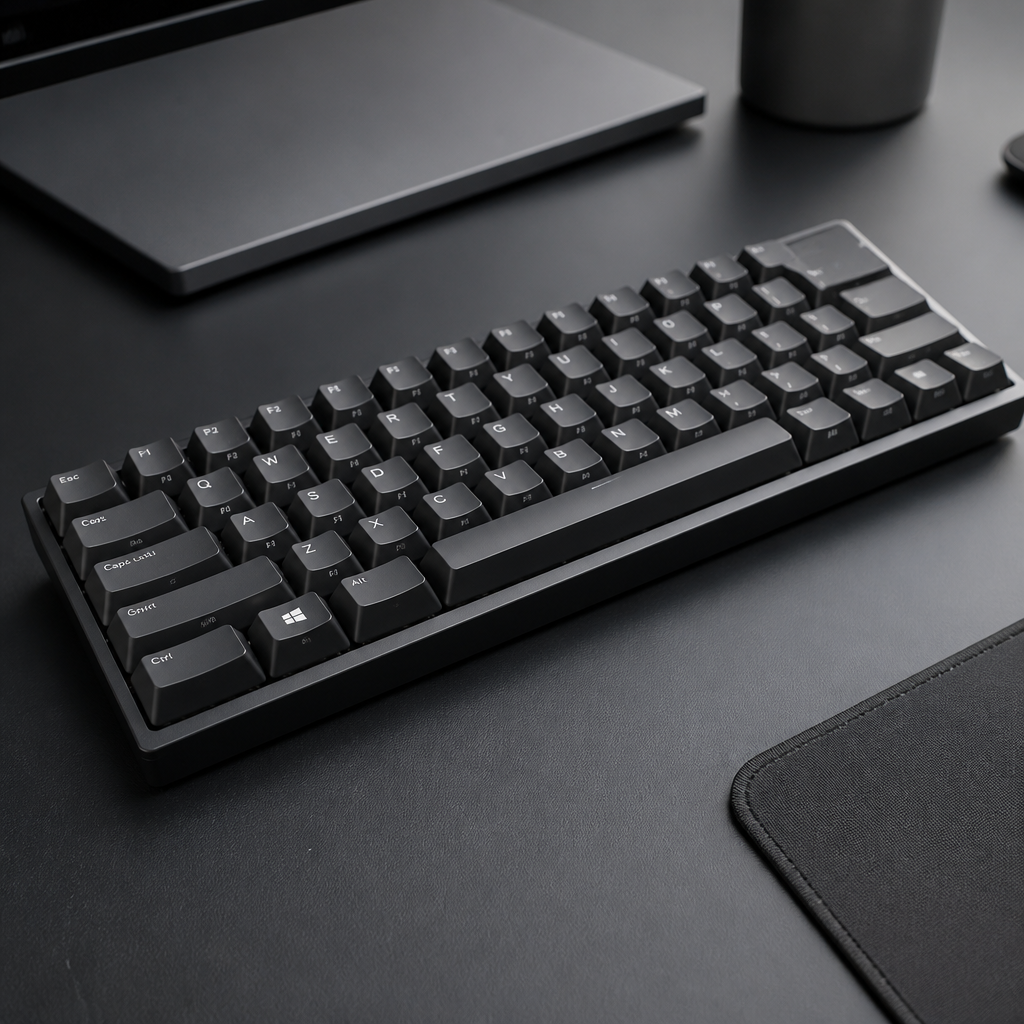
The actual size and measurements of a TKL keyboard are key factors in why people choose them for different uses. On average, these compact boards usually measure between 14-14.4 inches (355-365mm) in width, 5-5.4 inches (127-138mm) in depth, and 1.2-1.6 inches (30-40mm) in height, not counting the keycaps. These dimensions clearly show how much smaller they are compared to full-size keyboards, which can be several inches wider. This more compact size is a major reason many users opt for a Tenkeyless model, as it truly frees up valuable desk space. I recall packing my TKL for a weekend gaming trip to my friend Alex’s place last summer, and it fit perfectly into my small backpack, unlike my old full-size behemoth which required a dedicated bag.
The weight of these keyboards can vary considerably, typically ranging from 1.3 lbs (600g) to 4.4 lbs (2000g). This wide difference is mostly due to the materials used in their construction. Mechanical Tenkeyless boards, especially those with robust aluminum or steel cases, tend to be heavier. In my experience, the solid, heavy feel of these models often makes typing feel more stable, and the board just feels more durable. On the other hand, membrane models, which often use lighter plastic housings, are generally lighter. Weight can also change depending on added features like internal sound dampening, built-in wrist rests, or elaborate circuit board designs. _If you move your keyboard around a lot, a lighter model might be more practical._
One of the biggest practical benefits of a Tenkeyless model’s size is how much desk space it saves. By omitting the numeric keypad, these compact boards free up about 3-4 inches (76-102mm) of horizontal desk space compared to their full-size counterparts. This reduction in overall size is particularly helpful for individuals with smaller desks or those who prefer a very clean, minimalist setup. More importantly, this saved space provides more freedom to position your mouse. Gamers, for instance, often benefit from being able to place their mouse closer to the keyboard, allowing for wider and more natural arm movements without hitting the keyboard’s edge. Personally, I’ve found this makes a huge difference in my comfort during long gaming sessions. This can lead to improved comfort and performance during extended use.
TKL Keyboard Usage and Purpose
What is a TKL Keyboard Used For
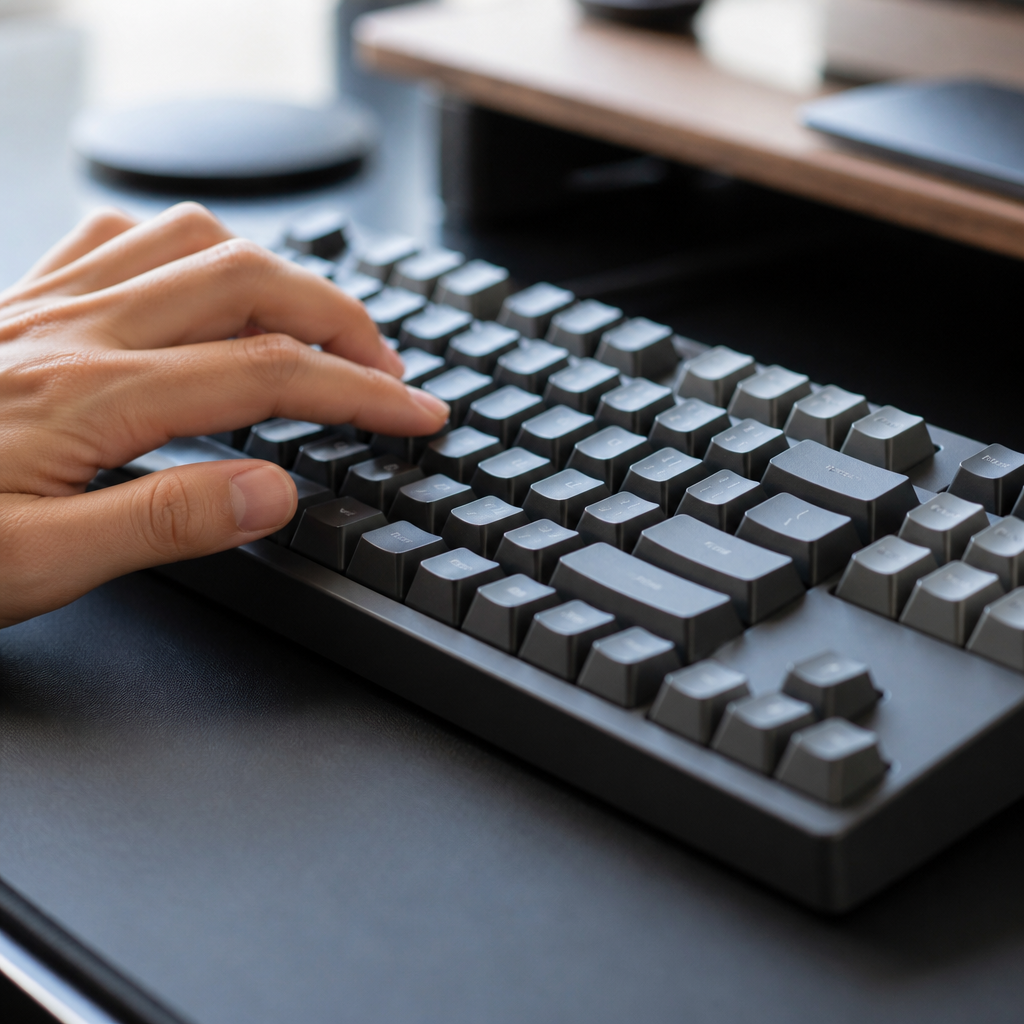
Tenkeyless (TKL) keyboards are designed with a specific group of users in mind: individuals who rarely, if ever, use the numeric keypad found on full-size keyboards. This group includes competitive gamers, programmers, writers, and many office workers, all of whom prioritize more desk space and comfortable mouse positioning. The absence of a numpad creates a more compact and efficient workspace, leading to several practical benefits in various professional and recreational contexts.
For competitive gamers, these compact boards have become a top choice due to the clear advantages they offer in gameplay. The narrower width of a Tenkeyless model allows gamers to place their mouse closer to the center of their body. This seemingly small adjustment can significantly reduce shoulder strain during long gaming sessions and enable wider, more natural arm movements. In fast-paced games, especially first-person shooters (FPS), precise and unrestricted mouse movements are critical. A smaller keyboard prevents the mouse from bumping into the board’s edge, providing a larger area for mouse movement and potentially improving aiming and control. This comfort benefit is often cited by professional gamers as a key reason for their equipment choices.
Programmers and developers also frequently prefer this layout, though for slightly different reasons. Their work typically involves extensive typing and complex command inputs, but rarely requires dedicated numerical data entry. The portability of these smaller models is a significant draw for these professionals, particularly when moving between different workstations or working from home. A smaller keyboard is much easier to fit into a laptop bag or backpack, making it very convenient for commutes or travel. Furthermore, the compact design allows programmers to keep reference materials, secondary monitors, or documents closer within their workspace, fostering a more organized and efficient setup. In my opinion, this ability to optimize desk space is incredibly valuable for productivity.
What is the Best TKL Keyboard for Gaming?
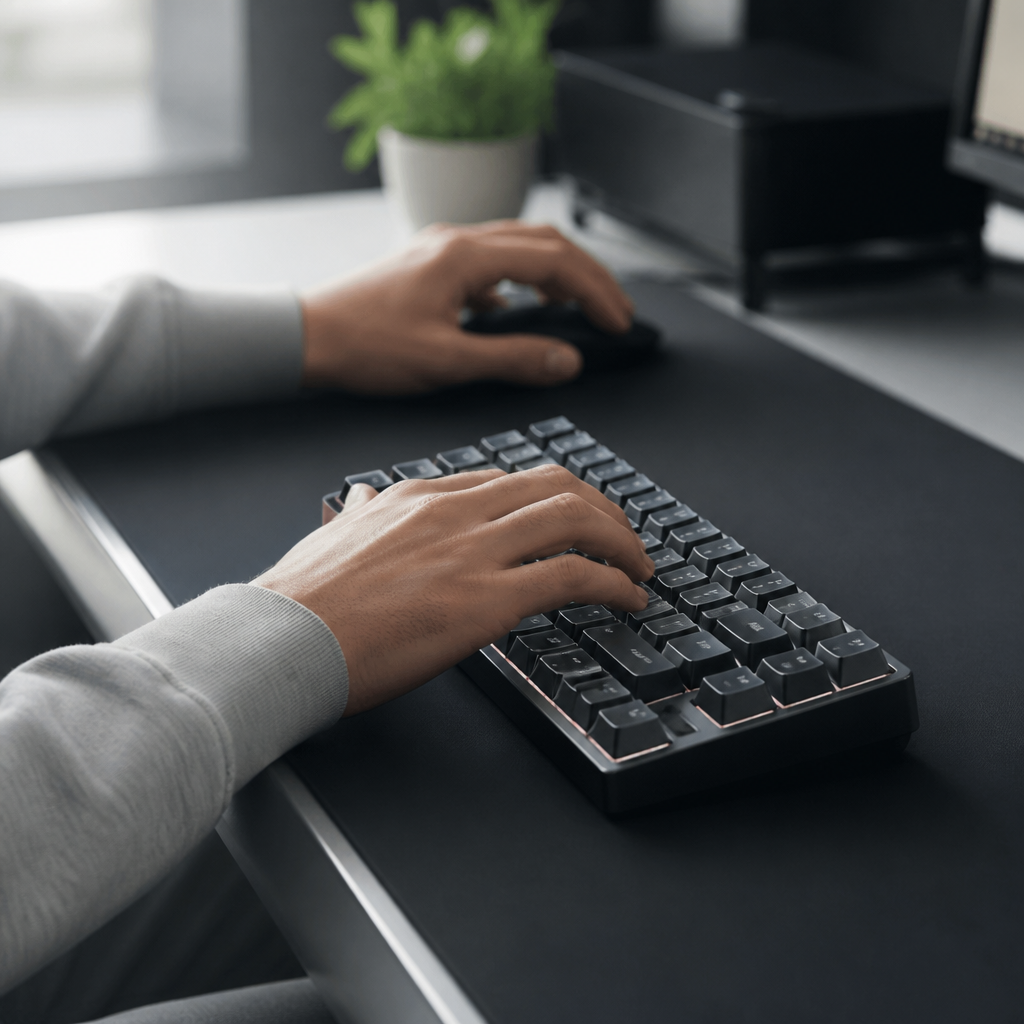
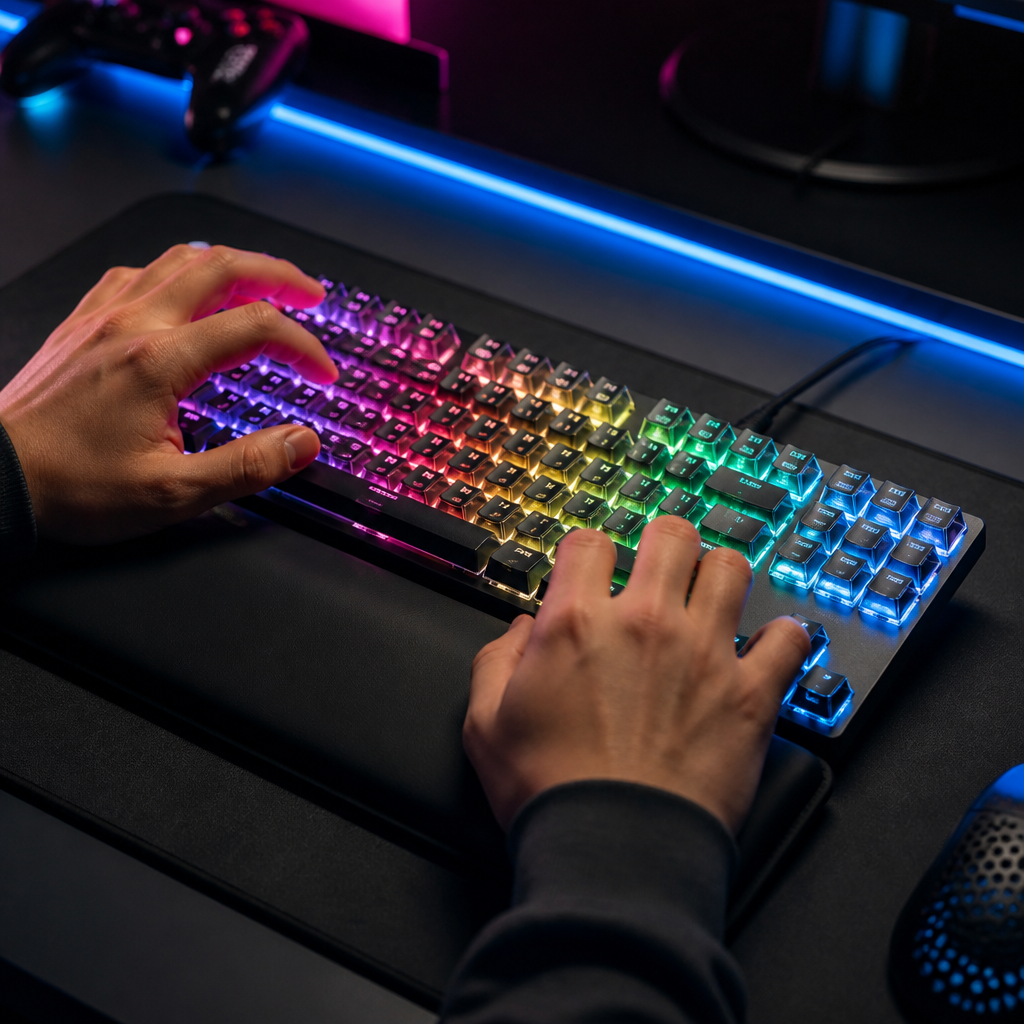
For gamers, especially those involved in competitive play, choosing a TKL keyboard can significantly impact performance and comfort. The market for compact gaming keyboards is substantial, offering numerous options to suit various preferences and budgets. As of 2024, certain models truly stand out for their advanced features and high performance. The Wooting 60HE and Wooting 80HE are frequently cited as market leaders in the compact gaming space. These keyboards are renowned for their analog optical switches, which allow you to adjust the sensitivity of each key, from 0.1mm to 4.0mm. Imagine being able to set how far down you press a key before it registers – that’s the “actuation point.” This unique feature enables keys to register inputs both when pressed down and when released, a function known as “rapid trigger functionality,” granting a competitive edge in games demanding lightning-fast reactions.
High-performance gaming models are known for their exceptional polling rates. A standard high-performance gaming keyboard typically features a 1000Hz polling rate, meaning it responds in just 1ms. A 1000Hz rate ensures a very fast 1ms response time, which is crucial for gaming. However, some advanced models, such as the Razer Huntsman V2 TKL, push these limits further, offering an impressive 8000Hz polling rate for an ultra-low 0.125ms response time. Such rapid response times can provide a distinct advantage in competitive situations _where every millisecond counts._
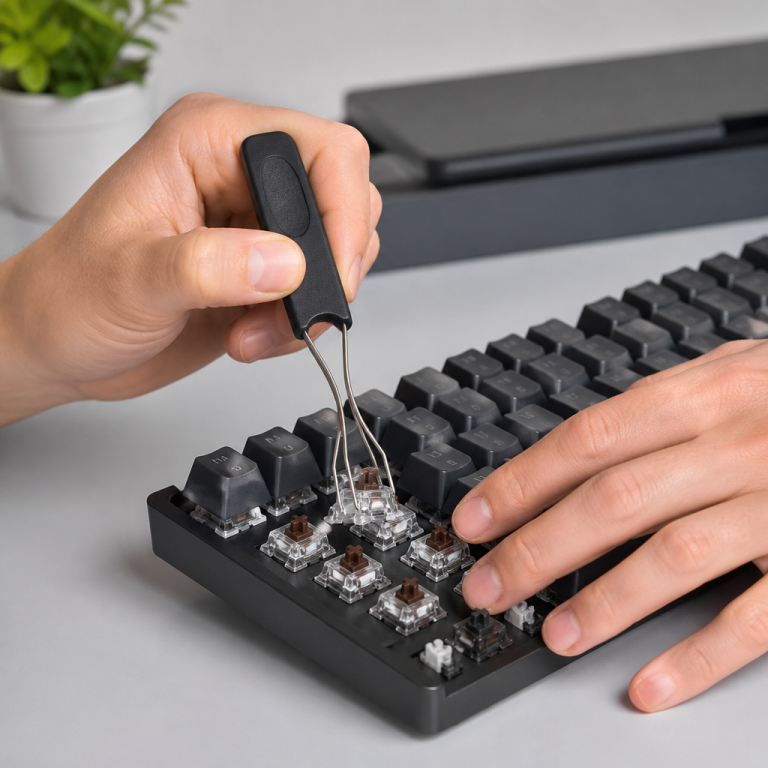
Another highly-regarded board for gaming is the Keychron Q3 Pro. This model appeals to both keyboard enthusiasts and competitive players with its QMK/VIA programmability, allowing for extensive customization of key functions, setup of custom actions (macros), and modification of lighting effects. Its “gasket-mounted design” contributes to a more satisfying and consistent typing experience. Additionally, “hot-swappable switches” offer users the flexibility to easily change switches to find their preferred feel without needing to solder. The Keychron Q3 Pro also boasts a 1000Hz “polling rate,” whether connected wirelessly (2.4GHz) or wired. From my perspective, features like hot-swappable switches are a game-changer because they let you truly fine-tune the feel to your liking without purchasing an entirely new keyboard.
TKL Keyboard Advantages and Comparisons
TKL Keyboard Pros and Cons
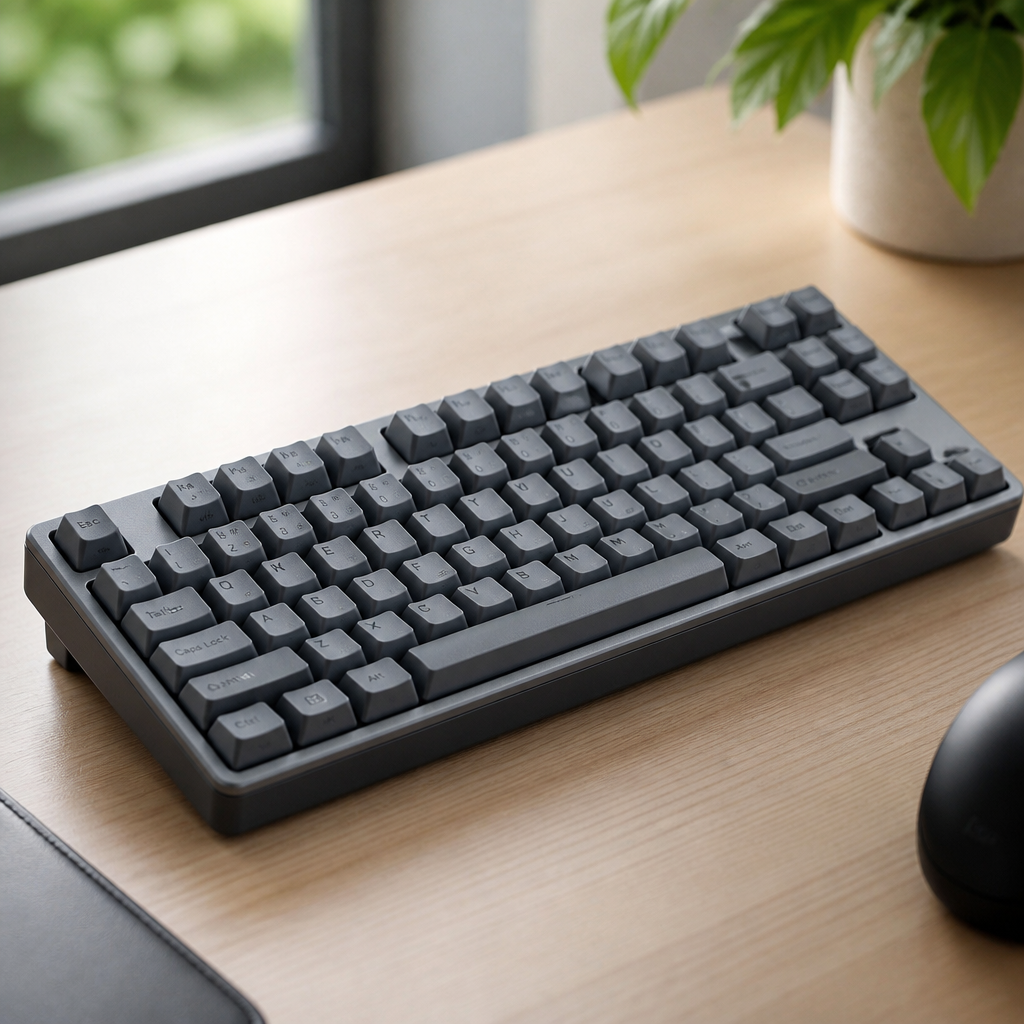
Deciding whether to opt for a Tenkeyless (TKL) keyboard often involves weighing its clear advantages against its potential drawbacks. Understanding these pros and cons can truly assist users in determining if this layout aligns with their specific needs and work habits.
Advantages:
- Space Efficiency: One of the most significant benefits of a TKL keyboard is its space efficiency. By removing the numeric keypad, these boards free up approximately 3-4 inches (76-102mm) of horizontal desk space. This additional room is particularly valuable for gamers, as it allows for lower mouse sensitivity settings and wider arm movements.
- Ergonomic Benefits: With the numpad absent, your mouse can be positioned closer to the center of your body. This reduces “shoulder abduction” – how far your arm moves away from your body – which can lessen strain on your shoulder, neck, and upper back.
- Portability: TKL models are typically about 25-30% lighter than full-size keyboards, and their smaller dimensions make them much easier to fit into laptop bags and backpacks. This makes them ideal for individuals who travel frequently or commute.
- Value: Because they contain fewer switches, keycaps, and a smaller circuit board, Tenkeyless models are generally 10-20% less expensive than comparable full-size models of the same quality.
- Aesthetic Appeal: The balanced and symmetrical appearance of smaller boards is often favored in minimalist desk setups, contributing to a cleaner and more organized look.
Disadvantages:
- Functionality Loss: Professionals such as accountants, data analysts, and financial specialists, who rely heavily on the numeric keypad for rapid data entry, may experience a significant decrease in productivity. Studies indicate that entering numbers using the top-row number keys can be 30-40% slower.
- Software Shortcut Dependency: Many keyboard shortcuts in professional software like Excel, CAD programs, and video editing suites often depend on numpad keys. _Users transitioning to a Tenkeyless layout might need to find alternative methods or purchase an external numpad, which could negate some of the space-saving benefits._
- Adaptation Period: It can take 1-2 weeks to adjust to the absence of the numpad and to retrain muscle memory for navigation keys that might be in slightly different locations.
Dr. Alan Hedge, a Professor of Ergonomics at Cornell University, advises that while TKL layouts offer advantages for general typing and gaming, professionals in finance, accounting, and data-intensive fields should carefully consider their daily tasks. He suggests that for users who perform extensive numerical data entry, the productivity loss can potentially outweigh the comfort benefits.
TKL Keyboard vs Full Size Keyboard
The choice between a TKL keyboard and a full-size keyboard is a crucial decision that impacts your desk setup’s comfort, work efficiency, and overall experience. For users who frequently enter data, perform accounting tasks, or work with spreadsheets, the numpad is an absolutely essential tool that significantly speeds up numerical input. The main difference in key count stems from Tenkeyless models omitting the 17-key numeric keypad section. This removal is the defining feature that dictates when each keyboard type is most suitable.
This leads to a clear difference in application. Full-size keyboards are ideal for situations where numpad efficiency is paramount. This includes roles like accounting, financial analysis, and data entry. On the other hand, TKL models excel in gaming, programming, writing, and any environment where space is limited. Gamers benefit from the increased mouse room, while programmers and writers often find the numpad unnecessary for their primary tasks.
A direct comparison highlights these distinctions:
| Feature | Full-Size Keyboard | TKL Keyboard |
|---|---|---|
| Desk Space | ~17-18 inches (432-457mm) wide | ~14-15 inches (355-381mm) wide |
| Key Count | 104-108 keys (includes numpad) | 87-88 keys (no numpad) |
| Number Entry | 30-40% faster with dedicated numpad | Slower using top-row number keys |
| Portability | Heavier and bulkier | ~25-30% lighter and more compact |
| Best For | Data entry, accounting, finance | Gaming, programming, writing, small desks |
| Price | Generally 10-20% more expensive | More affordable for comparable quality |
From an ergonomic standpoint, research suggests that Tenkeyless models can reduce the “shoulder abduction angle” by 8-12 degrees compared to full-size keyboards when the mouse is positioned correctly. This reduction in the lateral arm reach is linked to decreased upper body muscle discomfort, indicating a potential benefit for long-term health and comfort.
Dr. David Rempel, a Professor of Bioengineering and Medicine at UC Berkeley and UC San Francisco, suggests that the choice should be based on a user’s main activities. He advises that for individuals who perform very little numerical data entry, the comfort and space-saving advantages of TKL layouts generally outweigh the convenience of a numpad.
Finally, in terms of compatibility, both TKL and full-size keyboards utilize the same connection types and function universally with all major operating systems. The decision ultimately comes down to your personal assessment of your daily tasks, your desk space, and what you find most comfortable.

Hi, I’m Alex Morgan.
Welcome to my blog! As a dedicated mechanical keyboard enthusiast, I’m passionate about exploring everything from custom builds to the finest details of switches and keycaps. My goal is to break down specs, sound profiles, and ergonomics to help you find the absolute best keyboard for your setup. Whether you’re a gamer, programmer, or desk setup fanatic, I’m here to share honest reviews and practical recommendations.