what is a 75 keyboard? The Compact, Powerful Choice
I still remember my desk in early 2022, a cluttered space overflowing with my online classes, a part-time job, my Acer monitor, textbooks, and a mug of coffee. My full-size keyboard, though functional, was a space hog. My mouse hand constantly bumped into it, and I always felt cramped. Then, a friend, deep into custom mechanical keyboards, introduced me to a Keychron K2.
"This," he announced, "is a 75% keyboard. It packs almost everything you need into a much smaller package."
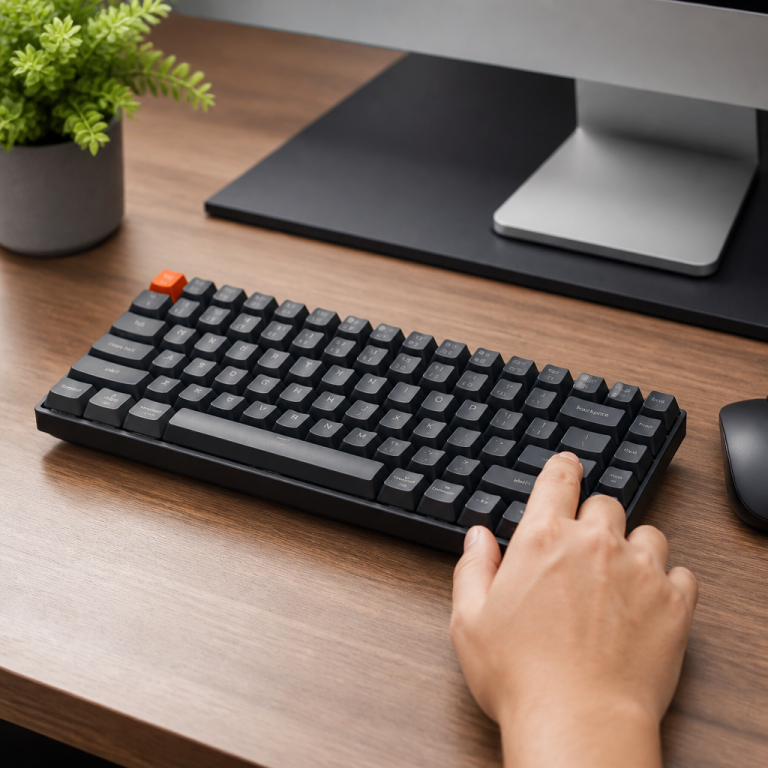
Intrigued, I ordered one that week. What I found was a revelation: a perfectly balanced keyboard that gave me back my desk space without sacrificing the crucial keys I used daily. Think of a 75% keyboard as the smart, compact SUV of the keyboard world—it offers the essentials in a smaller footprint. It achieves this by shedding the numeric keypad and fitting the remaining keys more snugly. This design is gaining popularity because it strikes a sweet spot between tiny, minimalist boards and sprawling full-size options.
Understanding the 75% Keyboard Layout
A 75% keyboard layout isn't arbitrary; it's a deliberate design choice that balances ample key functionality with generous desk space. It's an excellent alternative if full-size keyboards feel too large, but you're not ready for a significantly smaller setup. Here, we'll explore what makes a 75% keyboard work, the keys it includes, and its suitability for various users.
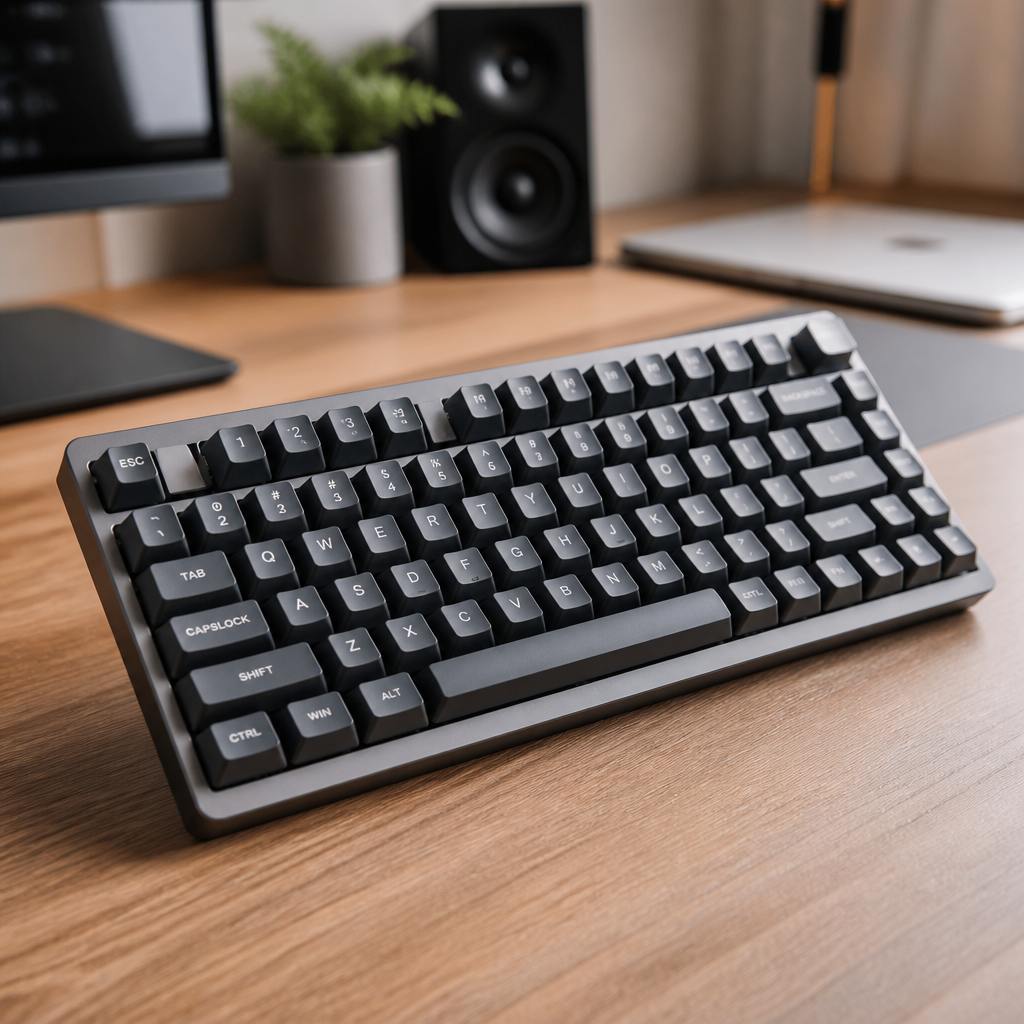
75% Keyboard Layout Explained
At its core, a 75% keyboard is a mechanical keyboard that's been streamlined. It typically features around 84 keys, making it roughly 75% of the key count found on a standard 104-key full-size keyboard. The goal is to retain essential keys—like the F1-F12 function row, dedicated arrow keys, and some navigation buttons—while omitting the numeric keypad. The remaining keys are also placed closer together. This smart design frees up considerable desk space, often reducing the footprint by about 30% compared to a full-size keyboard. For instance, a board with this layout usually measures around 12.5 to 13 inches wide, significantly less than the standard 17.5 inches. This extra space is invaluable for smaller desks or multi-monitor setups, allowing for more comfortable mouse movement.
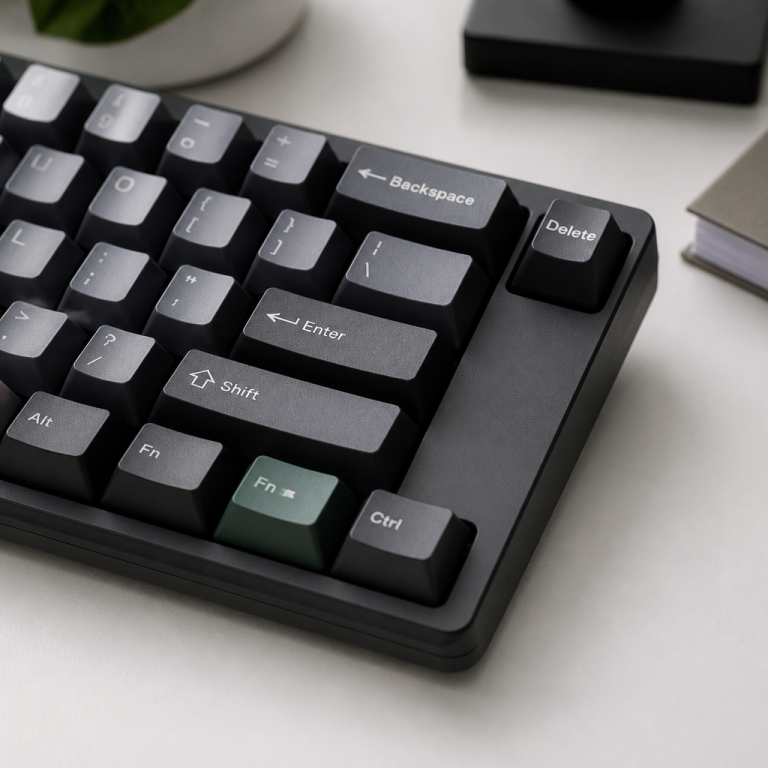
A key distinction of the 75% layout, especially when compared to smaller sizes like the 65%, is the inclusion of a full F1-F12 function key row. This means you don't need to press an "Fn" key simultaneously to access these common shortcuts, which can improve efficiency for gaming or anyone using programs with extensive F-key commands. Additionally, these keyboards almost always incorporate a compact column of essential navigation and utility keys on the far right. These typically include Delete, Page Up, and Page Down, and sometimes Home and End, stacked vertically to conserve space.
Most boards in this layout are built with six rows of keys, focusing on minimizing gaps between key groups to maximize key density within a compact area, all while using standard "1u" key sizes for the main alphanumeric keys. "1u" refers to the standard square size of a typical letter key. This consistency is beneficial for touch typists, as it ensures the primary keys remain in familiar positions, making the transition feel smooth. This form factor began gaining traction in the custom keyboard community around 2015-2016, with models like the Duck Octagon being early pioneers. While many designs are highly condensed, some feature an "exploded" layout, which introduces small, intentional gaps between key clusters for a less cramped appearance, while still maintaining an efficient key count (usually 82 to 84 keys). Some users prefer this slightly more spaced-out look, though the fully condensed layout maximizes space savings.
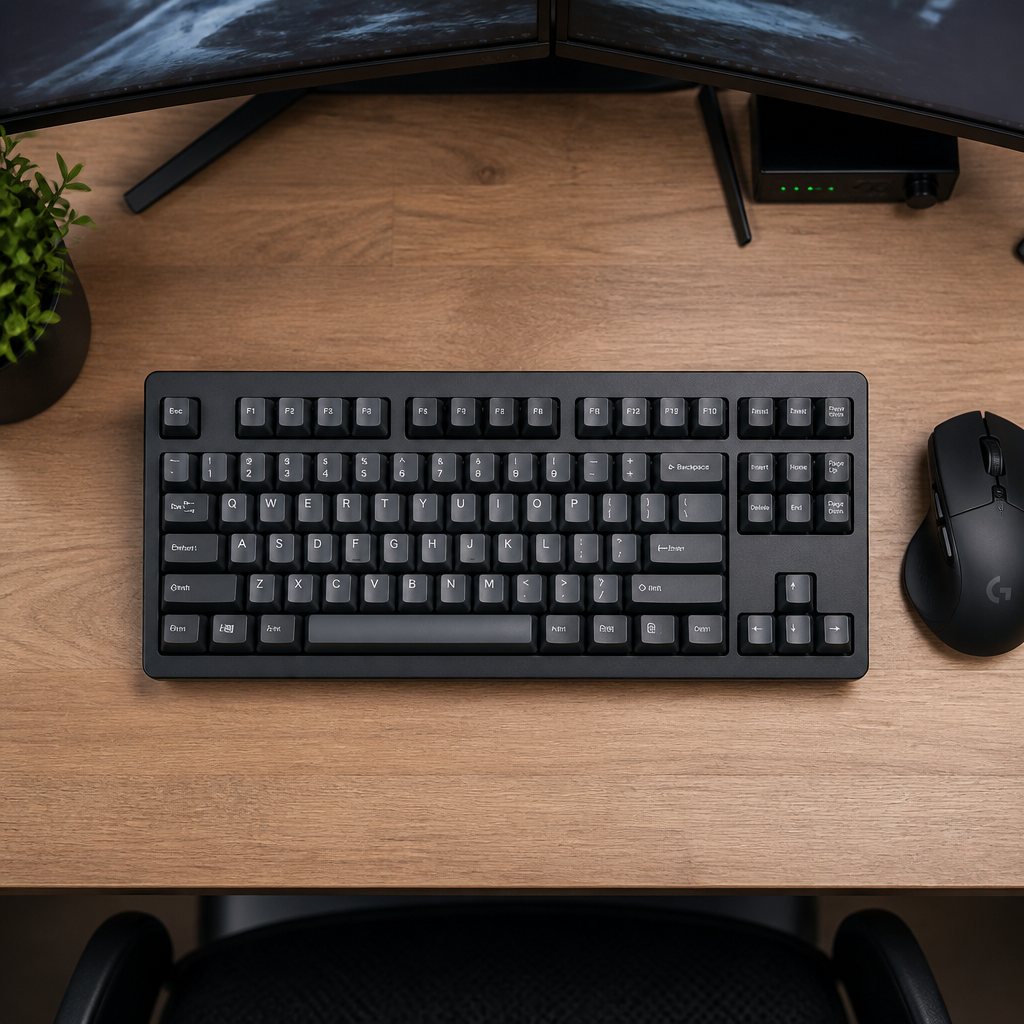
What Keys and Features Do 75% Keyboards Have?
Despite its compact size, this form factor is surprisingly feature-rich. Typically, you'll find about 84 keys on a standard board, including all 12 function keys (F1-F12), which are extremely useful for software shortcuts and gaming. You also get a dedicated set of 4 arrow keys, crucial for navigating documents, spreadsheets, and games without needing extra key presses. A compact group of navigation and utility keys often sits on the right, commonly including Delete, Page Up, and Page Down, and sometimes Insert, Print Screen, Scroll Lock, and Pause/Break. The arrangement of these right-side keys is ingeniously designed for space efficiency, often stacking keys vertically. Once accustomed to this layout, it can feel entirely natural.
Modern models in this category offer versatile connectivity options. USB-C is the most common wired connection, providing a reliable and fast link for gaming and demanding work. For those who prefer a cable-free setup, many models include wireless options like Bluetooth 5.0 or 5.1, allowing easy connection to multiple devices. Some even come with a 2.4GHz wireless dongle, favored by competitive gamers for its ultra-low latency connection.
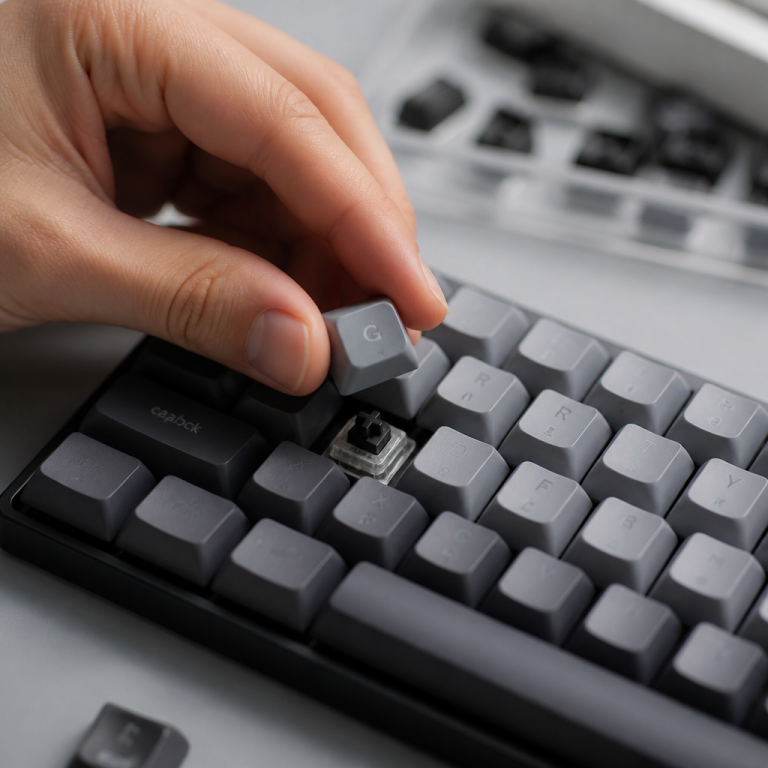
A significant draw for mechanical keyboards, including this layout, is the wide array of switch options. These are the mechanisms beneath each keycap that register a press. You can choose from "tactile" switches, which offer a noticeable bump; "linear" switches, which provide a smooth press from top to bottom; or "clicky" switches, which give both a tactile bump and an audible click. Many of these boards also feature "hot-swappable" switch sockets, allowing you to change switches without soldering. This is ideal for experimenting with different typing sensations or replacing a faulty switch.
Customization extends further with open-source firmware like QMK and VIA, available on most enthusiast-grade boards. This firmware acts as the keyboard's operating system, enabling you to remap keys, program complex macros, and create custom layers of key functions for complete control. The materials used also impact the keyboard's feel and durability. High-end models often feature sturdy aluminum or brass cases, contributing to a solid feel and improved sound profile. Keycaps are frequently made from PBT plastic, which is more durable and resistant to developing a shine than the common ABS plastic. Design elements like "gasket-mount" or "top-mount" constructions, combined with internal foam, further refine the typing sound and feel by dampening vibrations and reducing hollowness.
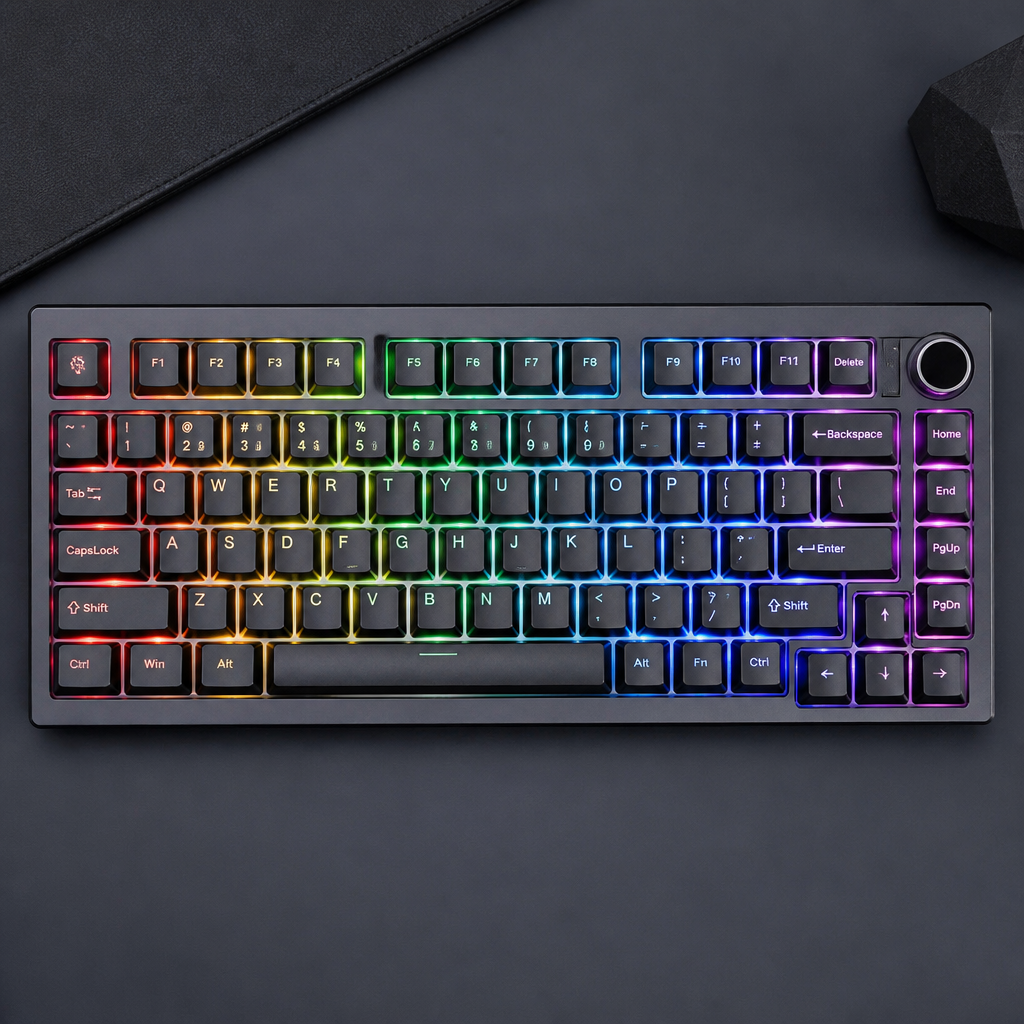
Backlighting is another common feature, ranging from simple single-color LEDs to vibrant, per-key RGB lighting, allowing for extensive personalization. Some minimalist designs omit backlighting entirely. For wireless models, battery life is a crucial consideration. Many wireless options offer impressive longevity, often lasting 200 to 400 hours with backlighting off. With RGB lighting enabled, this typically reduces to around 40 to 80 hours, depending on battery capacity. Together, these features make these keyboards highly adaptable and customizable to individual needs.
What are the Pros and Cons of a 75% Keyboard?
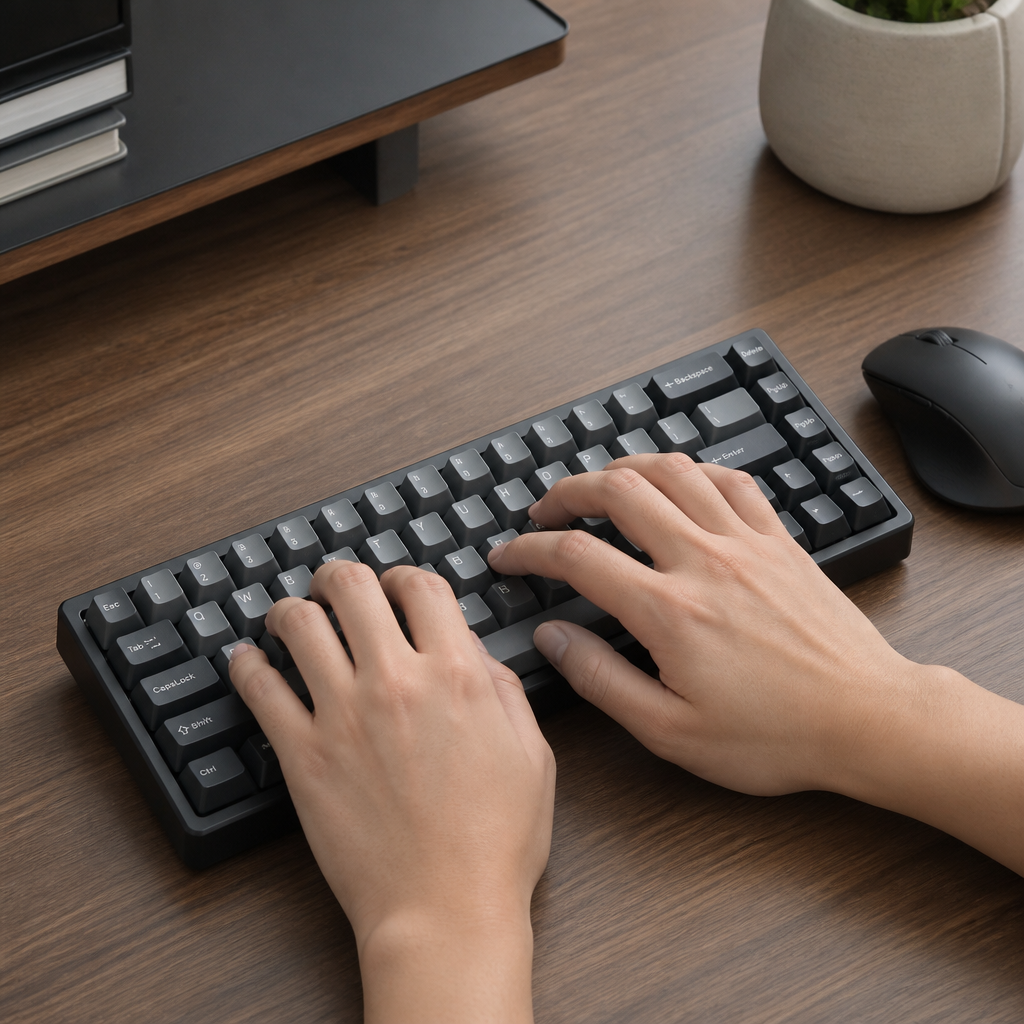
Every keyboard layout has its strengths and weaknesses, and this keyboard size is no exception. It presents a compelling balance, but understanding both sides is key to making an informed choice. The proximity of the mouse to the keyboard can offer ergonomic benefits, potentially reducing strain.
Experts suggest that smaller keyboards can help mitigate issues like ulnar deviation and shoulder abduction, which are linked to repetitive strain injuries.
| Pros | Cons |
|---|---|
| Space-Saving: Frees up 30-35% more desk space than a full-size board, ideal for smaller desks. | No Numpad: A significant drawback for those who frequently input numerical data. |
| Ergonomic Benefits: Closer mouse position can reduce shoulder and wrist strain. | Learning Curve: The condensed navigation cluster might require _a week or two of adjustment_. |
| Portability: Smaller and lighter build makes it easier to transport for work or travel. | Limited Availability: Fewer models are available compared to full-size or TKL keyboards. |
| Retains Essential Keys: Includes the full F1-F12 function row and dedicated arrow keys, unlike smaller layouts. | Higher Cost: Can be more expensive than comparable full-size or TKL models. |
| Aesthetics: Offers a sleek, modern, and clean look that appeals to many users. | Accidental Presses: The compact layout can lead to occasional typos during the adaptation period. |
75% Keyboard vs. Other Layouts
The mechanical keyboard market offers a variety of sizes, each tailored to different preferences, needs, and desk configurations. The 75% keyboard occupies a unique middle ground between ultra-compact and nearly full-size boards. To fully appreciate this layout, it's helpful to compare it with two other popular sizes: the 65% keyboard and the Tenkeyless (TKL) keyboard.
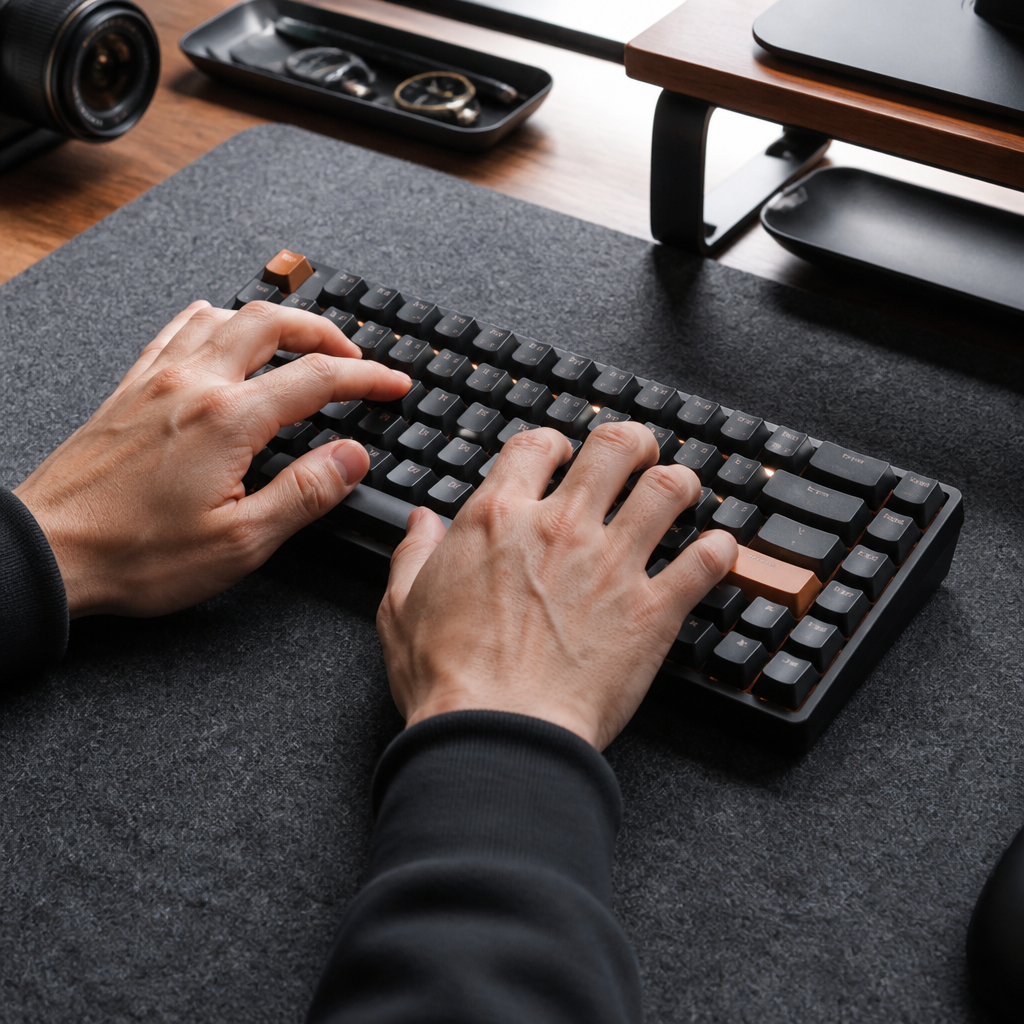
75% Keyboard vs. 65% Keyboard
Placing a 75% keyboard next to a 65% keyboard, the most immediate difference is the dedicated function key row (F1-F12) present on the 75%, which the 65% completely omits. On a 65% keyboard, accessing F-key functions requires pressing an "Fn" key simultaneously with a number key. This distinction means a board of this size typically has around 84 keys, while a 65% keyboard usually has about 68 keys—meaning the 75% offers roughly 16 additional keys, primarily from the function row.
In terms of physical size, this form factor is slightly larger. A 75% board is generally around 12.5-13 inches wide, whereas a 65% board is typically 11.5-12 inches wide. While this inch difference might seem minor, it can be significant for those prioritizing maximum desk space. The choice between these two often depends on usage patterns. A 65% keyboard is a strong contender if function key usage is minimal and the absolute smallest, most portable keyboard is desired. Conversely, this layout is ideal for users who frequently rely on F-key shortcuts for software, such as those using creative suites like Adobe, programming environments (IDEs), or any workflow that benefits from direct F-key access.
Both keyboard types usually include dedicated arrow keys and some navigation keys. However, boards of this size tend to offer a more complete set of dedicated navigation keys, such as Page Up and Page Down, and sometimes Home and End, negating the need for an "Fn" layer for these functions. This can streamline document and web page navigation. In terms of pricing, entry-level 65% keyboards can start around $60-$80, with comparable 75% models often in a similar range, typically $60-$90.
Keycap compatibility can be a minor consideration. Due to their slightly more standardized layouts, 65% keyboards often accommodate a wider variety of custom keycap sets. _Some 75% keyboards feature non-standard key sizes in their right-hand column_, which can sometimes complicate finding compatible keycap sets. For gaming, both 65% and 75% keyboards perform comparably, as neither includes the numpad, which is rarely used in most games. The decision for gamers often hinges on whether a specific game, like an MMO or strategy title, requires quick access to function keys. Ultimately, the choice between a 75% and a 65% keyboard depends on your need for function keys, desired desk space, and portability requirements.
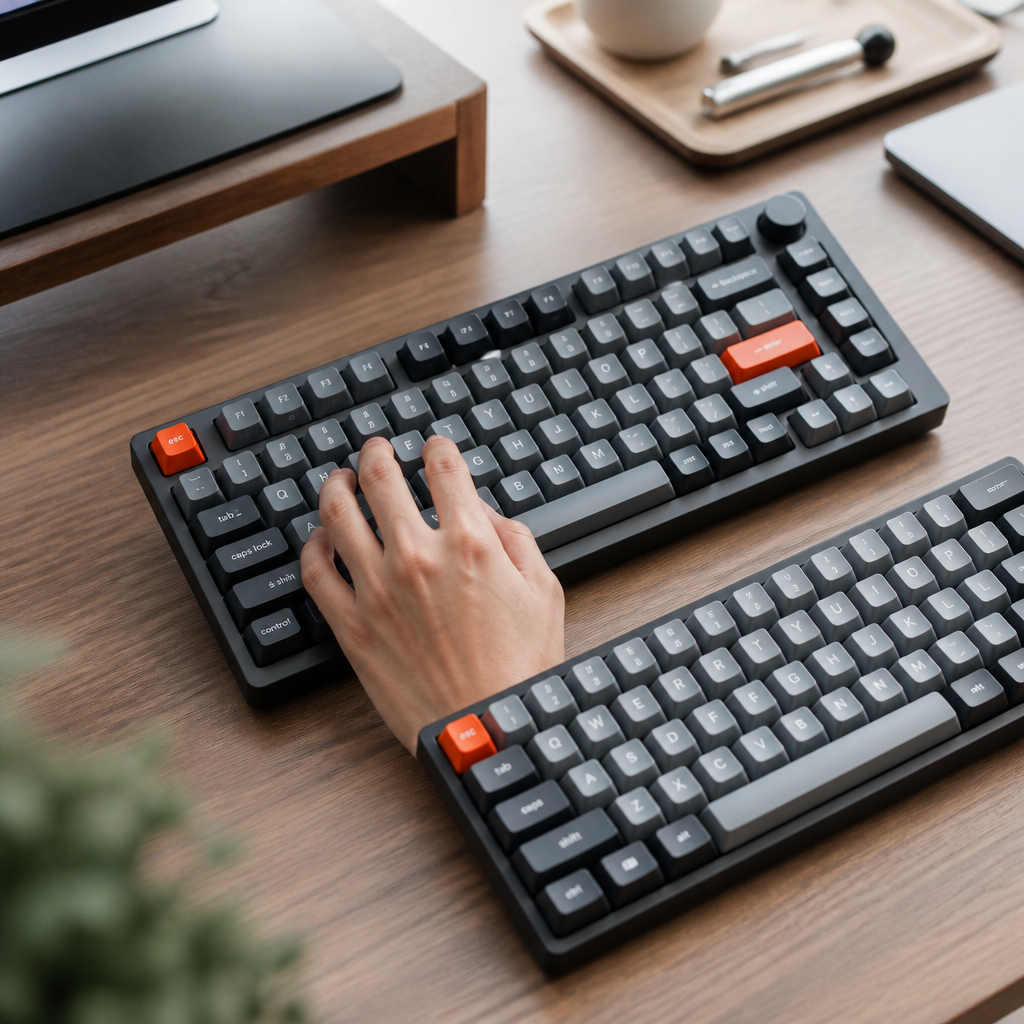
75% Keyboard vs. Tenkeyless (TKL)
The Tenkeyless (TKL) keyboard is another popular compact size, and comparing it to this compact layout highlights how different designs approach space-saving. A TKL keyboard essentially removes the numeric keypad from a full-size keyboard, resulting in approximately 87 keys. Crucially, TKLs maintain the conventional spacing between key groups—the main alphanumeric cluster, the F-row, and the navigation keys. This typically results in a TKL keyboard measuring about 14-15 inches wide. While this form factor also omits the numpad, it further increases compactness by reducing or eliminating gaps between key clusters and often stacking navigation keys vertically. This makes these boards about 1.5-2 inches narrower than TKLs, offering additional desk space.
The key count also differs slightly. TKL keyboards usually have 87-88 keys, while boards with this layout typically feature 84 keys. The extra keys on a TKL often come from a more complete navigation cluster, potentially including dedicated Insert, Home, End, and Print Screen keys in their traditional positions. The fundamental design difference lies here: TKL keyboards prioritize familiarity by retaining standard spacing and visible gaps between key groups. The 75% layout, conversely, emphasizes maximum compactness by removing these gaps and often arranging navigation keys in a more tightly packed, stacked configuration. For users accustomed to a full-size keyboard, a TKL often provides a seamless transition due to its familiar key placement and spacing. Adapting to a 75% layout, however, might require a short adjustment period, especially concerning the navigation cluster.
This design variation directly impacts the adaptation process. TKL keyboards generally require minimal adjustment for those used to full-size keyboards, as keys are positioned and spaced identically, leveraging established muscle memory. For 75% layouts, the condensed navigation cluster and sometimes slightly different modifier key sizes may necessitate a week or two to become fully comfortable.
In professional settings, TKL keyboards are widely adopted due to their familiarity and ease of transition. Within the enthusiast community, both 75% and TKL layouts are highly regarded, frequently appearing among top choices for custom keyboard builds. Experts suggest TKL layouts are ideal for those transitioning from full-size keyboards, while 75% layouts appeal to enthusiasts prioritizing maximum desk space without sacrificing function keys.
Market availability also varies. TKL keyboards are widely available from numerous manufacturers. While 75% options are growing, the selection remains smaller than for TKLs. Pricing reflects this; mainstream TKL keyboards typically range from $50-$200. In comparison, 75% keyboards might start around $60-$80, but premium versions can easily exceed $300, often due to their enthusiast-focused design and premium materials. For gaming, many esports professionals favor TKL keyboards, with a smaller percentage opting for full-size or 75% layouts, often influenced by sponsorships or personal preference for increased mouse movement space. Ultimately, the choice between a 75% and a TKL keyboard depends on your priorities: maximizing desk space even with a slight learning curve (75%) or opting for a familiar layout with slightly less space saved (TKL).

Choosing a 75% Keyboard
Selecting the right 75% keyboard, especially for newcomers to the mechanical keyboard scene, can seem daunting given the array of options and features. However, by focusing on key aspects like switch interchangeability, connectivity, and brand reputation, beginners can make well-informed decisions. This section offers recommendations and advice to help you unlock the right choice for your needs.
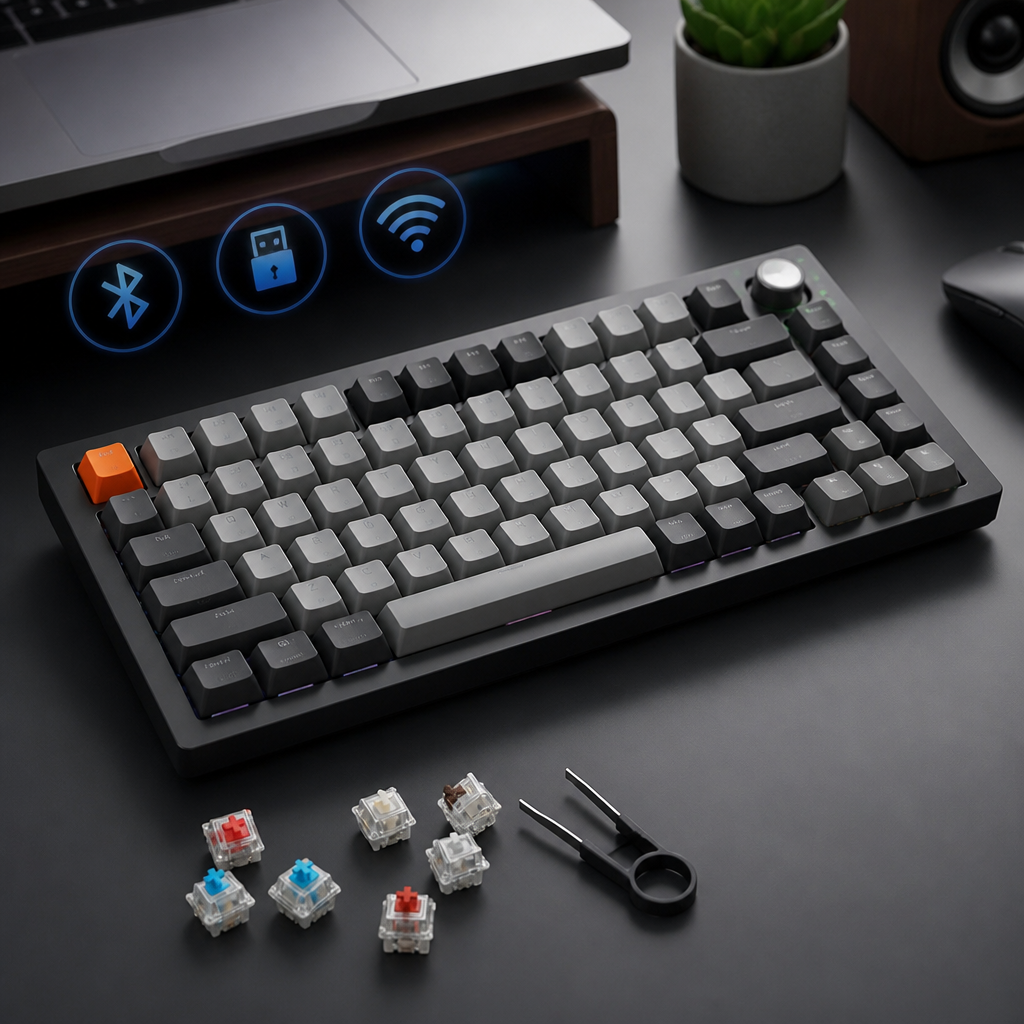
Best 75% Keyboards for Beginners
For beginners venturing into 75% mechanical keyboards, several models stand out for their balanced features, ease of use, and value. The following options cater to different budgets and priorities:
- Keychron K2 (Version 2): A frequent recommendation, typically priced between $69-$89. It offers hot-swappable switches, is compatible with both Mac and Windows, provides flexible wireless and wired connectivity, and includes customizable RGB backlighting.
- Royal Kludge RK84: Presents excellent value, usually costing $55-$65. Despite its affordability, it includes hot-swappable switches and tri-mode connectivity (2.4GHz, Bluetooth, wired). _While its build quality might be less premium_, it provides a solid feature set for its price.
- Keychron Q1: An outstanding premium option available as a barebones kit ($169) or fully assembled ($179). It features an aluminum case, QMK/VIA firmware support, and a gasket-mount design for a superior typing feel.
- Razer BlackWidow V3 Mini HyperSpeed: Priced around $179.99, this board is a compelling package for gamers. It uses Razer's proprietary switches and provides high-speed 2.4GHz wireless for gaming performance.
- Logitech MX Mechanical Mini: At $149.99, this is suitable if productivity and seamless wireless are priorities. It delivers excellent wireless performance, long battery life, and easy switching between multiple devices.
- GMMK Pro 75%: Serves as an excellent entry point into custom keyboards ($169.99 barebones). Its pre-built gasket-mount aluminum case allows you to add your preferred switches and keycaps.
When making a selection, beginners should prioritize certain features. Hot-swappable switch sockets are highly recommended for easy switch customization without soldering. Wireless connectivity offers greater flexibility and a tidier workspace. Choosing a keyboard from a reputable brand typically ensures better firmware support and customer service. For switch types, tactile switches like Gateron Brown or Cherry MX Brown are often suggested for their balanced feedback, suitable for both typing and gaming. Lastly, consider keycap material; PBT keycaps, found on models like the Keychron Q1 or RK84 Pro, are generally more durable and offer a better texture than ABS plastic.
The 75% keyboard layout offers a compelling blend of compactness and full functionality, making it an increasingly popular choice. By including dedicated function and arrow keys in a significantly smaller form factor than full-size or TKL boards, it effectively meets the needs of users aiming to save desk space without sacrificing essential features. While a slight adjustment period might be necessary for its condensed navigation cluster, and premium options can be more expensive, its ergonomic advantages, sleek aesthetics, and extensive customization potential make it a worthwhile investment. Whether for gaming, productivity, or a more organized workspace, a 75% keyboard can enhance your daily computing experience.

Hi, I’m Alex Morgan.
Welcome to my blog! As a dedicated mechanical keyboard enthusiast, I’m passionate about exploring everything from custom builds to the finest details of switches and keycaps. My goal is to break down specs, sound profiles, and ergonomics to help you find the absolute best keyboard for your setup. Whether you’re a gamer, programmer, or desk setup fanatic, I’m here to share honest reviews and practical recommendations.