how many keys on a 75 keyboard: the ultimate guide explained
The world of mechanical keyboards is diverse, with various sizes and layouts tailored for every taste. For those exploring compact options, a common question arises: how many keys are on a 75% keyboard? Typically, a 75% keyboard has around 84 keys. However, this number can vary, with some models featuring 82 keys or a slightly different count based on the manufacturer’s design. This flexibility allows for subtle optimizations catering to different user needs.
This slight difference in key count showcases the clever engineering behind the 75% layout. The primary goal remains consistent: to achieve approximately 75% of a full-size keyboard’s width while retaining nearly all essential keys. This is accomplished by compressing the layout vertically and eliminating the empty spaces typically found between key groups on larger keyboards. This smart design allows for a smaller footprint without sacrificing crucial functions, making it a highly versatile tool.
Understanding the 75% Keyboard
The 75% keyboard represents a significant milestone in compact keyboard design, offering a compelling alternative to both full-size and tenkeyless (TKL) options. Its design philosophy is centered on maximizing desk space while retaining essential functionality for a seamless user experience.
What is a 75% keyboard?
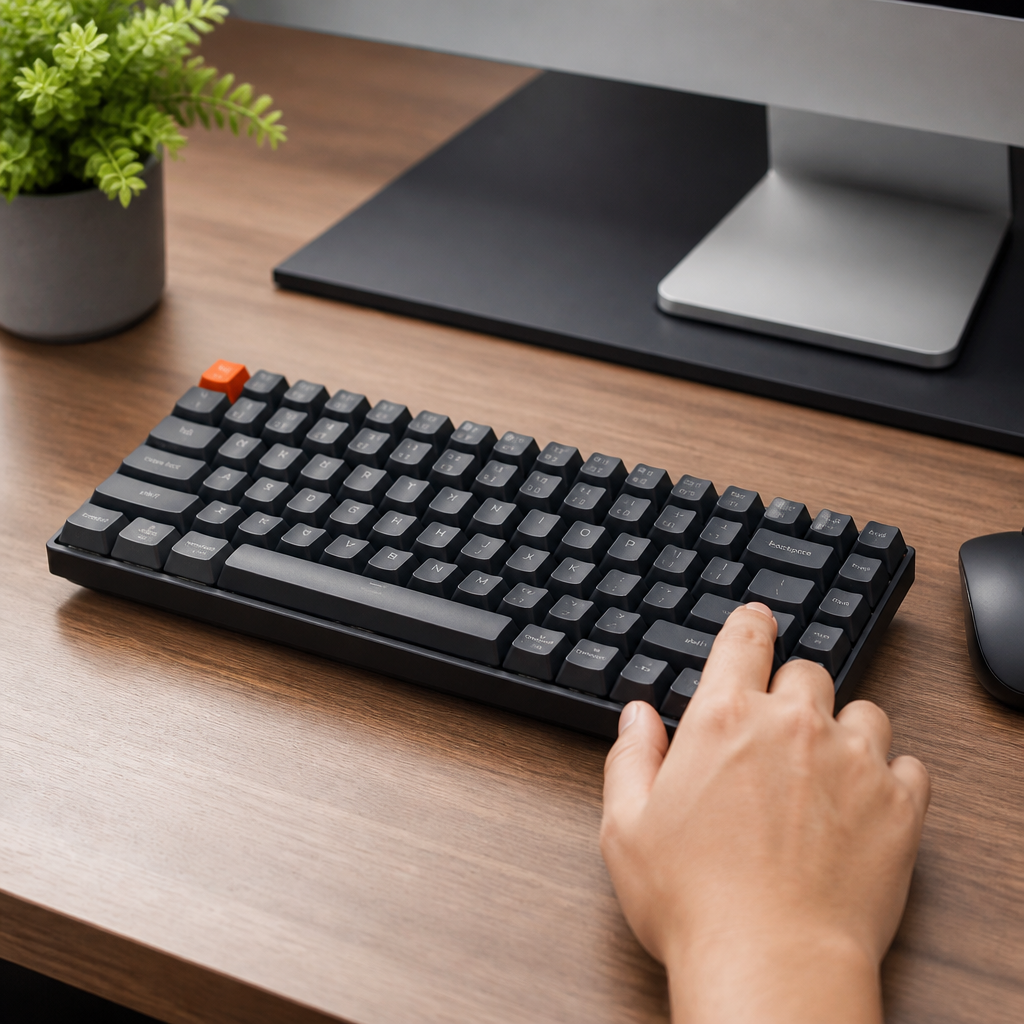
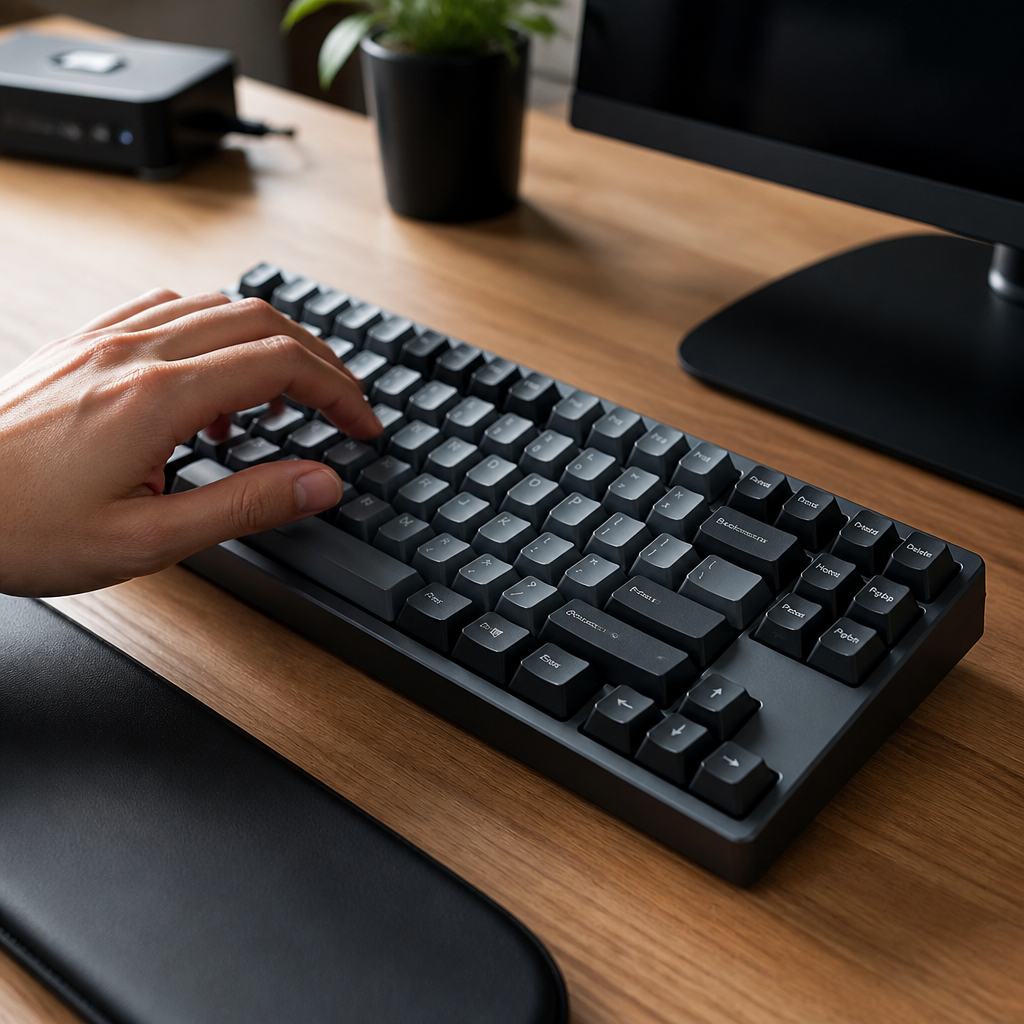
A 75% keyboard is a compact mechanical keyboard layout that condenses the essential keys of a tenkeyless (TKL) board into an even smaller footprint. It achieves this by eliminating the gaps between key clusters and arranging the navigation keys (like Home and End) in a vertical column. This intelligent design results in a keyboard that is noticeably shorter and narrower than a TKL, yet it includes a full function row (F1-F12), dedicated arrow keys, and a cluster of navigation keys.
This form factor gained significant traction in the mid-2010s within the custom mechanical keyboard community. Users were drawn to its ergonomic and space-saving benefits without major functional compromises. The popularization of models like the Vortex Race 3 in 2017 helped bring the layout to a mainstream audience, cementing its status as a preferred choice for those who value both aesthetics and performance.
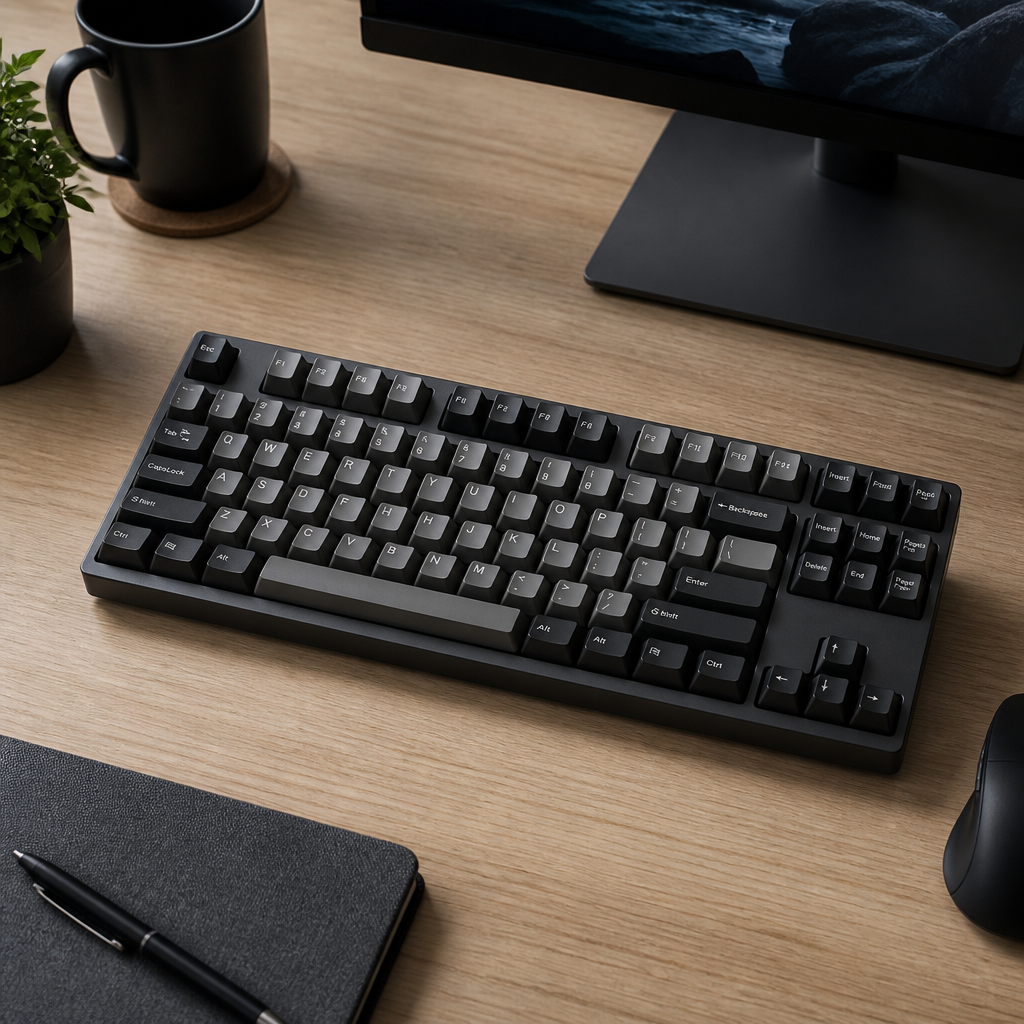
75% Keyboard Layout Explained
The design of a 75% keyboard is remarkably efficient. Every key is strategically placed to minimize the board’s size without omitting critical features. A typical 75% keyboard measures about 12.6 inches (320mm) wide, a significant reduction from the 17.5-inch (444mm) width of a standard full-size board. This efficiency is primarily achieved by removing the number pad and eliminating the empty spaces between key clusters.
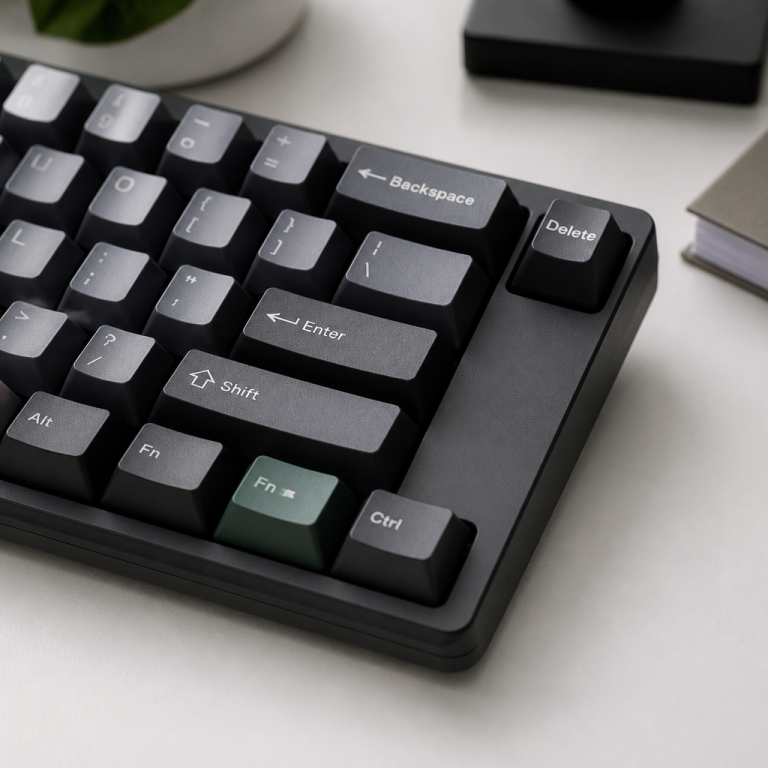
A signature feature of the 75% layout is the placement of the navigation keys. The Delete key usually occupies the top-right corner, while keys like Home, End, Page Up, and Page Down are stacked vertically along the right edge. While the 84-key configuration is the most common, variations with 82 or 83 keys exist, offering different arrangements to suit specific preferences. This adaptability within the 75% family allows users to select a layout that perfectly matches their workflow.
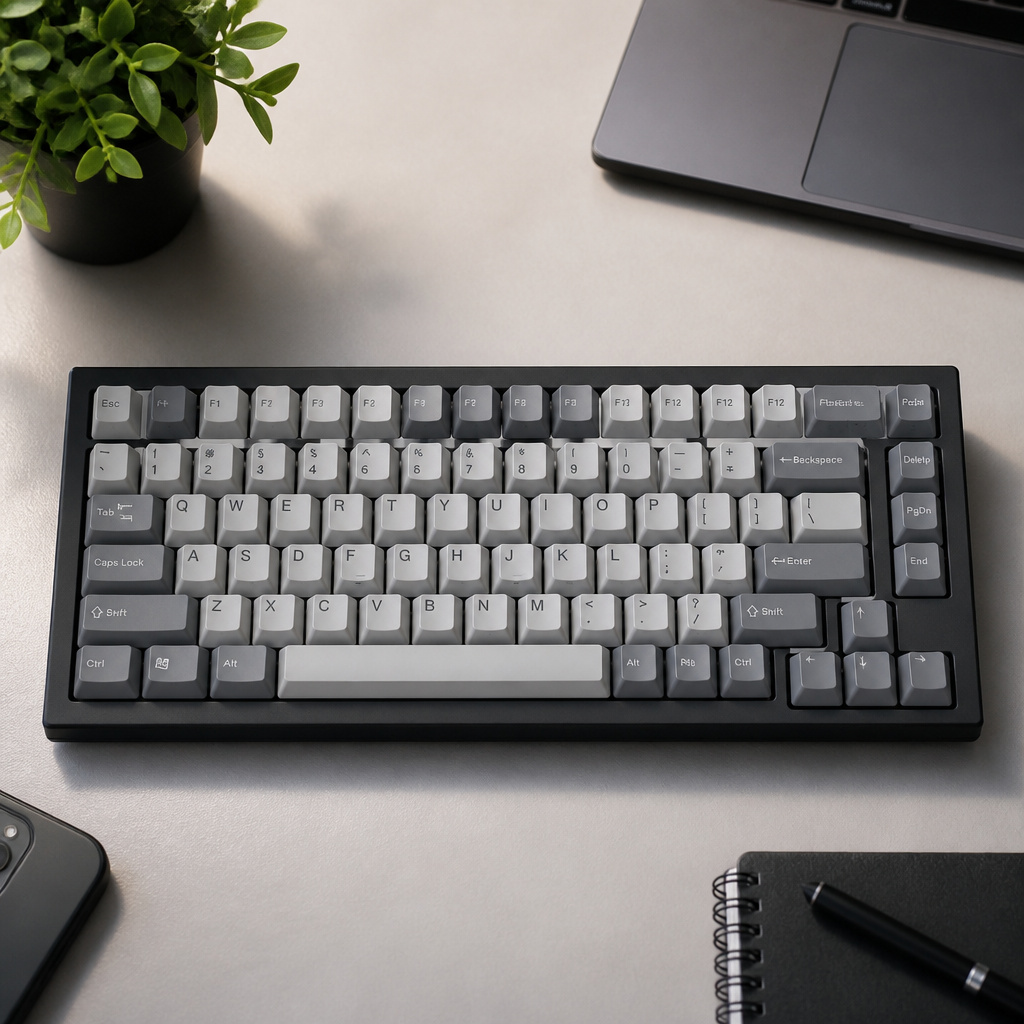
75% keyboard missing keys
While the 75% layout is designed for efficiency, its compact nature means certain keys from a full-size keyboard are either removed or integrated into a function layer. Understanding these omissions is crucial.
- Number Pad: The most significant omission is the entire 17-key number pad, which is the primary reason for the keyboard’s narrower profile.
- Dedicated Function Keys: Standalone keys for Print Screen, Scroll Lock, and Pause Break are typically removed.
- Navigational Cluster Gaps: The empty space that separates the main typing area, arrow keys, and navigation cluster on larger keyboards is eliminated.
These functions are not gone entirely but are accessible through a “function layer.” This means you hold down a dedicated “Fn” key while pressing another key to perform the action, _though the exact key combinations can vary by manufacturer_.
75% Keyboard vs Other Form Factors
Choosing a keyboard form factor is a personal decision that depends on workflow, desk space, and ergonomics. The 75% keyboard stands out as an excellent middle ground, particularly when compared to the traditional full-size layout. Understanding these differences is key to making an informed choice.
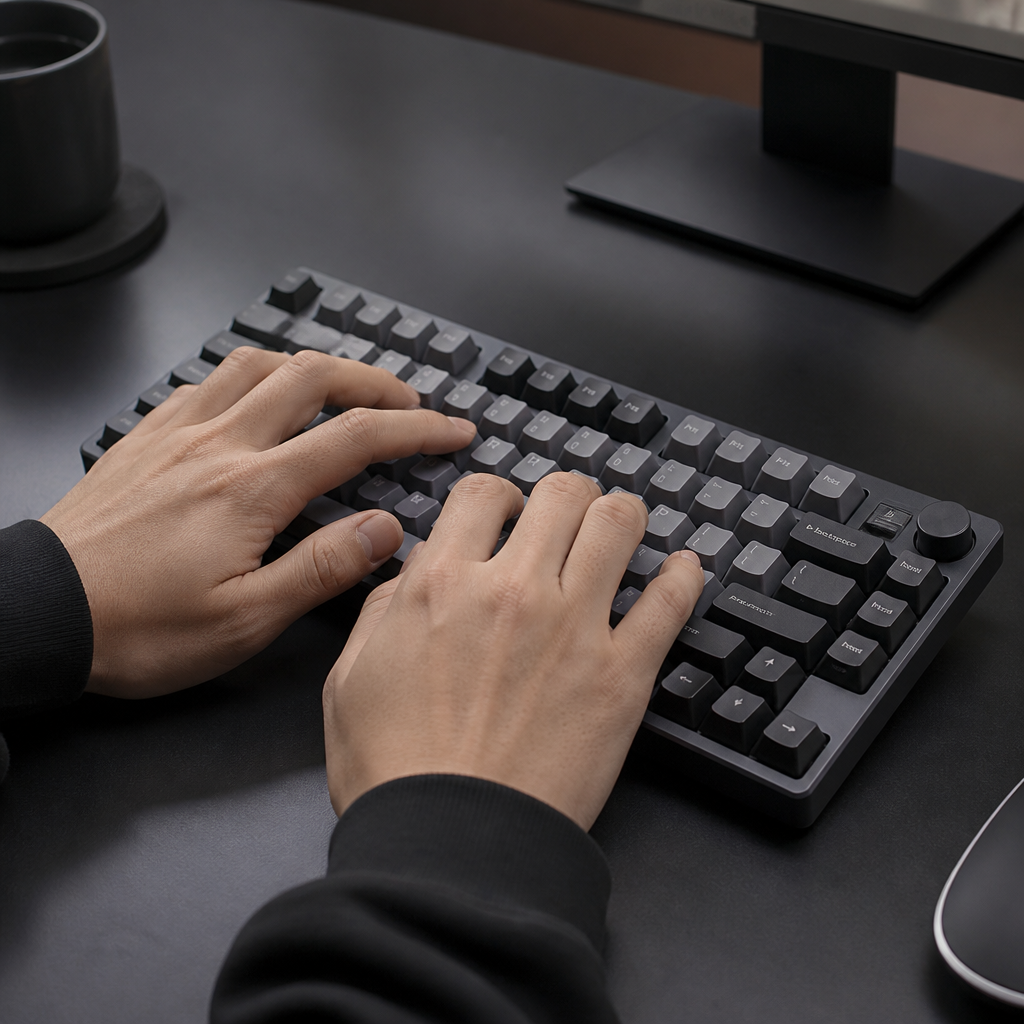
How Does a 75% Keyboard Compare to a Full-Size Keyboard?
The most immediate and impactful differences between a 75% and a full-size keyboard are their physical dimensions and key count. The most significant difference is the complete removal of the dedicated 17-key number pad on a 75% board. This, along with the compressed key clusters, leads to its much smaller footprint.
| Feature | 75% Keyboard | Full-Size Keyboard |
|---|---|---|
| Key Count | 82-84 keys | 104-108 keys |
| Approx. Width | 12.6 inches (320mm) | 17.5 inches (444mm) |
| Number Pad | No | Yes |
| Primary Benefit | Compact, ergonomic | Full functionality |
Beyond size, ergonomics play a crucial role. Research from Cornell University’s Ergonomics Lab indicates that narrower keyboards like the 75% layout allow the mouse to be positioned closer to the body’s centerline. This can reduce shoulder abduction by 8-12 degrees, promoting a more natural and comfortable posture.
“Smaller keyboards, like the 75% size, can lessen aches and pains in your shoulders and neck by letting your arms stay in a more natural position. This is especially good for people who often switch between typing and using their mouse.” – Dr. Alan Hedge, Professor, Cornell University
This ergonomic advantage can be a deciding factor for users who spend long hours at their computers.
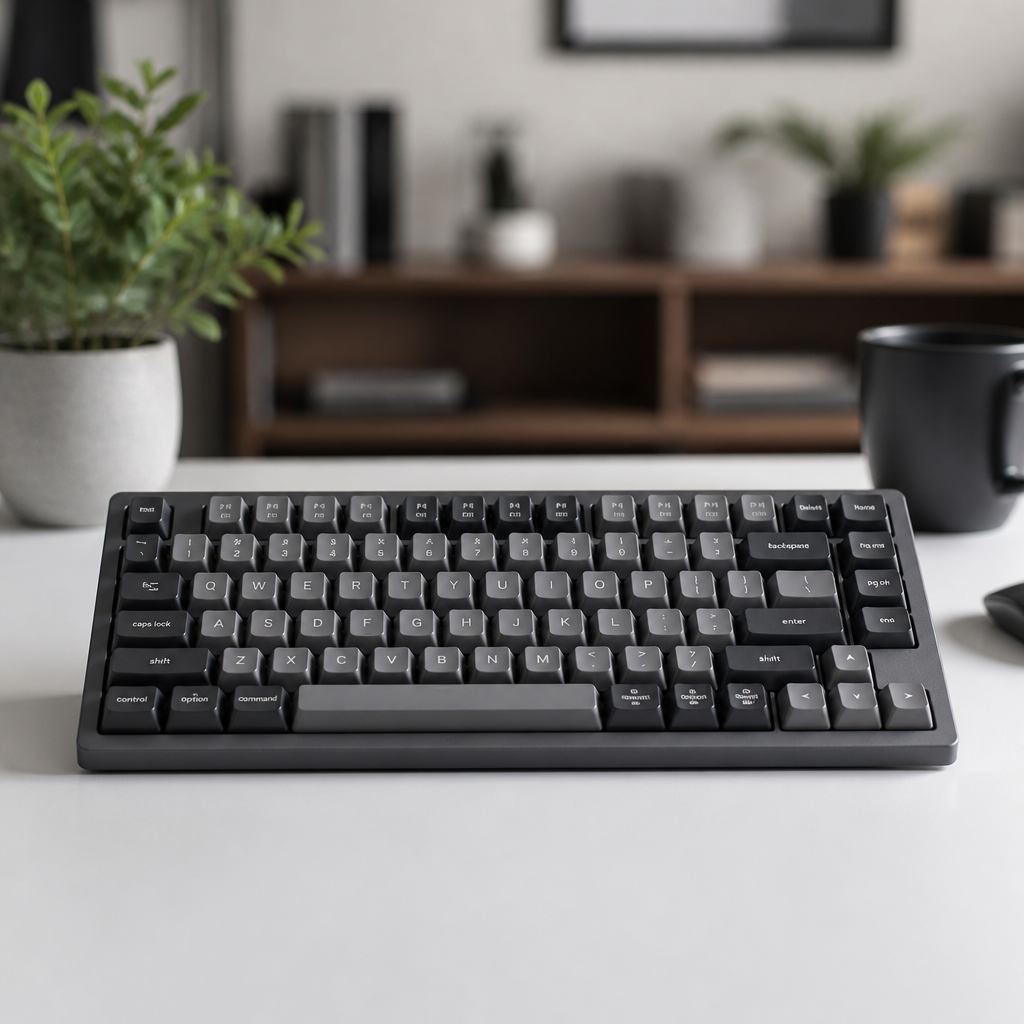
What are the Advantages and Disadvantages of a 75% Keyboard?
The 75% keyboard layout offers a compelling balance of size and function, but it comes with its own set of pros and cons that are important to consider.
Advantages
- Space Efficiency: A primary advantage of the 75% keyboard is its remarkable space efficiency, freeing up significant desk real estate. This is invaluable for users with small desks or those who require more area for mouse movement, such as gamers and designers.
- Portability: Their smaller size and lower weight (typically 600-800 grams) make 75% keyboards much easier to transport than their full-size counterparts (1000-1200 grams).
- Ergonomics: The narrower profile promotes a more neutral posture by allowing the mouse to be kept closer, reducing strain on the shoulder and arm.
Disadvantages
- No Dedicated Number Pad: The lack of a numpad can significantly hinder productivity for certain roles. _This is a critical consideration for users in accounting, finance, or data entry._
- Keycap Compatibility: The condensed layout often uses non-standard key sizes, particularly for modifier keys like the right Shift. This can make it challenging to find fully compatible custom keycap sets.

Choosing the Best 75% Keyboard
Discovering the best 75% keyboard requires considering your budget, desired features, build quality, and primary use case. The market offers a wide spectrum of options, from accessible entry-level models to premium enthusiast-grade boards.
What are the Best 75% Keyboards to Buy?
- Best for Beginners: Keychron V1
The Keychron V1 (2024 model) stands out as an excellent entry-level recommendation, offering significant value for its price ($79-109). It features hot-swappable switches for easy customization and QMK/VIA support for complete key remapping, making it a feature-packed and beginner-friendly choice.
- Best Mid-Range: Mode Sonnet
For enthusiasts seeking a premium experience, the Mode Sonnet (around $399) is a highly respected option. It features a gasket-mount design for a softer typing feel and superior acoustics, housed in high-quality materials like aluminum and brass.
- Best for Gamers: Razer BlackWidow V3 Mini HyperSpeed
Priced at $179.99, this keyboard caters to gamers with its ultra-fast 2.4GHz wireless connectivity and Razer’s responsive optical switches. However, it does not have hot-swap capability, _meaning you cannot easily change the switches without desoldering._
- Best Wireless: Keychron K2 Pro
For users prioritizing wireless connectivity, the Keychron K2 Pro ($119) is a versatile and highly-regarded option. It offers tri-mode connectivity (Bluetooth, 2.4GHz, and wired), hot-swappable switches, and an excellent battery life of up to 300 hours.
“For most people getting into 75% keyboards, the Keychron V1 or K2 Pro offer the best mix of features, build quality, and value. But if you’re a serious hobbyist looking for a top-tier keyboard, you should consider the Mode Sonnet for its amazing sound and construction.” – Andru Edwards, Founder of Gear Live
Ultimately, the choice depends on your budget and specific needs. Gasket-mounted keyboards like the Mode Sonnet provide a superior typing experience but come at a premium, while models from brands like Keychron offer an incredible feature set at a more accessible price point.
The 75% keyboard has firmly established its place by offering a superb blend of compact design and robust functionality. With its typical 82-84 key layout, it provides a full function row and dedicated arrow keys in a footprint that is significantly smaller than a full-size board. This makes it an ideal choice for users looking to save desk space, improve ergonomics, or achieve a minimalist setup. While the absence of a number pad is a key consideration for number-heavy tasks, the benefits of portability and comfort make it the superior choice for a wide range of users.
FAQ
Q1: How many keys does a standard 75% keyboard typically have?
A1: A standard 75% keyboard typically contains 84 keys, though some models may range from 82 to 84 keys depending on the specific layout implementation by the manufacturer.
Q2: What are the main differences between a 75% keyboard and a full-size keyboard?
A2: The primary differences are size and key count. Full-size keyboards have 104-108 keys and are about 17.5 inches wide, including a dedicated number pad. 75% keyboards have 82-84 keys, are about 12.6 inches wide (a 28% width reduction), and completely omit the number pad, compressing other key clusters.
Q3: What keys are usually “missing” on a 75% keyboard compared to a full-size one?
A3: The main keys missing are the entire number pad (17 keys) and dedicated Print Screen, Scroll Lock, and Pause Break keys. These functions are typically accessible through a “function layer” (Fn + key) on a 75% keyboard.
Q4: What are the ergonomic benefits of using a 75% keyboard?
A4: 75% keyboards can offer ergonomic benefits by reducing how much you have to move your shoulder outwards by 8-12 degrees. Their narrower width allows the mouse to be positioned closer to the body’s centerline, promoting a more neutral arm position and potentially reducing muscle strain in the shoulder and neck regions.
Q5: Is a 75% keyboard suitable for data entry or accounting work?
A5: While a 75% keyboard is excellent for many tasks, the lack of a dedicated number pad can reduce efficiency for users who frequently input numerical data, such as in accounting or data entry. Studies suggest a dedicated numpad can increase data entry speed by 10% to 50%.

Hi, I’m Alex Morgan.
Welcome to my blog! As a dedicated mechanical keyboard enthusiast, I’m passionate about exploring everything from custom builds to the finest details of switches and keycaps. My goal is to break down specs, sound profiles, and ergonomics to help you find the absolute best keyboard for your setup. Whether you’re a gamer, programmer, or desk setup fanatic, I’m here to share honest reviews and practical recommendations.