What Is a Mechanical Keyboard: Amazing Benefits Guide
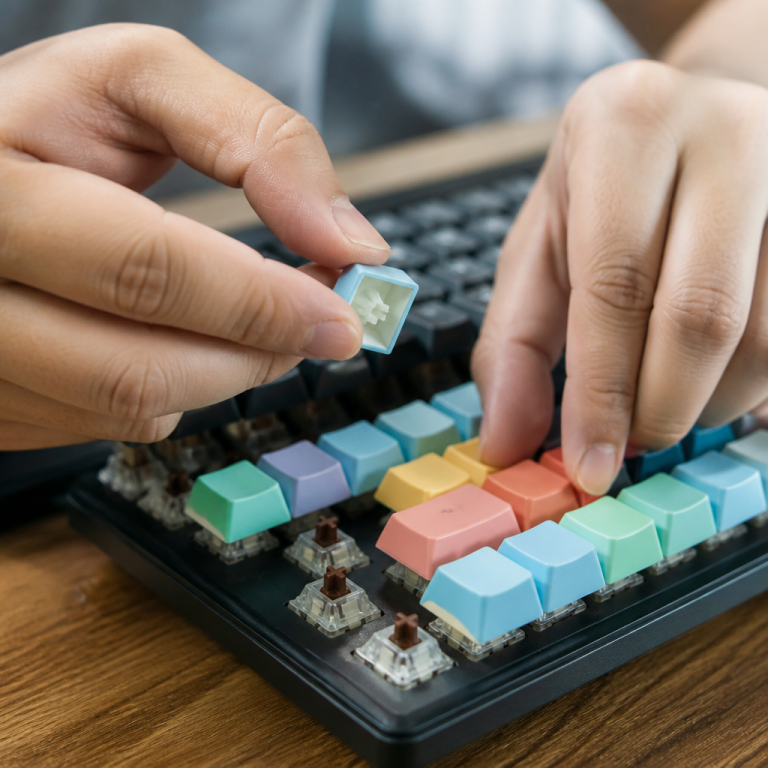
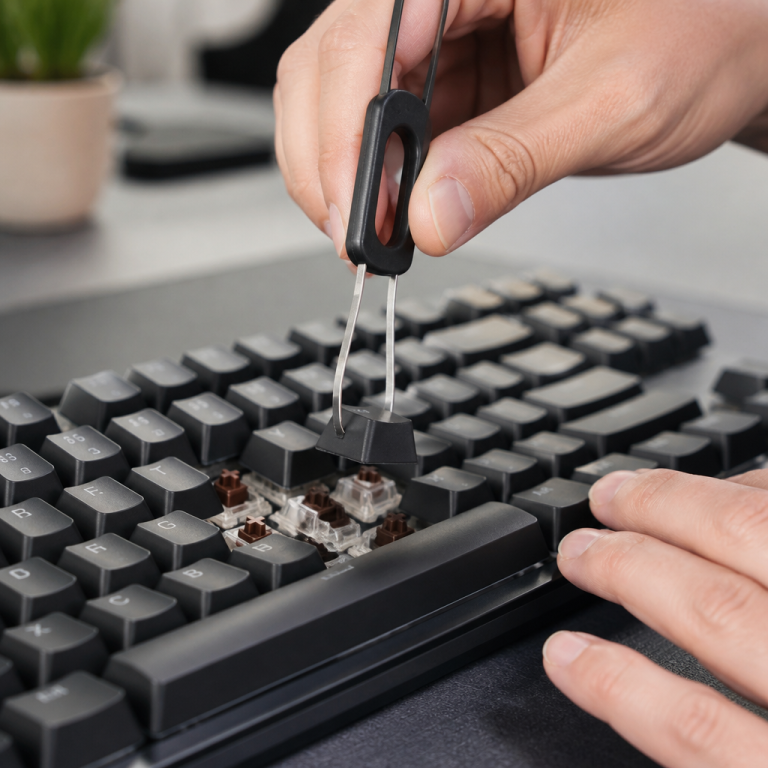
Discover exactly what sets a mechanical keyboard apart from the standard keyboards you're used to. Imagine each key on your keyboard has its own tiny, sophisticated machine underneath it. That's essentially a mechanical keyboard. Instead of a single rubber sheet that registers your keystrokes, each key has its own dedicated switch. This switch relies on physical metal parts touching to send a signal to your computer, which is what gives these keyboards their distinct feel and sound. This design isn't new; it dates back to the 1980s with famous examples like the IBM Model M from 1985, which many still consider a gold standard for quality.
One of the biggest reasons people love mechanical keyboards is their incredible durability. Modern mechanical switches are built to last, typically rated for 50 to 100 million presses. In contrast, an average membrane keyboard usually endures only 5 to 10 million presses before feeling worn out. This robust construction means a mechanical keyboard is a smart long-term investment. This longevity, combined with a superior typing feel, has boosted their popularity, with the market valued at nearly $2 billion in 2023.
Beyond durability, mechanical keyboards offer ergonomic benefits. Experts like Dr. Alan Hedge from Cornell University note that their tactile feedback and consistent actuation force can reduce typing fatigue and improve accuracy. This means the precise feel of the keys helps you type with a better rhythm and stops you from "bottoming out" (pushing the key all the way down), which can tire your fingers. This clear feedback lets you know exactly when a keypress has registered, so you don't have to push so hard.
How Mechanical Keyboards Work
How does a mechanical keyboard work?
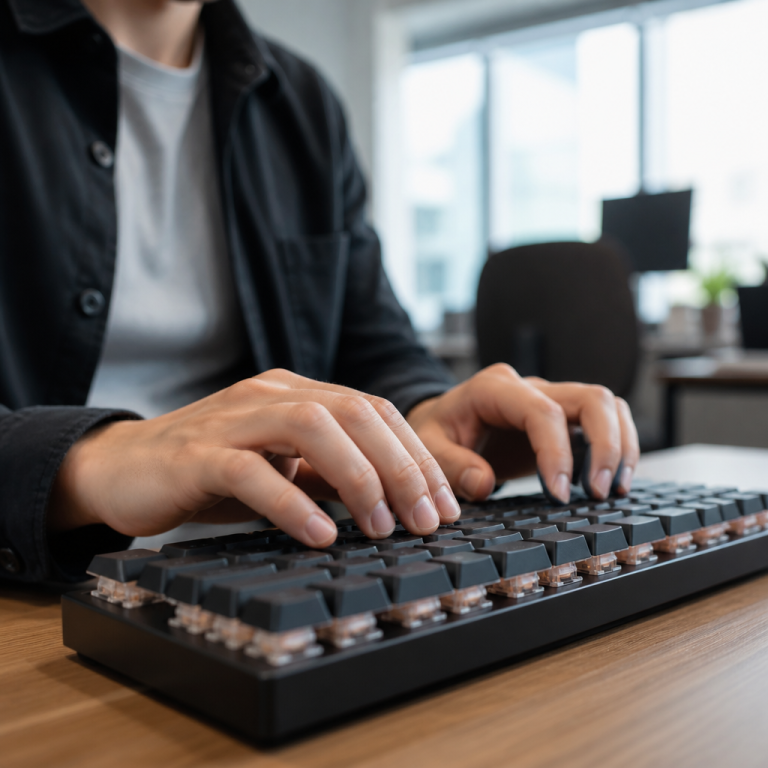
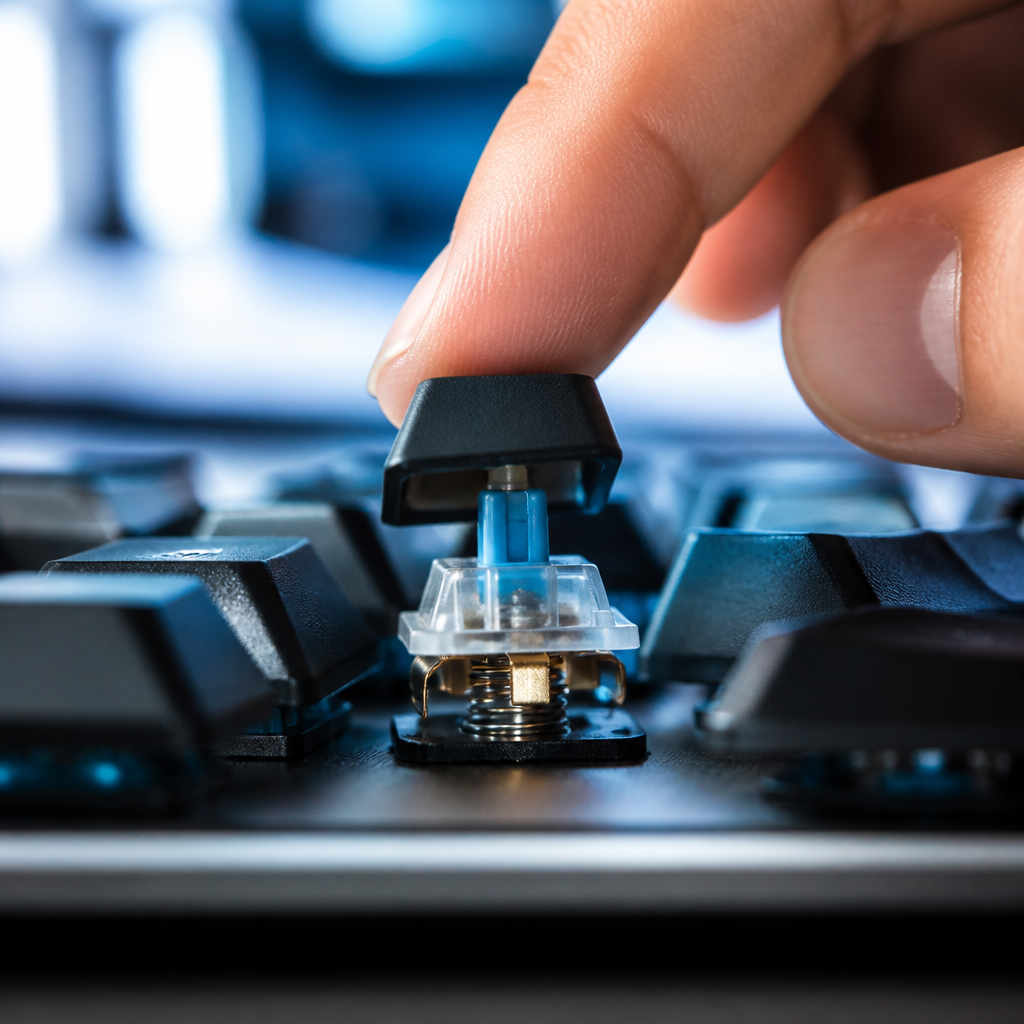
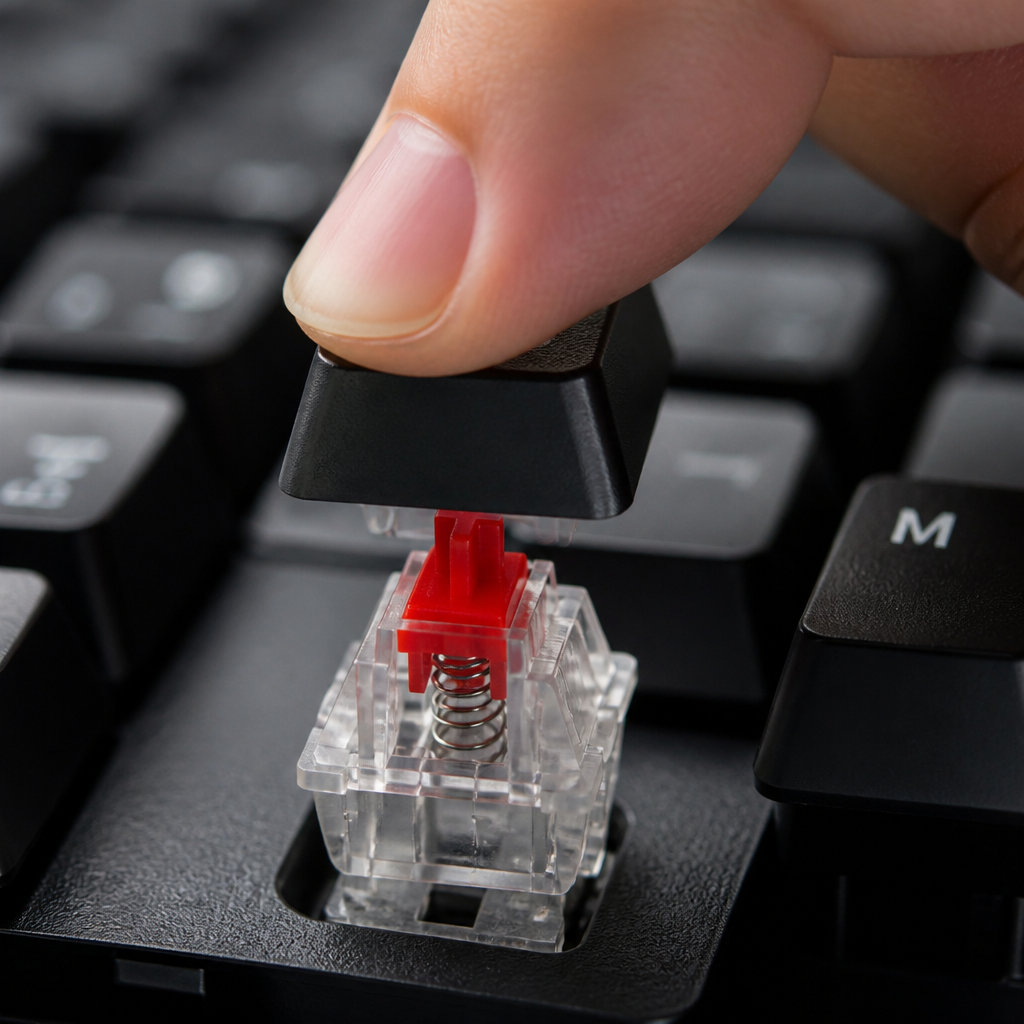
At its core, a mechanical keyboard functions by using individual, self-contained switches underneath each keycap. When you press a key, a plastic stem moves downwards, compressing a spring and causing metal contact points to touch. This physical connection completes an electrical circuit, instantly sending the keystroke signal to your computer. This mechanism, composed of the stem, spring, metal contacts, and a protective housing, ensures that every keypress is registered with consistent precision.
The most critical part of this process is the "actuation point"—the specific distance a key must travel before the keystroke is registered, which is typically around 2 millimeters. What's fantastic is that this happens _before you push the key all the way down to the bottom_. You don't need to "bottom out" the key for the press to count, which allows for faster and lighter typing. While most switches use metal leaf contacts to detect keypresses, some newer technologies use Hall effect magnetic sensors. These switches work without physical contact, making them exceptionally durable.
Mechanical keyboard switches explained
The switches are the heart and soul of a mechanical keyboard, defining its feel, sound, and performance. They are generally categorized into three main types: linear, tactile, and clicky, each offering a distinct user experience tailored to different preferences.
| Switch Type | Feel | Sound Level | Best For |
|---|---|---|---|
| Linear | Smooth and consistent, no bump | Quiet | Fast-paced gaming, rapid key presses |
| Tactile | A noticeable bump at actuation | Moderate | Typing, general use, gaming |
| Clicky | A tactile bump and an audible "click" | Loud | Typists who enjoy auditory feedback |
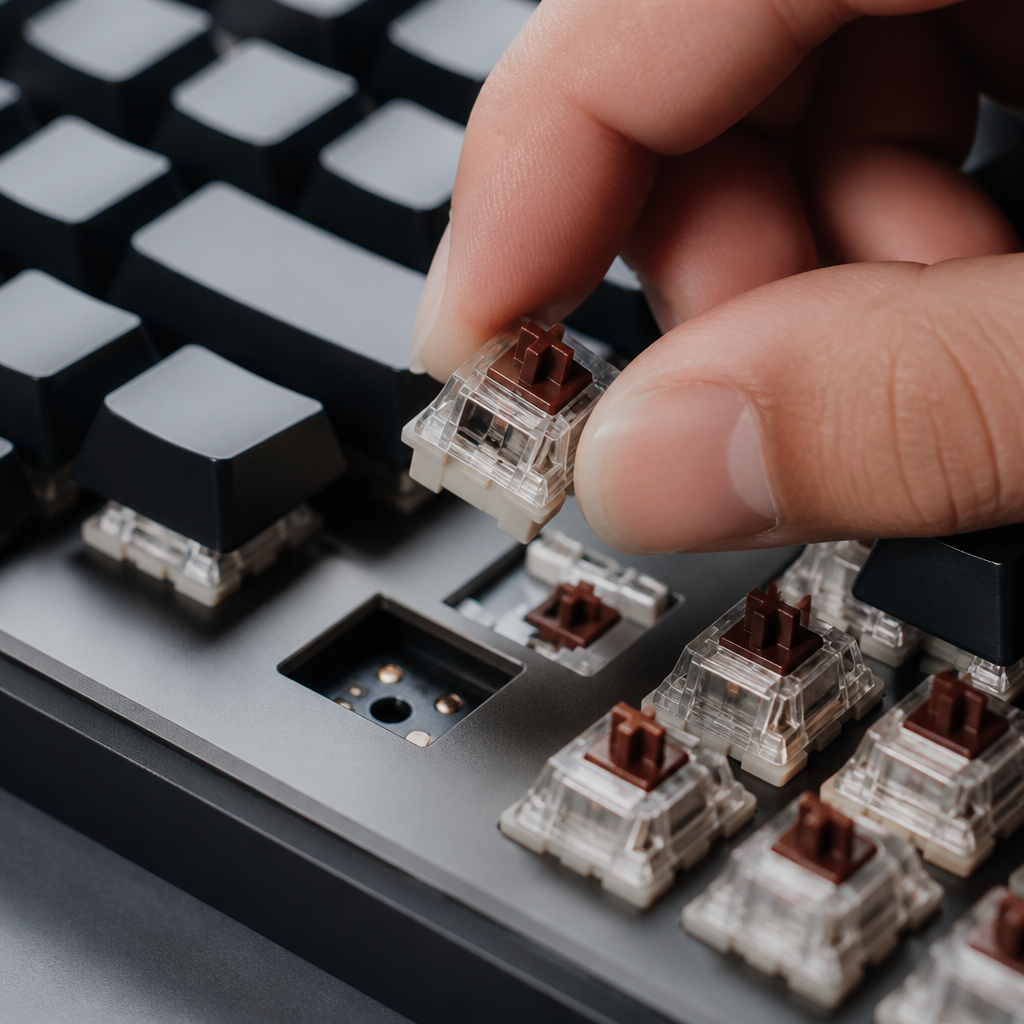
The color-coding system established by Cherry Corporation for their MX switches in 1983 is still a widely used standard. For example, Cherry MX Red switches are linear, Browns are tactile, and Blues are clicky and tactile. The actuation force—the pressure needed to register a keypress—is a key factor, ranging from as light as 35 grams for speed switches to over 65 grams for heavier ones. Choosing the right switch is a personal journey, as the actuation force and feedback type directly impact typing speed and finger fatigue.
Scharon Harding, a senior editor at Tom's Hardware who has personally tested over 200 mechanical keyboards, suggests that "Switch choice is highly personal, but for beginners, tactile switches like Cherry MX Browns or Gateron Browns offer the best balance—providing feedback without the noise of clicky switches, making them versatile for both gaming and office environments."
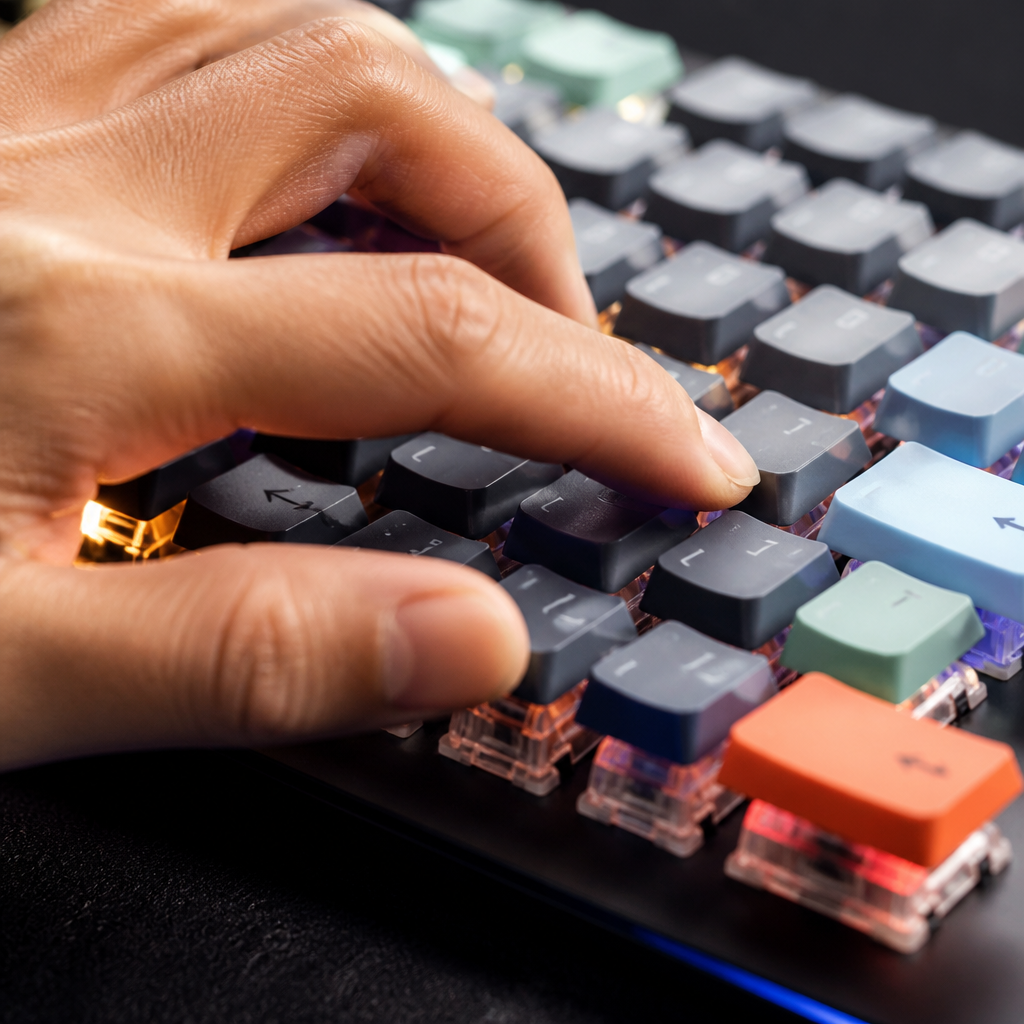
A major innovation is the hot-swappable switch socket, which allows you to change switches easily without any soldering, offering incredible customization.
Mechanical keyboard types
Mechanical keyboards come in a wide variety of sizes and layouts to suit different needs and desk spaces. Understanding these categories is the first step in finding the perfect board.
- Full-Size (100-104 keys): The standard layout with a full number pad, function row, and navigation cluster. Ideal for data entry and users who need every key.
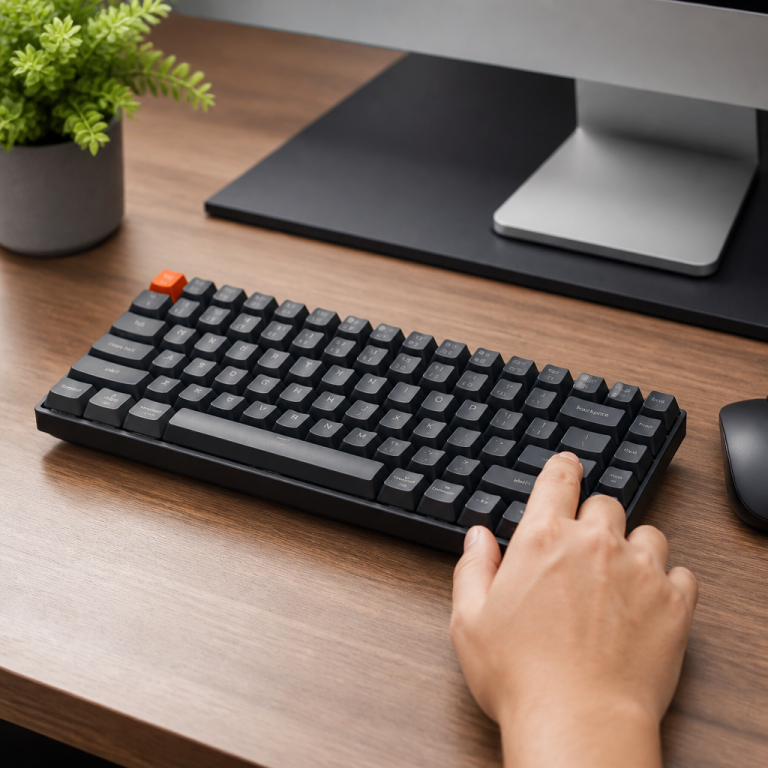
- Tenkeyless (TKL, 87-88 keys): A popular choice that removes the number pad to save desk space while retaining the function and arrow keys.
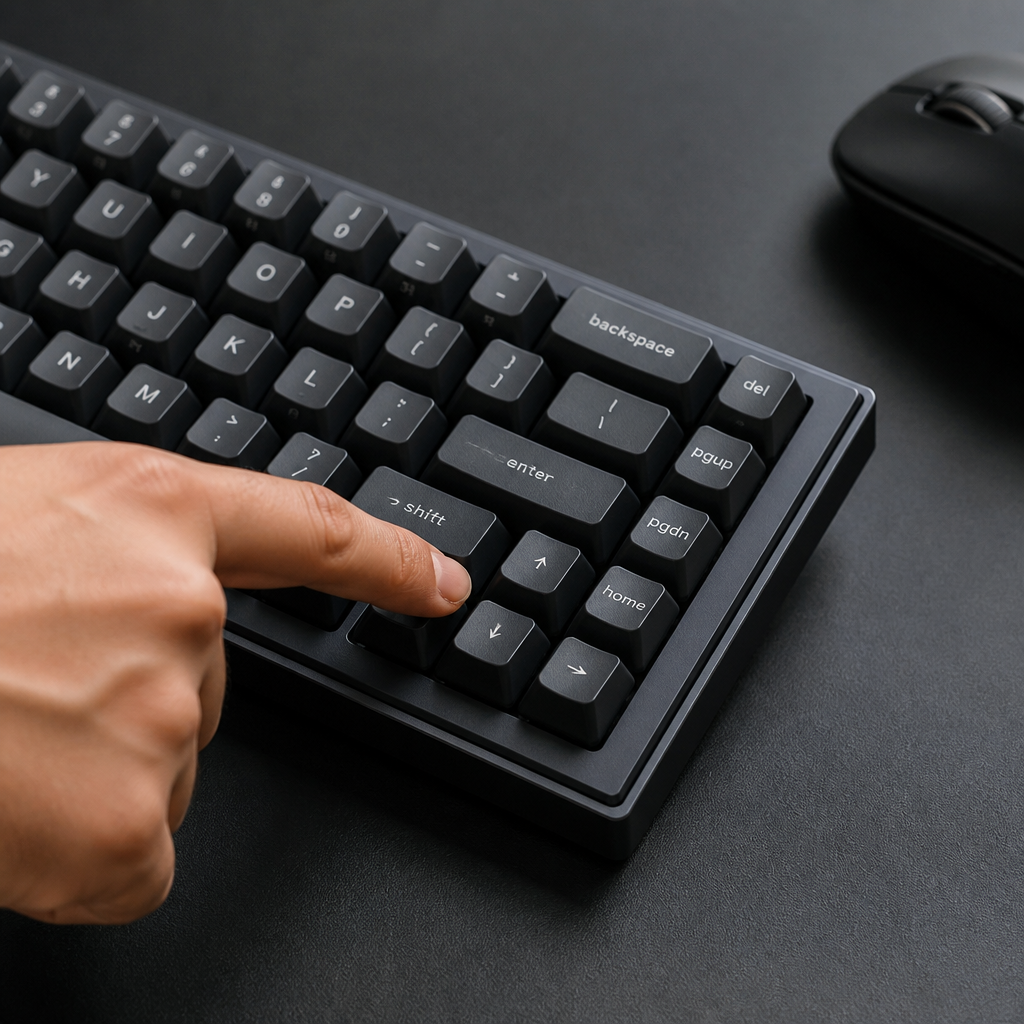
- 75% (approx. 84 keys): A compact layout that condenses the navigation keys next to the main typing area.
- 65% (approx. 68 keys): Removes the function row but keeps dedicated arrow keys, offering a balance of form and function.
- 60% (approx. 61 keys): A minimalist layout that removes the function row and arrow keys, relying on a function layer for those inputs.
- 40% (approx. 47-48 keys): An ultra-compact layout for enthusiasts, requiring extensive use of function layers for numbers and symbols.
Beyond pre-built options, the custom mechanical keyboard scene allows enthusiasts to build a keyboard from scratch, choosing every component from the circuit board and plate material to the case and keycaps. While a pre-built keyboard costs between $50 and $200, a custom build can range from $200 to over $1000. Additionally, modern wireless mechanical keyboards using Bluetooth 5.0 or 2.4GHz dongles now offer polling rates of 1000Hz, providing a lag-free experience that rivals wired connections.
Mechanical Keyboard vs Membrane: Key Differences
What is a mechanical keyboard vs membrane?
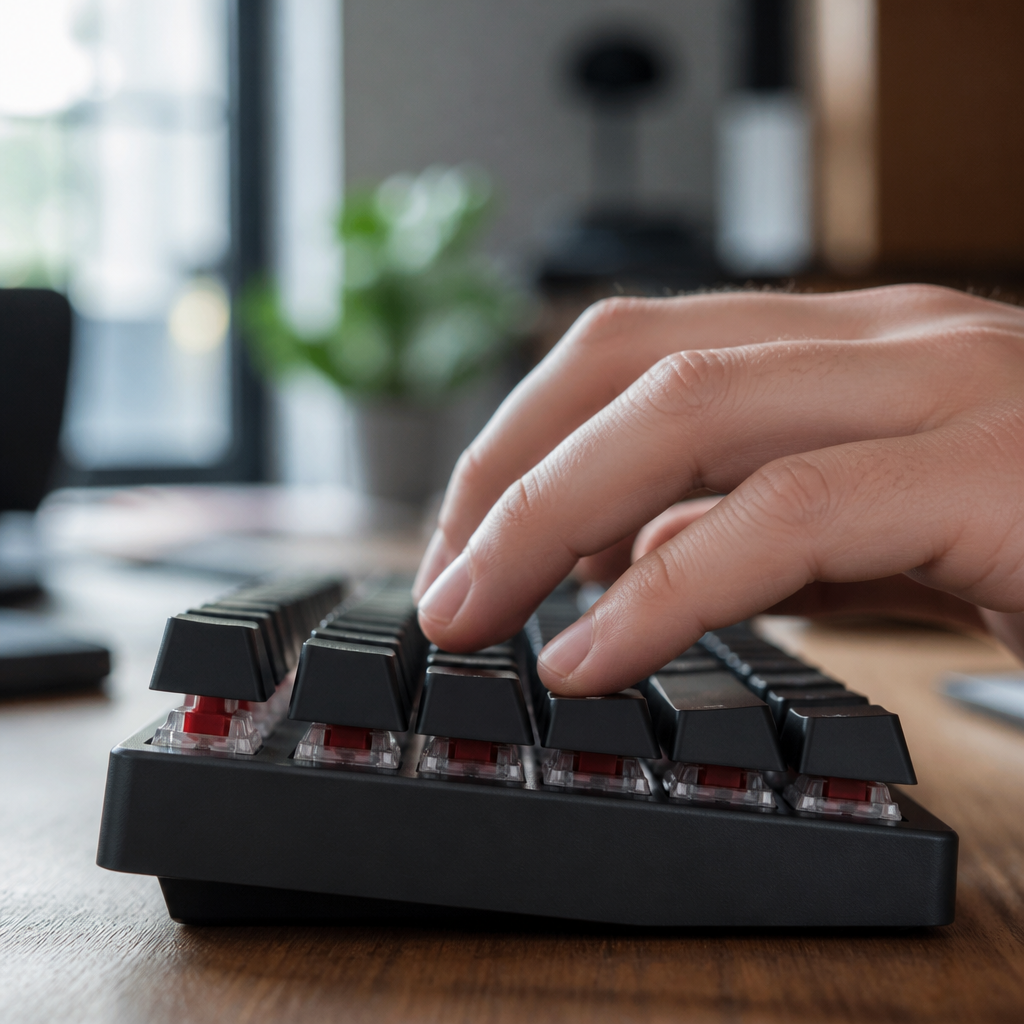
The fundamental difference between a mechanical keyboard and a membrane keyboard is how they register a keypress, which impacts feel, durability, and performance. Membrane keyboards use a single rubber-like membrane under the keys, where pressing a key pushes a conductive trace through a hole to complete a circuit. In contrast, mechanical keyboards use individual, spring-loaded switches for a more direct and precise activation.
Over time, this difference becomes even more apparent. Mechanical switches are rated for 50-100 million keystrokes and maintain a consistent feel throughout their lifespan. Membrane keyboards, with a lifespan of 5-10 million presses, often degrade as the rubber domes lose their elasticity. _This rubber degradation often makes the keys feel "mushy" and inconsistent_, requiring more force to actuate and leading to fatigue and typos. Mechanical keyboards also provide superior N-key rollover (NKRO) and anti-ghosting, meaning you can press many keys simultaneously and have them all register perfectly—a feature where most membrane keyboards fail.
Mechanical keyboard benefits
Why are mechanical keyboards so popular? They offer a host of advantages over standard membrane keyboards that appeal to both professionals and gamers. A key benefit is their faster response time. Mechanical switches actuate at around 2mm of travel with a debounce time of just 1-5 milliseconds, whereas membrane keys need 3-4mm of travel and have a 10-20ms debounce time. This makes mechanical inputs significantly faster, which is critical in competitive gaming.
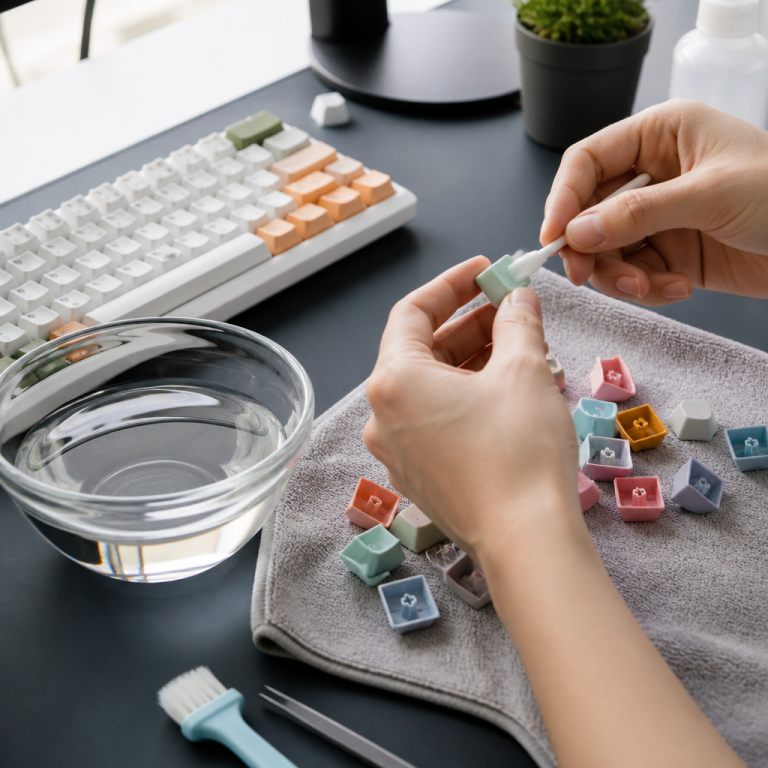
Durability is another hallmark. With a lifespan of 50-100 million keystrokes, a mechanical keyboard can easily last 10-20 years, making it a cost-effective choice in the long run. They are also highly customizable; you can swap keycaps and, on hot-swappable models, even the switches themselves. This modularity allows you to fine-tune the sound, feel, and appearance to your exact preference. For typists, the clear tactile feedback from many switch types helps improve accuracy and rhythm, with many users reporting a 5-15 words-per-minute speed increase.
Dr. Jack Dennerlein, an ergonomics professor at Northeastern University, points out that "while mechanical keyboards may offer benefits for some users, the ergonomic advantages are modest and highly individual. Proper typing posture, keyboard height, and regular breaks have far greater impact on reducing repetitive strain injury than switch type alone."
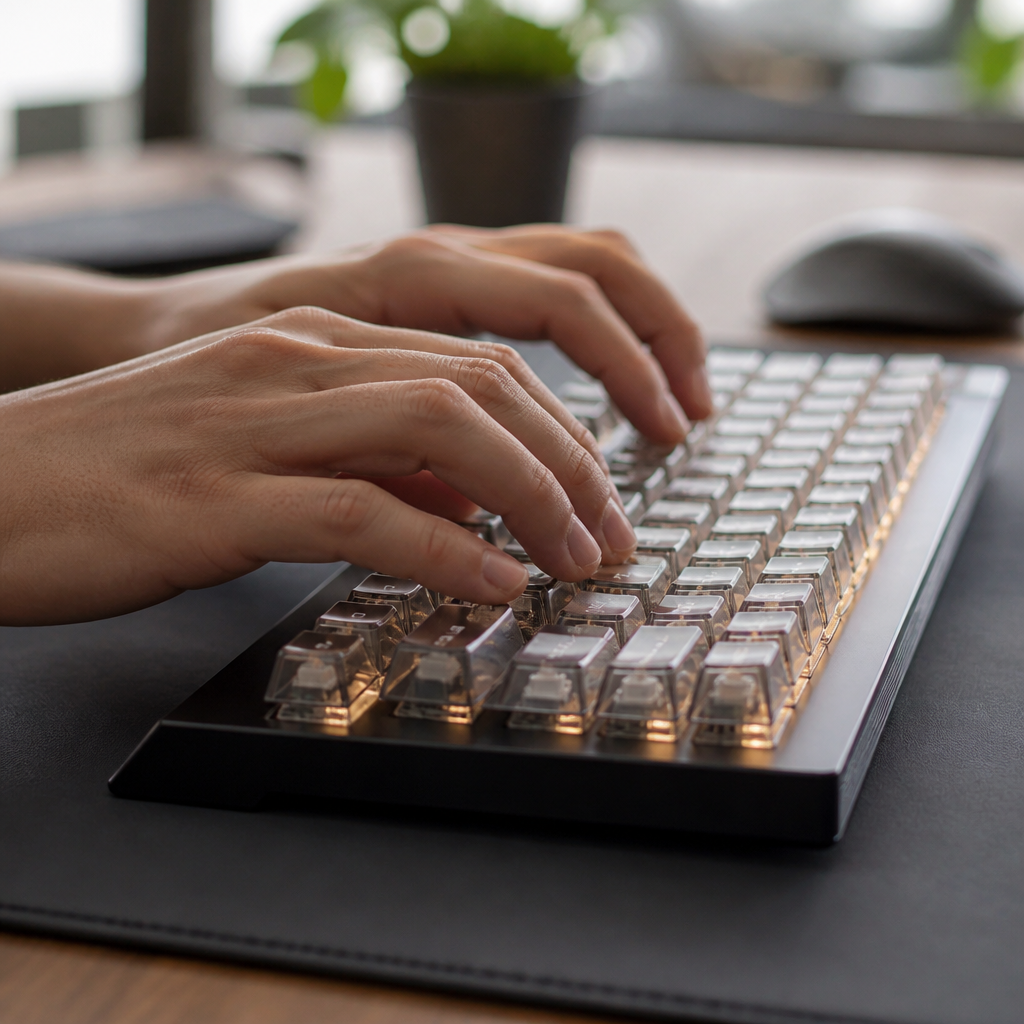
Mechanical Keyboard Use Cases
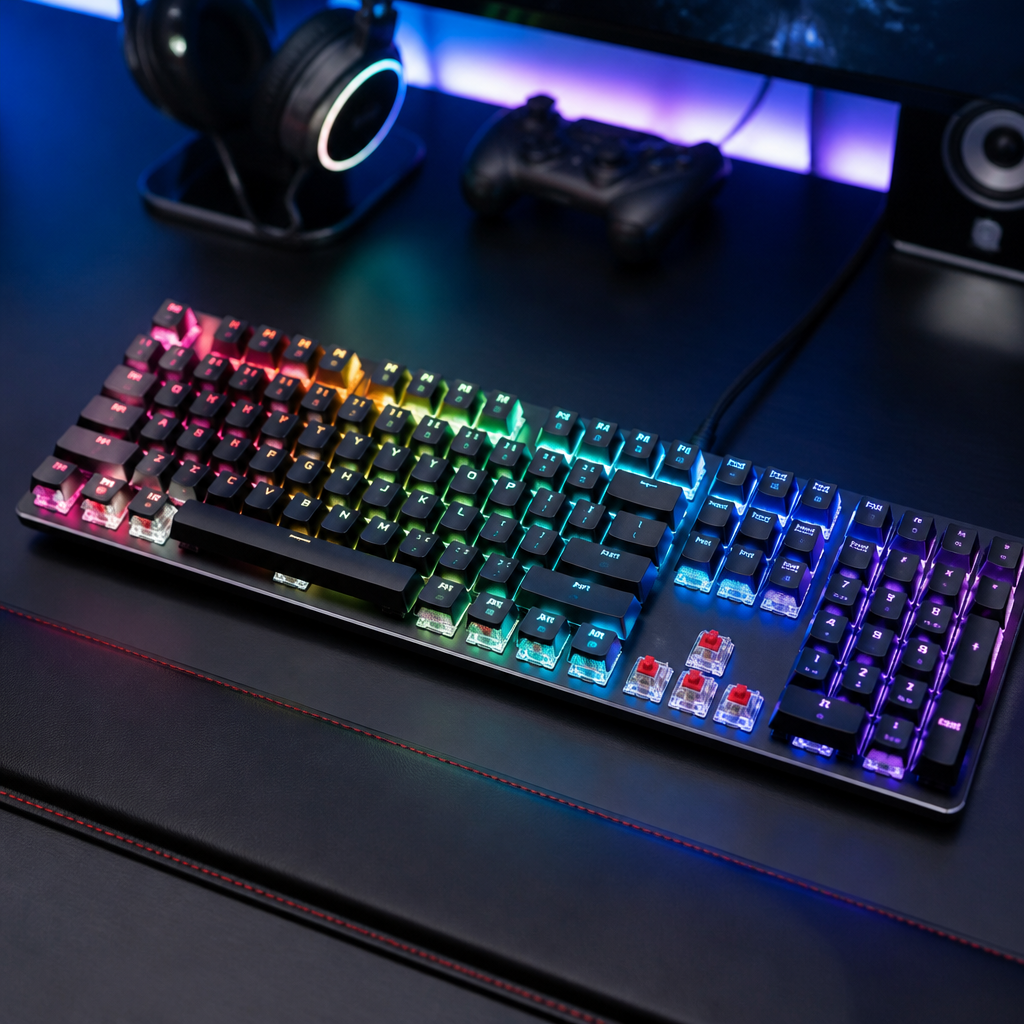
Mechanical keyboard for gaming
Mechanical keyboards are an essential tool for serious gamers due to their technical superiority. The rapid input registration from switches that actuate in just 1-2mm and respond in 1-5 milliseconds gives players a tangible competitive edge. This speed is crucial in fast-paced games where split-second reactions determine the outcome. Furthermore, the standard inclusion of N-key rollover (NKRO) ensures that complex key combinations are always registered flawlessly, unlike on most membrane keyboards which can "ghost" or miss inputs.
Recent innovations have pushed performance even further. Rapid trigger technology, found in keyboards with Hall effect switches, allows for an adjustable actuation point (0.1-4.0mm) and instantly resets the key the moment you begin to release it. This enables incredibly fast repeated presses, giving players a significant advantage in games that require quick stutter-stepping or ability spamming. However, the sound of the keyboard is a practical consideration for streamers and team players. _That audible click can easily be picked up by microphones, potentially distracting others_, so quieter linear or tactile switches are generally preferred over loud, clicky ones in these settings.
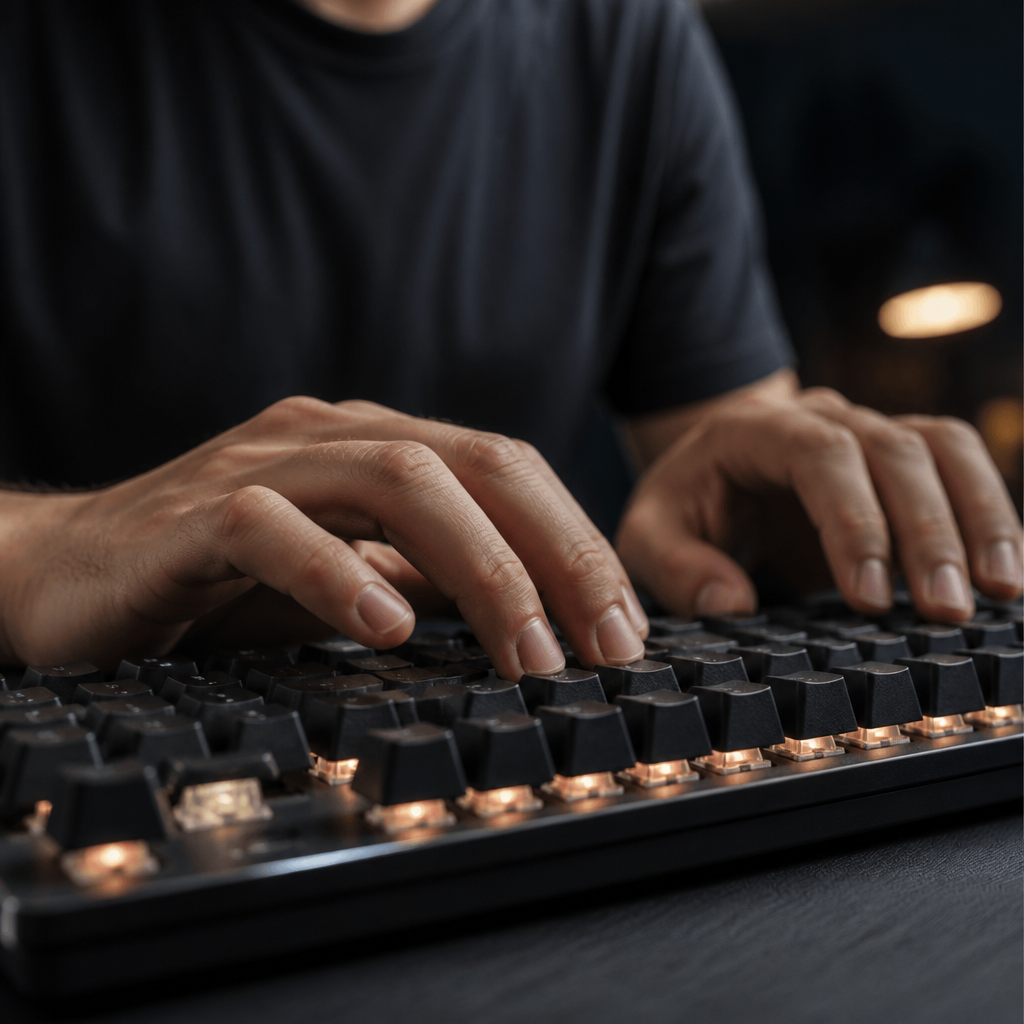
Mechanical keyboard for typing
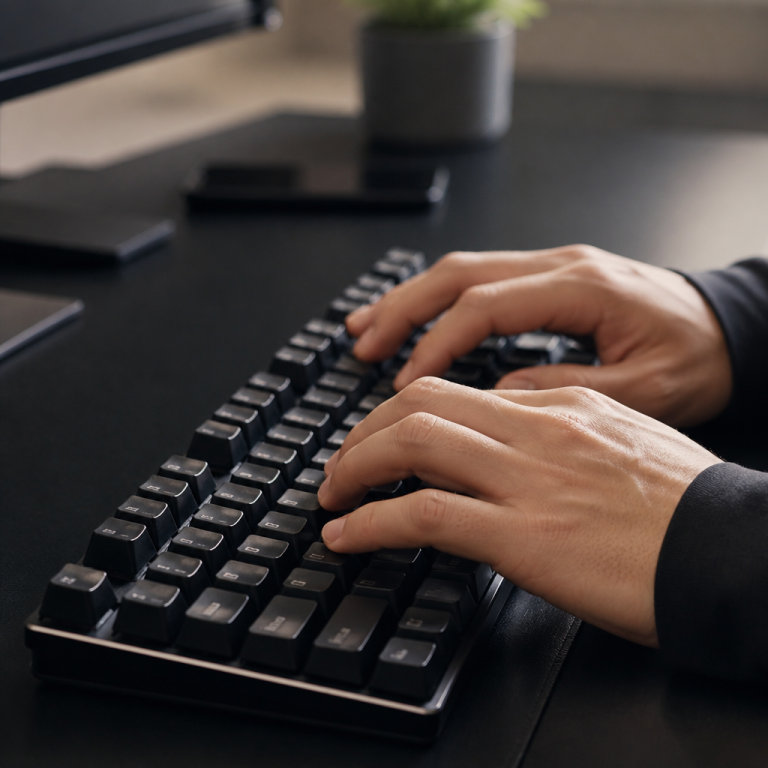
For professionals who spend their days writing, coding, or entering data, a mechanical keyboard can dramatically improve comfort and efficiency. Tactile switches, like the Cherry MX Brown, are often the top choice for typists because they provide a distinct bump at the actuation point. This physical confirmation helps develop a consistent typing rhythm and reduces the tendency to "bottom out" keys, which can cause finger fatigue over long sessions.
The layout of a mechanical keyboard can also be optimized for professional use. Tenkeyless (TKL) and 75% layouts are popular because removing the number pad allows the mouse to be positioned closer to the body, reducing shoulder strain. These compact layouts still provide dedicated arrow keys and a function row, which are essential for productivity shortcuts and navigation. For those seeking peak efficiency, ortholinear keyboards arrange keys in a grid, which can reduce finger travel. However, be warned: _adapting to an ortholinear layout typically requires a 2-4 week adjustment period_ where typing speed may temporarily decrease.

Hi, I’m Alex Morgan.
Welcome to my blog! As a dedicated mechanical keyboard enthusiast, I’m passionate about exploring everything from custom builds to the finest details of switches and keycaps. My goal is to break down specs, sound profiles, and ergonomics to help you find the absolute best keyboard for your setup. Whether you’re a gamer, programmer, or desk setup fanatic, I’m here to share honest reviews and practical recommendations.