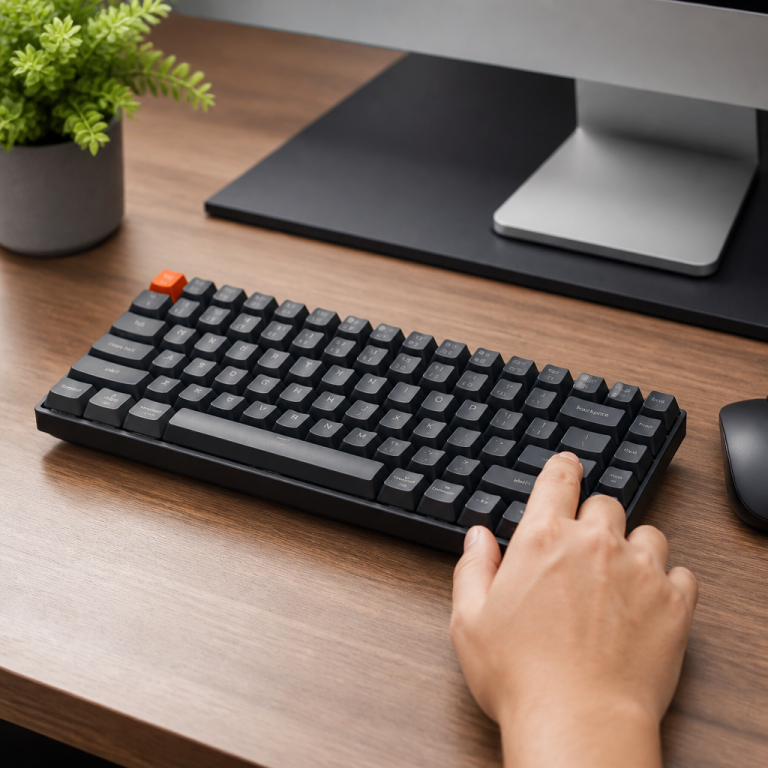
mechanical keyboard vs membrane: Which Wins in 2026?
I still remember the first time I truly felt the difference a keyboard could make. For years, I just used whatever came with the computer – usually a basic, soft-feeling keyboard that I never gave much thought to. But then, back in 2015, a friend let me try his mechanical keyboard while we were playing League of Legends at his place. The distinct click and satisfying thump with every key press was a revelation. It was like upgrading from a rusty old bike to a sleek, responsive sports car. Keyboards are so much more than just a way to type; they're a crucial interface that can shape your experience, whether you're battling dragons, coding late into the night, or just chatting with friends. While they might seem simple, the technology hidden beneath each keycap can significantly change how you type, how productive you are, and even how comfortable your hands feel over time. The two main types you'll find are mechanical and membrane keyboards. Getting a good grasp of what sets them apart can really help you discover the perfect one for you.
Understanding Keyboard Types: Mechanical vs. Membrane
Keyboards are broadly categorized by the mechanism they use to register a keystroke. This underlying technology dictates everything from the feel of typing to durability and potential for customization. The choice between a mechanical and a membrane keyboard often comes down to personal preference, but a deeper understanding of their construction and performance can illuminate why one might be preferred over the other for specific tasks.
Keyboard Types: Mechanical vs. Membrane
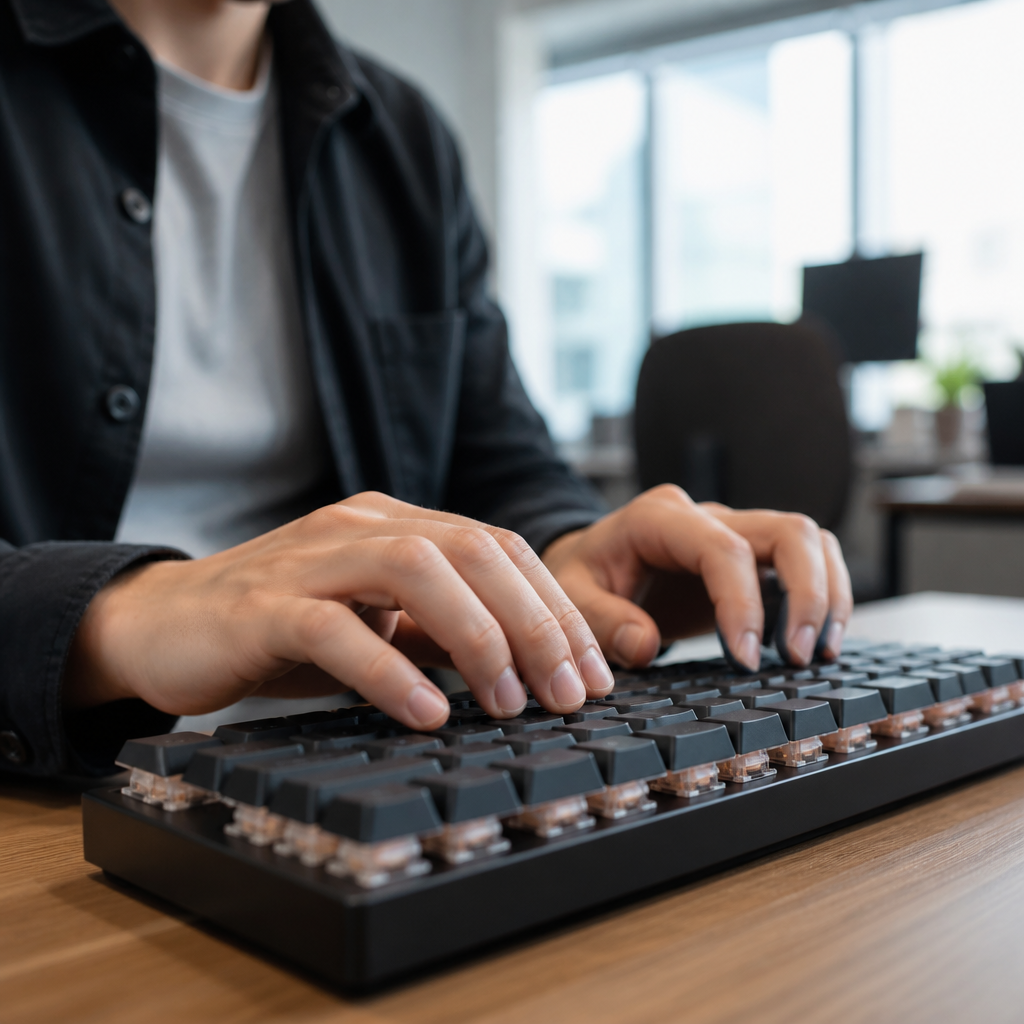
At its core, the distinction between mechanical and membrane keyboards lies in their switching mechanism. A mechanical keyboard uses individual mechanical switches located beneath each keycap. Think of these like tiny, spring-loaded buttons, each with its own job. When you press a key, this tiny button actuates and registers your keystroke, sending the signal to your computer. In contrast, a membrane keyboard operates on a pressure pad system where a rubber dome is pushed down to complete an electrical circuit on a printed circuit board, registering the input.
Beyond these two main types, there are also hybrid models and variations like scissor-switch keyboards, commonly found in laptops. Scissor-switch keyboards use a mechanism to stabilize the keycap and provide a shorter travel distance, aiming for a more stable feel than a basic rubber dome while maintaining a slim profile. However, they still rely on a rubber dome for actuation, sharing the core principles of membrane technology.
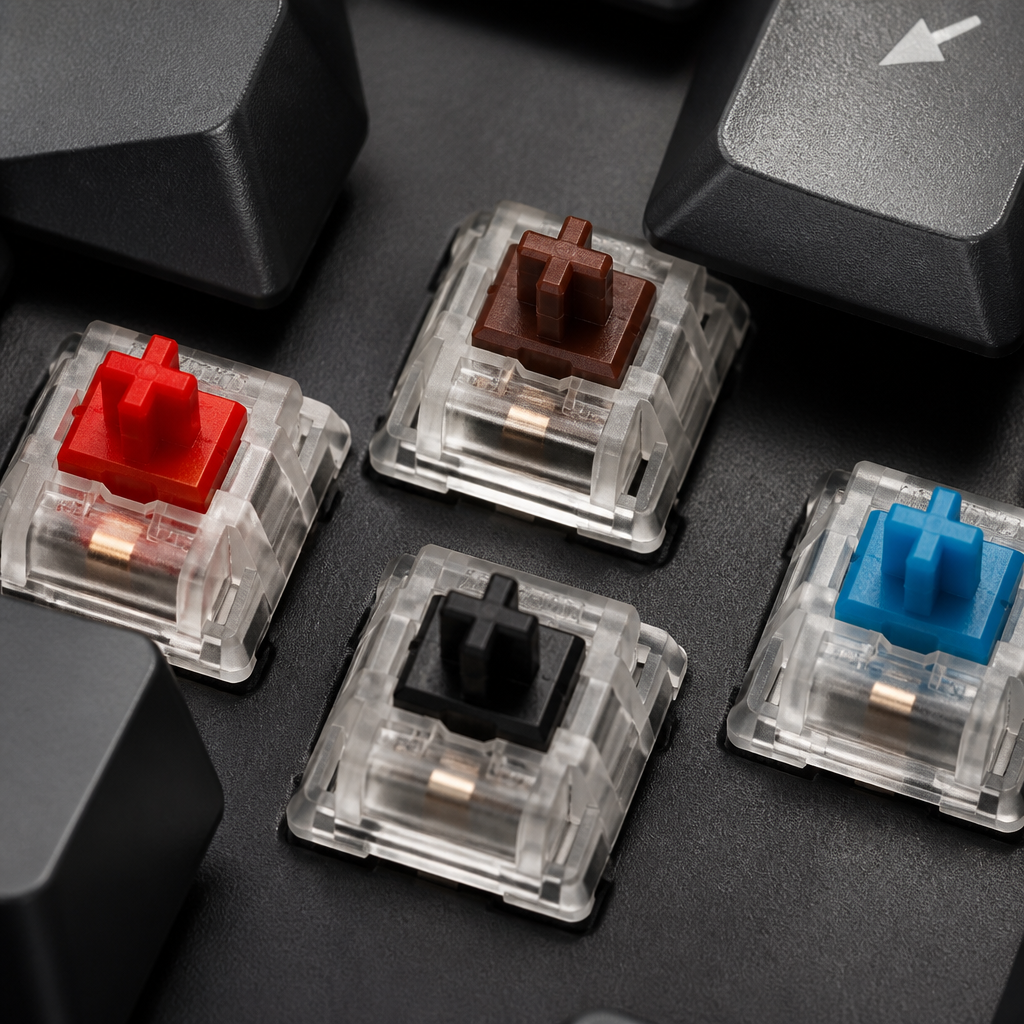
Mechanical keyboards offer a diverse range of typing experiences due to the variety of mechanical switch types available. Generally, there are three main categories:
- Linear: Provide a smooth, consistent keystroke without any tactile "bump" or audible "click," favored by gamers for rapid actuation.
- Tactile: Offer a noticeable "bump" partway through the keystroke, providing physical feedback that the key has been registered.
- Clicky: Similar to tactile switches but add an audible "click" sound at the actuation point, giving both tactile and auditory feedback.
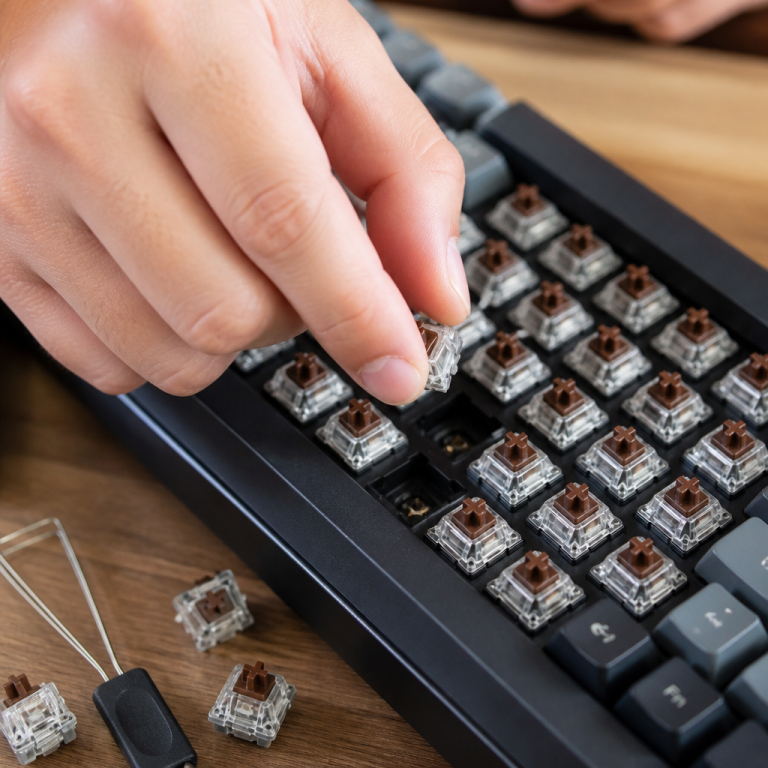
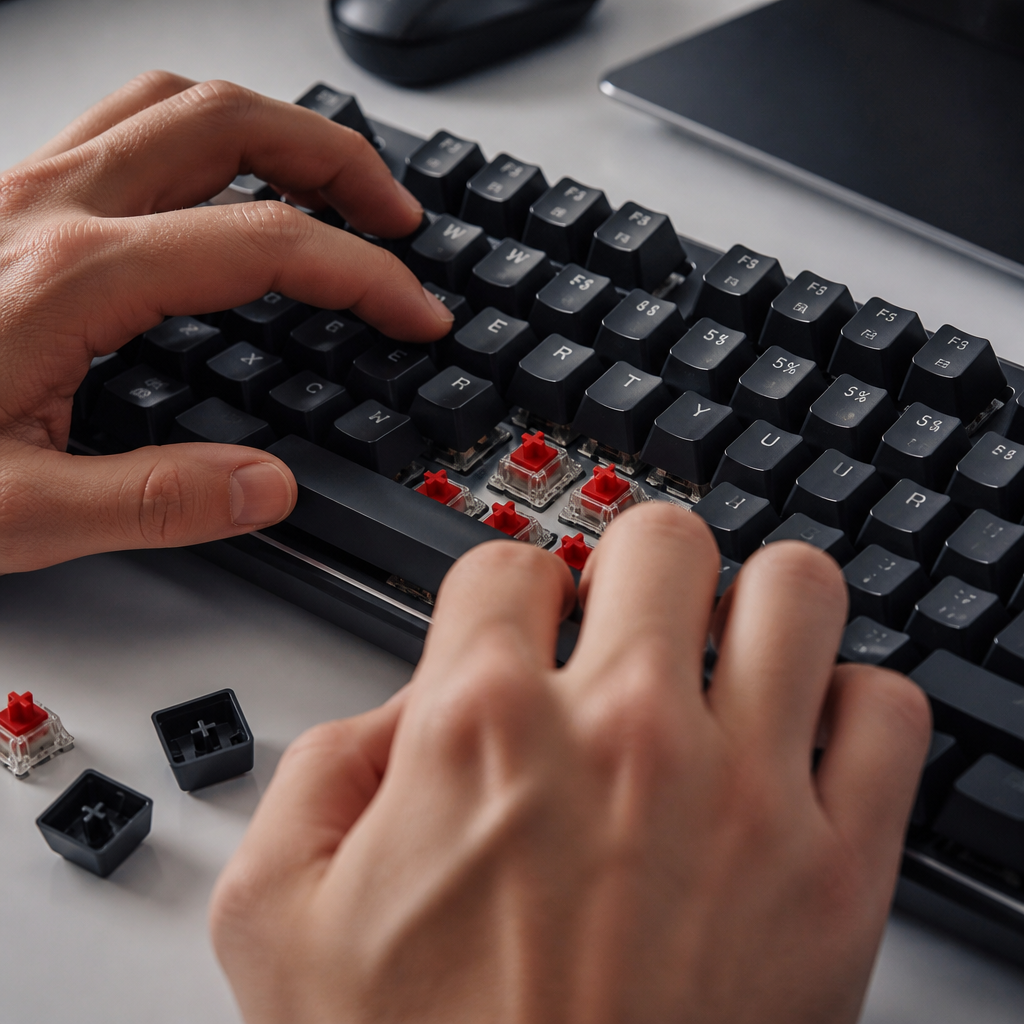
Another significant technical difference lies in repairability and customizability. Many modern mechanical keyboards feature hot-swappable switches, meaning users can replace individual switches without soldering. If a single switch fails, it can often be replaced, extending the life of the keyboard. Membrane keyboards, however, have integrated rubber domes that are part of a larger sheet and cannot be individually replaced, often necessitating the replacement of the entire keyboard if one part fails.
How Does the Mechanical vs. Membrane Typing Experience Differ?
The "typing experience" includes how it feels to press a key, the force needed, key travel, and the overall sensation. Mechanical keyboards are widely recognized for providing a distinct typing experience due to their individual mechanical switches, which offer clear tactile or auditory feedback at the actuation point. This feedback allows typists to develop a more efficient rhythm, as they don't necessarily need to "bottom out" (press the key all the way down) to register the input.
In terms of technical specifications, mechanical switches typically have an actuation point between 1.5-2mm and require a force of 45-80g. Conversely, membrane keyboards generally require the key to be fully depressed to register the keystroke, with an actuation force of around 60-70g. This contributes to what many users describe as a "mushy" or soft feel.
A 2019 study in Applied Ergonomics found that typists using mechanical keyboards demonstrated 5-10% faster typing speeds and reported approximately 30% less finger fatigue during extended sessions compared to those using membrane keyboards. Expert opinions reinforce this. Sean Wrona, a world-record-holding typist, noted the advantages of mechanical keyboards for rapid typing.
He states that mechanical keyboards facilitate faster typing because they allow users to actuate keys without needing to bottom them out completely. This reduces finger travel distance and enables a lighter touch, which can be crucial for achieving high speeds.
Mechanical keyboards also offer superior technical features like N-key rollover (NKRO) and anti-ghosting, allowing for an unlimited number of simultaneous key presses to be registered accurately. Budget membrane keyboards often have limitations, typically offering only 2-key or 6-key rollover, which can lead to missed inputs during rapid or complex key sequences.
Mechanical Keyboard vs. Membrane Noise Levels
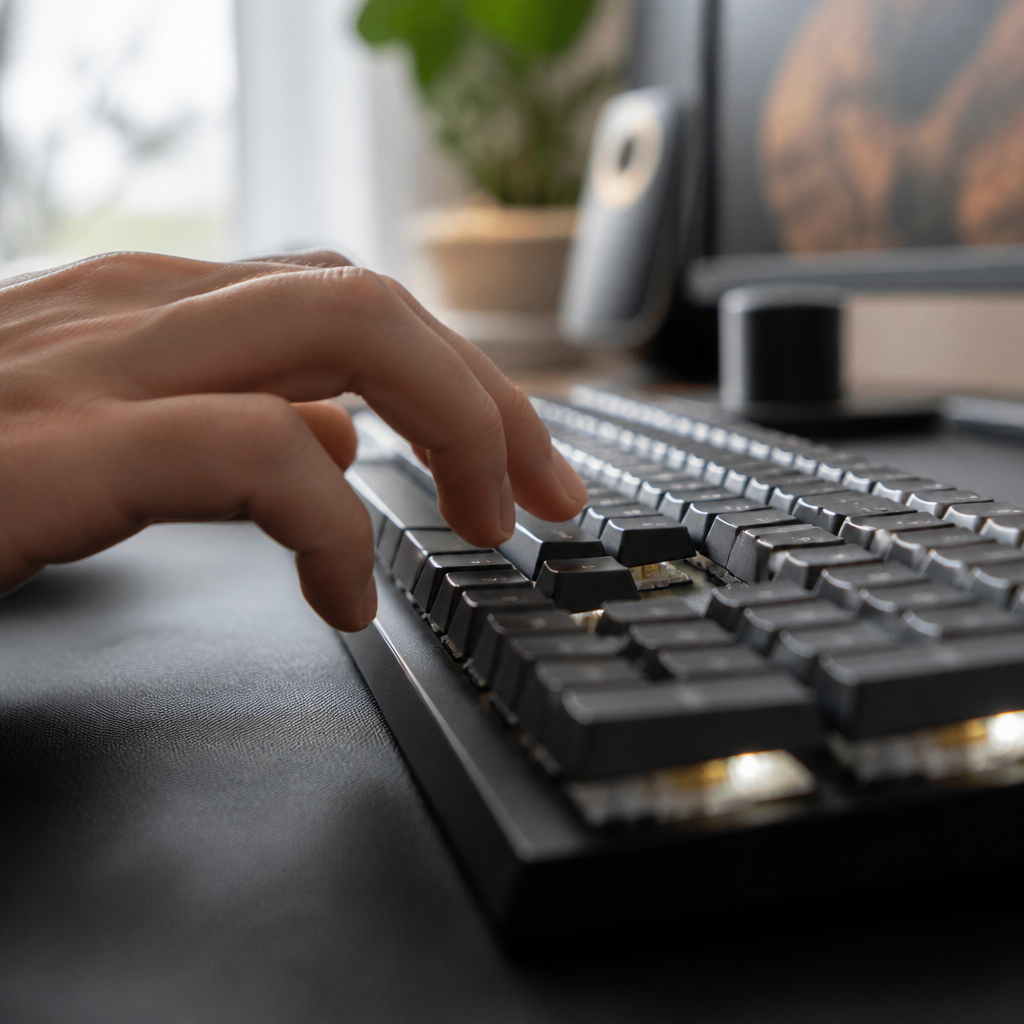
The noise level produced by a keyboard is a significant factor, particularly in shared environments. Membrane keyboards are generally quiet, typically producing noise levels ranging from 30-45 decibels (dB). Mechanical keyboards exhibit a much broader range of noise levels, dictated by the switch type.
For users who desire the benefits of a mechanical keyboard but require minimal noise, specialized "silent" mechanical switches are available. These switches incorporate built-in dampeners to reduce noise and can achieve levels as low as 35-40 dB, making them even quieter than many standard membrane keyboards. Noise can also be reduced with modifications like O-rings, internal foam, and lubrication, which can collectively reduce sound by 10-20 dB.
Here is a summary of typical noise levels:
| Keyboard/Switch Type | Typical Noise Level (dB) |
|---|---|
| Clicky Mechanical | 65-70 dB |
| Tactile Mechanical | 50-60 dB |
| Linear Mechanical | 45-50 dB |
| Membrane Keyboard | 40-45 dB |
| Silent Mechanical | 35-40 dB |
This comparison highlights that while mechanical keyboards have a reputation for being loud, numerous options and modifications are available to achieve a quiet typing experience.
Key Advantages and Technical Differences
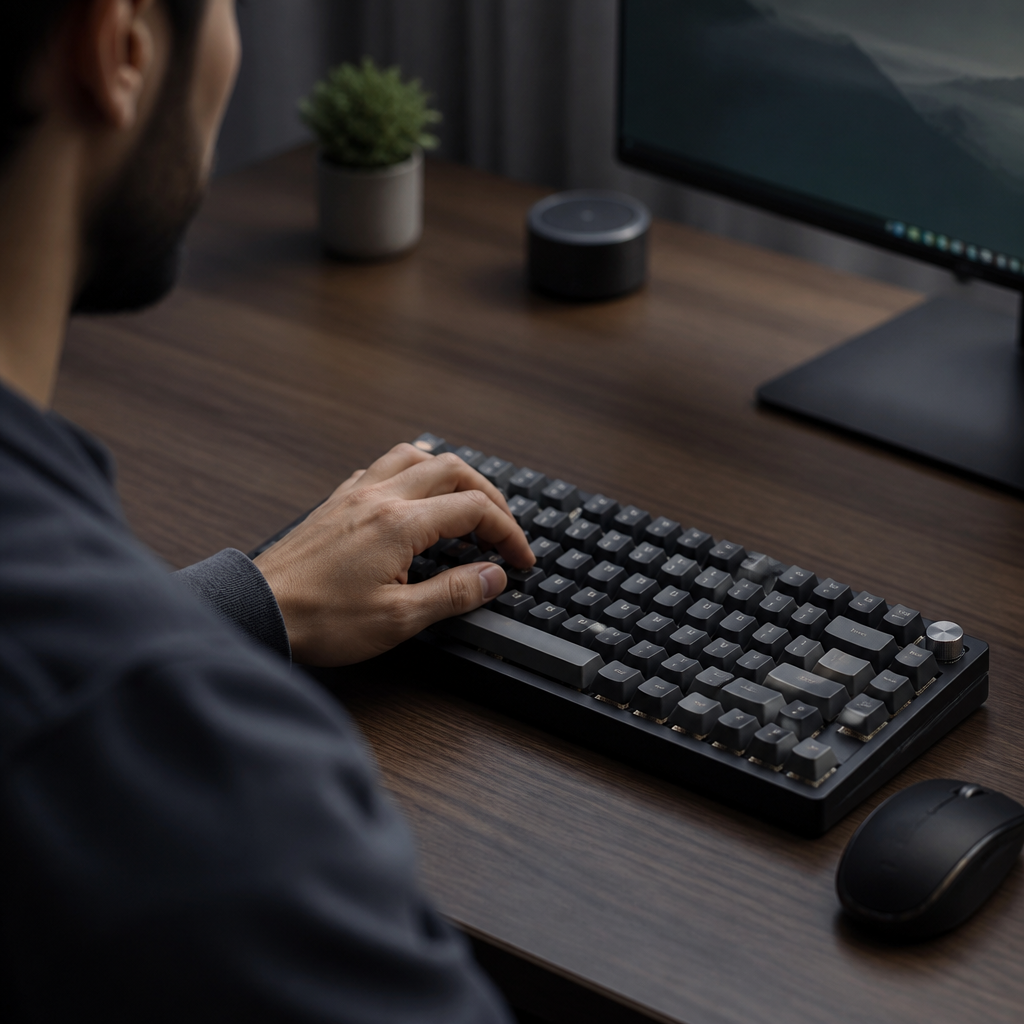
When evaluating keyboards, it's crucial to delve into the technical advantages and fundamental differences that set mechanical and membrane keyboards apart. These distinctions impact everything from longevity and performance to customization and suitability for specific tasks.
Mechanical vs. Membrane Keyboard Advantages
Both keyboard types offer distinct advantages. Mechanical keyboards are praised for their durability, customization, and superior typing feedback. A primary advantage is their significantly longer lifespan. Mechanical switches are rated for 50-100 million keystrokes, a stark contrast to the 5-10 million keystrokes for membrane keyboards.
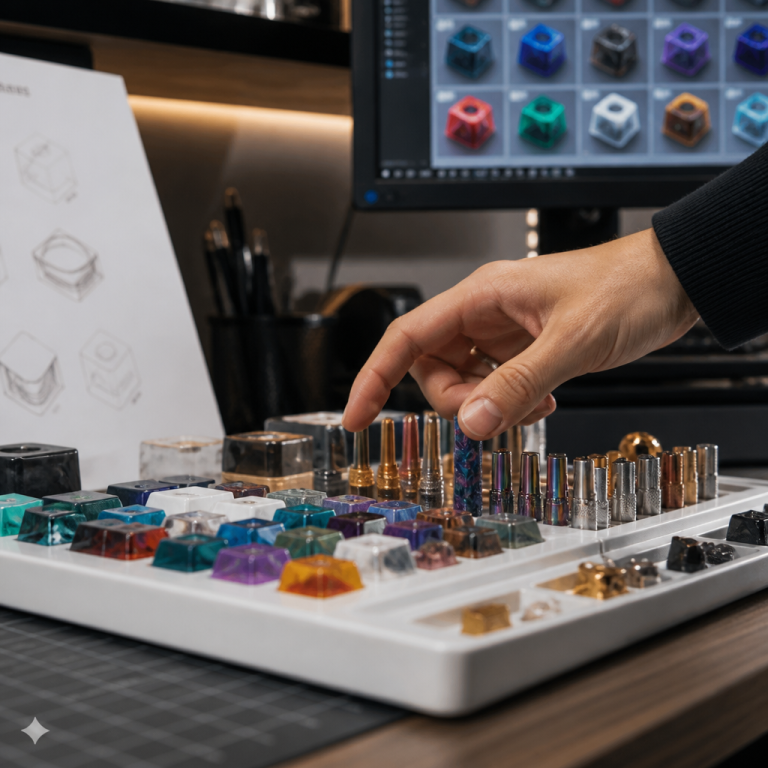
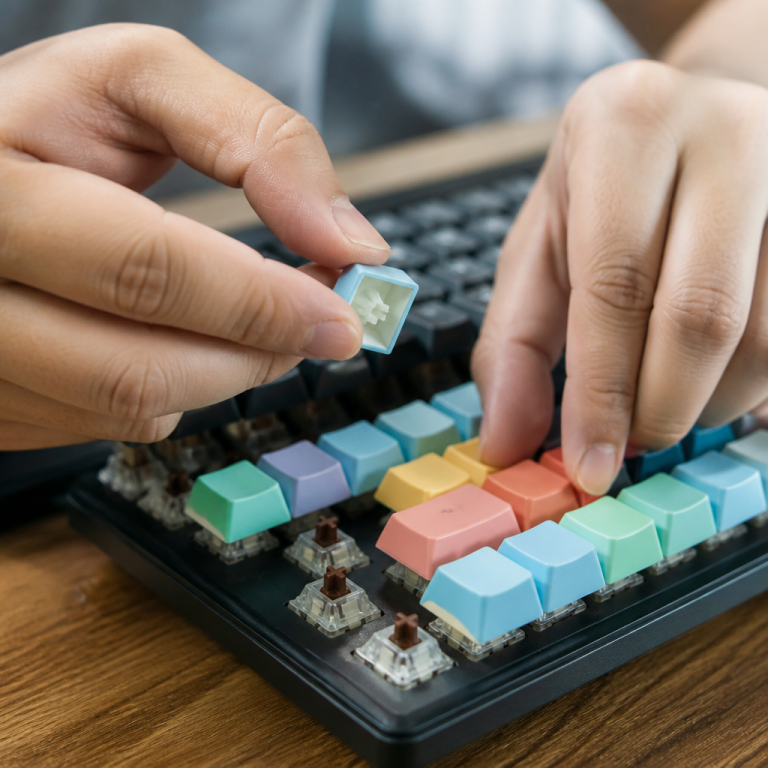
Customizability is another hallmark of mechanical keyboards. Users can replace keycaps and even individual switches on hot-swappable models, allowing for a personalized feel and easy repairs. The distinct feedback and faster actuation of mechanical switches can improve typing accuracy and speed while reducing finger fatigue. Furthermore, features like N-key rollover (NKRO) are standard and robustly implemented in mechanical designs.
On the other hand, membrane keyboards offer compelling advantages in cost and quietness. They are significantly more affordable, with prices often ranging from $10-$50. Their quieter operation makes them a crucial advantage in environments where noise is a concern. They are also often lighter and more portable.
Linus Sebastian of LinusTechTips suggests that mechanical keyboards offer superior long-term value for users who type more than two hours daily, primarily due to their enhanced durability. However, he also emphasizes that membrane keyboards remain a practical and suitable choice for casual users, quiet office environments, and budget-conscious consumers.

Mechanical Keyboard Switch Lifespan vs. Membrane
The lifespan of a switch is a critical indicator of durability. Mechanical switches are engineered for extreme durability, with premium brands like Cherry MX often rated for up to 100 million actuations. In contrast, membrane keyboard rubber domes are generally rated for around 5 million actuations, with higher-quality models reaching 10 million.
This 5-10x difference in expected durability has significant implications. For a user generating 40,000 keystrokes daily, a mechanical keyboard with a 50 million keystroke lifespan could last over 3 years, while a membrane keyboard with a 5 million keystroke lifespan would only last about 4 months.
Furthermore, mechanical keyboards support an extended lifespan through repairability. A single failed switch can be replaced, often easily by the user on hot-swappable boards. On a membrane keyboard, a single failed dome typically requires replacing the entire unit. Environmental factors can also play a role; _membrane keyboards, with their rubber dome construction, may degrade faster when exposed to fluctuations in humidity and temperature._
Mechanical Keyboard vs. Membrane for Gaming
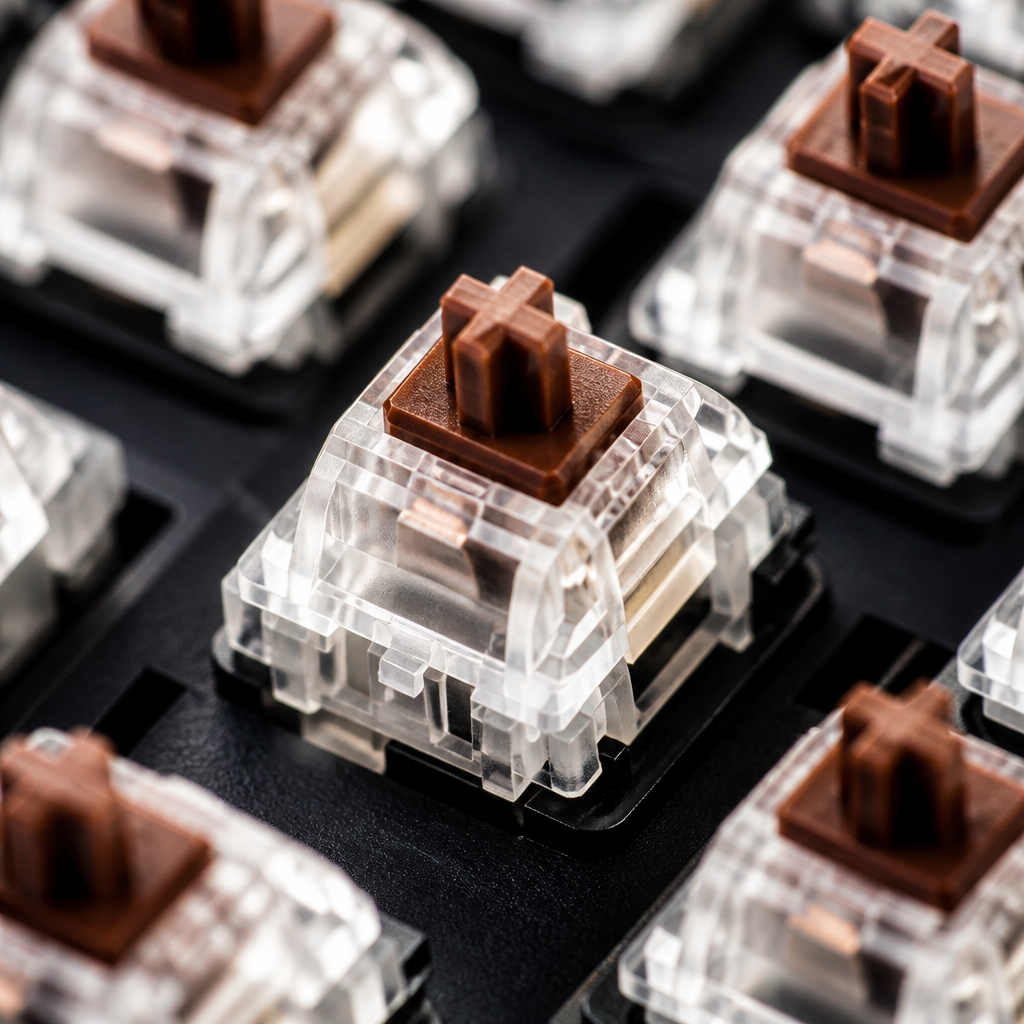
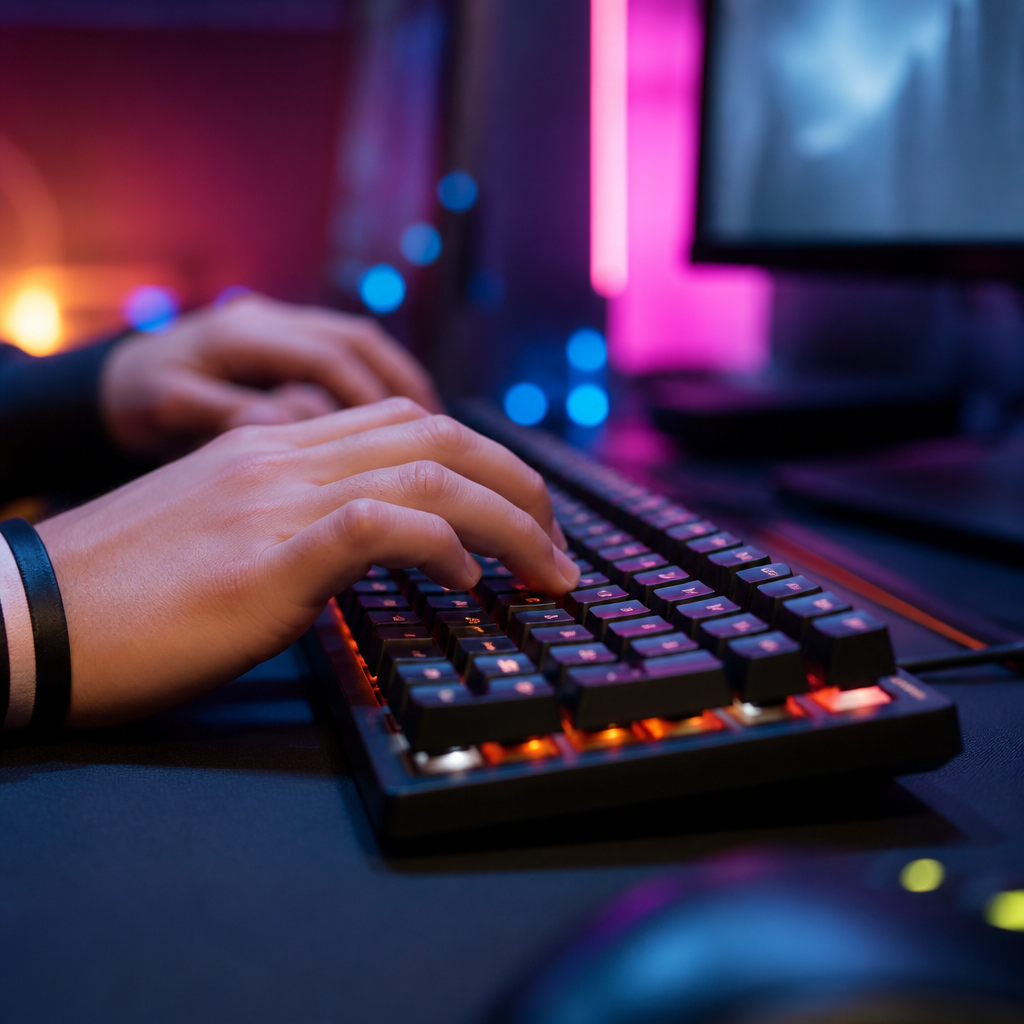
For gamers, the choice of keyboard can significantly impact performance. Mechanical keyboards dominate the gaming market due to their technical advantages. One of the most critical factors is response time; top mechanical keyboards can achieve input lag as low as 5-10 milliseconds (ms), while membrane keyboards typically range from 15-30ms.
The variety of mechanical switches allows gamers to fine-tune their setup. Linear switches are popular for their smooth, rapid actuation. Advanced technologies like optical and analog switches offer even faster response times and more nuanced control. N-key rollover (NKRO) is another indispensable feature standard in mechanical keyboards, ensuring every key press is registered accurately during complex commands. While some membrane gaming keyboards offer improved rollover, it can still be a limitation compared to the full NKRO on mechanical boards.
Practical Considerations: Cost and Maintenance
Beyond performance, practical aspects like cost and maintenance are significant factors in the decision-making process. The initial price, long-term value, and ease of cleaning differentiate mechanical and membrane keyboards.
Mechanical Keyboard vs. Membrane Price Comparison
Mechanical keyboards have a higher upfront cost, but their superior durability and repairability can lead to a lower cost-per-year. Membrane keyboards are more affordable, typically ranging from $10-$50, making them an attractive budget option. In contrast, entry-level mechanical keyboards start around $50-$80, with premium models easily exceeding $150.
When considering the cost-per-year, the longevity of mechanical keyboards can offset their price. A $60 mechanical keyboard with a 5-year lifespan costs $12/year, whereas a $20 membrane keyboard lasting one year costs $20/year. This suggests that for long-term users, a mechanical keyboard can be more economical. The market for mechanical keyboards has also become more competitive, with average entry-level prices decreasing significantly since 2015, making them more accessible than ever.

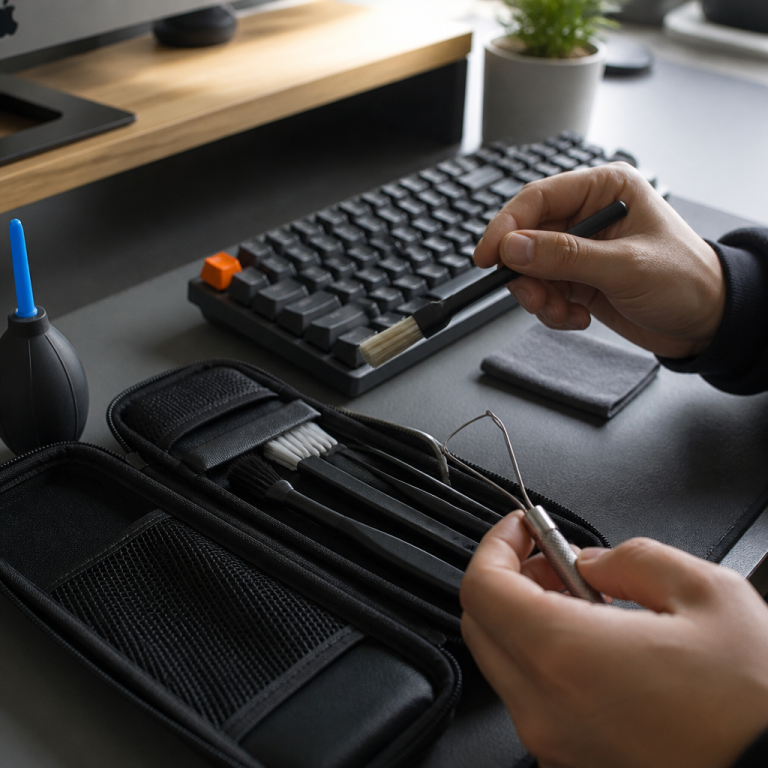
What is the Best Way to Clean a Mechanical vs. Membrane Keyboard?
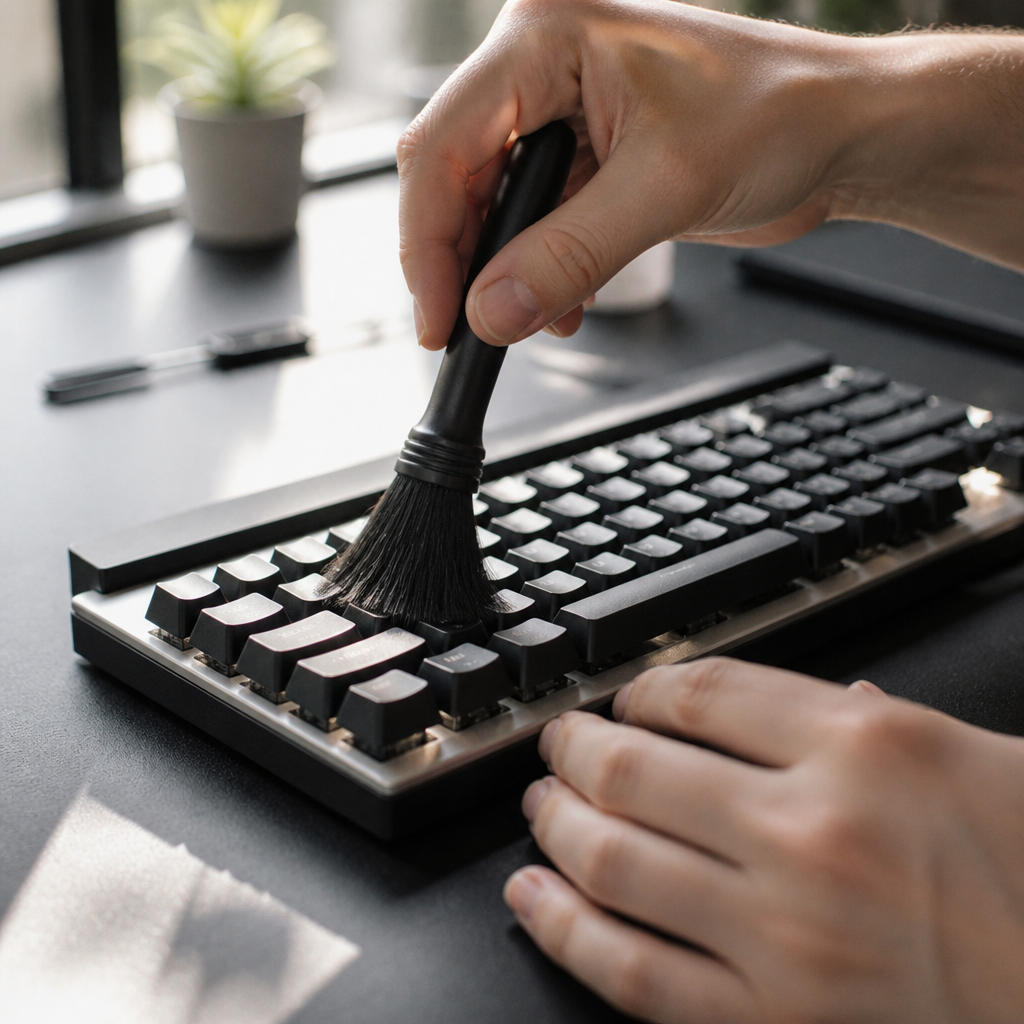
Maintaining a clean keyboard is essential for hygiene and performance, but the process differs significantly between the two types. Mechanical keyboards generally allow for a more thorough and deep cleaning, while membrane keyboards have limitations that necessitate a more cautious approach.
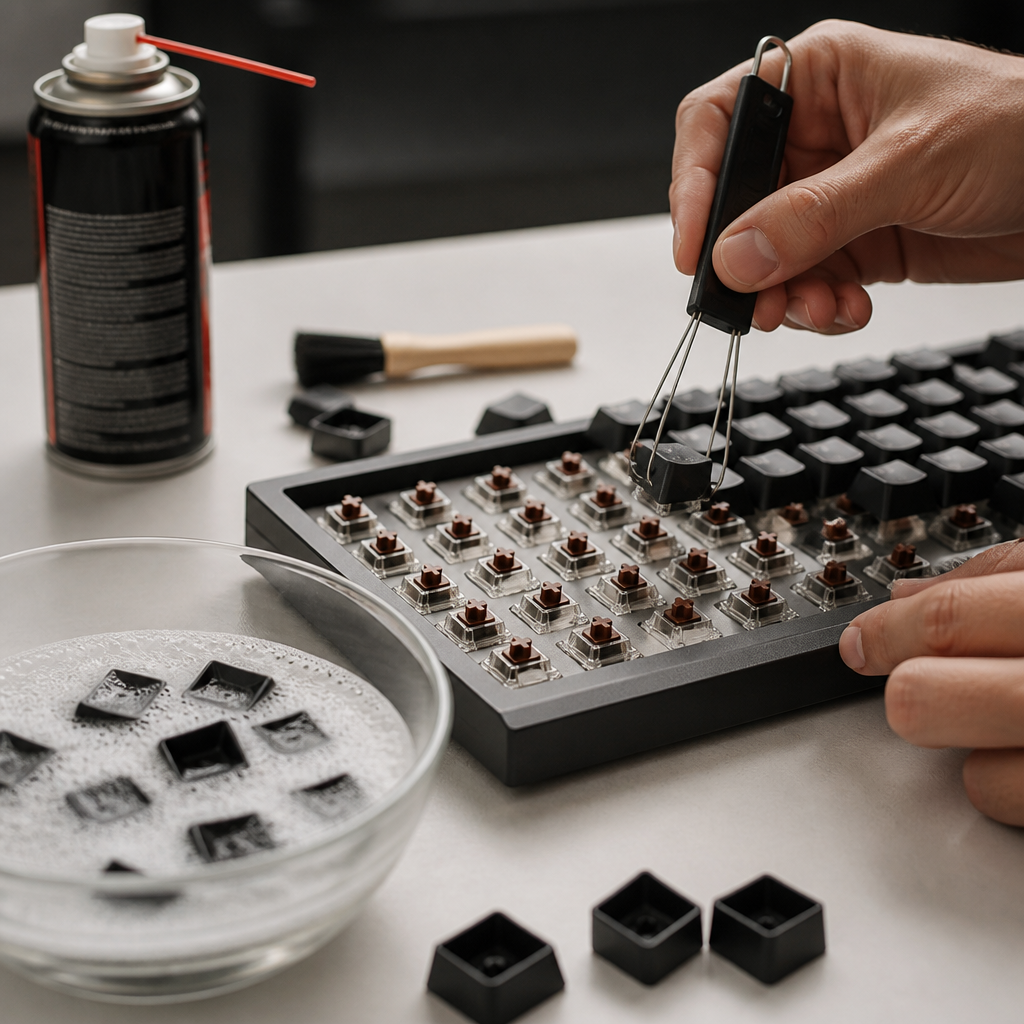
For mechanical keyboards, the process involves:
- Keycap Removal: Keycaps are easily removed with a keycap puller, exposing the switches and plate.
- Keycap Cleaning: Keycaps can be soaked in warm, soapy water, then rinsed and dried completely.
- Plate and Switch Cleaning: Compressed air and a small brush can remove debris from the exposed plate. Individual switches can be spot-cleaned with isopropyl alcohol.
- Reassembly: Once all parts are dry, the keycaps are reinstalled.
This deep cleaning is not possible with membrane keyboards due to their sealed, integrated design. Cleaning is generally more superficial, involving shaking out loose debris, using compressed air between keys, and wiping the surface. _It is crucial to avoid allowing liquid to seep into the membrane layer, as this can cause irreversible damage to the internal circuitry._ Attempting to remove keycaps on most membrane boards risks breaking them. Spill recovery is also more likely with a mechanical keyboard, as components can be disassembled, cleaned, and dried, whereas a spill on a membrane keyboard often leads to permanent failure.

Hi, I’m Alex Morgan.
Welcome to my blog! As a dedicated mechanical keyboard enthusiast, I’m passionate about exploring everything from custom builds to the finest details of switches and keycaps. My goal is to break down specs, sound profiles, and ergonomics to help you find the absolute best keyboard for your setup. Whether you’re a gamer, programmer, or desk setup fanatic, I’m here to share honest reviews and practical recommendations.