60 vs 65 keyboard: Find Your Perfect Compact Choice
Compact mechanical keyboards have grown in popularity, offering a smart balance between essential features and efficient desk space. Among these, the 60% and 65% layouts are two of the most common choices for enthusiasts, gamers, and professionals. Both aim to reduce the footprint of full-size or Tenkeyless (TKL) boards, but they do so with distinct design choices that lead to notable differences in key count, layout, and overall user experience.
Understanding these differences is key to picking a compact keyboard that matches your specific needs and workflow. This guide helps you discover which compact mechanical keyboard is right for you by exploring their size and layout variations, how well they suit different uses, and offering recommendations to help you make an informed choice.
What are the Size & Layout Differences Between 60% and 65% Keyboards?
When comparing 60% and 65% keyboards, the initial observation is not just a slight size difference, but how that change alters functionality. The main difference between 60% and 65% keyboards lies in their physical dimensions and the number of keys they retain from a full-size board. These differences significantly impact desk space, portability, and how users interact with various functions. While both are considered compact, the subtle variations can lead to a very different user experience, especially concerning navigation and access to specialized keys.
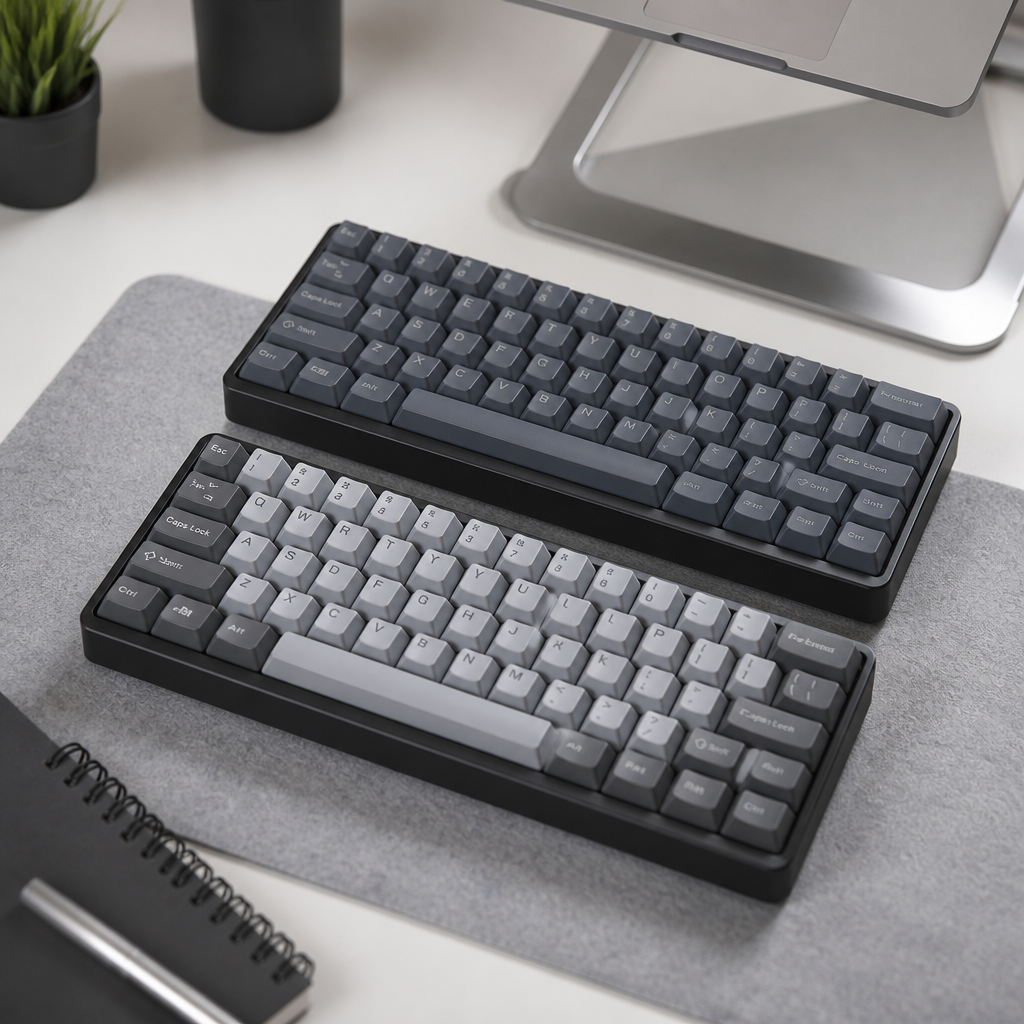
60 vs 65 Keyboard Size Comparison
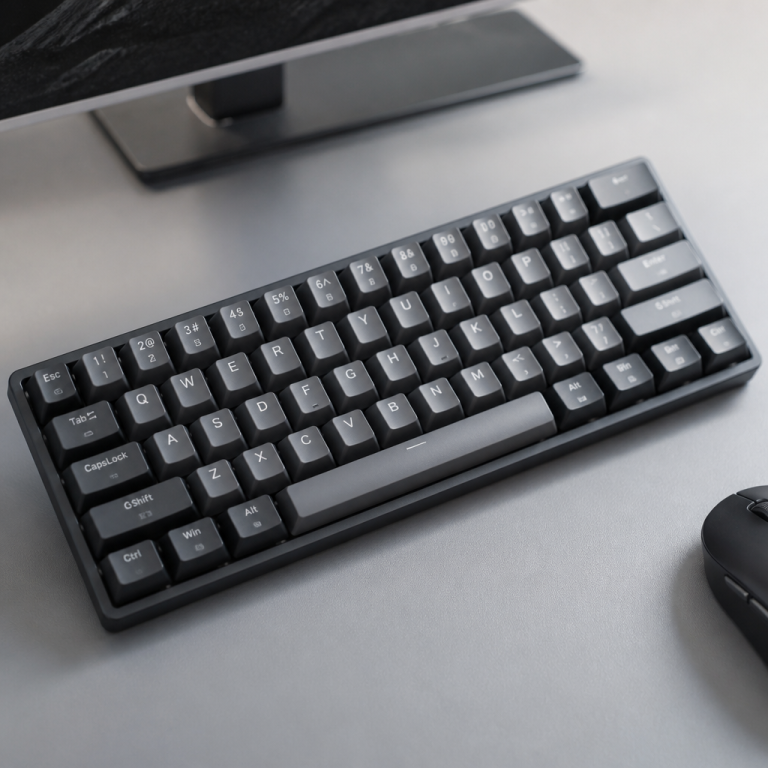
A 60% keyboard is designed for exceptional compactness, typically featuring around 61 keys and measuring about 11.5-12 inches (29-30.5 cm) wide. This minimalist design is achieved by removing the function row (F1-F12), the navigation cluster (Insert, Delete, Home, End), and most notably, the arrow keys. To access these missing functions, users rely on “layer combinations,” which involve holding a Function (Fn) key along with other keys. This approach maintains a small physical size while providing access to all standard functions through a different input method.
In contrast, a 65% keyboard offers a slightly larger, yet still compact, form factor with about 68 keys and a width of around 12.5-13 inches (31.75-33 cm). The key advantage of the 65% layout is its retention of dedicated arrow keys, often found in the bottom-right corner. Many 65% keyboards also include a compressed right column with some navigation keys like Delete, Page Up, and Page Down. This design reduces the need for layer access for these frequently used functions.
| Feature | 60% Keyboard | 65% Keyboard |
|---|---|---|
| Typical Key Count | ~61 keys | ~68 keys |
| Approximate Width | 11.5-12 in (29-30.5 cm) | 12.5-13 in (31.75-33 cm) |
| Arrow Keys | No (Accessed via layers) | Yes (Dedicated) |
| Function Row (F-keys) | No (Accessed via layers) | No (Accessed via layers) |
| Navigation Cluster | No (Accessed via layers) | Partial (Dedicated keys like Del, PgUp) |
Despite these size and key count variations, both keyboard sizes maintain identical key spacing (19.05mm) and use the same keycap profiles, ensuring the core typing ergonomics and feel remain consistent between the two formats.
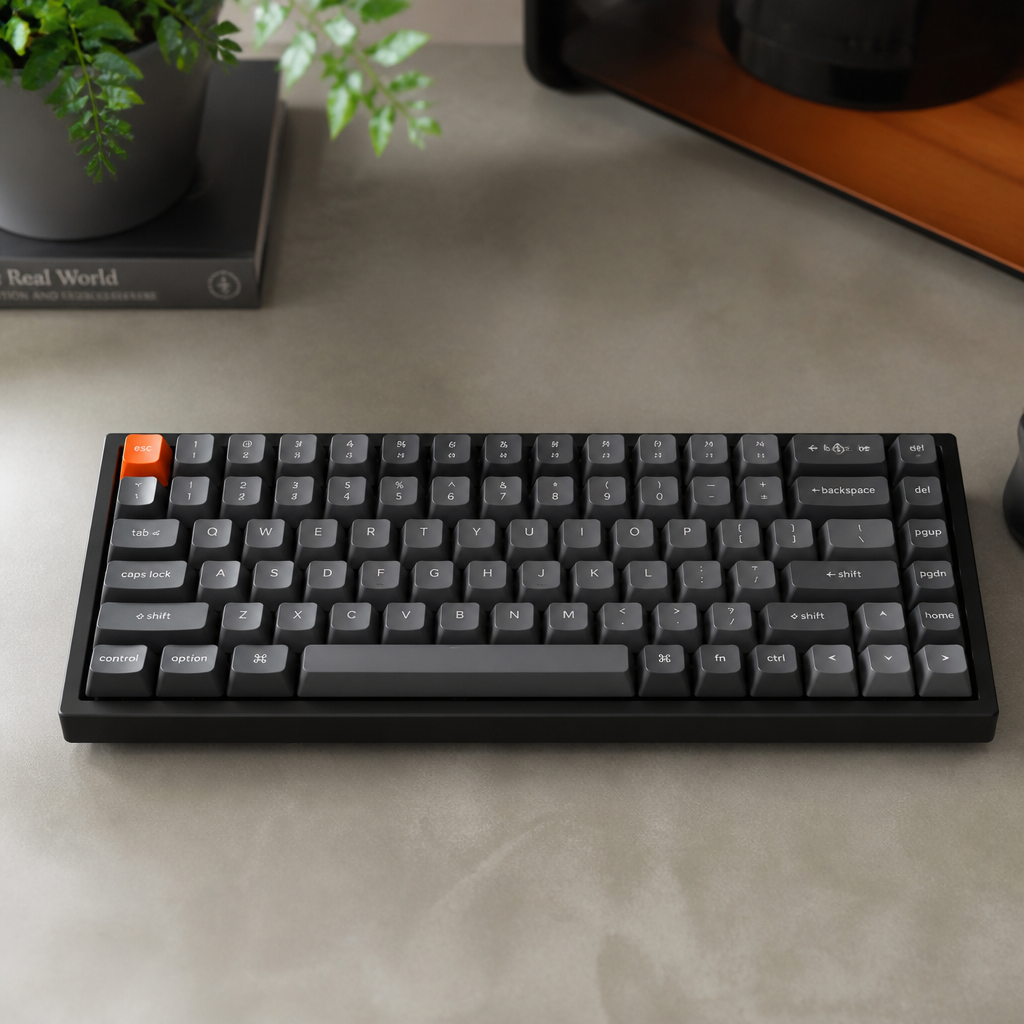
60 vs 65 Keyboard Layout Differences
The fundamental layout differences stem from their approach to key reduction. A 60% keyboard uses a pure 60-key matrix, including only alphanumeric keys, basic modifiers, and essential punctuation. This minimalist design requires function layers for virtually all navigation, such as accessing arrow keys with combinations like Fn+WASD or Fn+IJKL. This layered approach requires users to develop muscle memory but keeps all functions within easy reach of the home row.
The 65% keyboard introduces dedicated keys that reduce reliance on function layers. The most prominent addition is the arrow key cluster. To accommodate these keys, 65% keyboards often use a non-standard 1.75u right Shift key, which is shorter than the standard 2.75u key on most 60% layouts. Additionally, 65% layouts commonly include 3-7 extra navigation keys in a column on the right side, such as Delete, Page Up, and Page Down. This makes common navigation tasks more direct.
However, the non-standard 1.75u right Shift key on 65% keyboards can present a compatibility challenge; _a notable portion of aftermarket keycap sets don’t include this specific size, which can limit customization options for enthusiasts._ In contrast, 60% keyboards generally use standard keycap sizes, offering near-universal compatibility with aftermarket sets.
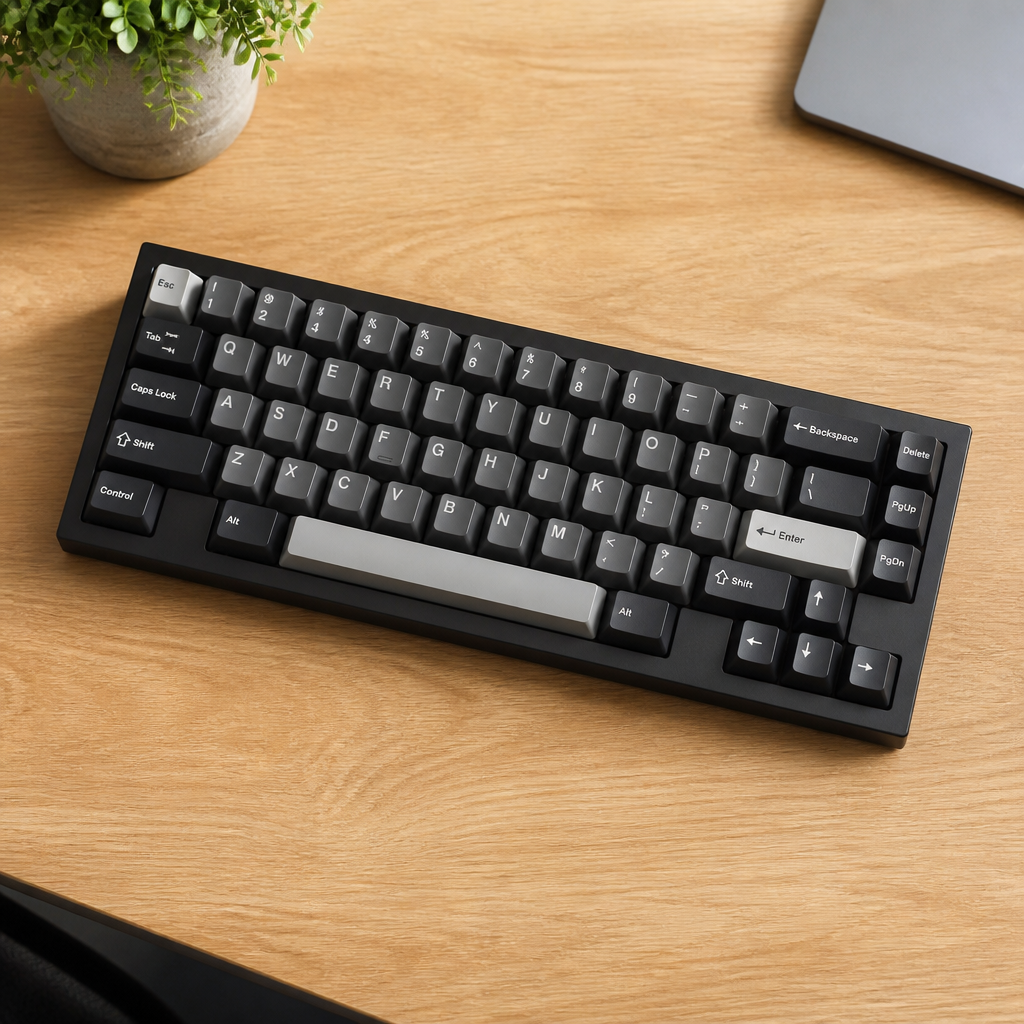
65 Keyboard Arrow Keys Advantage
The inclusion of dedicated arrow keys on a 65% keyboard offers a significant advantage by eliminating the cognitive load and time delay associated with layer switching. On a 60% keyboard, accessing arrow keys requires an extra mental step and key press (e.g., Fn+WASD), which can interrupt workflow. Dedicated arrow keys provide immediate, single-key access for navigating text, spreadsheets, or web pages without breaking concentration.
This advantage is particularly pronounced for programmers and writers who frequently manipulate text and code.
A 2023 mechanical keyboard user survey, which included 3,847 respondents, indicated that professional programmers and writers reported higher satisfaction with 65% keyboards compared to 60% keyboards, specifically attributing this preference to the accessibility of dedicated arrow keys.
For these professionals, quickly moving through lines of code or selecting blocks of text without thinking about a function layer can significantly enhance productivity.
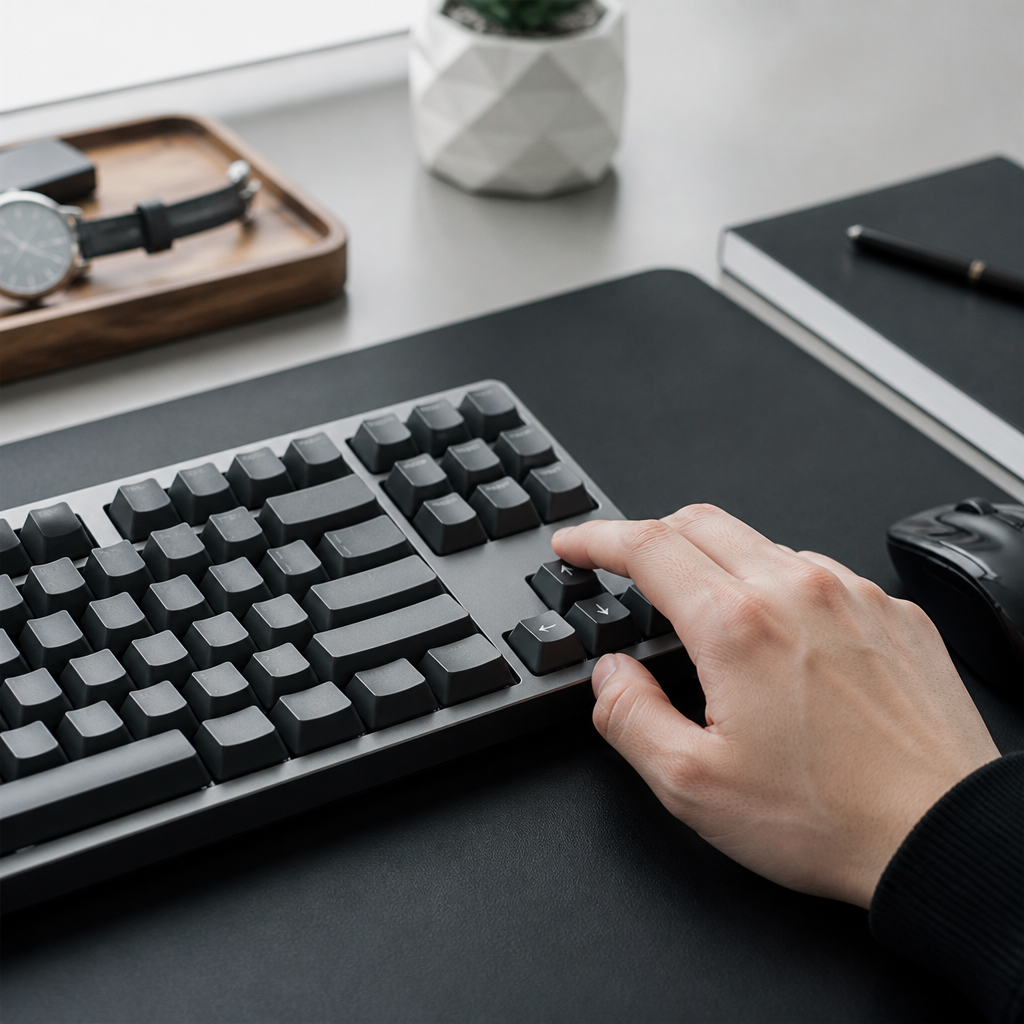
60 Keyboard Compact Design Benefits
The 60% keyboard’s compact design offers several benefits, making it an attractive option for users who prioritize minimalism, portability, and specific ergonomics.
- Increased Mouse Space: The reduced width (25-30mm less than a 65%) frees up valuable desk real estate. This is especially beneficial for low-sensitivity FPS gamers who require large, sweeping mouse movements for aiming.
- Enhanced Portability: Typically weighing between 500-700g, 60% keyboards are lighter and smaller than their 65% counterparts. They fit easily into backpacks, making them ideal for students, remote workers, or anyone who travels frequently.
- Ergonomic Posture: The narrower profile allows the mouse to be positioned closer to the keyboard, promoting a more neutral and relaxed arm and shoulder position. This can help reduce strain during extended computer use.
- Aesthetic Appeal & Budget: The symmetrical, minimalist design is popular for clean desk setups. Additionally, entry-level 60% keyboards are often more budget-friendly, providing a lower-cost entry point into the mechanical keyboard hobby.
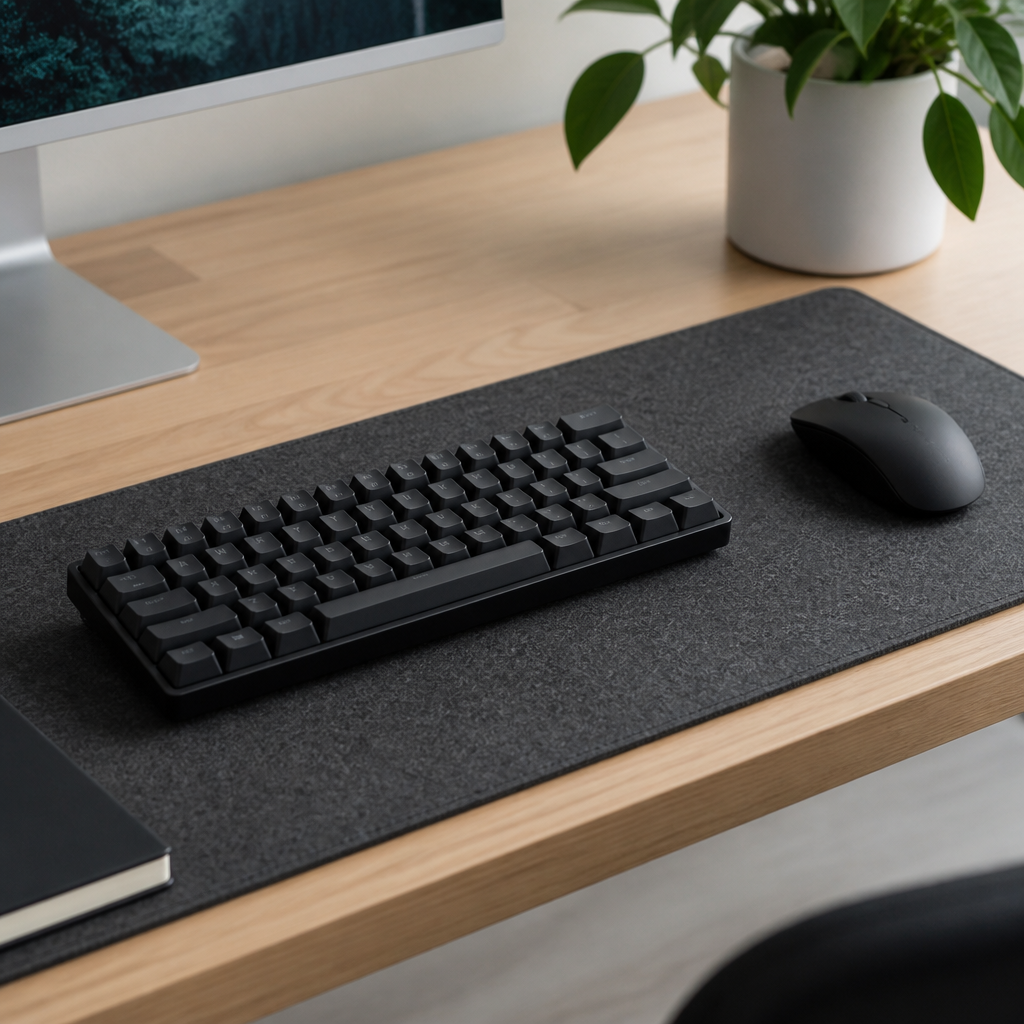
60% vs 65% Keyboard for Gaming & Use Cases
Choosing between a 60% and a 65% keyboard often boils down to specific use cases, with gaming being a major factor. While both compact layouts offer benefits over larger keyboards, their suitability can vary significantly depending on the type of games played and the user’s overall workflow.
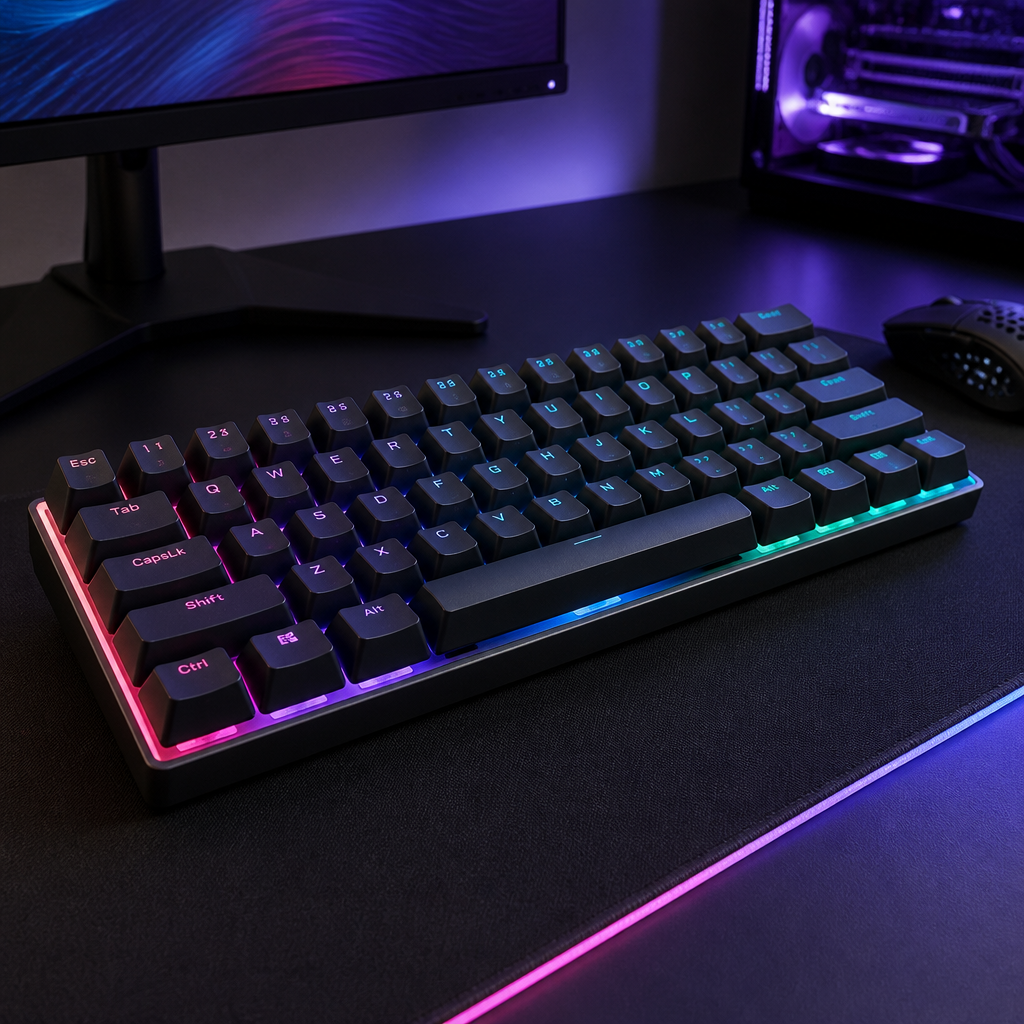
Is a 60 or 65 Keyboard Better for Gaming?
For FPS and MOBA games that primarily use WASD for movement, 60% keyboards offer the same core functionality as 65% layouts. The critical advantage of the 60% layout in these scenarios is the increased mouse space it offers. By removing the navigation cluster, the keyboard’s width is reduced, allowing gamers to execute wide mouse sweeps without obstruction. This is a highly valued ergonomic and performance benefit for competitive FPS players.
[Jason “Moses” O’Toole, a professional esports coach and former CS:GO player] has stated that the smaller form factor of a 60% keyboard, such as the HyperX Alloy Origins 60, provides less space between the keyboard and mouse. He considers this beneficial for arm positioning in competitive FPS gaming…
However, the utility of 60% keyboards is not universal. Fighting game and rhythm game enthusiasts strongly prefer 65% keyboards due to the necessity of dedicated arrow keys. In these genres, precise and rapid directional inputs are crucial, and relying on a function layer is often impractical.
In terms of raw technical performance, both 60% and 65% keyboards are on equal footing. Both formats typically support full N-key rollover (NKRO) and boast identical polling rates (usually 1000Hz), meaning there is no inherent difference in input detection speed or latency.
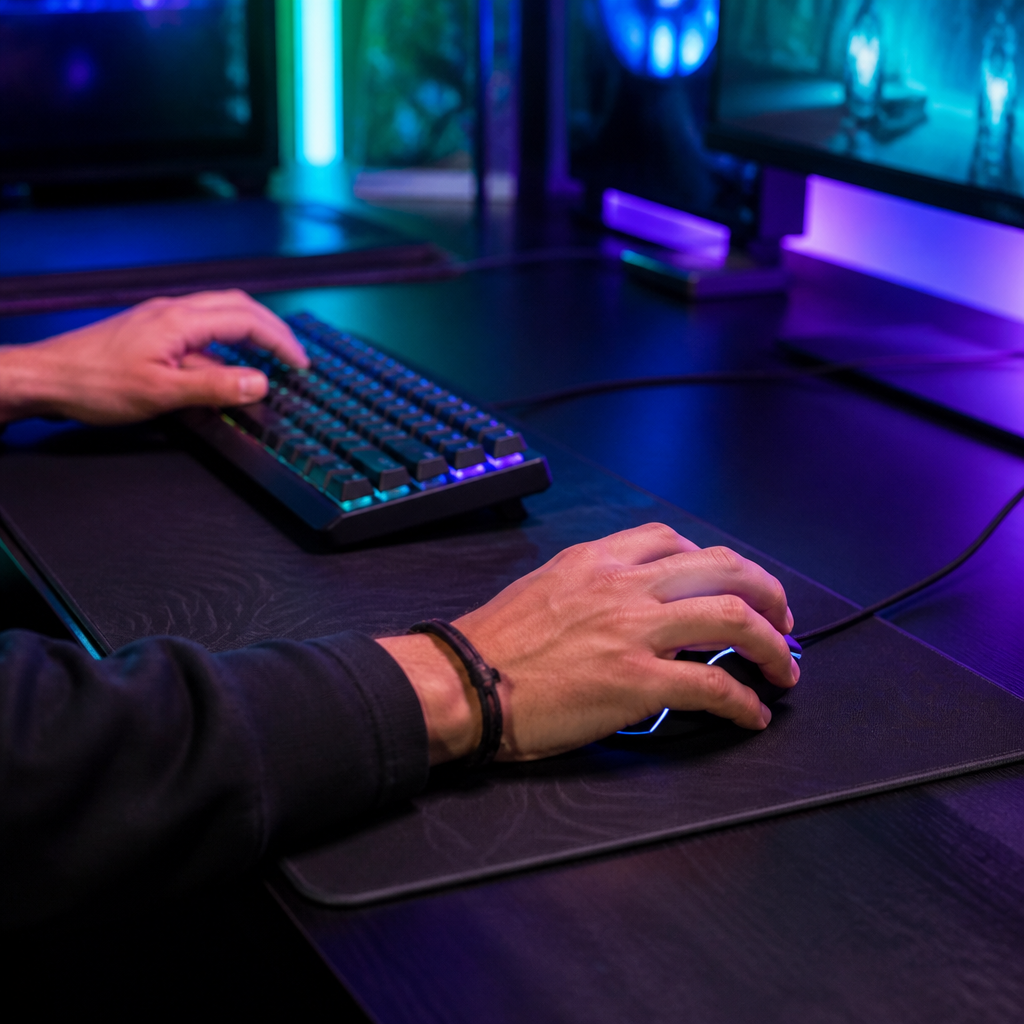
60 vs 65 Keyboard: Which to Choose
Deciding between a 60% and a 65% keyboard ultimately comes down to a careful evaluation of individual priorities, workflow, and usage patterns. There is no universally “better” option, as each layout excels in different areas.
Consider a 60% keyboard if your priorities are maximizing desk space, ultimate portability, a minimalist aesthetic, or a lower-cost entry into mechanical keyboards. This layout is ideal for users who primarily play WASD-based games or are willing to adapt to function layers. However, be aware of the learning curve; _during this initial adaptation period, typing speed may temporarily decrease by an average of 15%._
Conversely, lean towards a 65% keyboard if you frequently use arrow keys, prefer immediate key access without layers, or if your work involves heavy text editing, coding, or data entry. The dedicated arrow keys and navigation keys provide a more traditional and intuitive experience. If you play fighting games, rhythm games, or platformers, the 65% layout offers a superior experience.
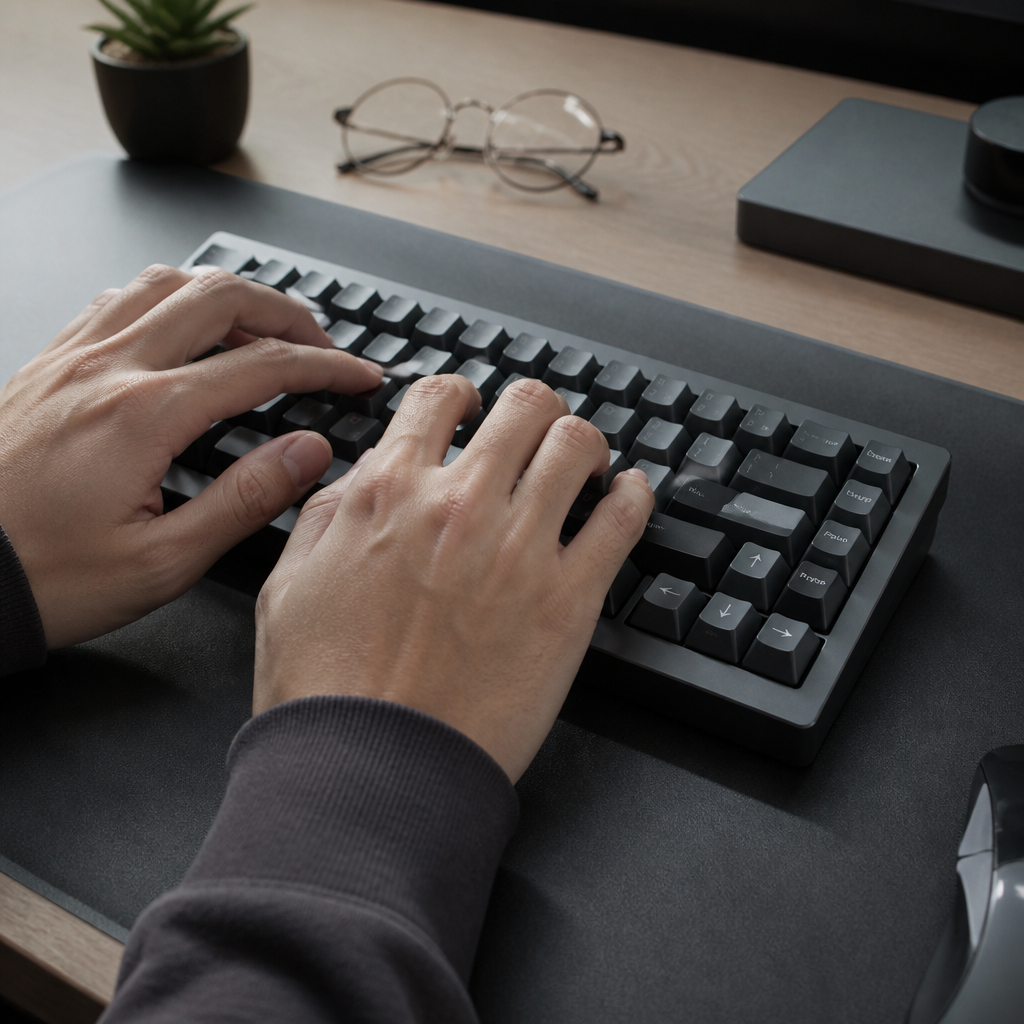
Best 65 Keyboard Recommendations
The 65% keyboard market has a healthy and expanding variety of models. Here are a few top recommendations across different price points:
- Premium (Keychron Q2, $179-189): This keyboard features a full aluminum CNC-machined case, a gasket-mount design for a softer typing feel, and hot-swappable switches. It supports QMK/VIA firmware for extensive customization, representing an excellent balance of premium build quality and features.
- Mid-Range (Royal Kludge RK68, $50-70): The RK68 offers exceptional value with tri-mode connectivity (Bluetooth, 2.4GHz, wired), hot-swappable switches, and RGB lighting. It is a strong contender for the best value 65% keyboard, perfect for beginners or those on a budget.
- Custom (Mode SixtyFive, $399+): For the dedicated enthusiast, the Mode SixtyFive offers top-tier build quality, premium materials, and extensive customization options, from plate materials to mounting styles, allowing for a truly bespoke typing experience.
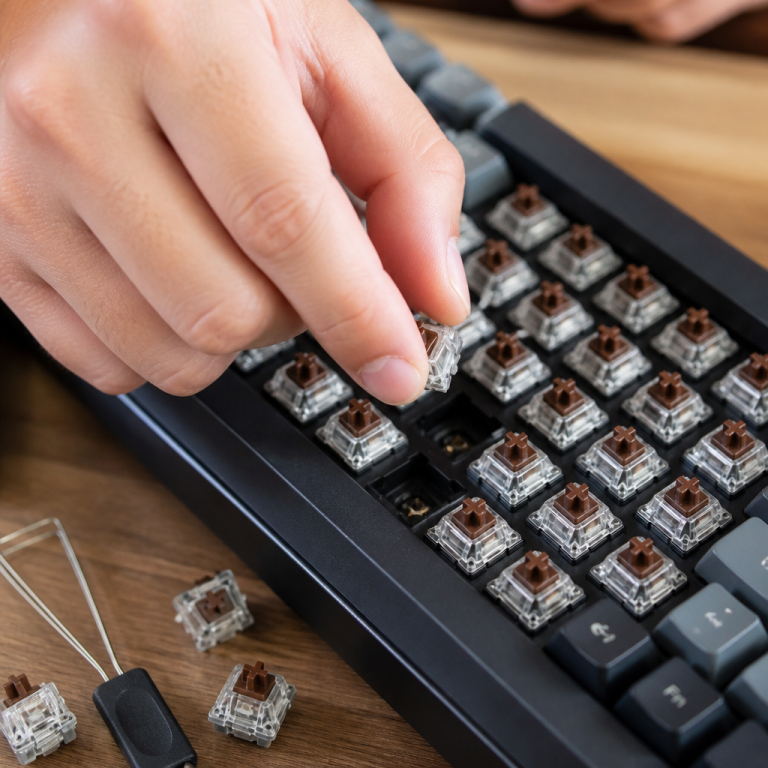
Choosing the right mechanical switches is also paramount. Linear switches (e.g., Gateron Yellow) are popular for gaming, while tactile switches (e.g., Gateron Brown) are often preferred for typing due to their noticeable feedback bump.
FAQ
Q1: What are the main physical differences between a 60% and a 65% keyboard?
A1: A 60% keyboard typically has about 61 keys and measures 11.5-12 inches (29-30.5 cm) wide, eliminating the function row (F-keys), navigation cluster (like Insert, Home), and arrow keys. A 65% keyboard has around 68 keys and is about 12.5-13 inches (31.75-33 cm) wide, retaining dedicated arrow keys and some navigation keys like Delete, Page Up, and Page Down.
Q2: Which keyboard size is better for competitive FPS gaming?
A2: For competitive FPS (First-Person Shooter) gaming, 60% keyboards are often preferred. Their smaller width provides more space for mouse movement, which is crucial for low-sensitivity gamers who need large, sweeping movements. Professional esports players, including coach Jason “Moses” O’Toole, often favor compact layouts for better arm positioning and a more comfortable setup.
Q3: Are 60% keyboards difficult to adapt to because of their function layers?
A3: New users typically require about 1.5 weeks to fully adapt to the function layers of a 60% keyboard. During this initial period, typing speed may temporarily decrease by an average of 15% as users build muscle memory for the Fn (Function) key combinations needed to access missing functions like arrow keys or F-keys.
Q4: What are the advantages of a 65% keyboard for productivity tasks like programming or writing?
A4: The primary advantage of a 65% keyboard for productivity tasks is the presence of dedicated arrow keys and other navigation keys (Delete, Page Up, Page Down). This eliminates the need for function layers, reducing cognitive load (mental effort) and time delay for tasks like text selection, code navigation, and document editing, leading to higher user satisfaction among programmers and writers.
Q5: Do 60% and 65% keyboards have different performance capabilities for gaming?
A5: In terms of raw technical performance, both 60% and 65% keyboards generally offer identical capabilities. They typically support full N-key rollover (NKRO), meaning every key press is registered accurately even when many keys are pressed at once, and have the same polling rates (usually 1000Hz), meaning there’s no inherent difference in input latency (delay) or the ability to register simultaneous key presses. The performance difference in gaming primarily comes down to layout preference for specific game genres.

Hi, I’m Alex Morgan.
Welcome to my blog! As a dedicated mechanical keyboard enthusiast, I’m passionate about exploring everything from custom builds to the finest details of switches and keycaps. My goal is to break down specs, sound profiles, and ergonomics to help you find the absolute best keyboard for your setup. Whether you’re a gamer, programmer, or desk setup fanatic, I’m here to share honest reviews and practical recommendations.