how many keys on a 65 keyboard: Get the surprising answer
The world of mechanical keyboards offers a diverse range of layouts, each designed to cater to different preferences and needs. Among these, the 65% keyboard has carved out a significant niche, striking a balance between compactness and essential functionality. When considering a 65% keyboard, one of the first questions that often arises is about its key count and how it compares to more traditional layouts. Typically, a 65% keyboard features around 67 to 68 keys, a number that reflects its design philosophy of retaining core typing elements while shedding less frequently used keys to save space. This layout has gained considerable popularity, particularly within the custom mechanical keyboard community and among users who value a clean desk setup and ergonomic benefits without sacrificing crucial navigation tools. Understanding the specific key arrangement and the trade-offs involved is key to appreciating what a 65% keyboard brings to the table.
Understanding the 65% Keyboard
The 65% keyboard represents a thoughtful evolution in keyboard design, offering a compelling option for those seeking a more streamlined typing experience. Its rise in popularity can be attributed to its ability to provide a compact form factor without the steep learning curve sometimes associated with even smaller layouts. This section delves into the fundamental characteristics of the 65% keyboard, from its core definition to the intricate details of its key arrangement.
What is a 65% keyboard?
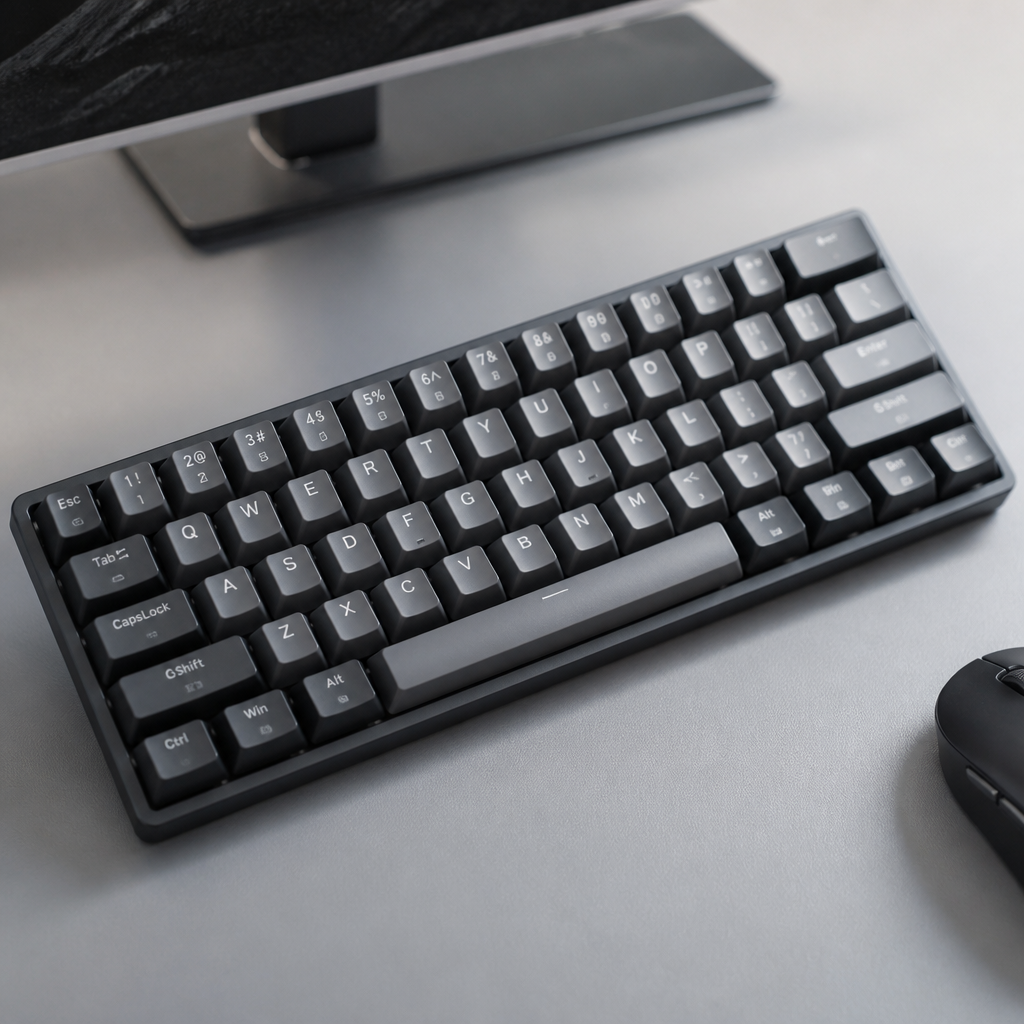
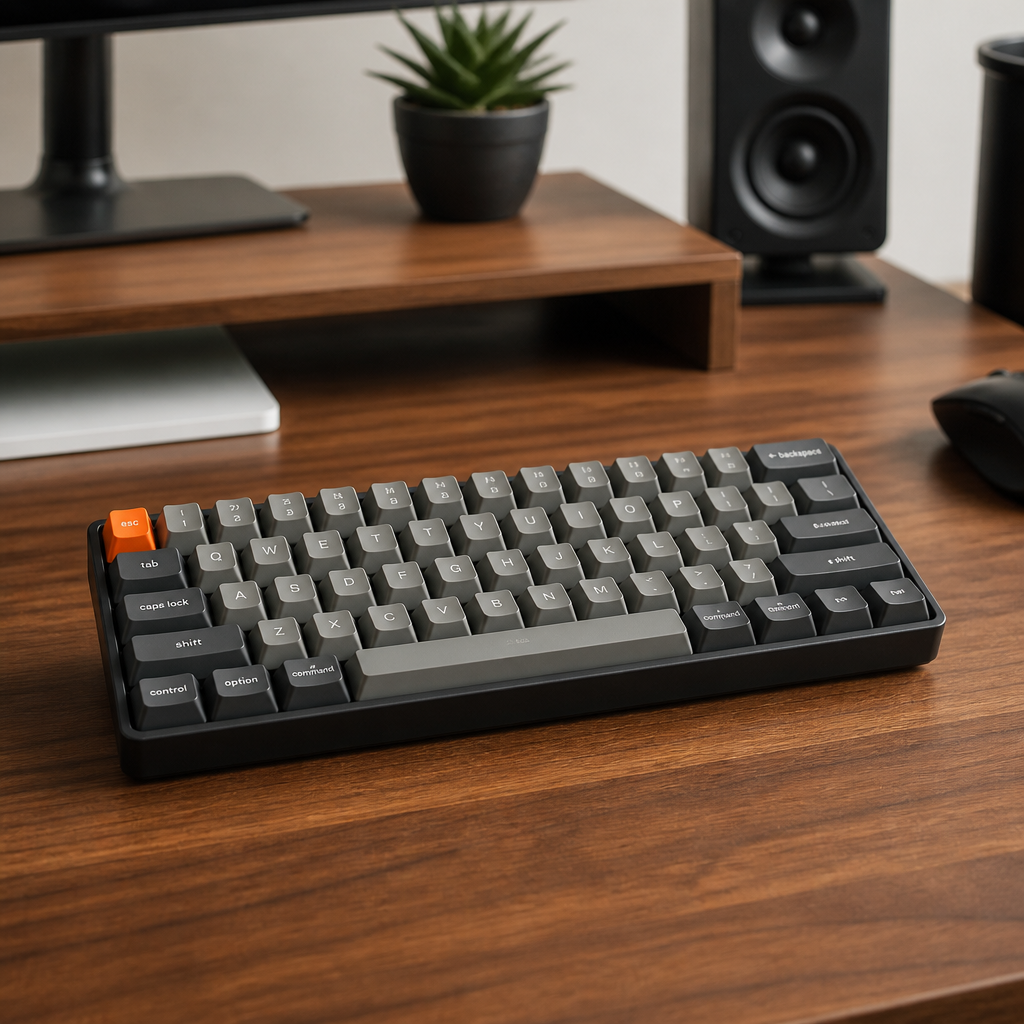
A 65% keyboard is a compact mechanical keyboard layout that typically contains approximately 68 keys, representing about 65% of the key count found on a full-size keyboard. This design philosophy centers on retaining all alphanumeric keys, essential modifier keys like Shift, Ctrl, and Alt, and a dedicated set of arrow keys. What it strategically eliminates are the function row (F1-F12), the numerical keypad, and most of the traditional navigation cluster keys, such as Print Screen and Scroll Lock. This selective removal of keys allows for a significantly smaller footprint on a desk without compromising the core typing experience for most users.
In terms of physical dimensions, the 65% layout typically measures around 12.5-13 inches in width, a notable reduction compared to a full-size keyboard's 17-18 inches. This compactness is a major draw for users with limited desk real estate, a minimalist aesthetic, or who require more room for mouse movement. The origin of the 65% layout can be traced back to the custom mechanical keyboard community around 2015-2016. Early designs, such as the Whitefox and Clueboard, played a pivotal role in establishing the standard configuration and popularizing this form factor among enthusiasts. These early pioneers correctly identified a user desire for a balance between utility and size. For many users, having those dedicated arrow keys makes a significant difference compared to smaller layouts, as it feels more natural for daily tasks.
65% keyboard key layout explained
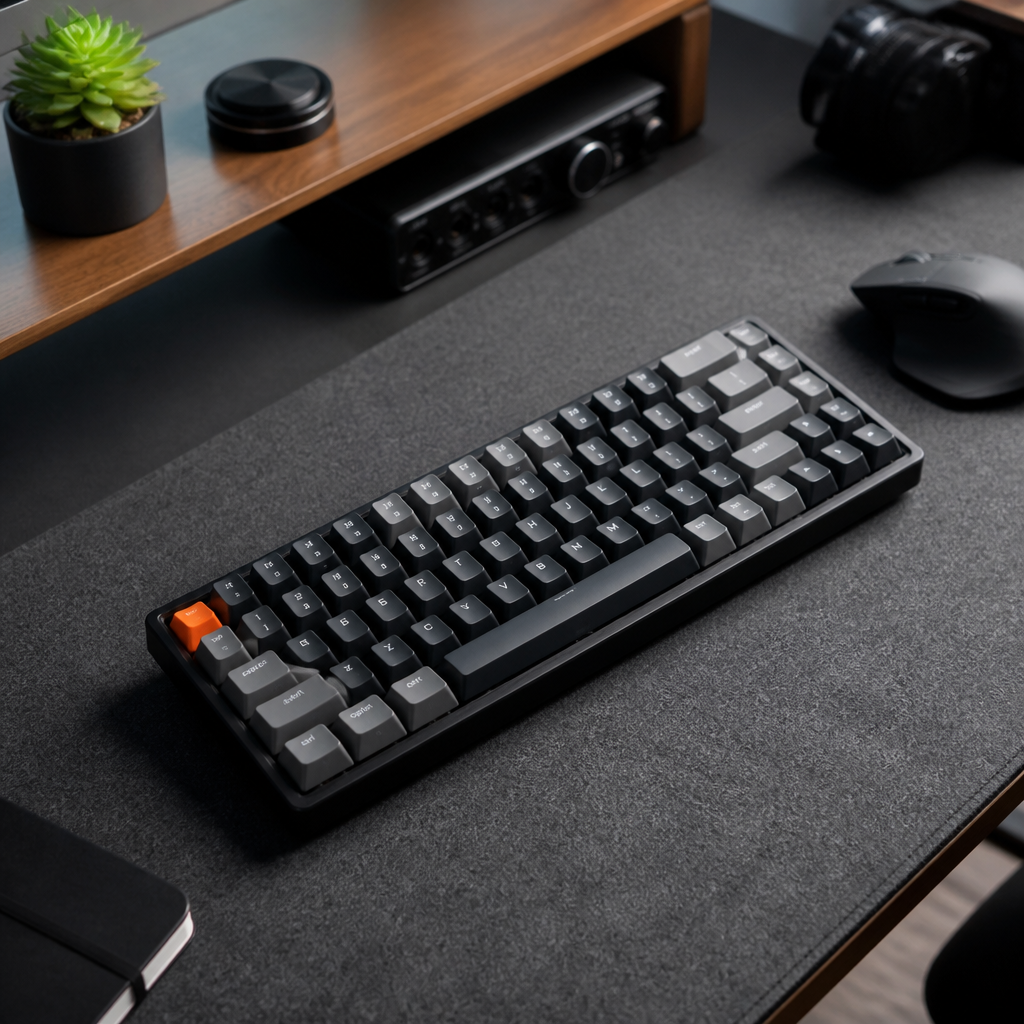
The 65% keyboard layout is an excellent example of compact key arrangement, meticulously designed to maximize utility within a reduced footprint. At its core, the layout includes the standard QWERTY alphanumeric section (47 keys) and essential modifier keys (around 15 keys). The placement of these modifiers is generally consistent with larger keyboards, easing the adaptation process for new users.
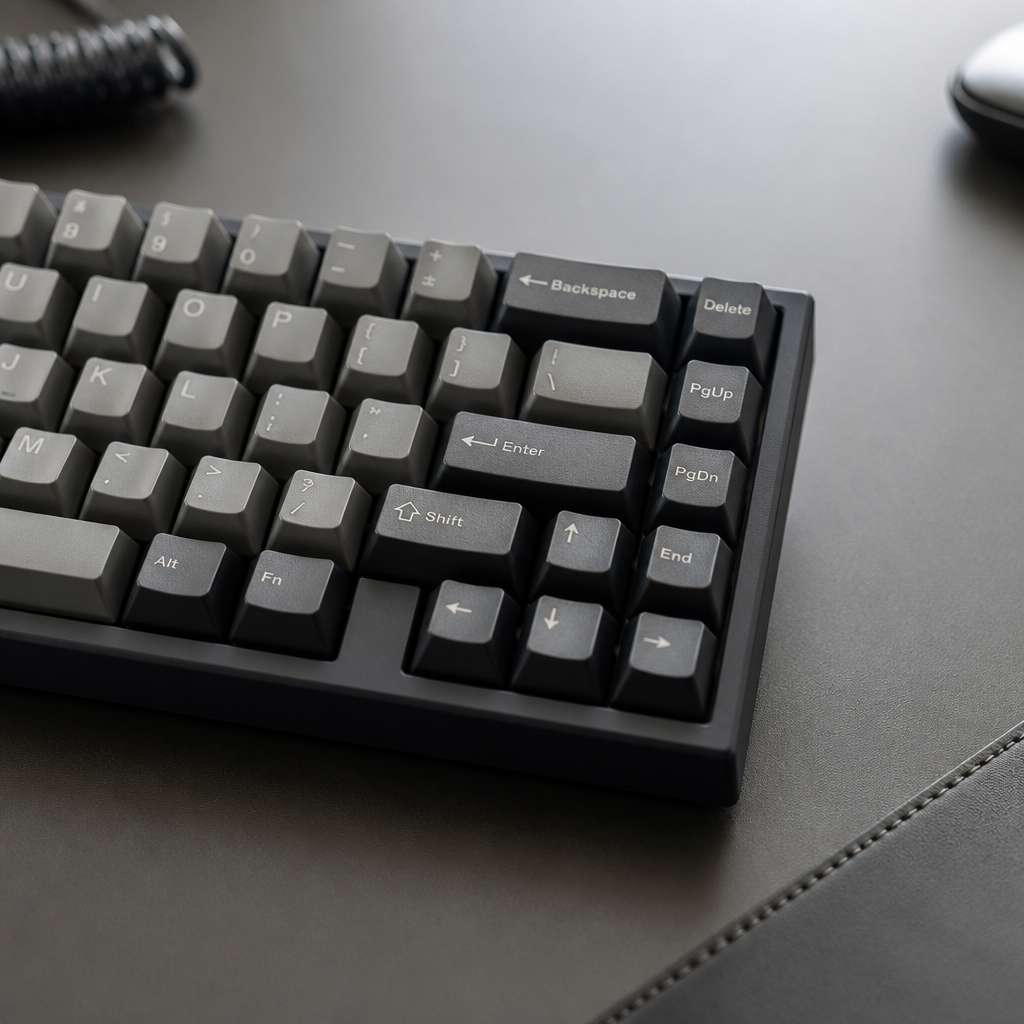
A defining characteristic that sets the 65% layout apart from its smaller 60% counterpart is the inclusion of a dedicated arrow key cluster. These four keys are arranged in the intuitive inverted-T formation, providing immediate access for navigation. Adjacent to this arrow cluster is a compressed column of navigation keys, which typically contains the Delete key and often one or two others like Page Up and Page Down. To compensate for the absence of a dedicated function row, 65% keyboards rely on a function (Fn) key to access a secondary layer of commands. For instance, holding Fn and pressing the number row keys will activate the corresponding F1-F12 functions. A technical detail in 65% layouts is the use of a non-standard 1.75u right Shift key (where 1u is the width of a standard key) to accommodate the arrow cluster. _While this might require a slight adjustment in typing technique for some users_, most adapt quickly.
65% Keyboard Key Count Compared to Other Layouts
Understanding the 65% keyboard's key count in isolation is useful, but its true value and design philosophy become clearer when compared to other popular keyboard layouts. By examining how it stacks up against full-size and tenkeyless keyboards, users can better grasp the trade-offs and advantages of choosing this compact form factor.

65 keyboard vs full size keyboard key count
When comparing a 65% keyboard to a full-size keyboard, the difference in key count is substantial. Full-size keyboards typically contain 104 to 108 keys, while 65% keyboards generally feature 67 to 68 keys. This represents a significant reduction of 36 to 40 keys, meaning a 65% keyboard has approximately 35-37% fewer keys than its full-size counterpart.
The keys conspicuously absent from a 65% layout are the entire numpad (17 keys), the complete function row (12 keys), and most of the full navigation cluster (e.g., Insert, Home, End, Print Screen). The absence of the numpad can be a significant consideration for users involved in data entry or accounting, while it may be less of an issue for writers or coders. Despite having fewer physical keys, the 65% layout maintains 100% of the functionality of a full-size keyboard through programmable layers. All missing keys are accessible via Fn key combinations, and many keyboards support advanced firmware like QMK/VIA for extensive customization. While the physical interface is smaller, the functional capabilities remain undiminished, _requiring only a short adjustment period to learn the new key combinations_.

65% keyboard missing keys compared to tenkeyless
The comparison with a tenkeyless (TKL) keyboard, which has 87-88 keys, offers a more nuanced perspective. A 65% keyboard has 19-21 fewer keys than a TKL, a reduction of about 22-24%. This comparison highlights the specific compromises made to achieve an even more compact form factor.
The primary keys that are removed when transitioning from a TKL to a 65% layout are the entire function row (F1-F12) and the majority of the navigation cluster. The 65% layout is approximately 1.5-2.5 inches narrower than TKL keyboards, which is advantageous for users with small desks or gamers who require maximum space for wide mouse movements. The reduced width allows the mouse to be positioned closer to the keyboard, potentially improving ergonomics. Many users find this subtle change in mouse position makes long gaming sessions more comfortable. Most notably, the 65% layout retains dedicated arrow keys and a dedicated Delete key, features that TKL users find indispensable. This balance of compactness and essential dedicated keys is a key reason for the 65% layout's growing popularity.
Using and Getting the Most Out of a 65% Keyboard
Adopting a 65% keyboard can be a rewarding experience, offering a blend of aesthetic appeal, ergonomic benefits, and desk space efficiency. However, understanding its unique aspects, from pros and cons to practical usage tips, can help users fully leverage the potential of this compact layout.
65% keyboard pros and cons
The 65% layout offers a compelling set of advantages and disadvantages that potential users should consider.
- Pros:
- Space Efficiency: Frees up approximately 30-35% more desk space compared to full-size keyboards, which is beneficial for gamers and contributes to a cleaner workspace.
- Portability: Their smaller size and lighter weight (typically 1-3.5 lbs) make them easier to transport for travel, LAN events, or moving between home and office.
- Ergonomics: The reduced width allows the mouse to be positioned closer to the main typing area. This can decrease shoulder strain and promote a more natural arm position during extended use.
- Cons:
- Learning Curve: The absence of a function row and dedicated navigation keys requires users to memorize Fn layer combinations, which involves an adjustment period of 1-2 weeks.
I remember when I first bought my Keychron K6, I struggled for a few days with the missing function row for work-related shortcuts. It was a bit frustrating at first, but with practice, my fingers just knew where to go.
- Workflow Limitations: Professionals in fields like data entry, accounting, or video editing may find the lack of a dedicated numpad and F-keys slows down their workflow.
- Keycap Compatibility: The non-standard 1.75u right Shift key can limit aftermarket keycap options. _For enthusiasts who love to customize their keyboard's look, this can be a significant drawback_.

How to use a 65% keyboard without function row?
The absence of a dedicated function row is a defining characteristic of a 65% keyboard. Let's unlock how this is achieved through the use of Fn layer combinations. Most 65% keyboards feature a dedicated Fn key, typically in the bottom right corner. To activate a function key, you hold Fn and press the corresponding number key (e.g., Fn + '1' for F1). This system allows full access to all F-keys and other functions like media controls.
A significant advantage of many modern 65% keyboards is their support for QMK/VIA firmware or proprietary manufacturer software, which allows for extensive customization. This enables users to remap any key, change Fn combinations, and create macros to suit their personal workflow. For users heavily dependent on function keys, workflow optimization techniques like programming a "toggle layer" (pressing a key to switch to the F-key layer instead of holding Fn) can significantly enhance productivity. Software alternatives like AutoHotkey (Windows) or Karabiner-Elements (macOS) also provide powerful remapping capabilities for further customization.

Best 65% keyboards to buy
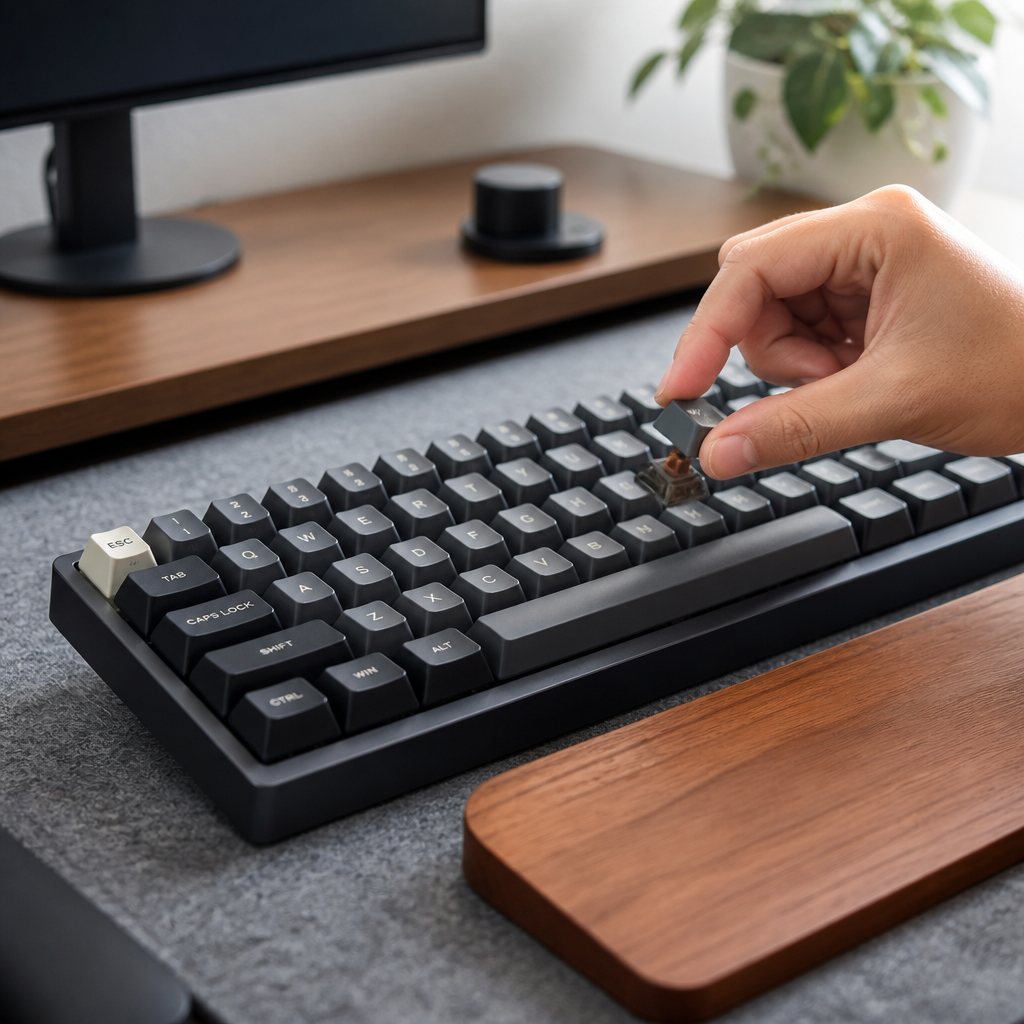
The market for 65% keyboards has expanded significantly, offering a wide array of options for different budgets and use cases. For first-time buyers, it is often recommended to choose keyboards with hot-swappable PCBs, as they allow you to experiment with different switch types without soldering.
| Keyboard Model | Target User | Price Range | Key Features |
|---|---|---|---|
| Keychron Q2 | Premium Experience | $179 – $189 | Gasket-mounted aluminum build, hot-swappable, QMK/VIA support, Mac/Win OS |
| Royal Kludge RK68 | Budget-Friendly | $59 – $69 | Tri-mode wireless, hot-swappable, RGB, long battery life |
| Mode SixtyFive | Enthusiast / Custom | $395+ (Kit) | Fully customizable kit, premium materials, exceptional build quality |
| Razer BlackWidow V3 Mini | Gaming | $179.99 | Low-latency wireless, proprietary gaming switches, 200-hour battery life |
In conclusion, the 65% keyboard offers a compelling blend of compactness, functionality, and aesthetic appeal. With approximately 67-68 keys, it strikes a balance by retaining essential alphanumeric, modifier, and dedicated arrow keys while shedding the numpad and function row. This design choice results in significant desk space savings and improved ergonomics. While it introduces a learning curve for accessing functions via Fn layers, modern keyboards with customizable firmware provide ample solutions for personalization. From budget-friendly options to premium enthusiast kits, the diverse market ensures that there is a 65% keyboard to suit nearly every need and preference.

Hi, I’m Alex Morgan.
Welcome to my blog! As a dedicated mechanical keyboard enthusiast, I’m passionate about exploring everything from custom builds to the finest details of switches and keycaps. My goal is to break down specs, sound profiles, and ergonomics to help you find the absolute best keyboard for your setup. Whether you’re a gamer, programmer, or desk setup fanatic, I’m here to share honest reviews and practical recommendations.