what is a 60 keyboard: Essential Function Key Guide
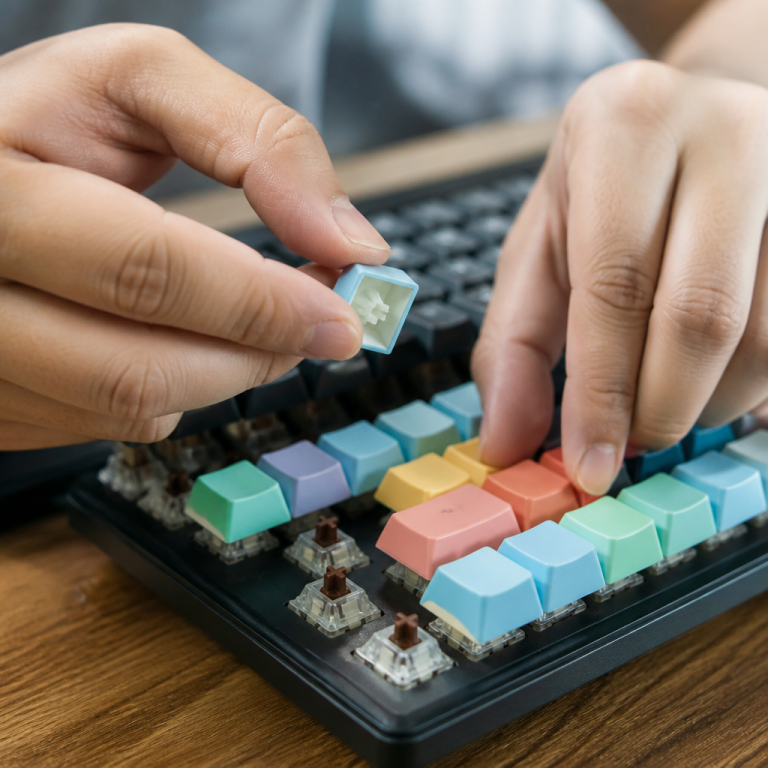
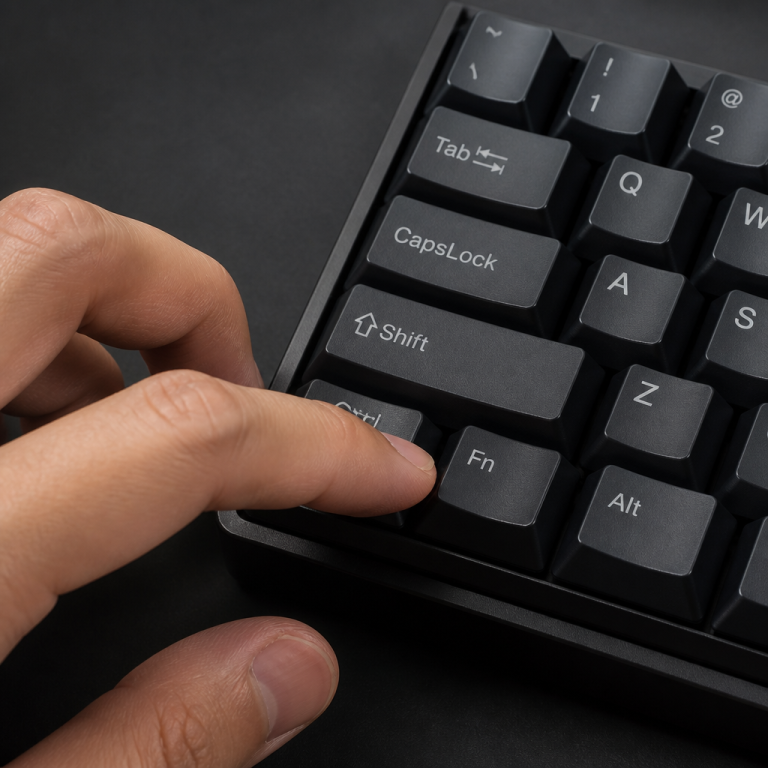
At its core, a 60% keyboard is a mechanical keyboard layout that includes roughly 61 keys, which is about 60% of the keys on a standard full-size keyboard. This minimalist approach means several key clusters are intentionally left out to achieve its small footprint. Specifically, the dedicated function row (F1-F12 keys), the navigation cluster (like arrow keys, Home, End, Page Up, and Page Down), and the entire number pad are omitted.
The main appeal of this compact layout comes from its significantly reduced physical size. A typical 60% keyboard measures about 11.5-12 inches wide, a stark contrast to a full-size keyboard, which can span 17-18 inches. This reduction offers practical advantages, such as freeing up considerable desk space for ample mouse movement, which is a significant benefit for competitive gamers. Its compact nature also makes these keyboards highly portable.
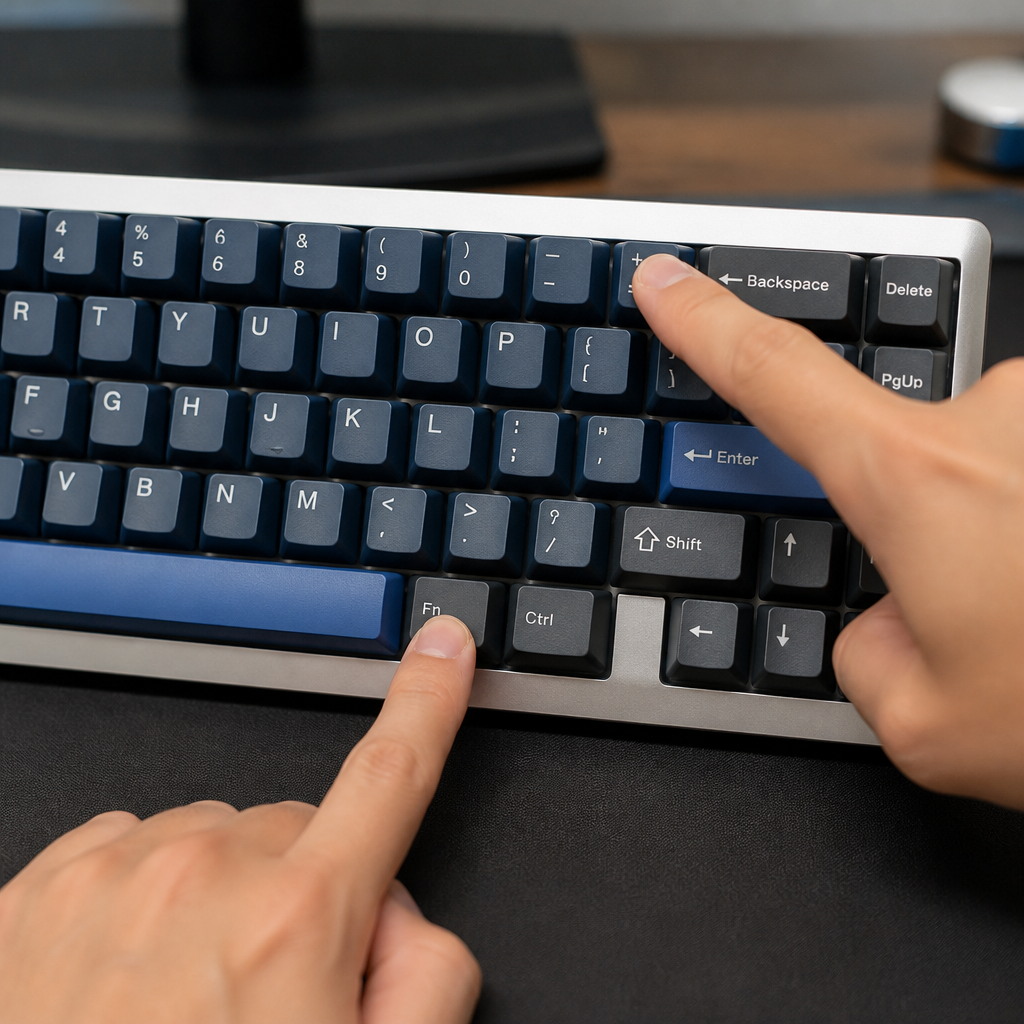
Because many keys are physically missing, a 60% keyboard’s functionality heavily relies on “layer functions.” These are like hidden menus of commands, accessed through a special modifier key called the Fn (Function) key. You can instantly activate these secondary layers by holding down the Fn key while pressing other keys on the board. While this requires memorization, it offers an ergonomic benefit: you can access a wide range of commands without moving your hands far from the home row position.
The market for this form factor has seen a notable surge in popularity, driven by the mechanical keyboard enthusiast community and the competitive gaming sector. These communities prioritize the compact size, portability, and the ability to customize key layouts and aesthetics. Major manufacturers have recognized this trend, with prominent brands like Ducky, Anne Pro, and Vortex establishing themselves as key players.
According to Tom’s Hardware‘s keyboard testing team, a leading technology publication with extensive hardware testing experience, 60% keyboards generally strike an optimal balance between compactness and functionality. This assessment is particularly true for touch typists who have developed strong muscle memory.
While the initial learning curve for adapting to the Fn key is acknowledged, Tom’s Hardware notes that most users typically adapt their muscle memory within one to two weeks. This expert opinion highlights the viability of the 60% layout for a specific user base.
The accessibility of these keyboards varies widely in terms of price and customization. Popular models offer reliable entry points into this form factor.
- Ducky One 2 Mini: Typically ranges from $99-$129.
- Anne Pro 2: Priced between $89-$109.
- Vortex POK3R: Usually found for $119-$149.
For those seeking a more personalized experience, custom builds using components like the GH60 PCB are available, with prices ranging from around $60 for budget-friendly options to over $500 for premium, highly customized setups.
Understanding the Fn Key and Key Mapping on a 60% Keyboard
The Fn key is arguably the most crucial component that defines the user experience on a compact keyboard. Without a dedicated function row, navigation cluster, or number pad, the Fn key serves as the gateway to accessing a vast array of commands and characters that are physically absent. It acts as a modifier, similar to Shift or Ctrl, but its role is to activate a secondary “layer” of functions. Mastering the Fn key is the key to unlocking the full potential of these compact boards. This layered approach is fundamental to how this form factor maintains full functionality despite its reduced size. The design philosophy behind the Fn key on these boards is to keep your hands primarily on the home row, minimizing hand movement and potentially enhancing typing speed and comfort once the key combinations are internalized. This section will delve into the specifics of the Fn key and how various essential functions are mapped.

What is the Fn Key on a 60% Keyboard?
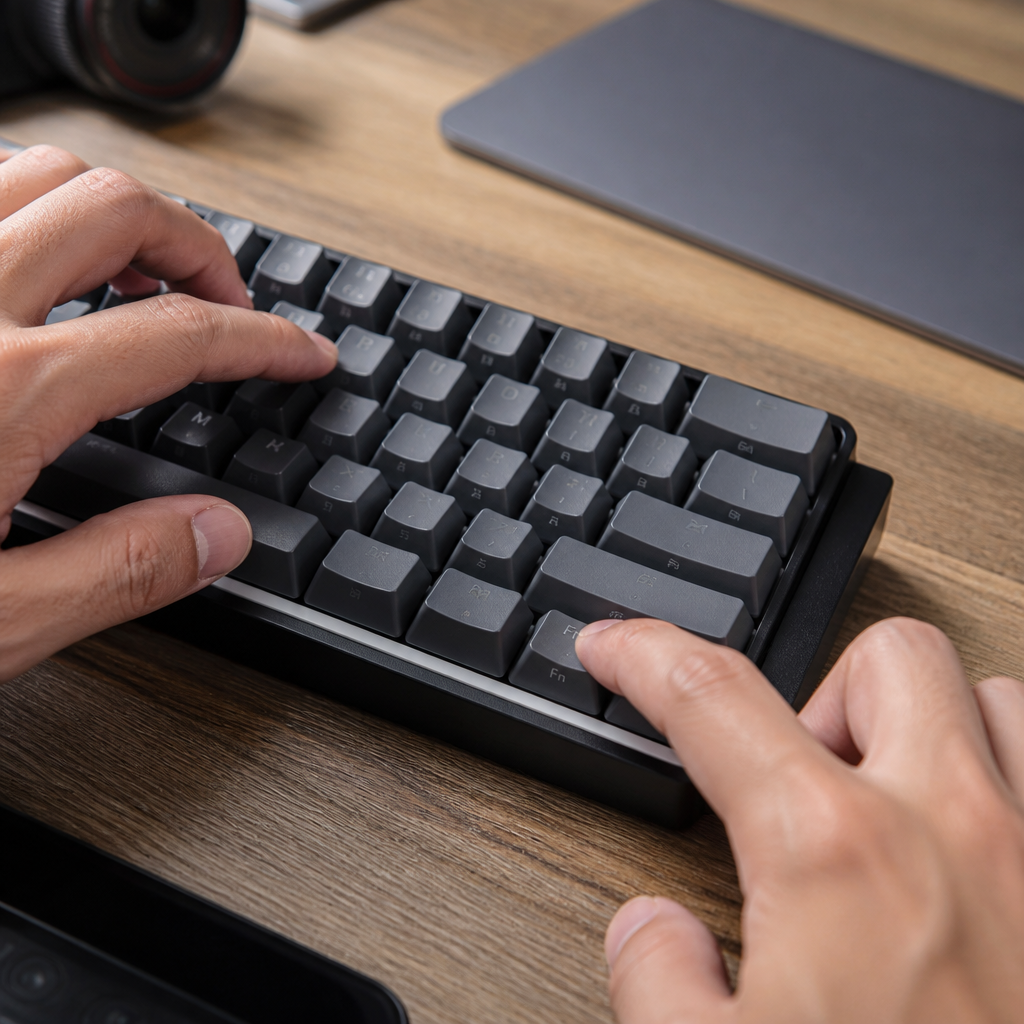
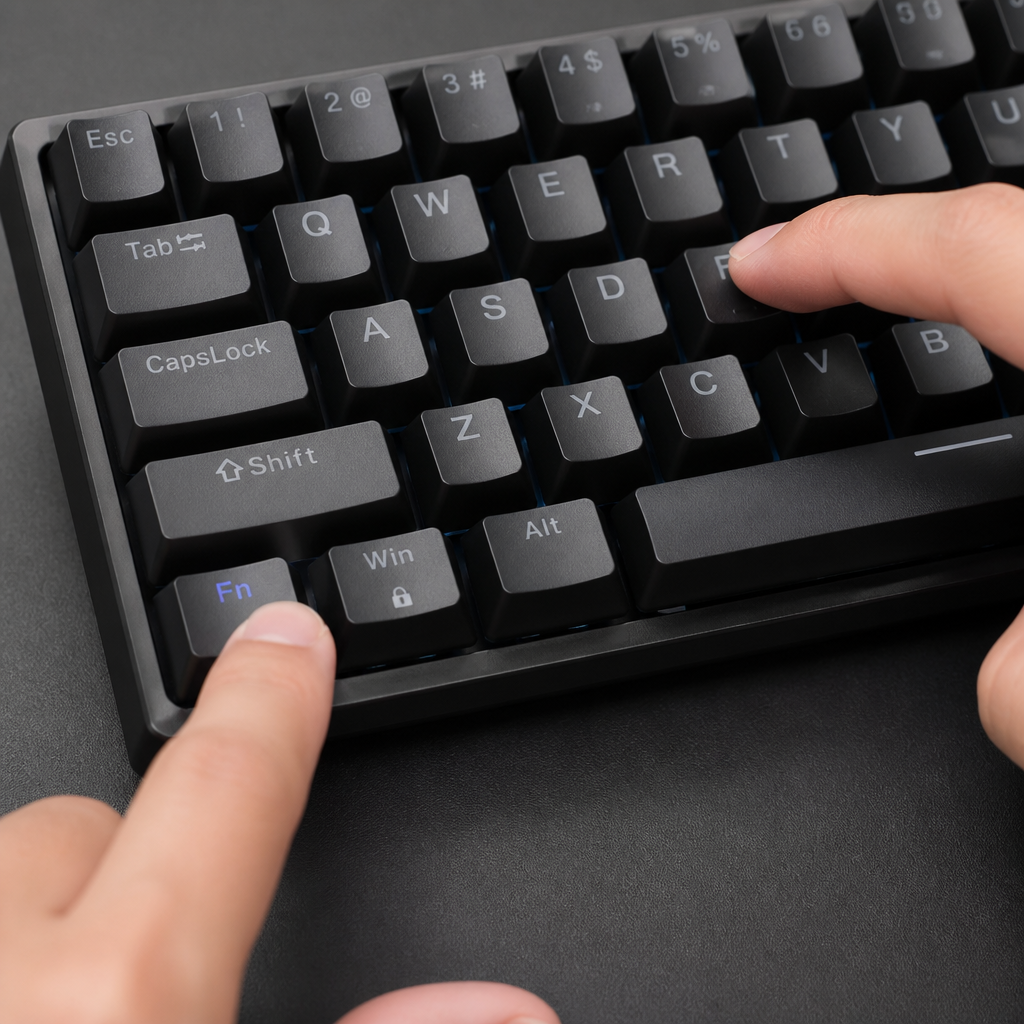
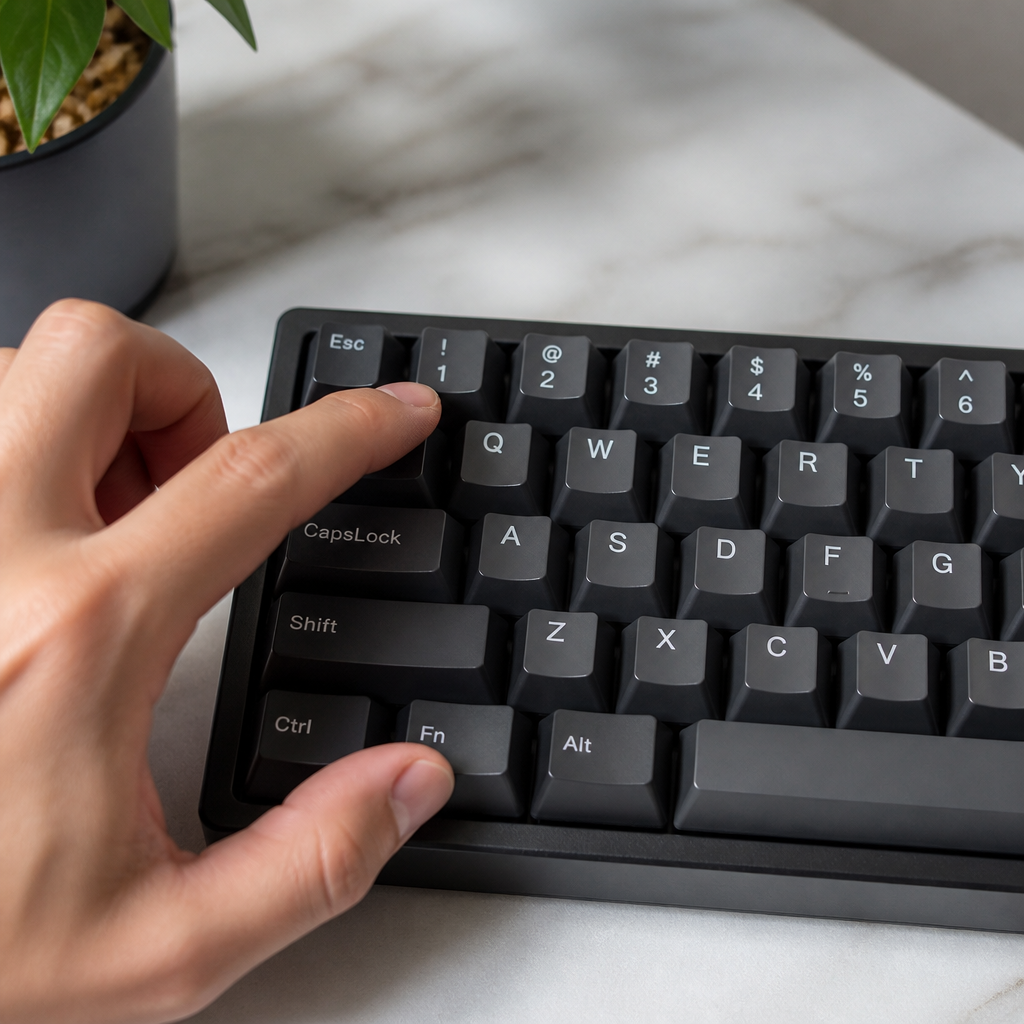
The Fn (Function) key on a 60% keyboard is a specialized modifier key that unlocks a secondary layer of functions, effectively allowing you to access keys that aren’t physically present. In essence, it transforms existing keys into alternative commands when pressed in combination. For example, holding down the Fn key and pressing a number key might activate a corresponding F-key (like Fn + 1 for F1). This layered functionality is critical for maintaining the full range of a standard keyboard’s capabilities, providing access to function keys, navigation keys, and even media controls.
The physical placement of the Fn key can vary, but it’s most commonly found in the bottom row, often replacing the right Windows/Super key. On many programmable keyboards, you have the flexibility to remap the Fn key to a different position. _However, the exact location can differ between manufacturers, so always check your model’s layout._ Common Fn layer mappings are designed to be intuitive, such as using the number row for F-keys or mapping navigation to clusters like WASD or IJKL. From a technical standpoint, the Fn keys on most mechanical keyboards are implemented through firmware (like QMK or VIA), which allows for extensive customization, unlike many laptop keyboards where the function is hard-coded.
What is the Num Lock Key on a 60% Keyboard?
The Num Lock key toggles a number pad’s functionality, but on a 60% keyboard, this concept is recontextualized due to the absence of a physical number pad. Consequently, Num Lock is typically not a standalone key but is accessed through an Fn layer combination. The relevance of the Num Lock function is often diminished on this layout, as its primary purpose is to switch between number input and navigation on a numpad that doesn’t exist. Many models either omit this function from default layers or map it to rarely used combinations. However, for users who need it for legacy software or use an external number pad, programmable firmware like QMK offers solutions, including the ability to create “virtual number pad” layers.
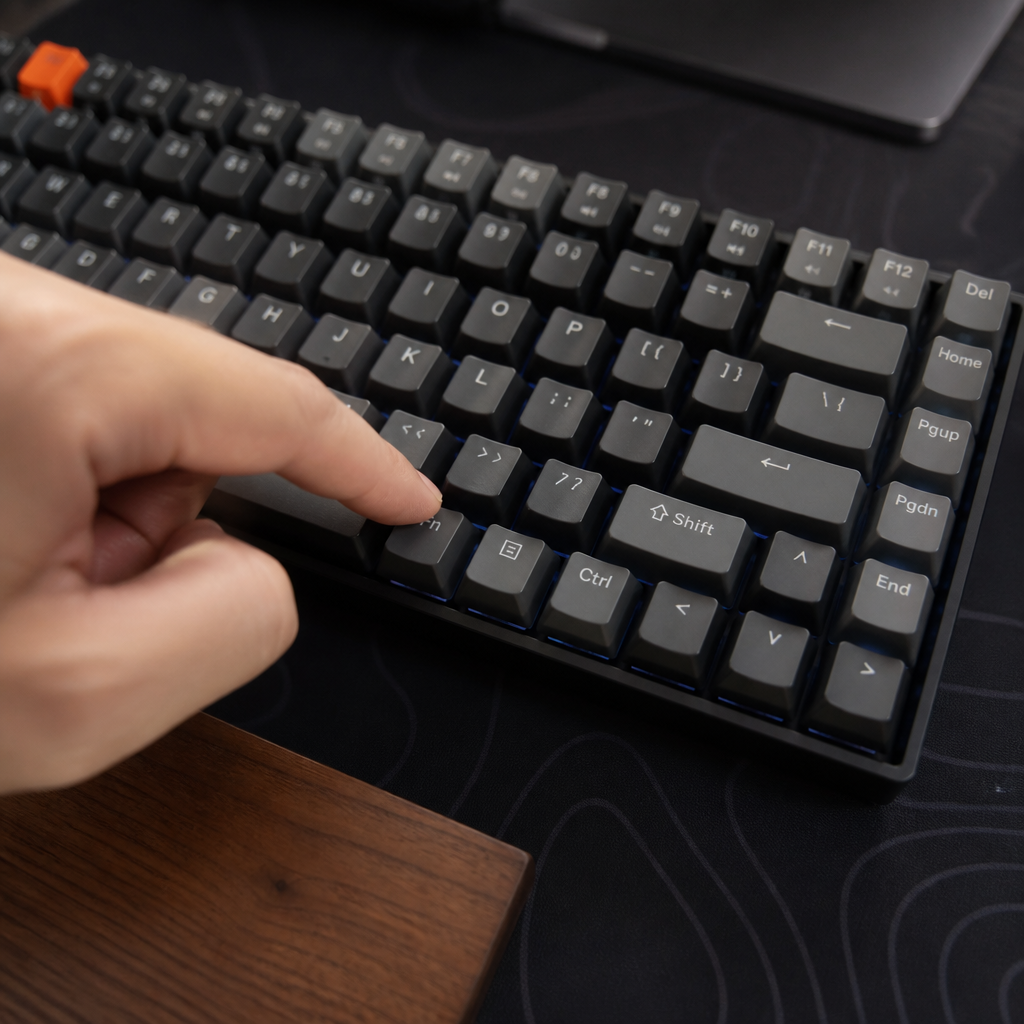
What is the Home Key on a 60% Keyboard?
How do you access the Home key on a 60% keyboard? The Home key, which moves the cursor to the beginning of a line, is accessed through an Fn layer combination. The specific key used with Fn can vary depending on the model, highlighting the importance of consulting a keyboard’s manual. For professional programmers and heavy text editors, the Home key is an indispensable tool, and its relocated position is among the most frequently used Fn combinations. Given its importance, power users often remap the Home key to an even more accessible position using the keyboard’s software or firmware.
| Keyboard Model | Typical Home Key Combination |
|---|---|
| Anne Pro 2 |
Fn + W
|
| Ducky One 2 Mini |
Fn + I
|
| Vortex POK3R |
Fn + I
|
| Custom QMK Build |
Often Fn + H (vim-style)
|
What is the End Key on a 60% Keyboard?
The End key moves the cursor to the end of a line and, like the Home key, is accessed via an Fn layer combination on a 60% keyboard. Mappings for the End key often show a logical pairing with the Home key. For example, the Ducky One 2 Mini and Vortex POK3R commonly assign End to Fn + K, which is adjacent to the Fn + I mapping for Home. This deliberate pairing helps users preserve muscle memory. The programmability offered by firmware like QMK allows for sophisticated customization of these navigation keys, enabling users to maintain an efficient workflow with minimal hand movement.
What is Page Up on a 60% Keyboard?
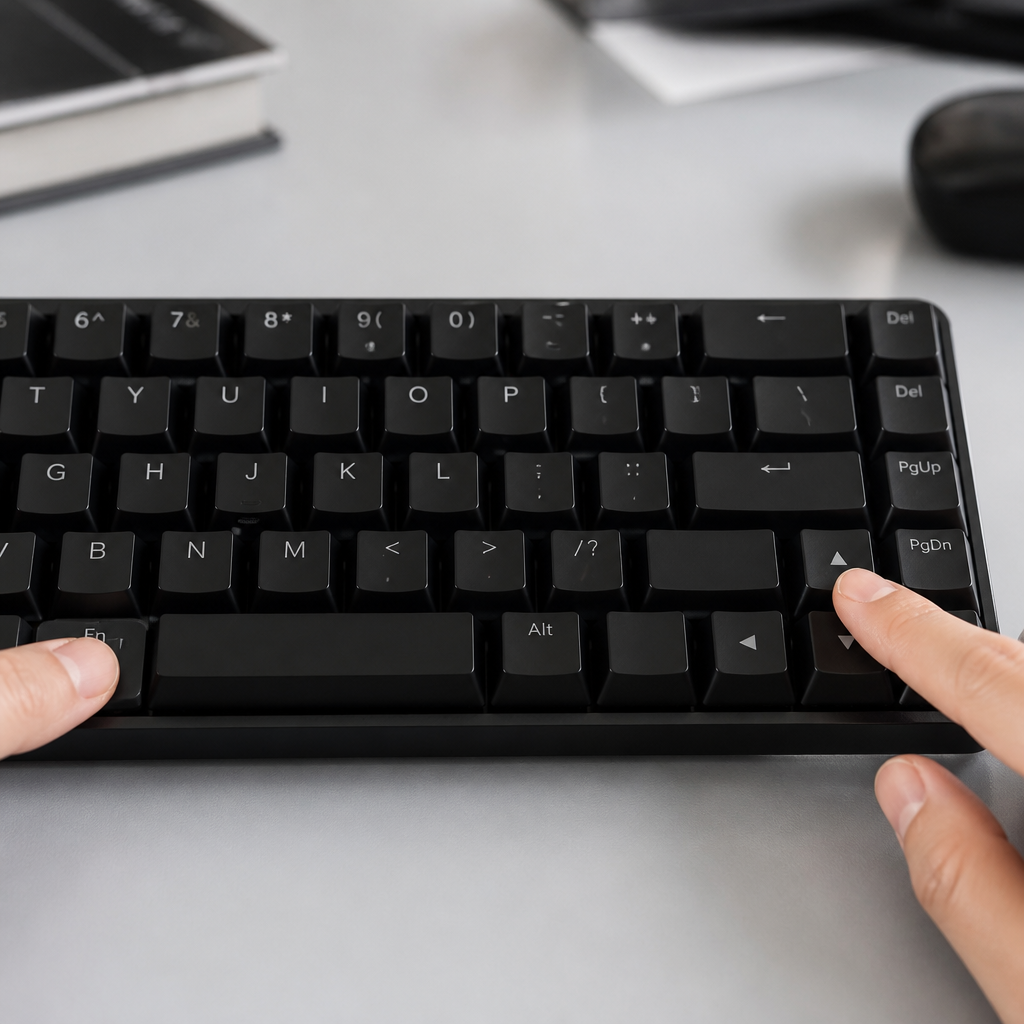
Page Up scrolls a document up by one full page and is accessed through an Fn layer combination. Common mappings include Fn + Up Arrow or Fn + U. The Fn + Up Arrow combination is often considered the most intuitive as it directly associates the “up” direction with the function. Interestingly, Page Up and Page Down are among the functions less frequently remapped by users, suggesting that many find the default manufacturer mappings to be sufficiently accessible. However, for power users who navigate long documents, creating custom mappings can improve efficiency.
What is the Insert Key on a 60% Keyboard?
The Insert key toggles between insert and overwrite text modes. On a 60% keyboard, it is accessed through an Fn layer combination, such as Fn + I or Fn + period. However, the relevance of the Insert key has diminished in modern computing, as most applications default to insert mode and overwriting is rare. User insights from enthusiast communities show that Insert is among the least-used Fn functions, with many users disabling it or remapping it to a more useful function like media controls or RGB lighting toggles. This user behavior highlights how the flexibility of programmable boards allows individuals to adapt their layout to actual usage patterns.
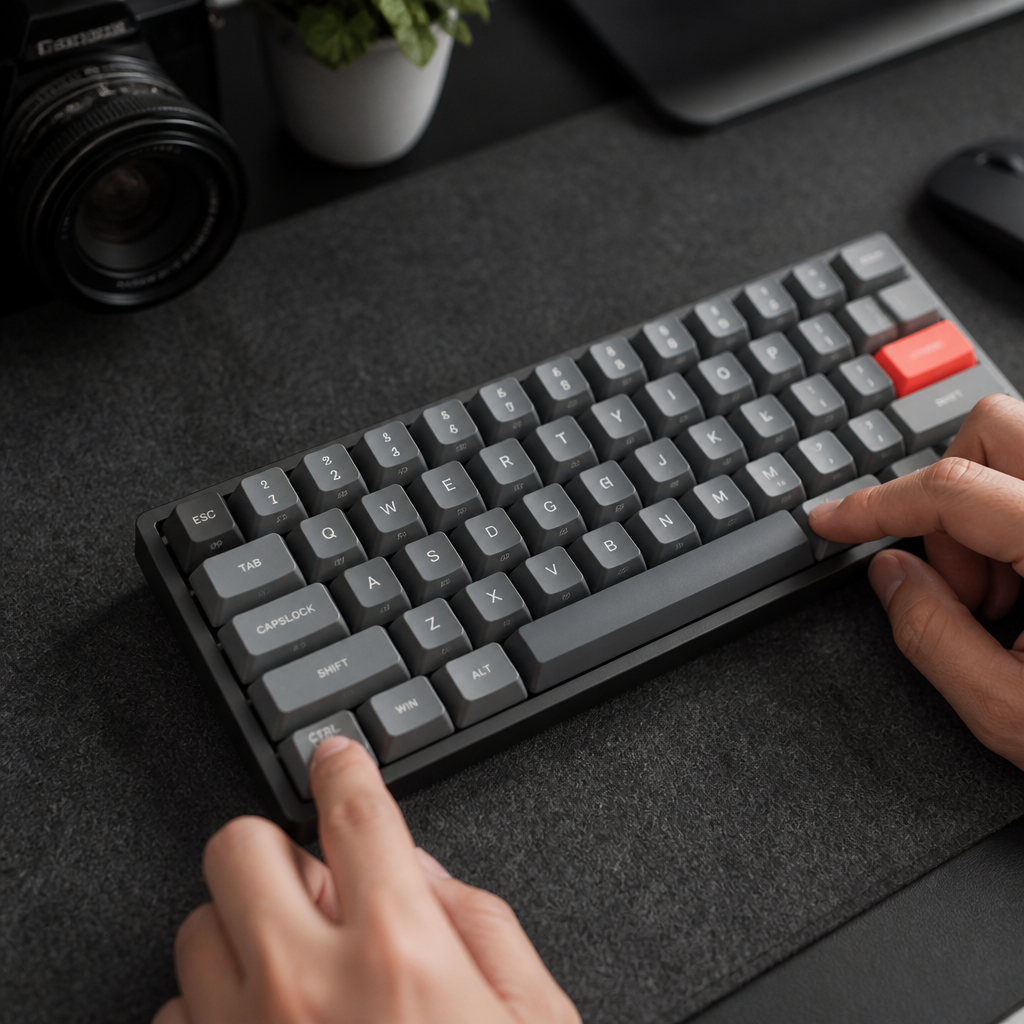
What is the Delete Key on a 60% Keyboard?
What is the most common way to use the Delete key on a 60% keyboard? The Delete key, which removes the character to the right of the cursor, is most commonly accessed by pressing Fn + Backspace. This combination has become a widely adopted standard across the 60% keyboard landscape, including on popular models like the Anne Pro 2 and Ducky One 2 Mini. This standardization is a significant advantage for new users, as it makes the Delete function one of the easiest Fn combinations to memorize.
According to Drashna Jaelre, a core contributor to the QMK firmware project, this approach effectively maintains the logical relationship between Backspace and Delete. By placing Delete on a layer accessible via Backspace, users can perform both leftward and rightward deletions without moving their hands significantly from the home row.
For advanced users, programmable keyboards offer further customization. A popular technique is to program a “tap-hold” behavior, where a quick tap of the Backspace key deletes to the left, but holding it down activates the Delete function.
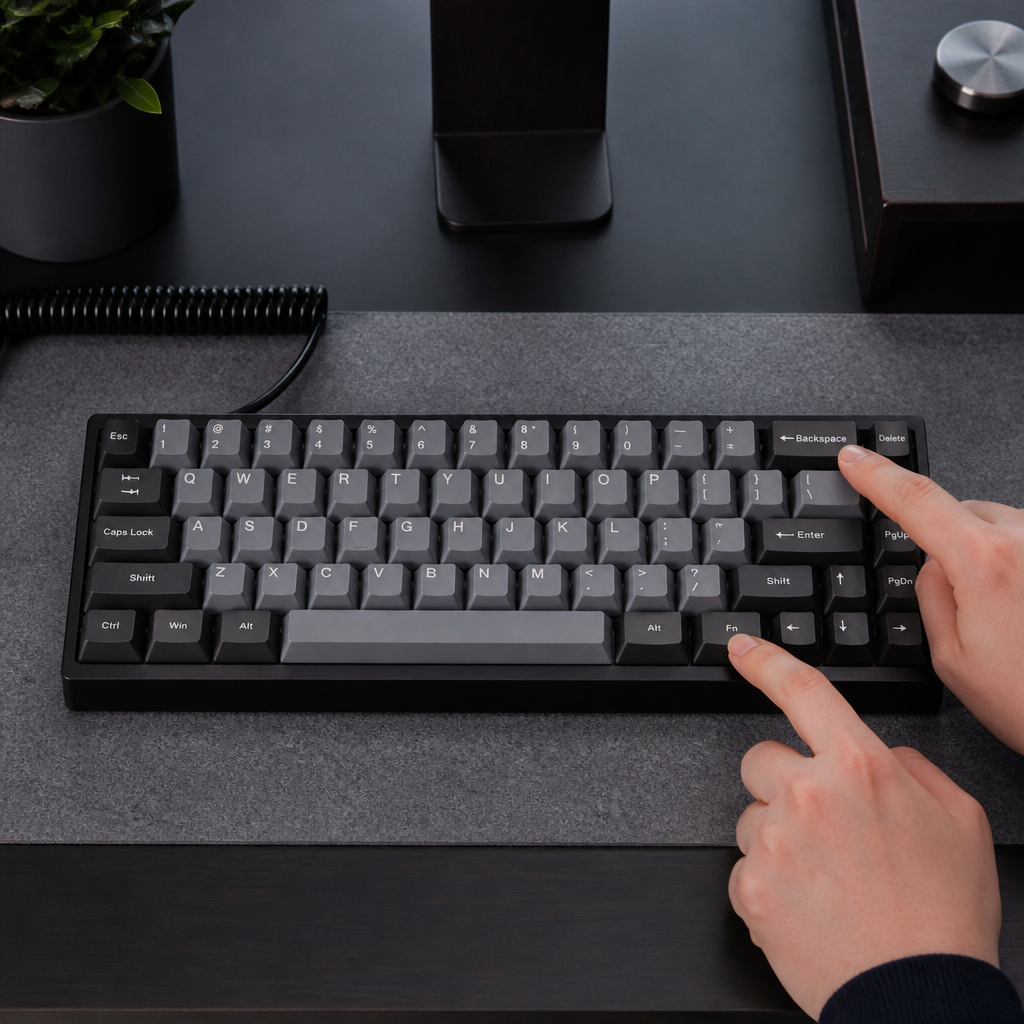
What is Print Screen on a 60% Keyboard?
The Print Screen key captures screen content and is accessed on a 60% keyboard through an Fn layer combination, commonly Fn + P. However, mappings can vary considerably across manufacturers. Many users, particularly on Windows, opt for alternative screenshot methods like the Windows Snipping Tool (Windows + Shift + S) or third-party software like ShareX. These tools offer more advanced functionality, such as selecting specific areas to capture, which often surpasses the basic capabilities of the traditional Print Screen key. For users who still require precise control, programmable firmware allows mapping not only the standard Print Screen but also its variants, like Alt + Print Screen.
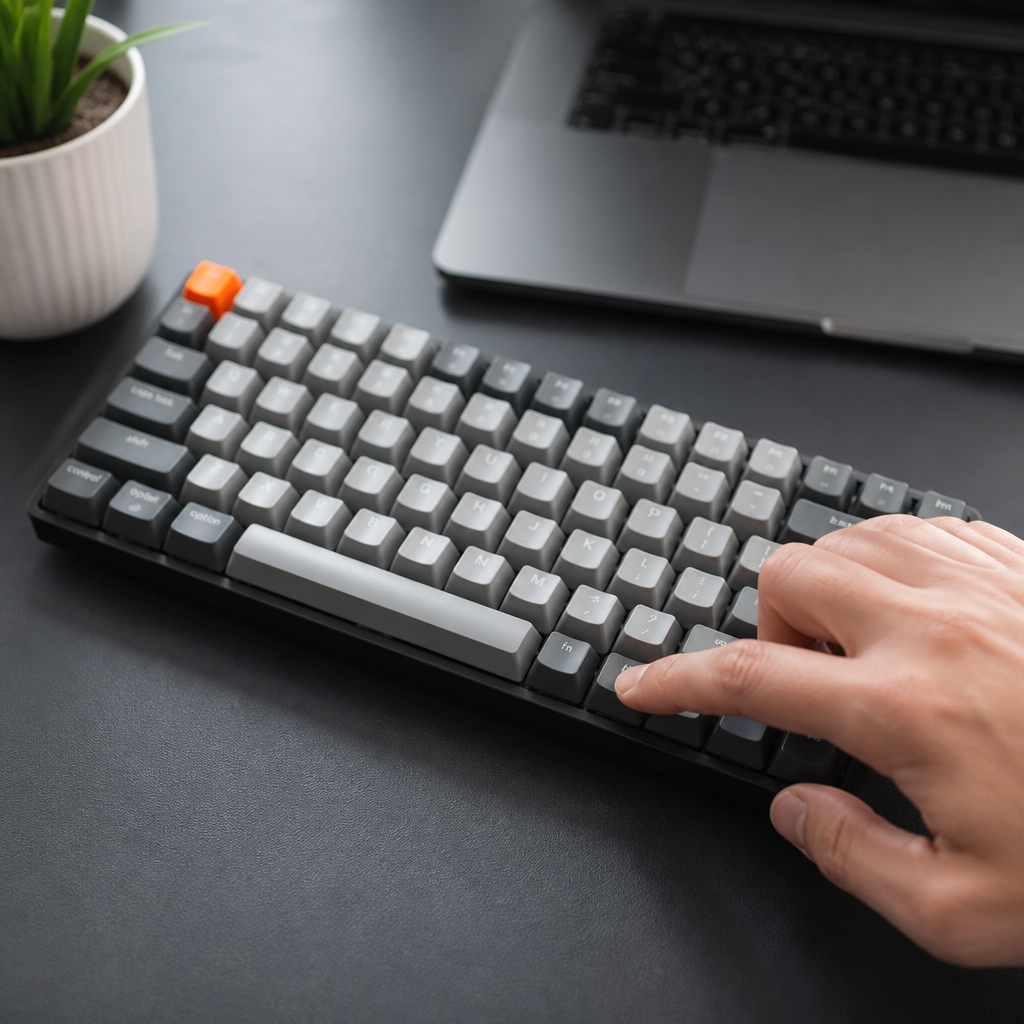
Function Key Shortcuts on a 60% Keyboard
Function keys, labeled F1 through F12, serve a wide range of purposes from opening help menus to activating application-specific shortcuts. On a compact keyboard, the dedicated function row is omitted to achieve its small size. Access to these essential keys is integrated into an Fn layer. The standard convention is to pair the Fn key with the number row keys. This layered access ensures that the full functionality of F1-F12 remains available. While this requires an initial period of adaptation, the consistent mapping across many keyboards helps users quickly build muscle memory. This section will explore how each of the primary function keys is typically accessed and utilized.
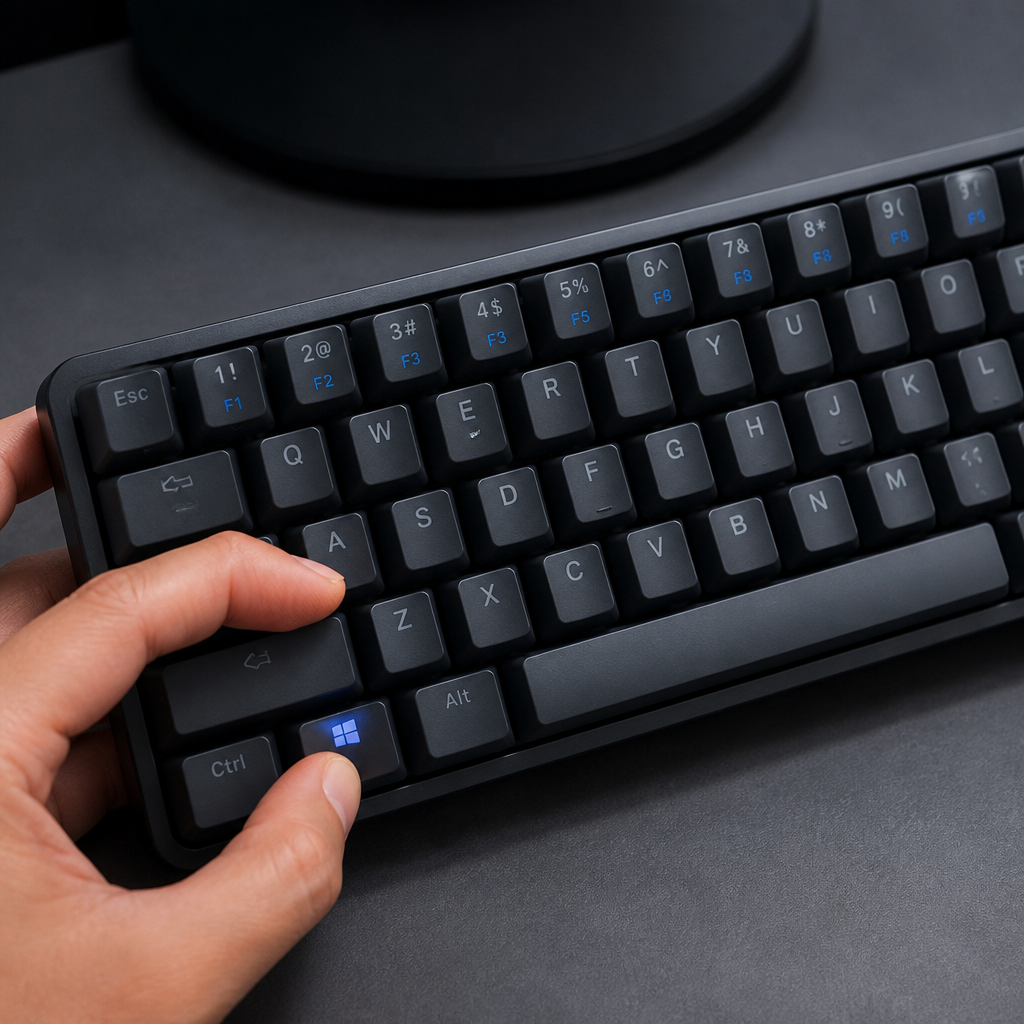
What is F1 on a 60% Keyboard?
The F1 key is most commonly associated with opening help menus. On a 60% keyboard, F1 is accessed through an Fn layer combination. The standard and most widely adopted mapping for F1 on virtually all models is Fn + 1. This consistent mapping makes F1 one of the easiest function keys to locate and use for new users, as it follows a clear and logical pattern that extends across the number row (e.g., Fn + 2 for F2, Fn + 3 for F3, and so on). The programmability of many keyboards also allows you to customize the behavior of F1 if needed, such as assigning a macro to it.
What is F2 on a 60% Keyboard?
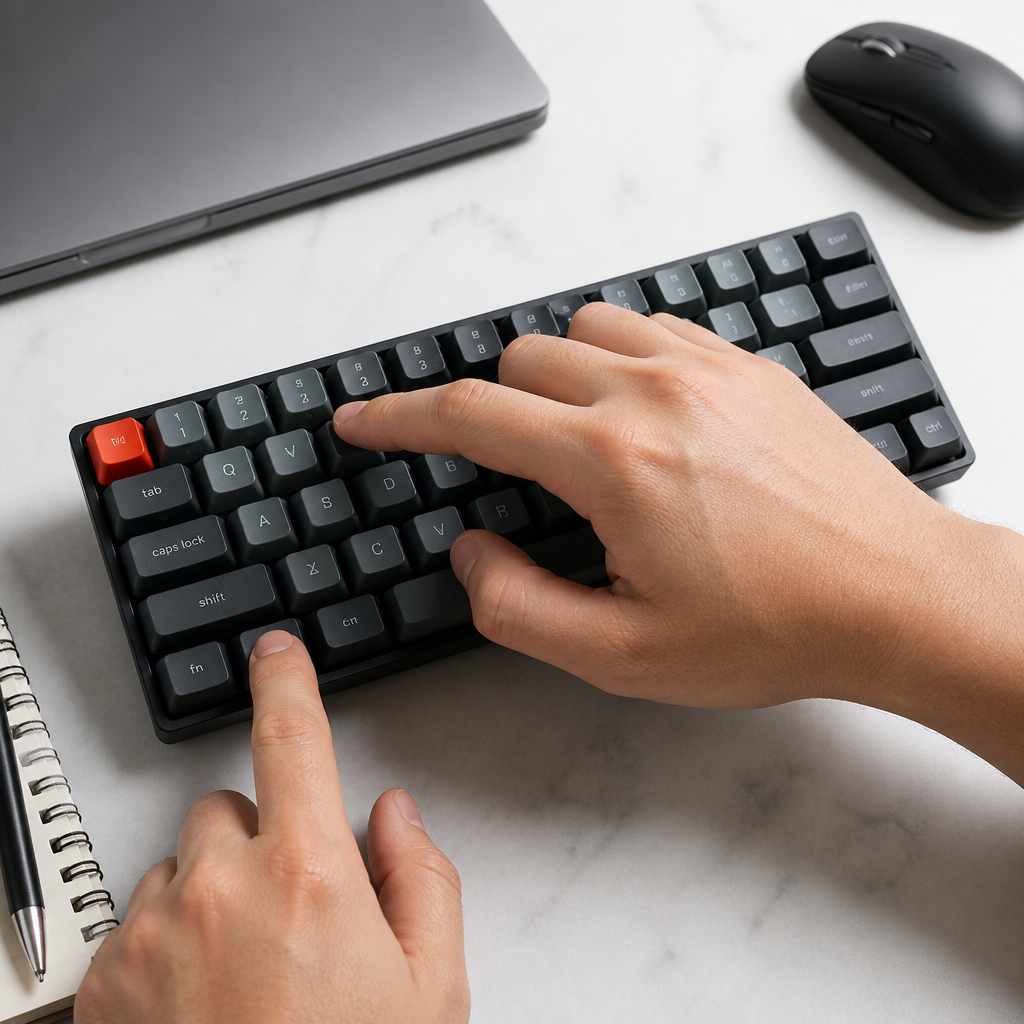
The F2 key is widely recognized for renaming files or entering edit mode in spreadsheets. On a 60% keyboard, F2 is accessed by pressing Fn + 2. This systematic mapping means that once you learn the pattern, you can quickly and intuitively access any of the primary function keys. This predictability significantly reduces the learning curve. For tasks that frequently utilize F2, such as renaming multiple files, the Fn + 2 combination becomes a fluid and natural part of the workflow, minimizing disruption caused by the compact layout.
What is F10 on a 60% Keyboard?
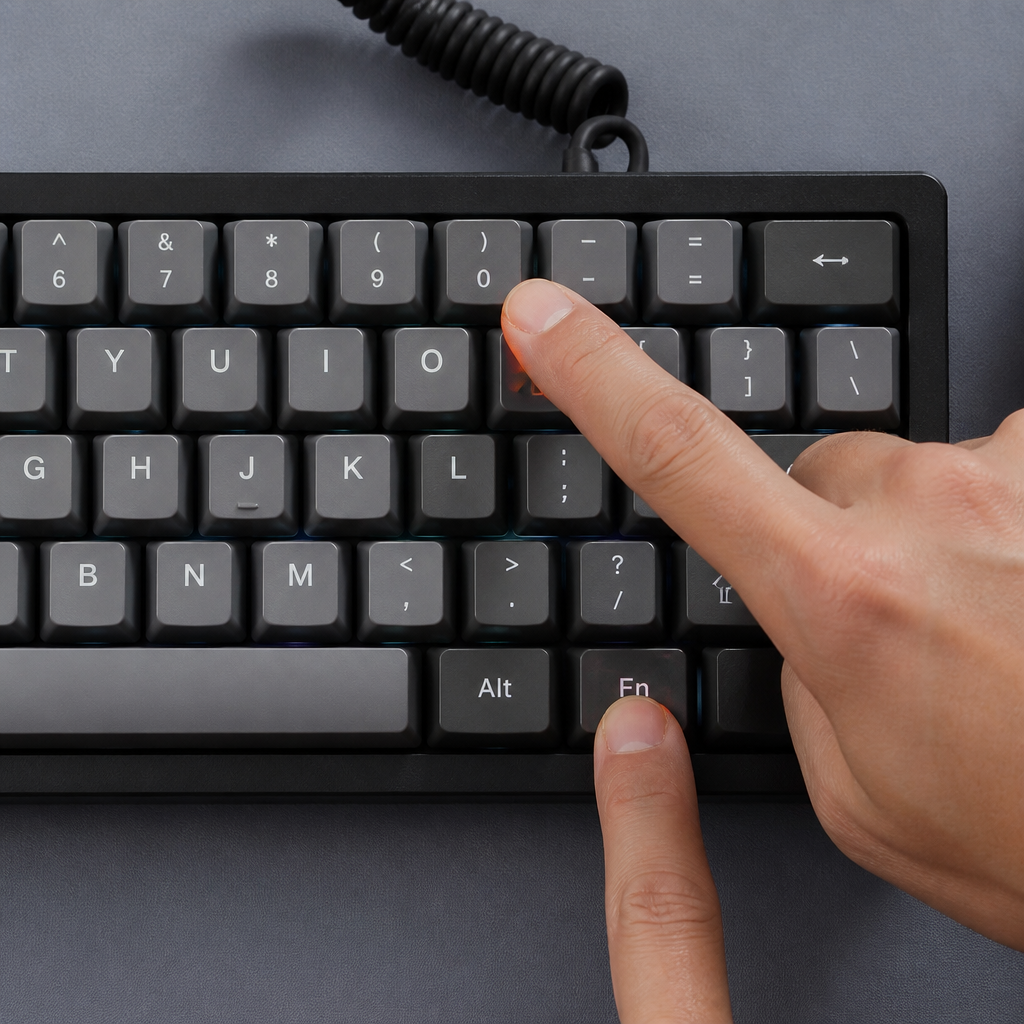
The F10 key is commonly used to activate the menu bar in many applications or to access the boot menu during system startup. On a 60% keyboard, F10 is typically activated by pressing Fn + 0, following the sequential number row mapping. This logical progression helps users quickly internalize the locations of these layered functions. The predictability of this system allows users to develop muscle memory for accessing F10, ensuring that tasks requiring its use can be performed efficiently.
What is F11 on a 60% Keyboard?
The F11 key is widely recognized for toggling full-screen mode in web browsers and other applications. On a 60% keyboard, F11 is typically accessed via Fn + minus key (the hyphen/underscore key). _Note that while the F1-F10 keys are highly standardized, the mappings for F11 and F12 can show more variation across different manufacturers._ It is often advisable for users to consult their specific keyboard’s manual to confirm the exact mapping. The programmability of many keyboards allows you to remap F11 to a different combination if it better suits your workflow.
What is F12 on a 60% Keyboard?
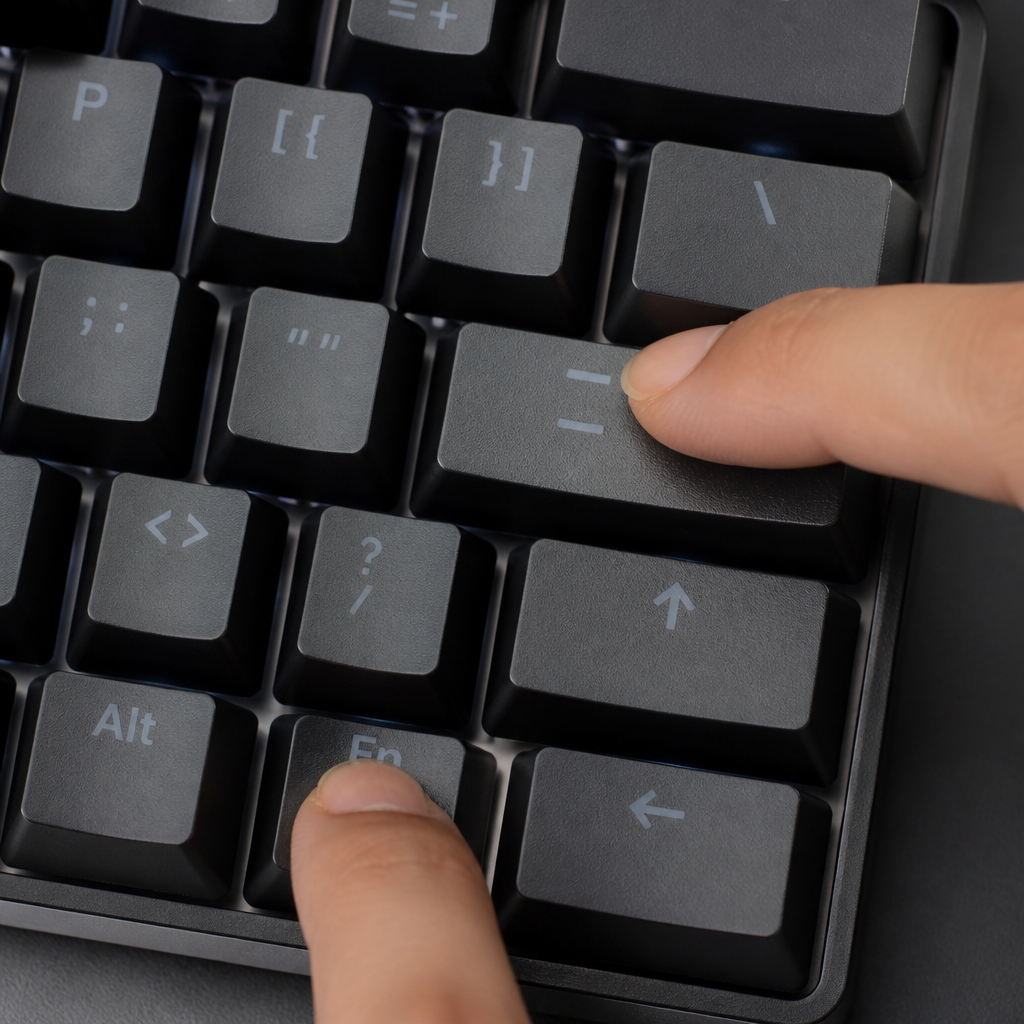
The F12 key is highly valued by web developers for opening developer tools in browsers and also serves as a “Save As” shortcut in Microsoft Office. On a 60% keyboard, F12 is commonly accessed through Fn + equals key (the =/+ key). Given its critical role in certain workflows, F12 is one of the most frequently customized function keys. Many developers find the default combination less than ideal for rapid access and use keyboard software to remap F12 to a more convenient combination, such as Fn + D (for “developer”), or create a dedicated developer layer.

Hi, I’m Alex Morgan.
Welcome to my blog! As a dedicated mechanical keyboard enthusiast, I’m passionate about exploring everything from custom builds to the finest details of switches and keycaps. My goal is to break down specs, sound profiles, and ergonomics to help you find the absolute best keyboard for your setup. Whether you’re a gamer, programmer, or desk setup fanatic, I’m here to share honest reviews and practical recommendations.