65 vs 75 keyboard: Ultimate Guide for the Right Choice
As I delved deeper into the world of mechanical keyboards a few years ago, I found myself overwhelmed by the sheer variety of sizes available. My full-size keyboard felt like an oversized presence on my small college dorm desk. It was bulky, forced my mouse arm into an awkward stretch, and frankly, offered little inspiration. This led me to explore compact keyboards, and it truly transformed my setup. Moving from a large keyboard to something sleek and efficient is a very personal journey, much like finding a pair of shoes that fit just right. For many, myself included, a traditional full-size keyboard, with its 104-108 keys, often feels too large, consuming valuable desk space and necessitating an uncomfortable reach for the mouse. This drive for efficiency and ergonomics—making computer use comfortable and natural for your body—has fueled the popularity of smaller keyboard sizes. Among these, the 65% and 75% keyboards have emerged as highly sought-after options. Though they may appear similar at first glance, these two layouts provide distinct user experiences tailored to different needs and preferences. Understanding their unique characteristics is key to unlocking the right keyboard to enhance your daily computing.
Understanding Keyboard Size Categories
Beyond the familiar full-size keyboard, a diverse range of smaller options exists, designed to maximize desk space and enhance typing comfort. These keyboard size categories represent standardized key arrangements, typically named based on their key count relative to a full-size (100%) keyboard, which usually comprises 104-108 keys. A full-size keyboard includes all alphanumeric keys, a dedicated number pad on the right, a function row (F1-F12) at the top, and a cluster of navigation keys. While this comprehensive layout offers maximum functionality, it often occupies significant desk real estate.
As users seek more compact solutions, various smaller form factors have gained popularity. Each reduction in keyboard size involves the careful removal or modification of certain keys to achieve a balance between a minimalist design and usability. The primary compact keyboard categories include 60%, 65%, 75%, and Tenkeyless (TKL) or 80% layouts. A 60% keyboard, for instance, is one of the smallest, typically featuring around 61 keys. It omits the number pad, function row, and dedicated arrow keys. Accessing these missing functions requires using a “function” (Fn) key in combination with other keys.
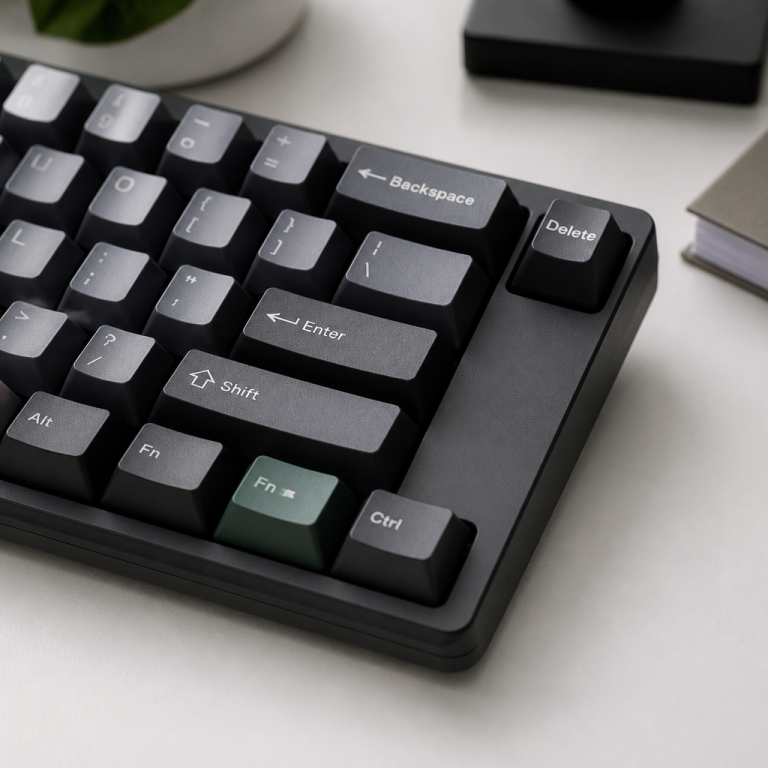
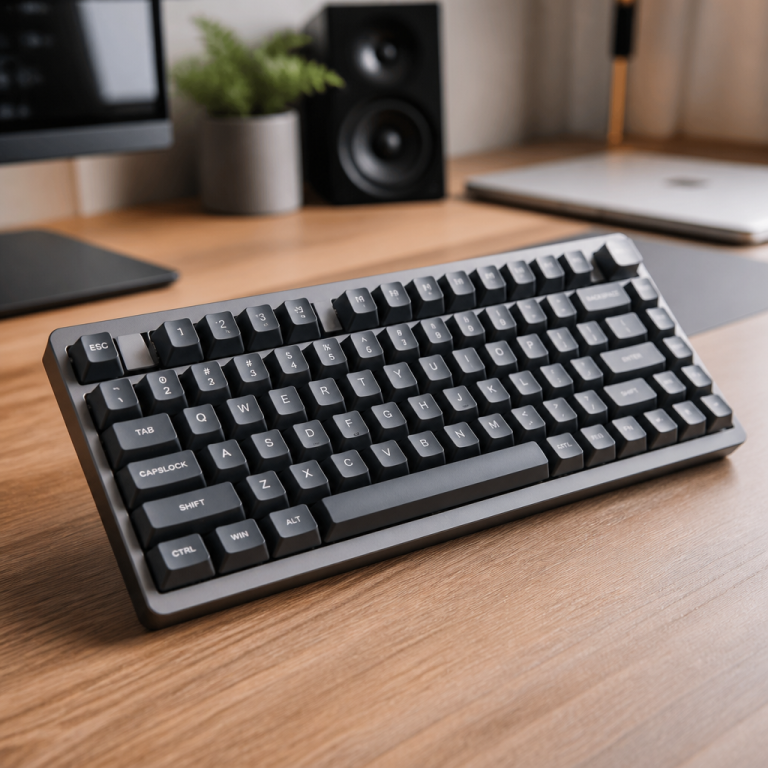
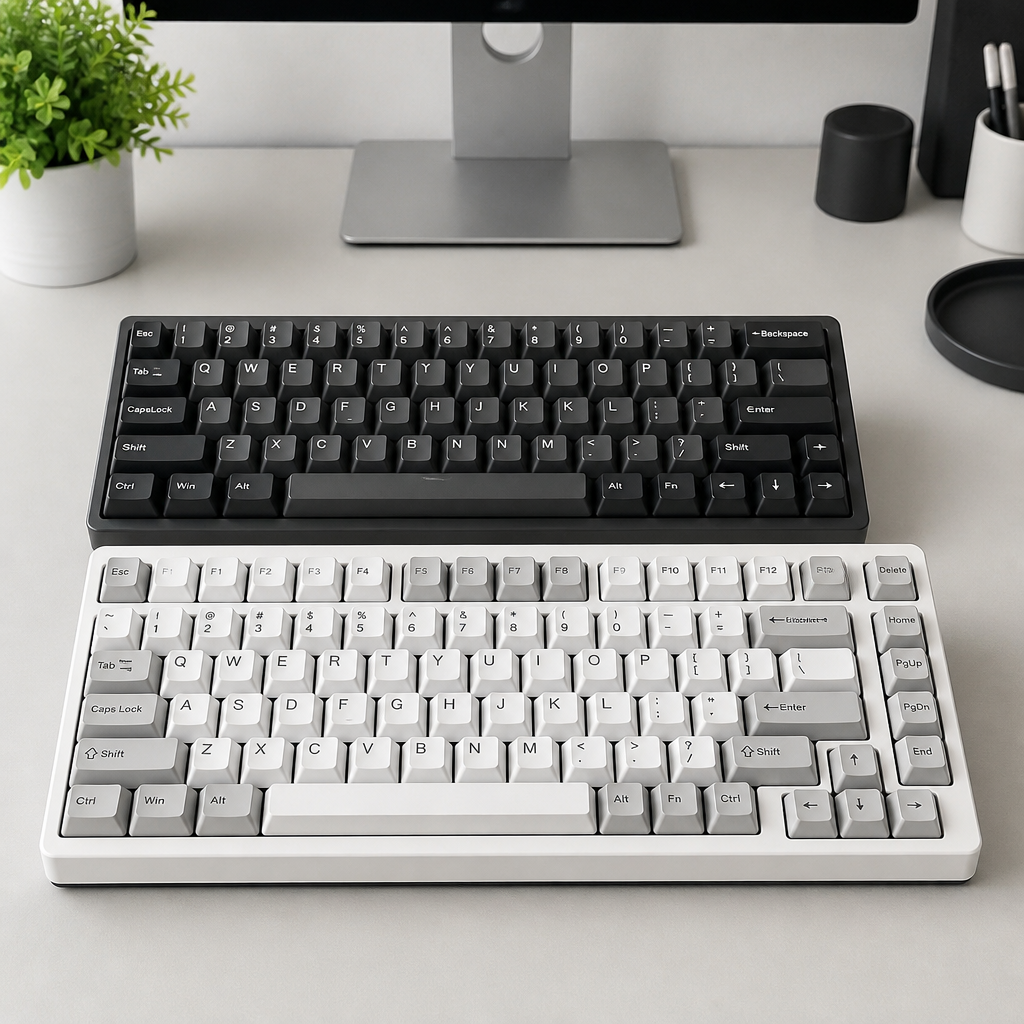
Moving up in size, the 65% keyboard introduces a crucial feature: dedicated arrow keys, alongside essential navigation buttons like Delete, Page Up, and Page Down. With approximately 68 keys, it maintains a compact profile while significantly improving navigation ease for most users. This layout is often considered a sweet spot for gamers and general users seeking a smaller keyboard without sacrificing essential navigation tools. The 75% keyboard, conversely, approaches compactness differently. While still considerably smaller than a full-size board, it reintroduces the complete function row (F1-F12) by closely spacing keys both vertically and horizontally. This layout typically contains around 84 keys and is praised for its effective balance between feature richness and desk space conservation. Finally, the TKL or 80% keyboard is essentially a full-size keyboard minus the number pad, retaining the function row and all navigation keys, usually with about 87 keys.

60 vs 65 vs 75 keyboard
The progression from a 60% to a 65% to a 75% keyboard involves progressively adding more key functions. Each step represents a slightly different trade-off between keyboard size and ease of key access. Grasping this progression is vital for identifying the layout that best suits your workflow and desk setup.
A 60% keyboard, often seen as the ultimate minimalist choice, typically has about 61 keys. Its design prioritizes removing non-essential keys to achieve the smallest possible footprint. This means it lacks dedicated arrow keys, a function row (F1-F12), or most navigation keys. To access these functions, users must rely heavily on “function layers,” which involve holding down a special Fn key and pressing another key.
Moving up to a 65% keyboard brings crucial user-friendly keys. This layout usually includes about 68 keys, most notably adding dedicated arrow keys and essential navigation keys such as Delete, Page Up, and Page Down. While it still lacks the function row, having dedicated arrow keys makes navigating text and browsing much more intuitive, reducing reliance on function layers compared to a 60% board.
The 75% keyboard reintroduces a significant functional element: the complete function row (F1-F12). With approximately 84 keys, it fits these keys into a compact design by tightly packing the layout. This compression often means keys are closer together vertically, and the navigation cluster is grouped closely on the right side. The primary benefit of a 75% layout is direct access to F-keys, which are frequently used in professional applications, programming, and system shortcuts.
| Layout | Key Count | Dedicated Arrows | Function Row | Fn Layer Dependency | Width (approx.) |
|---|---|---|---|---|---|
| 60% | 61 keys | No | No | High (2-3 layers) | 11.75 inches |
| 65% | 68 keys | Yes | No | Medium (1-2 layers) | 12.6 inches |
| 75% | 84 keys | Yes | Full F-row | Low (1 layer) | 12.8-13 inches |
This comparison shows that while the physical width difference between these three layouts is minimal, the functional difference in terms of key availability and reliance on function layers is substantial.
60 vs 65 vs 70 vs 75 keyboard
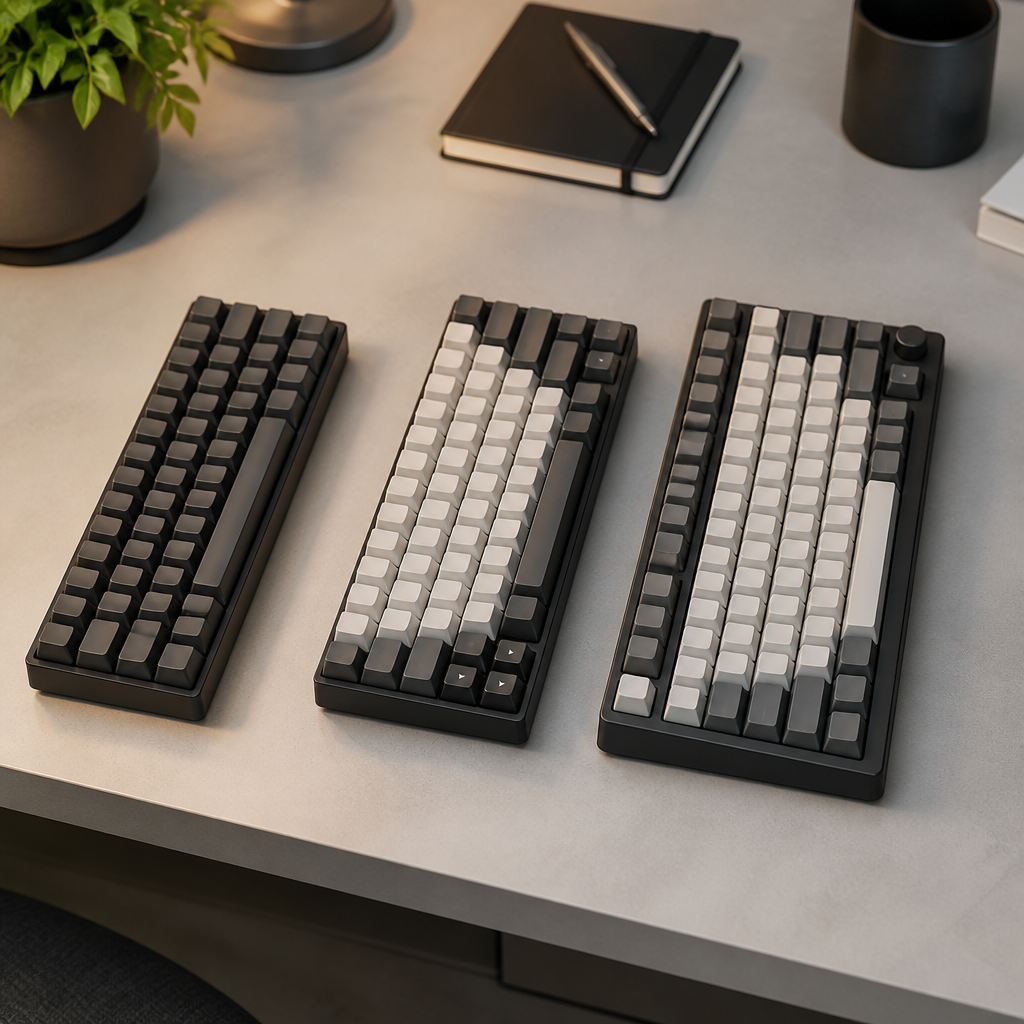
While 60%, 65%, and 75% layouts are widely recognized and fairly standard, the 70% keyboard sometimes appears in the market. However, it’s a more niche and less standardized option. Understanding its place offers a more complete picture of compact keyboard choices.
A 70% keyboard is generally considered a non-standard layout, lacking widespread industry acceptance. It typically features around 72-75 keys. It attempts to bridge the gap between 65% and 75% layouts by including some function keys, but not necessarily the complete F1-F12 row. This lack of standardization is a key characteristic of the 70% layout. Unlike the clearly defined categories, the exact key setup and physical size of a 70% keyboard can vary significantly between brands. _This variability can make finding compatible keycaps challenging, as standard sets are designed for more common layouts._
The availability of 70% keyboards in stores is also much lower compared to their more popular counterparts. While 60%, 65%, and 75% options are widely offered by numerous manufacturers, dedicated 70% models are relatively rare. This scarcity contributes to its non-standard status and can make finding specific models or replacement parts more difficult. Therefore, while it exists as an option, the 70% keyboard is often considered a specialized choice for those with very particular, non-standard preferences.
mechanical keyboard 65 vs 75
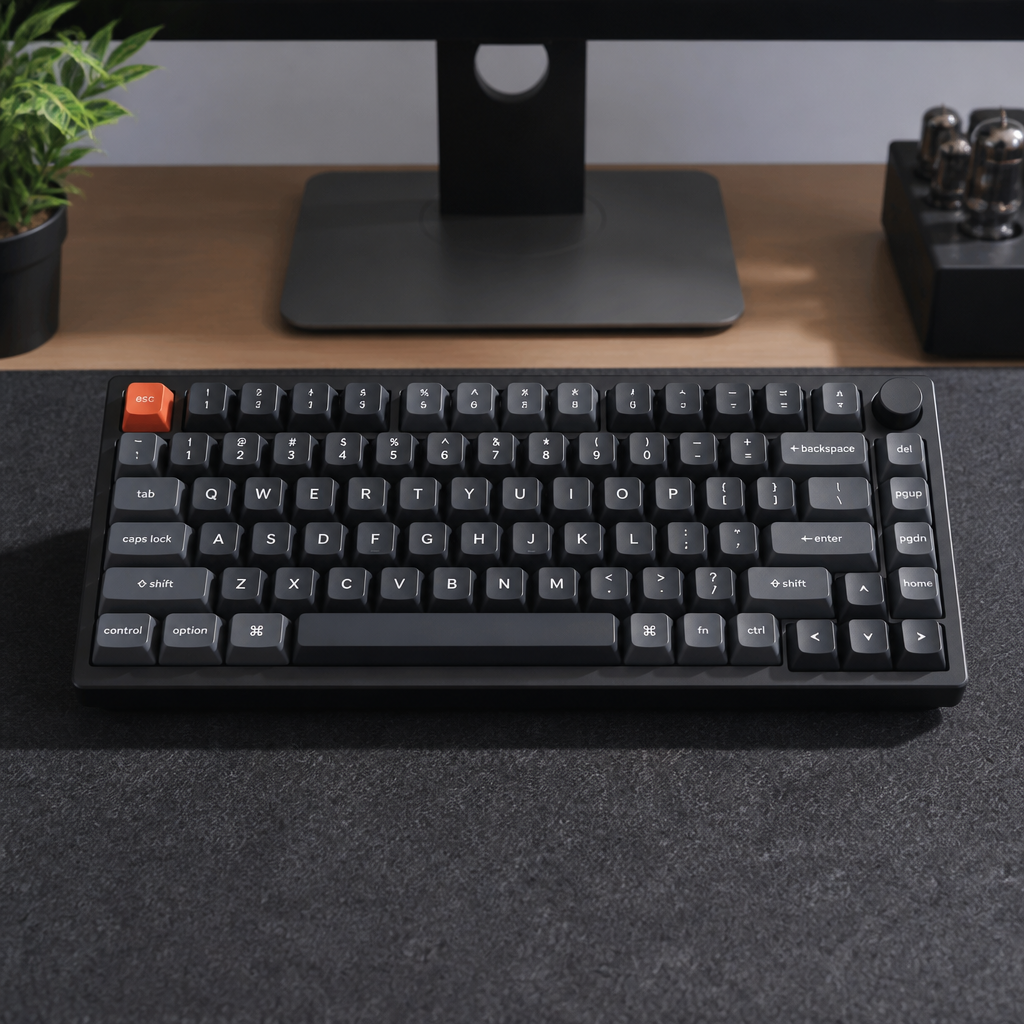
When discussing 65% and 75% keyboards, the conversation often shifts to mechanical keyboards. In this context, these percentages simply denote compact sizes that accommodate mechanical switches—such as Cherry MX, Gateron, or Kailh. Mechanical keyboards are highly valued for their typing feel, durability, and customization potential.
The appeal of mechanical keyboards in these smaller sizes extends beyond just the switches. Many feature hot-swappable sockets, enabling users to change switches without soldering. They often incorporate robust building materials, like aluminum cases, and advanced software for key remapping and RGB lighting customization.
Notable 65% mechanical keyboards include the Keychron Q2, NK65 Entry Edition, and Tofu65. These boards are frequently praised for their clean aesthetics, solid build quality, and the perfect balance of compactness with dedicated arrow keys. On the 75% side, popular mechanical keyboard models include the Keychron Q1, GMMK Pro, and KBD75. These boards are highly regarded for integrating a full function row and a comprehensive navigation cluster within a relatively small footprint. The 75% layout is often favored by professionals and power users who frequently use function keys for shortcuts but still desire a compact board.
A key distinction in the mechanical keyboard world lies in the potential for added features. Mechanical 75% keyboards, due to their slightly larger cases than 65% boards, typically offer more internal space. This extra room can accommodate advanced features like rotary encoders (dials for volume or scrolling control), small OLED screens for displaying information, or larger batteries for extended wireless operation.
Alexotos, a prominent mechanical keyboard content creator and reviewer, often notes that the 75% layout provides excellent value. He suggests that including the function row significantly enhances usability for many users, making it a highly functional yet still compact option.
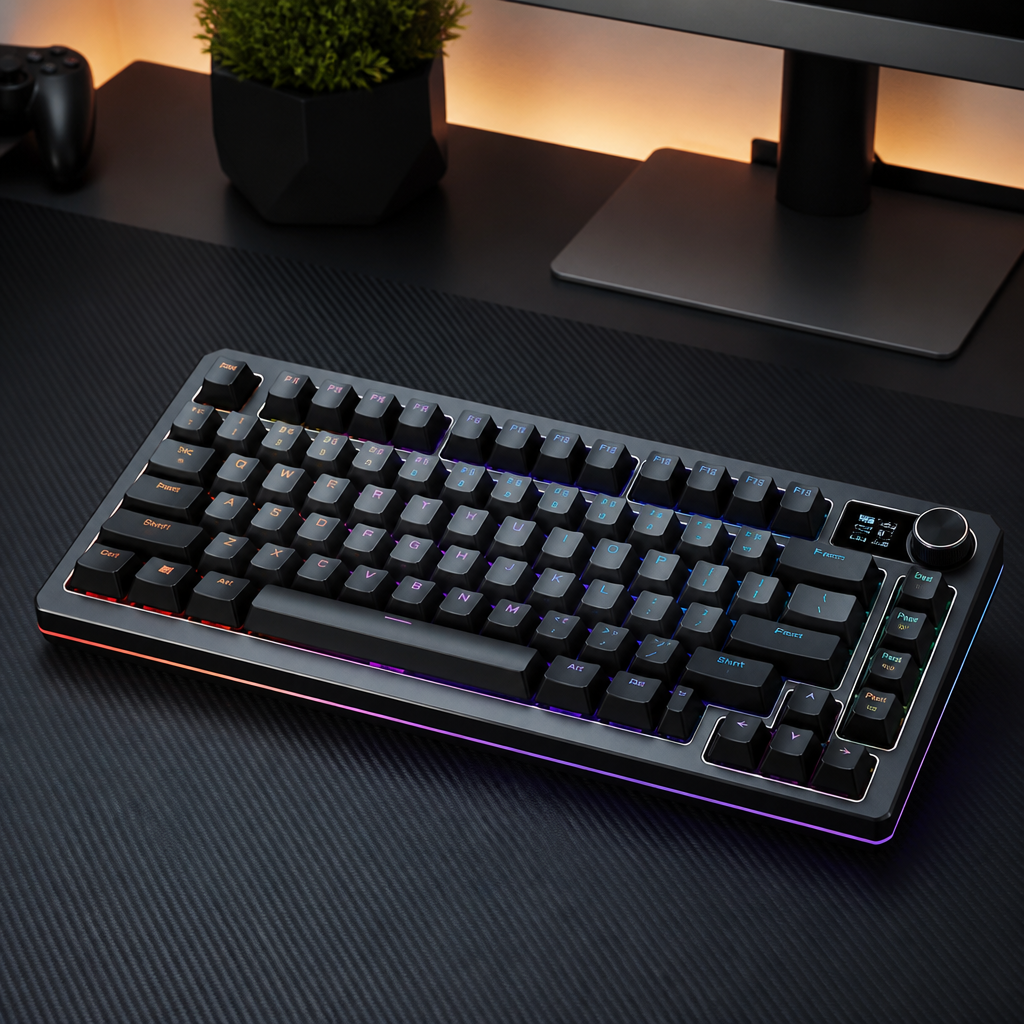
65 vs 75 Keyboard Layout and Size Breakdown
Comparing 65% and 75% keyboard layouts goes beyond just key count; it involves how those keys are arranged and the overall physical space they occupy on your desk. These differences, even if seemingly minor, can significantly impact typing comfort, work efficiency, and portability.
The primary difference lies in the presence of the function row (F1-F12) and the arrangement of navigation keys. A 65% keyboard, with its approximately 68 keys, omits the function row entirely, requiring access to F-keys through a special function layer. It typically maintains standard spacing for letter, number, and modifier keys, contributing to a clean, uncluttered aesthetic. Dedicated arrow keys are a hallmark, usually accompanied by a small vertical column of navigation keys on the far right.
In contrast, a 75% keyboard, with approximately 84 keys, reintroduces the complete F1-F12 function row, positioned directly above the number row. To achieve this within a compact footprint, 75% layouts often employ a design where keys are vertically compressed compared to standard spacing. This tighter key grouping is a defining characteristic of the 75% design. The navigation cluster on a 75% board is also more comprehensive, typically including Print Screen, Scroll Lock, Pause, Insert, Delete, Home, End, Page Up, and Page Down, all tightly arranged in a vertical column on the right side.
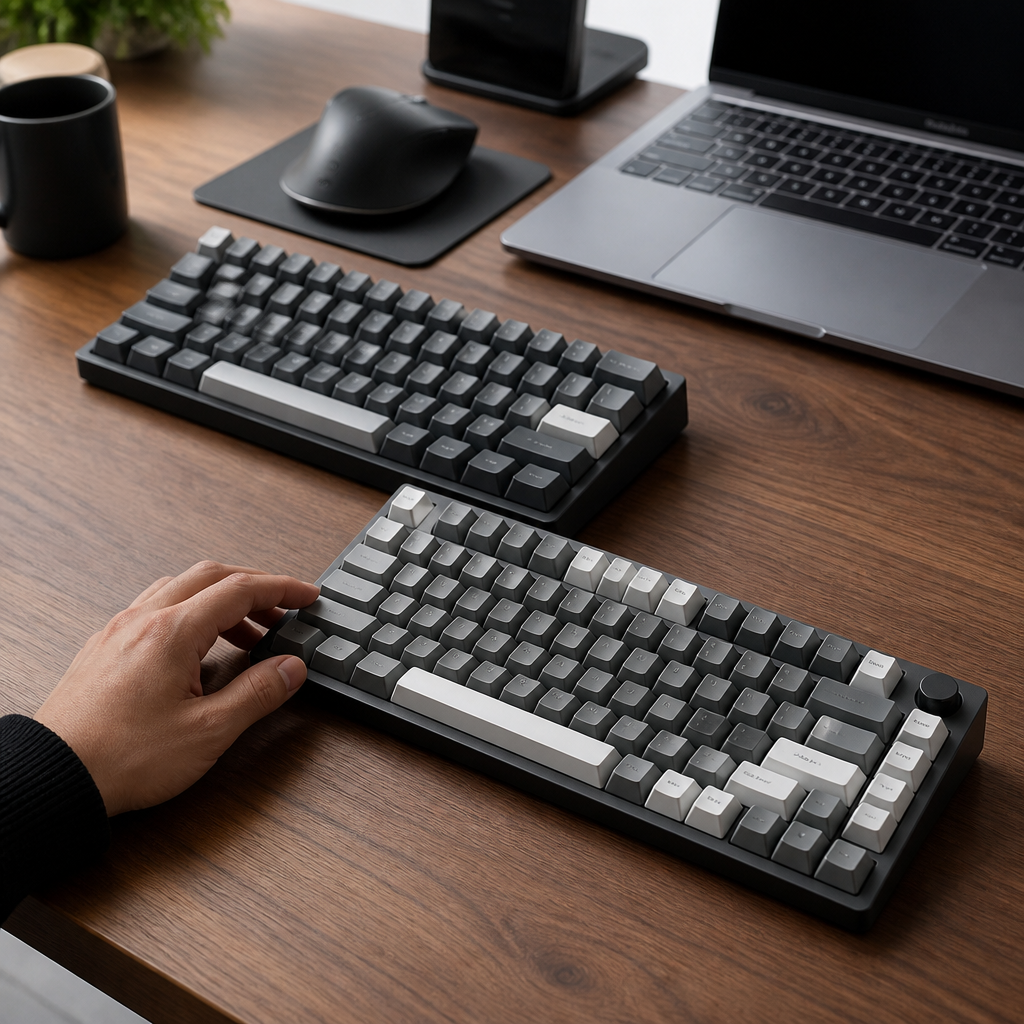
65 vs 75 keyboard layout differences
The way keys are laid out on 65% and 75% keyboards fundamentally shapes your user experience. These differences primarily center on the presence of the function row and the arrangement of navigation keys, along with subtle variations in key spacing.
A 65% keyboard is defined by its deliberate exclusion of the function row (F1-F12). The Escape key typically resides in the top-left corner, and the far-right column is dedicated to essential navigation, commonly featuring the Delete key in the top-right corner, followed by Page Up and Page Down keys. This setup provides quick access to arrows and a few crucial navigation functions without significantly increasing the board’s width. The overall design tends to be very clean and open, with standard spacing between the alphanumeric keys.
The 75% keyboard, on the other hand, is characterized by the inclusion of a complete F1-F12 function row. A key characteristic of the 75% layout is its vertically compressed design. To accommodate the function row and a more extensive group of navigation keys within a compact size, the vertical space between key rows is often reduced. This tighter key grouping means that the letter keys, number row, and function row are all packed more closely together. The navigation cluster on the right side is also more comprehensive. _This tighter key grouping offers abundant functionality but might necessitate an adjustment period for users accustomed to the more generous spacing of larger keyboards._
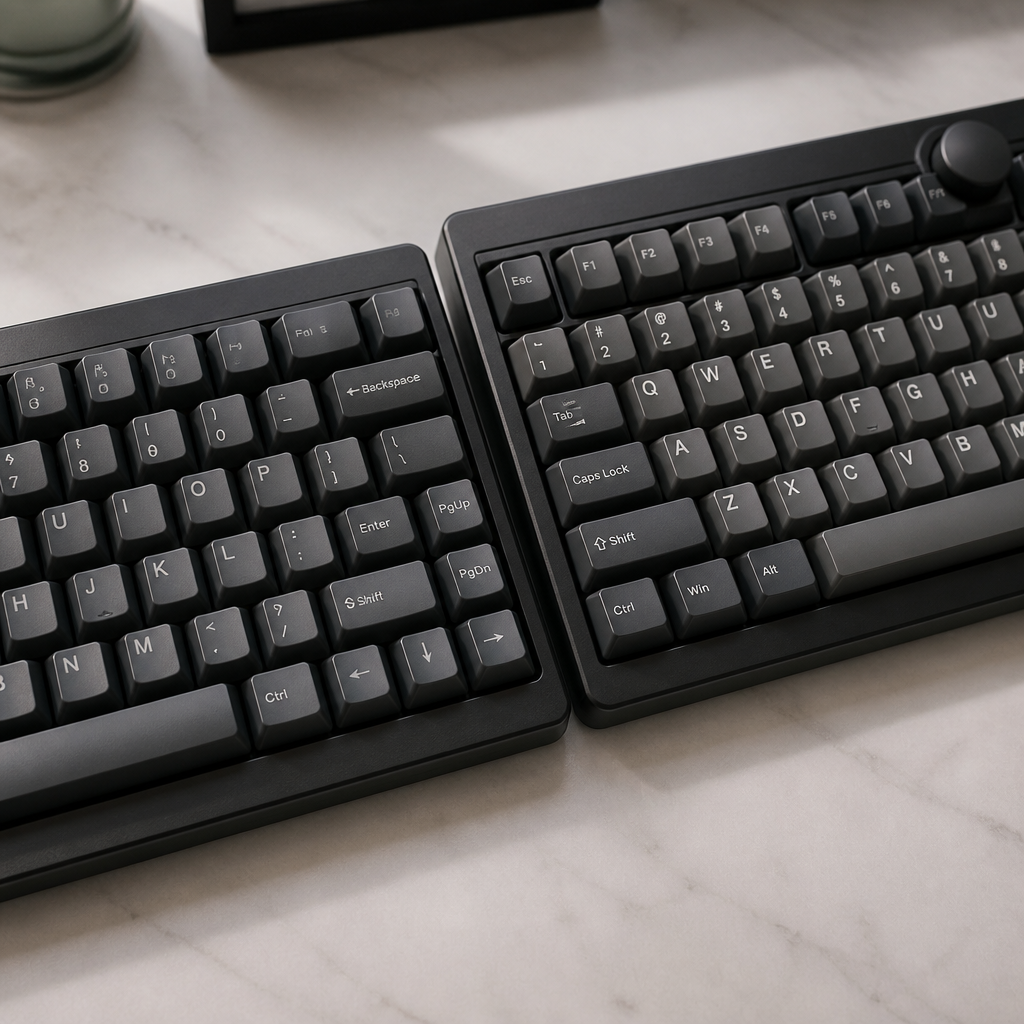
65 vs 75 keyboard size comparison
Beyond key arrangement, the actual physical dimensions of 65% and 75% keyboards play a crucial role in how they fit into your workspace and their portability.
A 65% keyboard typically measures around 12.6-12.9 inches in width, 4.1-4.8 inches in depth, and 1.2-1.6 inches in height. The desk area covered by a 65% keyboard is approximately 51-53 square inches. This relatively small footprint offers a significant advantage for users with limited desk space or those who prefer a minimalist setup, as it leaves ample room for mouse movement. The 65% offers a truly minimal footprint and is easier to carry, making it ideal for tight spaces or frequent travel.
The 75% keyboard, while still compact, is slightly larger. It typically measures around 12.8-12.9 inches in width, 4.9-5.7 inches in depth, and 1.2-1.6 inches in height. The depth difference is generally more significant than the width difference. This increased depth contributes to a larger desk footprint, with 75% keyboards usually occupying approximately 63-66 square inches. This means it uses about 20-22% more desk space compared to a 65% keyboard.
| Dimension/Characteristic | 65% Keyboard (approx.) | 75% Keyboard (approx.) | Difference (approx.) |
|---|---|---|---|
| Width | 12.6-12.9 inches | 12.8-12.9 inches | +0-0.3 inches |
| Depth | 4.1-4.8 inches | 4.9-5.7 inches | +0.8-0.9 inches |
| Height | 1.2-1.6 inches | 1.2-1.6 inches | Same |
| Weight (Aluminum Case) | 3.5-3.8 lbs | 4.6-5.0 lbs | +1.1-1.2 lbs |
| Desk Footprint | 51-53 sq in | 63-66 sq in | +20-22% footprint |
This comparison shows that while the width difference is minimal, the depth and weight differences are more pronounced.

Which Keyboard Should You Choose?
The decision between a 65% and a 75% keyboard ultimately depends on your individual priorities, daily workflow, and personal preferences. Both layouts offer compelling advantages over full-size keyboards, mainly in saving desk space and improving ergonomics, but they achieve this through different trade-offs. There isn’t a single “better” option for everyone; instead, there’s a more suitable choice for specific computing styles and individual habits. To make an informed decision, it’s helpful to carefully consider the distinct pros and cons of each layout.
For some users, the minimalist aesthetic and maximum mouse space of a 65% keyboard might be the most important factors. They might be content using function layers for those infrequent needs. For others, particularly those in professional fields like programming or video editing, having direct access to a full function row offered by a 75% keyboard could be crucial for efficient work.

65 vs 75 keyboard pros and cons
Understanding the specific advantages and disadvantages of 65% and 75% keyboards is crucial for making an informed decision that aligns with your personal computing habits and professional needs.
65% Keyboard
- Pros:
- Minimal Footprint: Uses about 20-22% less space than a 75% model, ideal for small desks and clean setups.
- Enhanced Portability: Smaller size and lower weight make it easier to travel with.
- More Mouse Space: The compact width allows for larger, unrestricted mouse movements, which is a major benefit for gamers.
- Lower Average Price: Often costs less than a comparable 75% model.
- Cons:
- No Dedicated F-Row: Requires using Fn key combinations to access F-keys, which can slow down workflows in professional software.
- Steeper Learning Curve: Users transitioning from larger keyboards must adapt to using function layers more frequently.
- Reduced Productivity: _The missing dedicated function keys can reduce productivity in applications like programming tools (IDEs), video editing software, or even common operating system shortcuts._
75% Keyboard
- Pros:
- Complete Function Row: Provides direct access to F1-F12 keys, which is highly beneficial for professionals and power users.
- Smoother Transition: The familiar F-row and more complete navigation cluster make it easier to adapt from a full-size keyboard.
- More Feature Potential: The slightly larger case can accommodate premium features like rotary knobs or OLED screens.
Tom’s Hardware, a reputable technology review publication, generally regards the 75% layout as offering a strong balance between functionality and desk space, making it suitable for users who frequently use function keys for shortcuts in professional applications.
- Cons:
- Larger Footprint: Occupies 20-22% more desk space than a 65% keyboard.
- Higher Average Price: Tends to be slightly more expensive for comparable build quality.
- Compressed Layout: The tighter vertical key spacing may require a brief adjustment period for some users.
- Less Portable: The increased size and weight make it slightly less convenient for frequent travel.
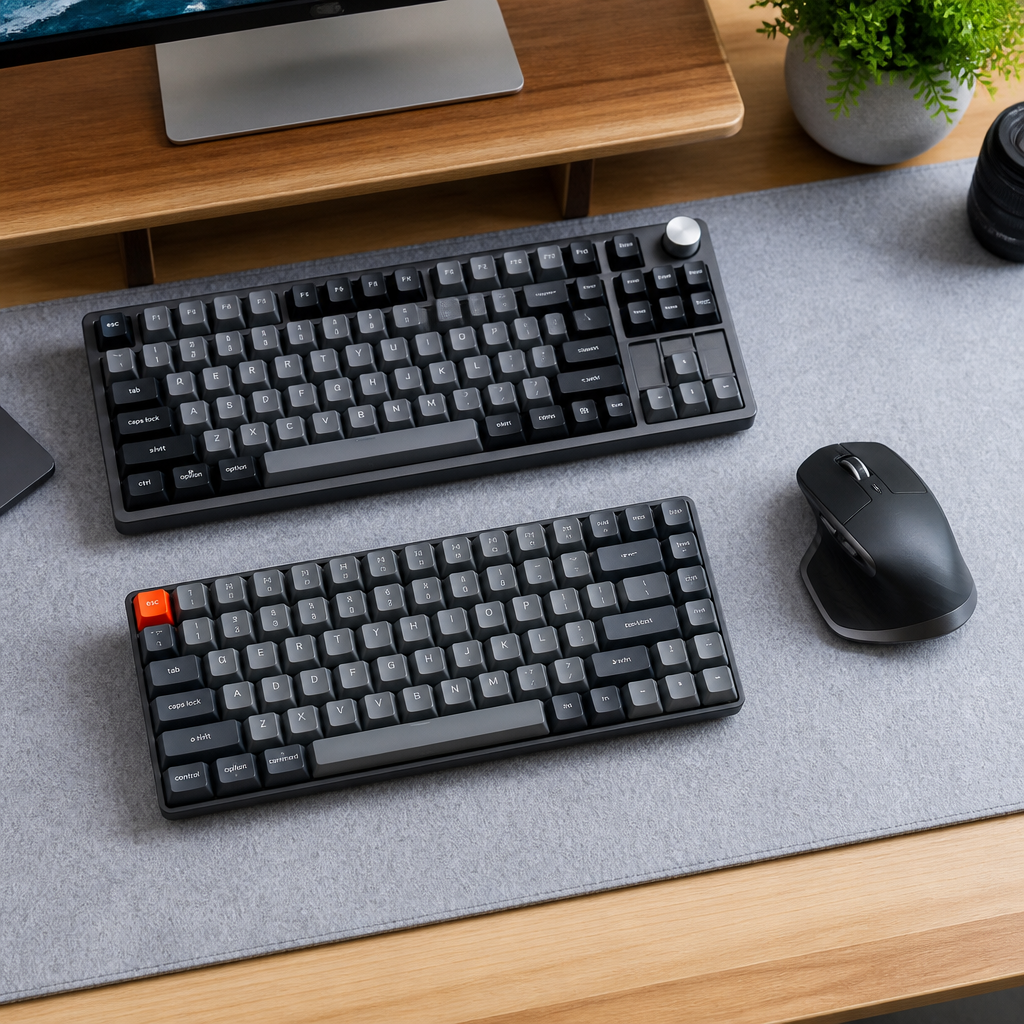
Which Should You Choose: A 65 vs 75 keyboard?
Deciding between a 65% and a 75% keyboard involves a careful assessment of your specific needs, daily activities, and personal preferences.
Choose a 65% keyboard if:
You highly value a minimal desk footprint, prioritize portability, or require maximum mouse space for gaming. If your primary computer use involves activities that don’t rely heavily on function keys and you are comfortable with function layers, the 65% is an excellent, often more budget-friendly, choice.
Choose a 75% keyboard if:
You regularly use function keys for work or specific applications. If your work involves frequent use of F-keys, then the direct access provided by a 75% keyboard will significantly enhance your productivity. For individuals transitioning from a full-size keyboard, the 75% layout offers a smoother adjustment. If you are willing to sacrifice a little desk space for greatly enhanced functionality, the 75% layout offers an excellent balance.
Hybrid Solution:
It’s also worth noting that some users own both sizes, utilizing the specific benefits of each layout for different scenarios. For example, using a 65% keyboard for a dedicated gaming setup and a 75% keyboard for office work allows you to achieve the best experience for various uses without compromise.
Ultimately, the best choice depends on a thoughtful assessment of your daily computer habits. Both 65% and 75% keyboards offer excellent compact solutions, but their distinct features cater to different user profiles.
FAQ
Q1: What is the main difference in key count between a 65% and a 75% keyboard?
A1: A 65% keyboard typically has around 68 keys, including all alphanumeric keys, modifiers, and dedicated arrow keys, but it omits the function row (F1-F12). A 75% keyboard, on the other hand, contains approximately 84 keys, retaining the full function row.
Q2: Which keyboard is better for gaming, 65% or 75%?
A2: For gaming, a 65% keyboard is often preferred. Its smaller desk footprint provides more space for mouse movement, which can be crucial for competitive gaming.
Q3: Do 65% and 75% keyboards have dedicated arrow keys?
A3: Yes, both 65% and 75% keyboards include dedicated arrow keys. This is a key feature that distinguishes them from smaller 60% keyboards.
Q4: Is there a significant size difference in width between 65% and 75% keyboards?
A4: The width difference is minimal. A 65% keyboard typically measures about 12.6 inches (320mm) in width, while a 75% keyboard measures approximately 12.8-13 inches (325-330mm). The depth difference is generally more noticeable.
Q5: Which keyboard is recommended for professionals who use function keys frequently?
A5: For professionals who frequently use function keys for shortcuts in software like programming tools (IDEs) or video editing suites, a 75% keyboard is generally recommended. Its complete F1-F12 function row provides direct access to these essential keys.

Hi, I’m Alex Morgan.
Welcome to my blog! As a dedicated mechanical keyboard enthusiast, I’m passionate about exploring everything from custom builds to the finest details of switches and keycaps. My goal is to break down specs, sound profiles, and ergonomics to help you find the absolute best keyboard for your setup. Whether you’re a gamer, programmer, or desk setup fanatic, I’m here to share honest reviews and practical recommendations.