What Is Hot Swappable Keyboard: 3 Amazing Benefits
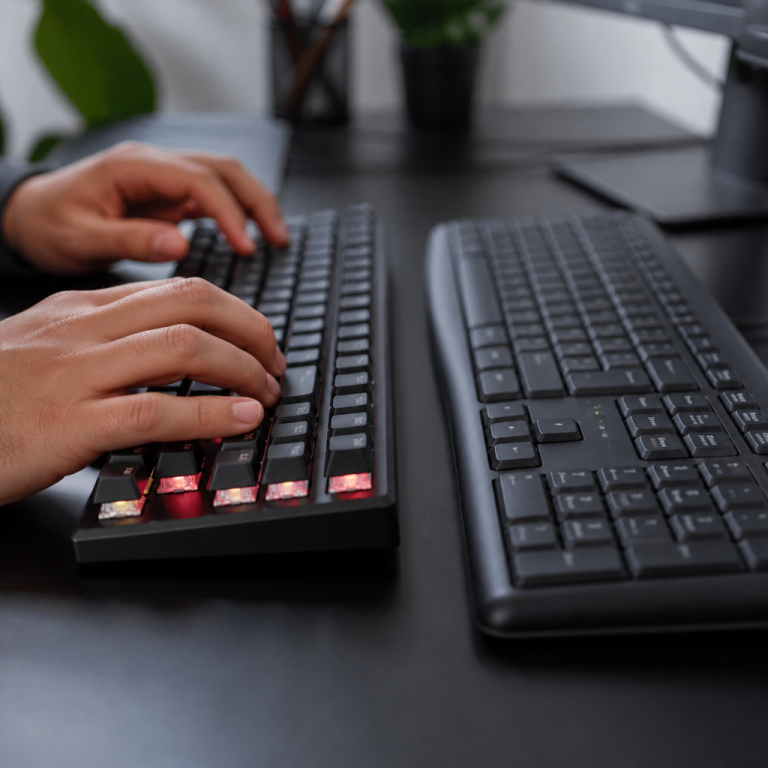
The smell of solder used to fill my tiny apartment office back in 2017. I was attempting, and often failing, to replace a faulty switch on my first mechanical keyboard. Damaging a PCB trace was a rite of passage for many enthusiasts then. That’s why, when I first heard about hot-swappable technology, it felt like a superpower. Discover the freedom of changing the feel and sound of every key in minutes, without a soldering iron or specialized training. That’s exactly what a hot swappable keyboard offers: a mechanical keyboard with special sockets that let you easily pull out and pop in key switches. This innovation has transformed the hobby, making customization simple and accessible for everyone.
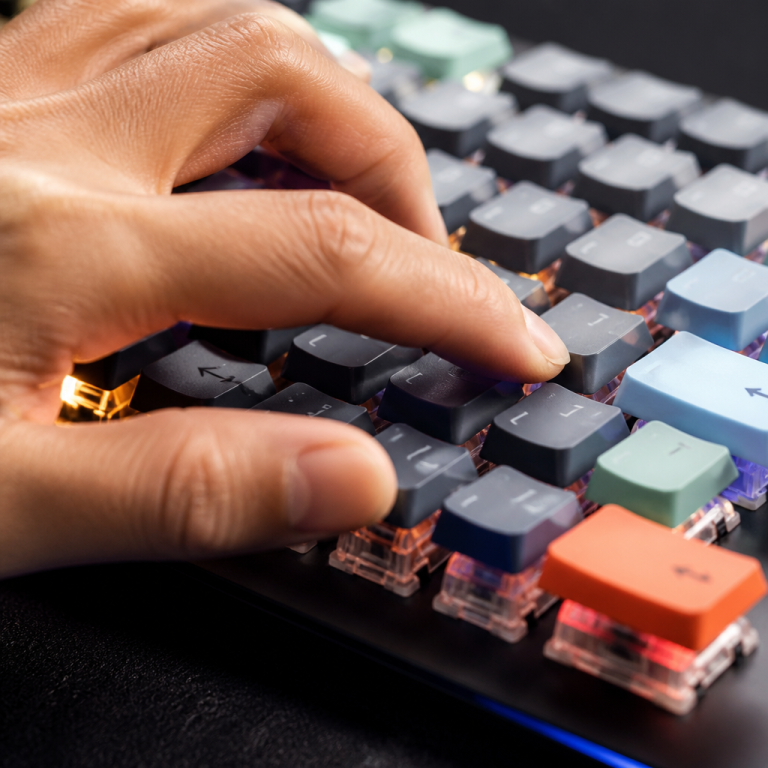
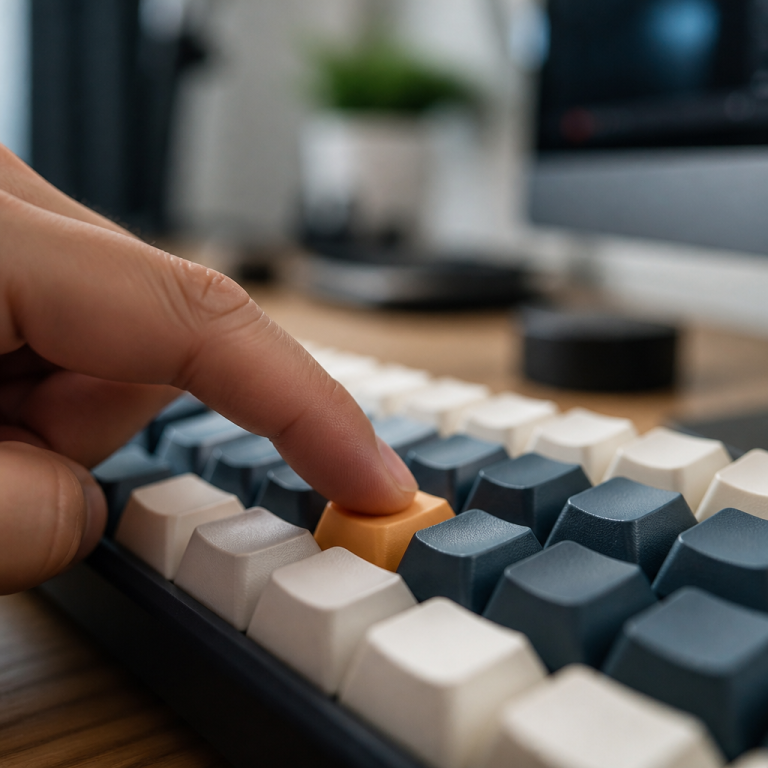
The core of this technology lies in specialized sockets, like those from Kailh or Mill-Max, that are pre-soldered onto the keyboard’s circuit board. These sockets grip the metal pins of a switch, creating a secure electrical connection that can be easily undone. This allows users to experiment with the vast world of mechanical switches—linear for smooth gaming, tactile for satisfying typing feedback, or clicky for audible confirmation. The ability to replace a single faulty switch also dramatically extends the keyboard’s lifespan, saving money and reducing waste. The market has since exploded, with major brands like Keychron, Glorious, and Corsair embracing this user-friendly technology, offering options from budget-friendly boards under $50 to high-end custom models.
Understanding Hot Swappable Keyboards
What is a hot swappable keyboard switch?
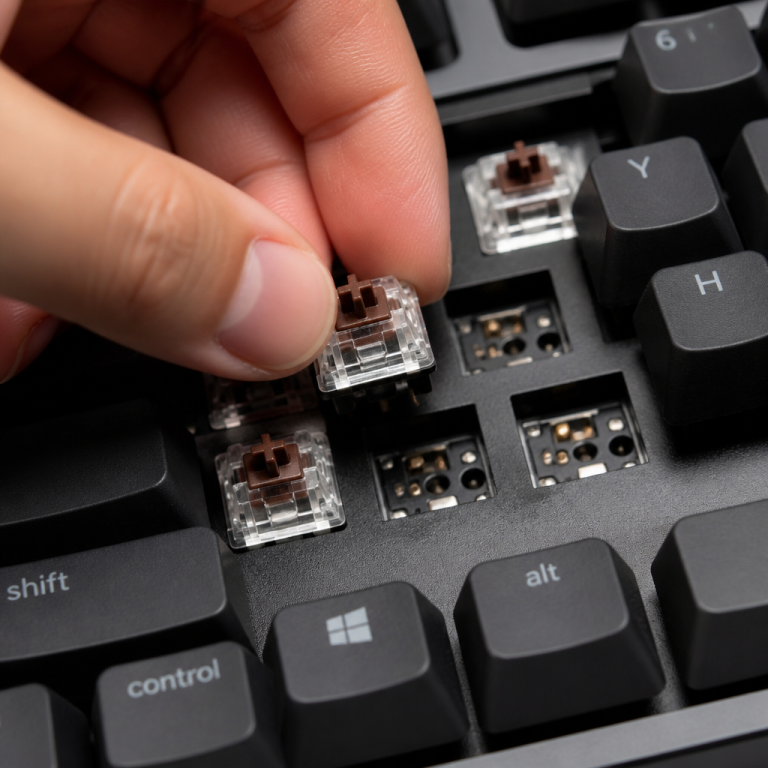
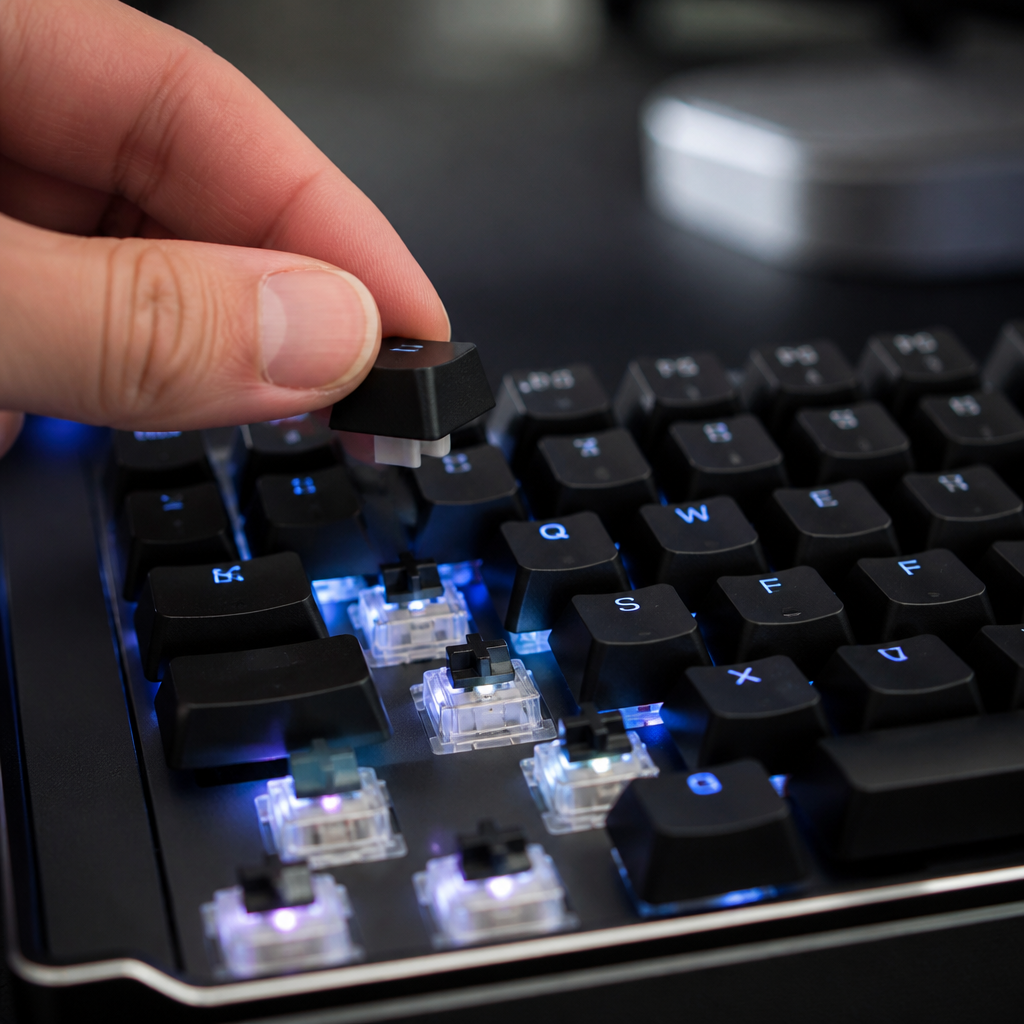
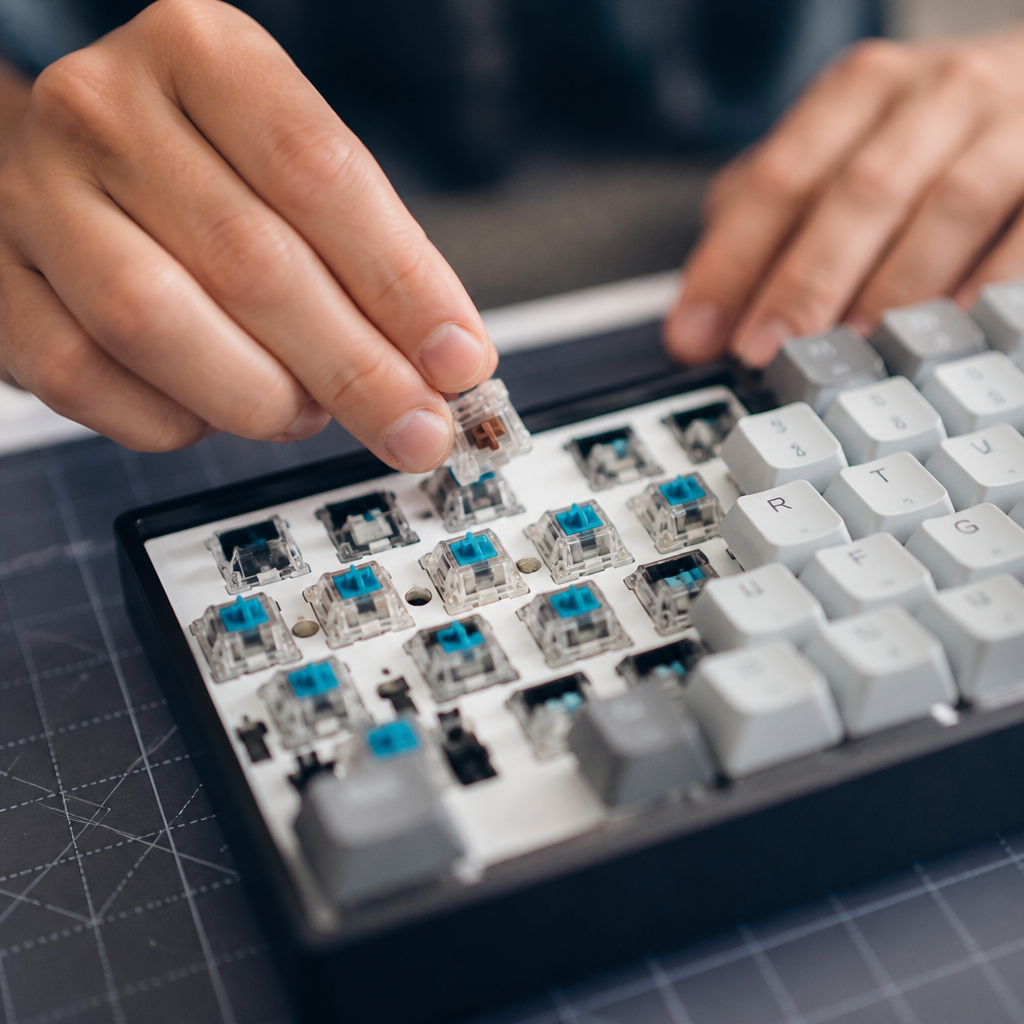
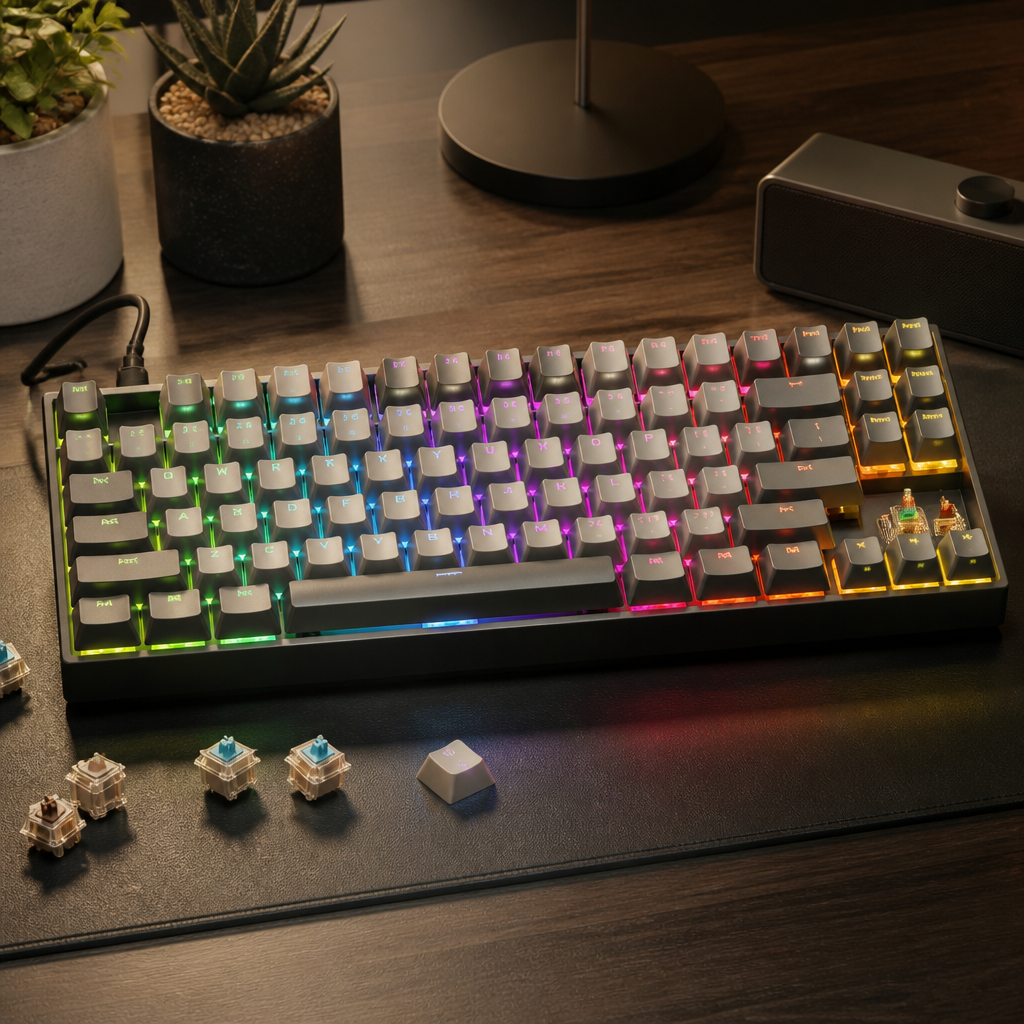
A hot swappable keyboard switch is a mechanical switch designed to be easily installed and removed from a keyboard’s main circuit board (PCB) without soldering. Think of it as a plug-and-play component for your keyboard. These switches feature standardized metal pins—either 3-pin or 5-pin—which slide into compatible hot-swap sockets. This design allows you to quickly change the feel and sound of your keyboard by simply pulling one switch out and pushing another one in.
A 3-pin switch has two metal contact pins and one central plastic pin, while a 5-pin switch adds two plastic stabilizer pins for a more secure fit on the PCB. Many modern boards are designed to accommodate both types, offering maximum flexibility. The real excitement comes from the variety of available switches:
- Linear: These switches offer a smooth and consistent keystroke from top to bottom, with no tactile bump or click. They are often favored by gamers for rapid, uninterrupted presses.
- Tactile: These provide a noticeable bump partway through the keypress, giving you physical feedback that the key has been actuated. Many typists prefer this for accuracy and rhythm.
- Clicky: Combining a tactile bump with a distinct “click” sound, these switches offer both physical and audible feedback.
Compatibility is crucial, and most hot-swap keyboards work with the industry-standard Cherry MX-style switches. This opens the door to a massive ecosystem of switches from brands like Cherry, Gateron, Kailh, and premium enthusiast brands like ZealPC. These switches differ in actuation force (how hard you need to press), actuation point (how far the key travels to register), and total travel distance, all of which impact the typing feel. As noted by keyboard engineer Brandon Taylor, this ability transforms the keyboard from a fixed tool into a customizable instrument, allowing users to match switch characteristics to specific tasks.
How does a hot swappable keyboard work?
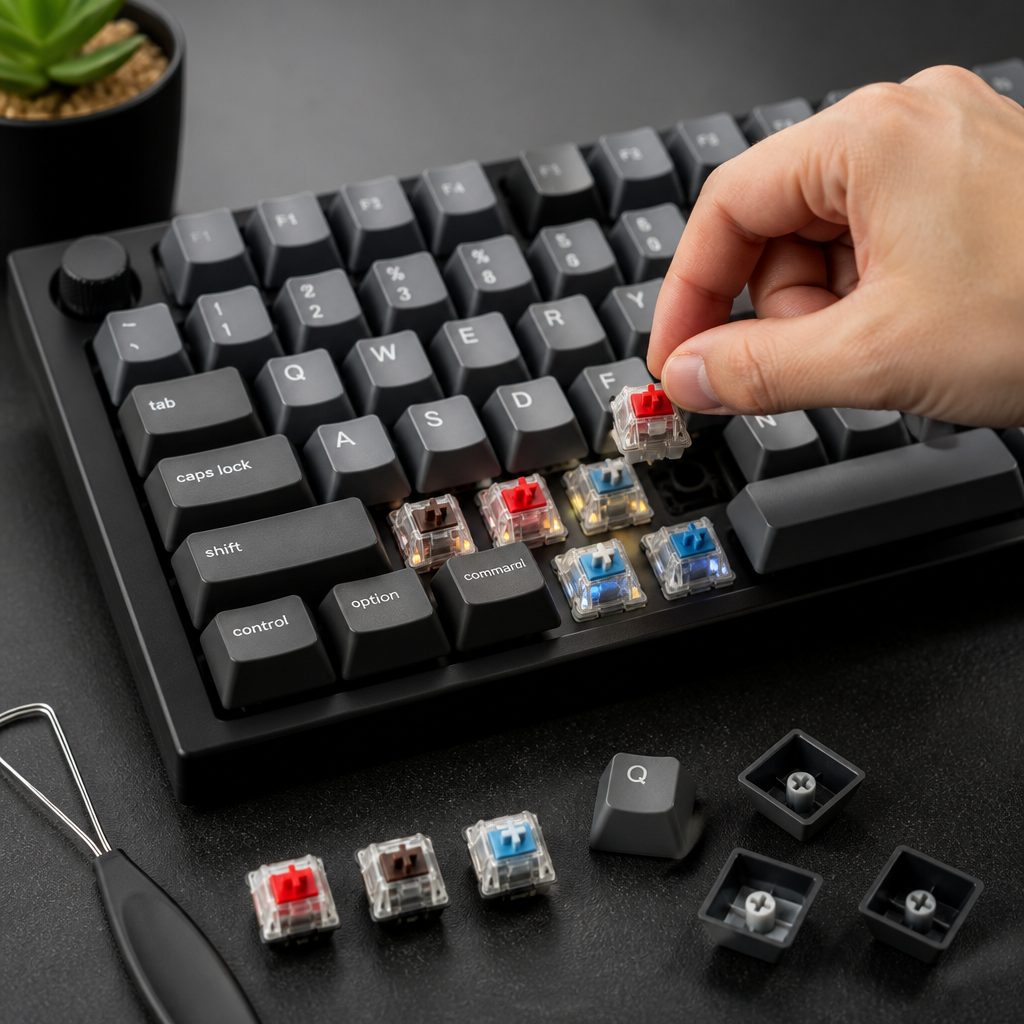
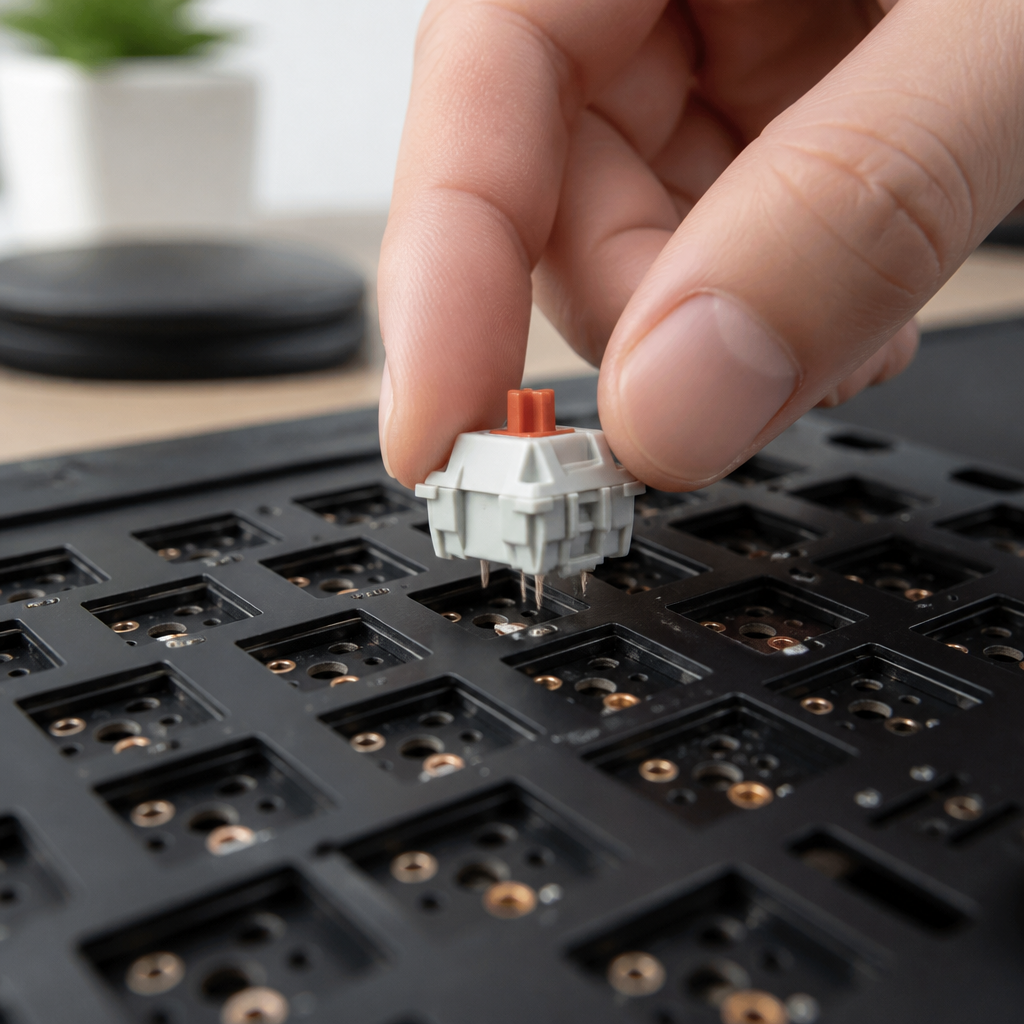
The magic behind how a hot swappable keyboard works is a clever design centered on pre-soldered sockets on the PCB. Unlike traditional keyboards where switches are permanently soldered, these keyboards use tiny metal sockets with internal clips that securely grip the metal pins of a switch when it’s pushed in. This creates a reliable electrical circuit without the permanence of solder, giving you the freedom to change switches on the fly.
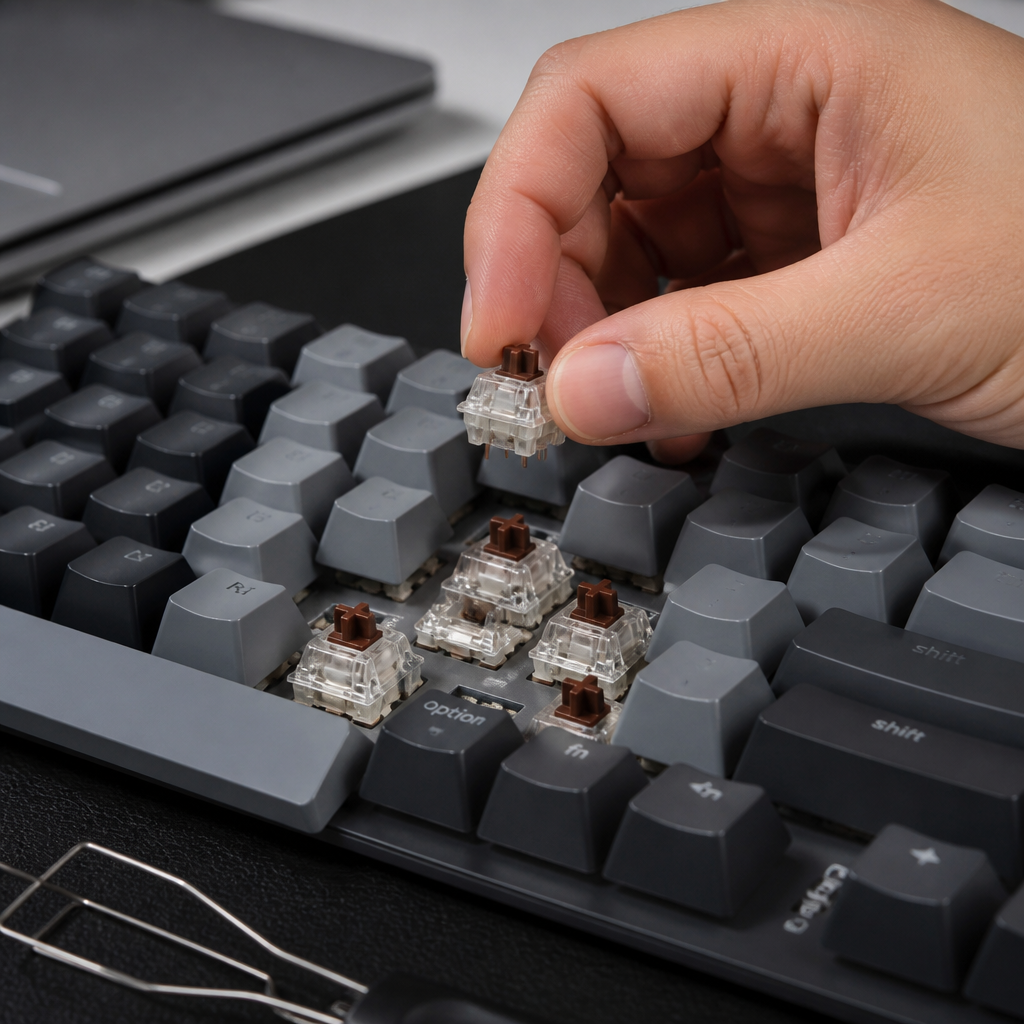
The process is user-friendly. To install a switch, you align its pins with the holes in the socket and press down firmly until it clicks into place. To remove one, a simple switch puller tool is used to grip the switch and pull it straight up. My personal tip: always pull straight up; _trying to wiggle it out can bend the delicate switch pins or even damage the socket itself._ When a key is pressed, the switch’s internal mechanism completes a circuit, and the signal travels through the pins, into the socket, and to the PCB, which tells your computer what key was pressed.
The PCB must be specifically engineered from the factory with these hot-swap sockets. A standard, soldered PCB cannot be easily converted without a complex and risky desoldering and soldering process. While convenient, the sockets can wear out over time. Kailh sockets are typically rated for around 100 swap cycles, while premium Mill-Max sockets can endure 1,000 or more. For most users, this provides years of reliable service, but it’s a durability factor to consider if you plan on swapping switches frequently.
What is a non hot swappable keyboard?
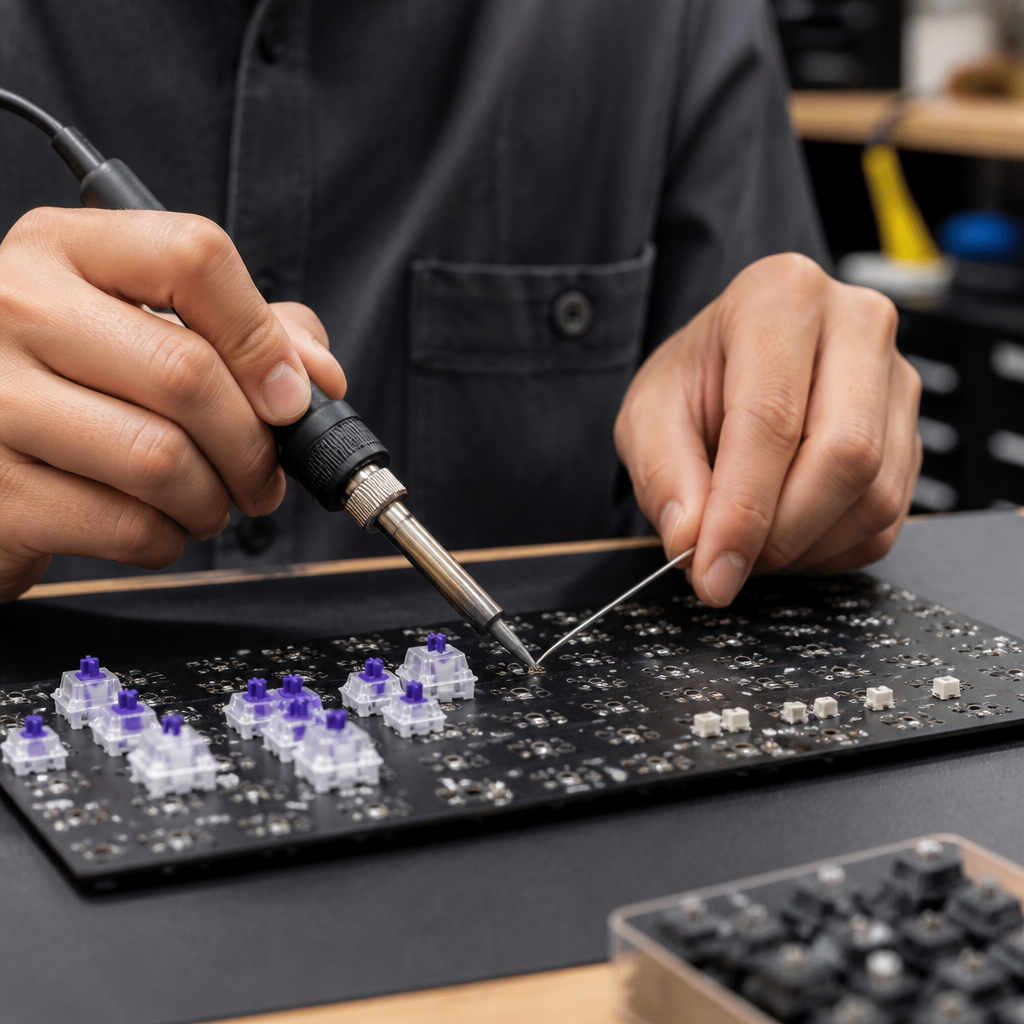
A non hot swappable keyboard, often called a traditional or soldered mechanical keyboard, has its switches permanently attached directly to its PCB (printed circuit board). In this design, the metal pins of each switch pass through holes in the PCB and are secured with molten solder, creating a strong and permanent electrical and physical bond. This method ensures excellent stability and a reliable connection for the life of the keyboard.
The primary trade-off is the lack of easy customization. Changing or replacing a switch on a soldered board is a complex task requiring specialized tools like a soldering iron and a desoldering pump, along with a steady hand and technical skill. Attempting this without experience carries a high risk of permanently damaging the PCB’s delicate copper traces. For this reason, switch modification is typically left to seasoned hobbyists.
Despite this limitation, soldered connections offer some benefits. They can provide a more consistently stable electrical contact and eliminate any potential for failure that might arise from a worn-out hot-swap socket. Historically, soldered keyboards were the market standard and remain common today, especially in budget models under $50, as the manufacturing process is less costly. For users who find their perfect switch and have no desire to experiment further, a soldered board offers rock-solid, set-and-forget reliability.
Hot Swappable Keyboard Pros and Cons
Hot-swappable technology has revolutionized the mechanical keyboard world, but it’s important to weigh its advantages and disadvantages to decide if this type of keyboard is right for you.
| Pros | Cons |
|---|---|
| Easy Customization: Swap switches in minutes without soldering. | Socket Durability: Sockets can wear out over time with frequent swapping. |
| Cost-Effective: Experiment with switches without buying new keyboards. | Higher Initial Cost: Typically cost 15-30% more than comparable soldered models. |
| Simple Maintenance: Easily replace a single faulty or worn-out switch. | Connection Stability: Sockets can occasionally become loose, requiring reseating. |
| Higher Resale Value: More appealing to future buyers due to flexibility. | Compatibility Limits: Some budget boards may only support 3-pin switches. |
“Hot swap technology has democratized keyboard customization, but users should understand the trade-offs. For someone who finds their ideal switch and doesn’t plan to change it, a well-soldered keyboard offers superior long-term reliability. Hot swap excels for enthusiasts who value experimentation.” — Nathan Kim, Founder of Keyboard University
Choosing the Right Hot Swappable Keyboard
What is the best hot swappable keyboard?
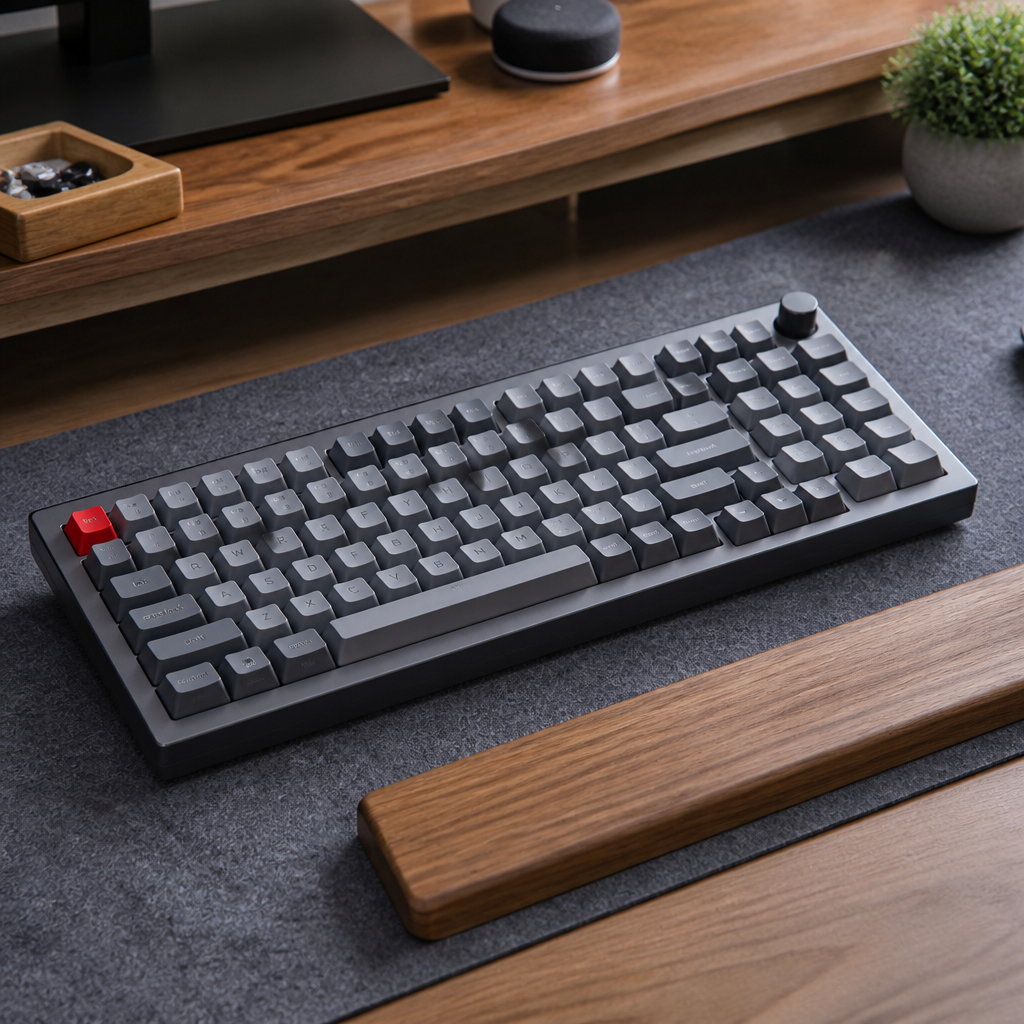
Trying to figure out “what is the best hot swappable keyboard” really comes down to what you like, your budget, and what you’ll use it for. However, several models consistently stand out for their build quality, features, and overall value, making them excellent choices across different categories.
| Model | Price Range | Key Features | Best For |
|---|---|---|---|
| Keychron Q Series | $169 – $195 | Full aluminum case, gasket mount, QMK/VIA programmable | Premium Typing Experience & Customizers |
| Glorious GMMK Pro | $169 (Barebones) | Modular design, rotary knob, aluminum case | Enthusiasts & High Customization |
| Corsair K70 RGB PRO | $179 – $199 | 8000Hz polling rate, dedicated media controls, iCUE software | Gamers |
| Royal Kludge RK84 | $59 – $79 | Wireless (Bluetooth & 2.4GHz), 75% compact layout | Value & Wireless Versatility |
| Keychron K8 Pro | $109 – $119 | Tri-mode wireless connectivity, TKL layout, 4000mAh battery | Premium Wireless & Productivity |
When making your selection, experts recommend evaluating several key factors:
- Case Material: Plastic offers a lower cost and lighter weight, while aluminum provides superior durability and a more premium feel.
- Mounting Style: Tray mount provides a firm typing feel, whereas gasket mount offers a softer, more cushioned experience with improved acoustics.
- Layout: Choose from compact 60% layouts to full-size boards depending on your desk space and need for keys like a number pad.
- Connectivity: Decide between wired, Bluetooth, or 2.4GHz wireless based on your setup and portability needs.
- Programmability: Features like QMK/VIA support allow for advanced key remapping and macros for a truly personalized workflow.
“The ‘best’ hot swappable keyboard depends on use case. For pure typing experience and build quality, Keychron Q Series leads. For gaming performance, Corsair K70 RGB PRO’s polling rate matters. For value, Royal Kludge offers 80% of premium features at 40% of the cost.” — Thomas Barratt, Hardware Reviewer at Tom’s Hardware
What is the cheapest hot swappable keyboard?
For those looking to enter the world of keyboard customization without a large investment, several budget-friendly hot-swappable keyboards provide an excellent starting point. These entry-level boards are fantastic for newcomers because they let you experience the main appeal of hot swap without a huge financial commitment.
The Redragon K617 Fizz is a standout in the budget market, offering hot-swap capability, a compact 60% layout, and RGB lighting for around $39-$45. It provides the core functionality needed to start experimenting with switches. Another excellent option is the Royal Kludge RK61 ($45-$55), which adds wireless Bluetooth connectivity to its hot-swap feature set, offering tremendous value.
A key consideration with budget boards is that they typically use plastic cases and simpler tray-mount construction, which can result in a more hollow typing sound compared to premium models. Furthermore, when considering entry-level full-size options like the original Glorious GMMK (from $59), it’s important to remember that _this price is just for the keyboard frame; you’ll need to buy switches and keycaps separately_, which will add to the total cost. A complete budget setup often lands in the $70-$80 range. As content creator Alexotos points out, while you don’t get premium materials, the core ability to swap switches works identically to keyboards that cost hundreds more, making these boards a perfect gateway into the hobby.
—
Hot-swappable keyboards have undeniably transformed the landscape of mechanical keyboards, making deep customization more accessible than ever before. By empowering users to tailor their typing experience to their precise preferences, these keyboards offer unparalleled flexibility. While it is important to consider factors like socket durability and initial cost, the advantages in customization, maintenance, and experimentation are compelling. For anyone seeking a versatile solution that can evolve with their needs, a hot-swappable keyboard is a valuable tool for the modern computer user.

Hi, I’m Alex Morgan.
Welcome to my blog! As a dedicated mechanical keyboard enthusiast, I’m passionate about exploring everything from custom builds to the finest details of switches and keycaps. My goal is to break down specs, sound profiles, and ergonomics to help you find the absolute best keyboard for your setup. Whether you’re a gamer, programmer, or desk setup fanatic, I’m here to share honest reviews and practical recommendations.