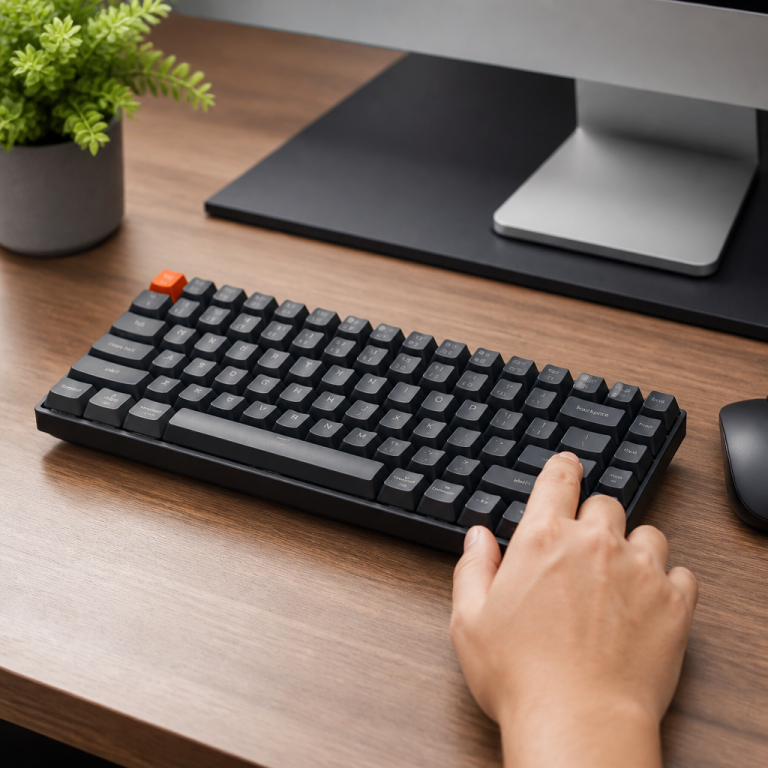
mechanical keyboard vs regular: 3 Key Differences Revealed!
I remember the first time I typed on a mechanical keyboard, back in 2012. My friend proudly showed off his new setup for playing StarCraft II. The satisfying _click_ and _thock_ as my fingers moved across the keys felt like a revelation. Until then, I'd only ever used the mushy keyboards that came with desktops or laptops. That experience fundamentally changed how I saw my primary computer interface. It wasn't just a tool anymore; it was an extension of my intent, offering a level of feedback and precision I hadn't known I was missing.
The difference between a keyboard with mechanical switches and a "regular" (or membrane) keyboard is more significant than many realize, impacting everything from typing comfort to gaming performance. Discover the key differences that will help you decide which one is right for you.
Core Differences Between Mechanical and Regular Keyboards
Mechanical Keyboard Switches vs. Regular
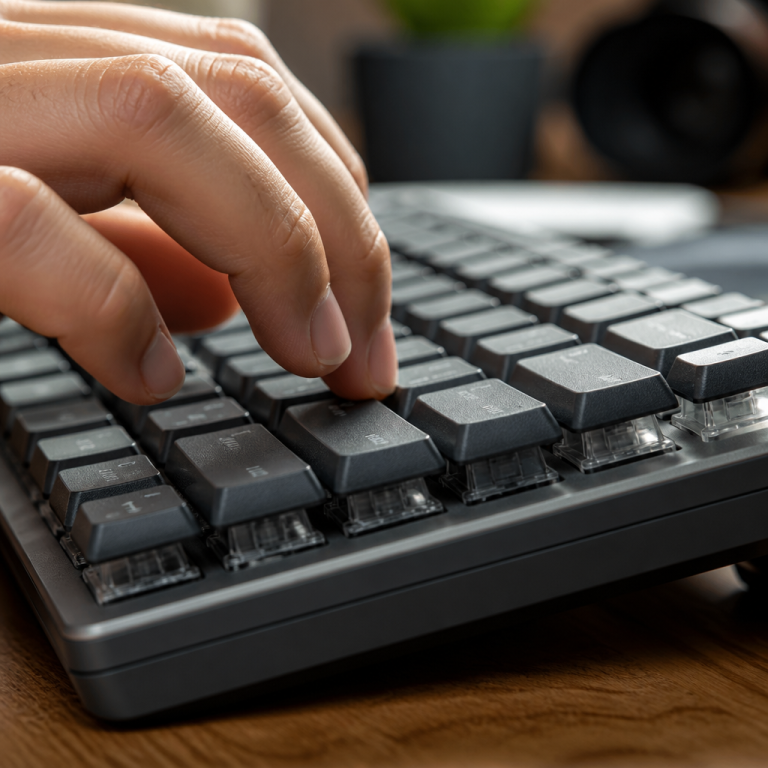
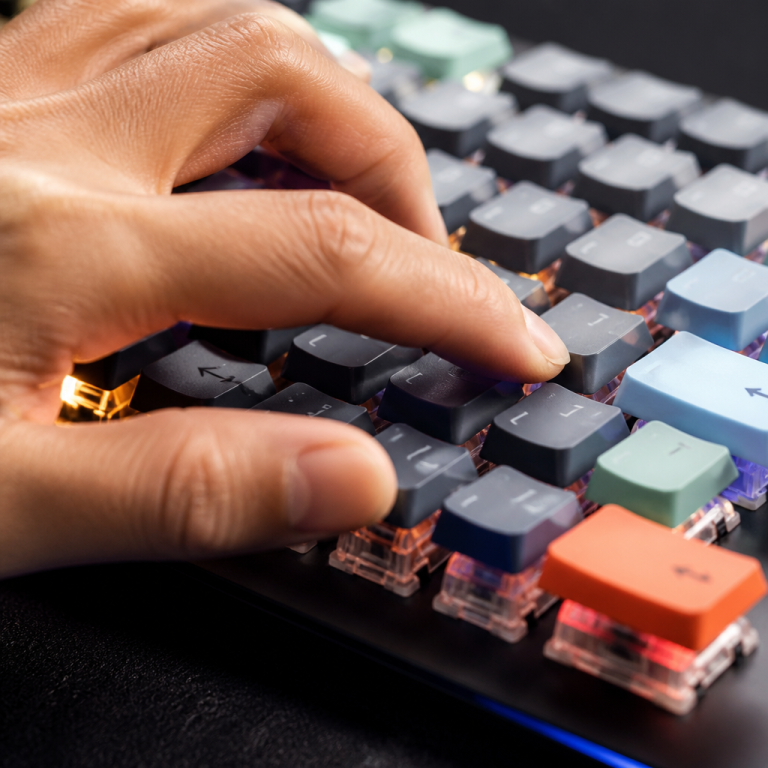
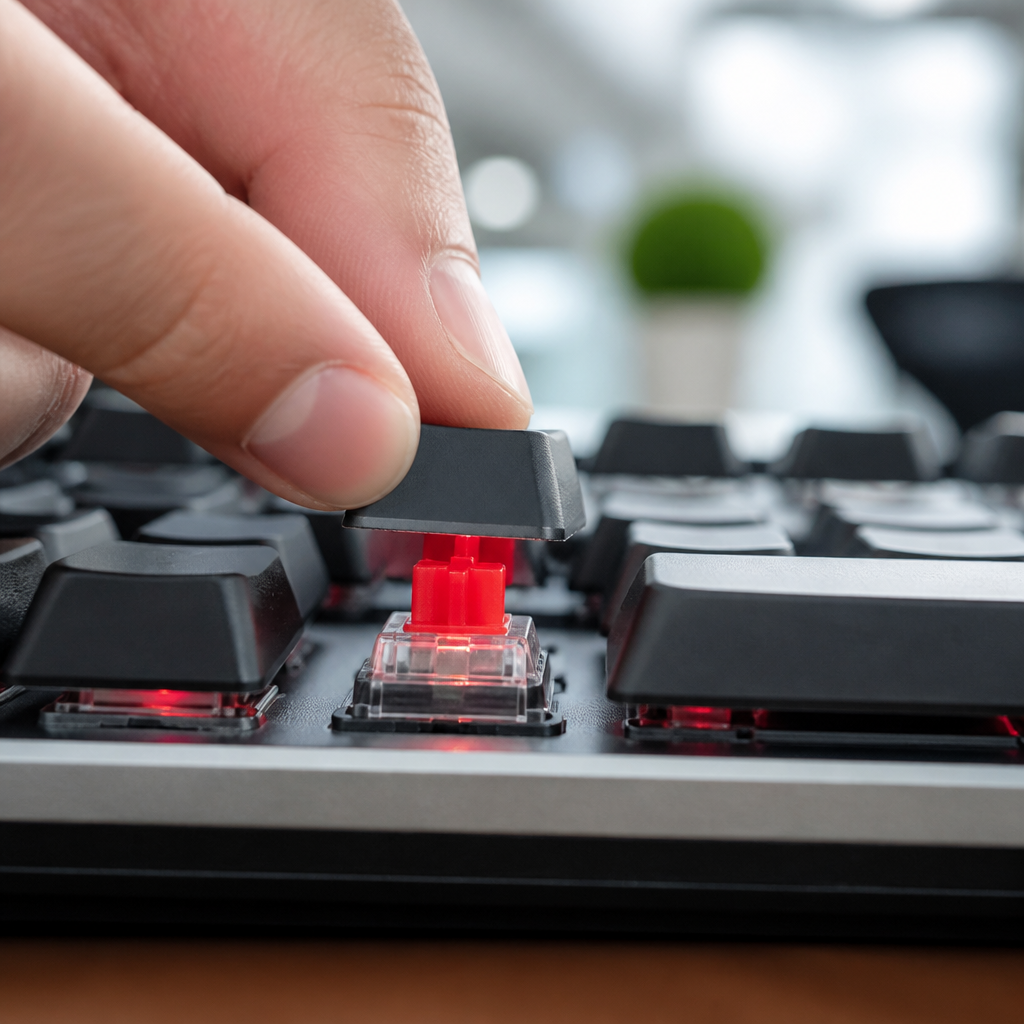
Mechanical keyboards and regular, or membrane, keyboards register keypresses differently, a distinction that greatly affects your experience. Keyboards with mechanical switches have an individual switch under each keycap, like a miniature, self-contained button. These switches are often spring-loaded and designed to register a keypress at a specific point in their travel, not necessarily all the way down. I recall popping off a keycap on my friend's Corsair K70 and seeing the intricate little red switch underneath; it felt like looking at the engine of a tiny machine. Popular switches include Cherry MX, Gateron, and Kailh, each offering a unique feel and sound profile.
In contrast, a membrane keyboard uses a continuous rubber sheet or membrane layer. Pressing a key pushes down a rubber dome, which then collapses to connect with a circuit layer beneath, registering the keypress. This construction difference creates a vastly different tactile and auditory experience, influencing typing speed and overall satisfaction.
These switches fall into three main types, each suiting different preferences. Linear switches offer a smooth, consistent keystroke without any tactile bump or audible click. They're often favored for rapid, repetitive keypresses in gaming where speed is key. Tactile switches, however, provide a noticeable bump during the key travel, signaling that a keypress has been registered without an accompanying click. This feedback can improve typing accuracy, as you don't need to bottom out the key. Finally, clicky switches combine both a tactile bump and an audible click, offering clear feedback through touch and sound. The actuation force—the pressure needed to register a keypress—for these switches typically ranges from 45g to 80g, letting you choose your desired key resistance. This variety is a core advantage, offering customization that membrane keyboards can't match.
Membrane keyboards, by design, offer a more uniform and often described as "mushy" or "spongy" typing feel. This is because the rubber dome mechanism provides gradual resistance as the key is pressed, without a distinct actuation point. On many office membrane keyboards, it's hard to tell if you've pressed the key enough without bottoming it out. Actuation forces for membrane keyboards typically fall between 55-65g, but the feel is markedly different due to the lack of a clear actuation point. Furthermore, membrane keyboards generally require the key to be fully depressed to ensure registration, with a total travel distance of 3-4mm. Mechanical switches, particularly standard ones, often actuate at a shorter distance, around 2.0mm, even though their total travel might also be 4.0mm. This shorter actuation distance means you may not need to press the key all the way down, potentially leading to faster typing and less finger strain over time.
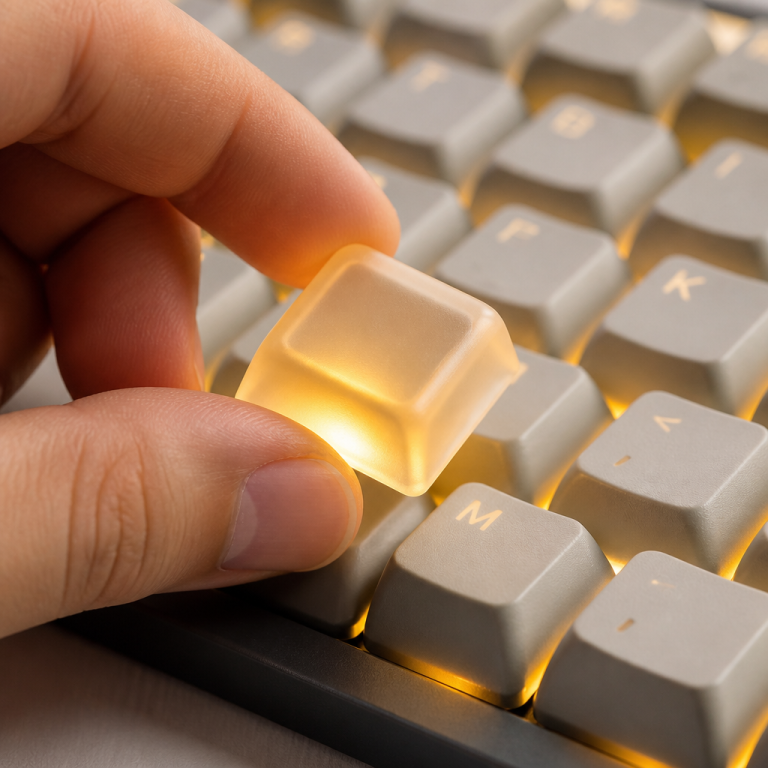
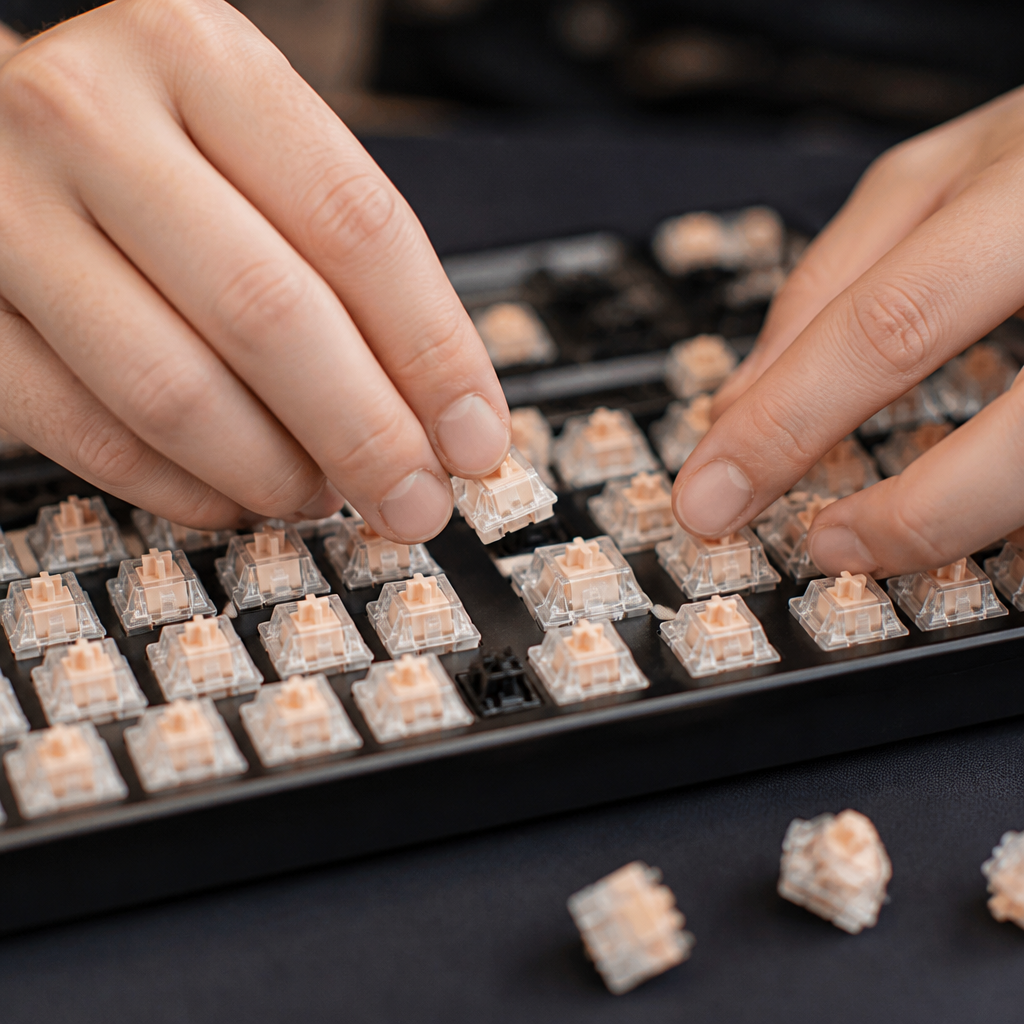
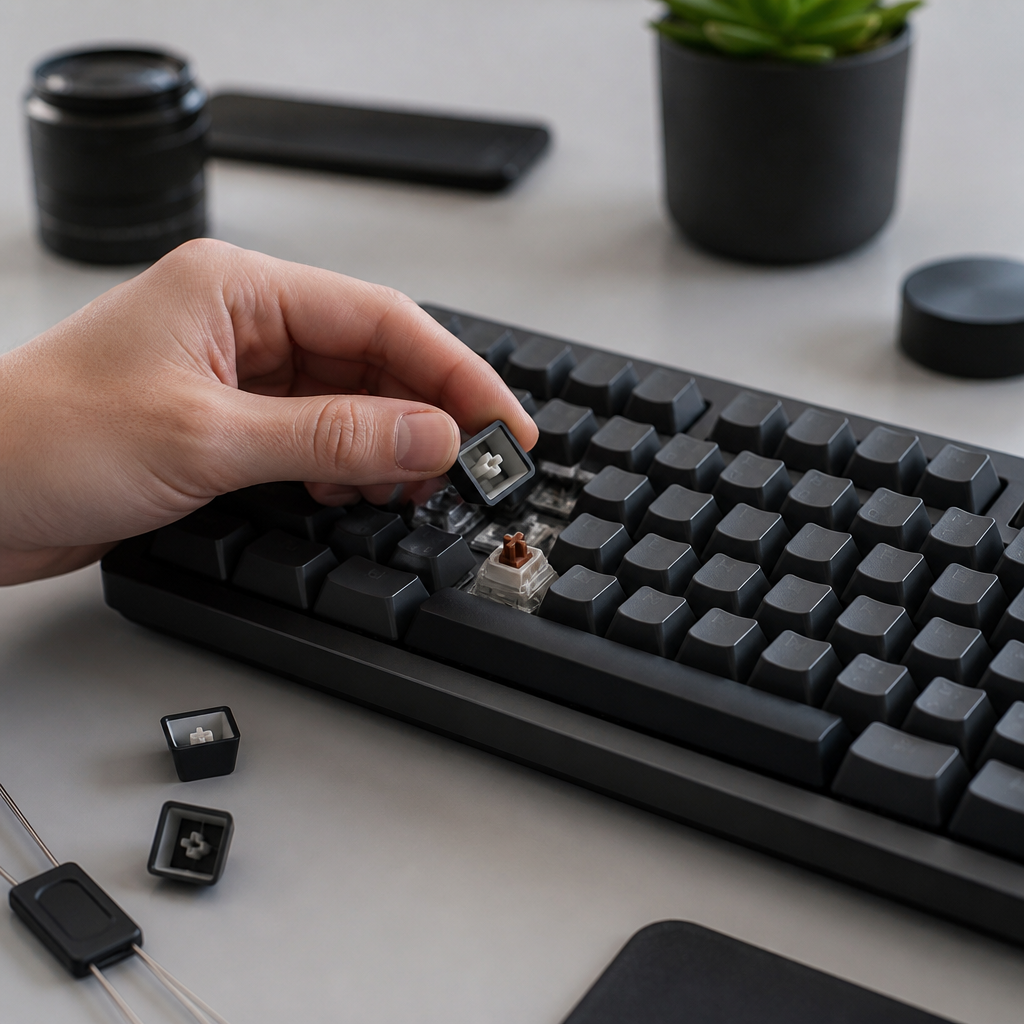
The innovation of hot-swappable mechanical keyboards further enhances their versatility. This feature allows you to easily remove and replace individual switches without soldering, a significant advantage for customization and maintenance. You can experiment with different switch types, replace a faulty switch, or even mix and match switches. I recently helped my cousin build his first custom keyboard, and the hot-swappable PCB (Printed Circuit Board) made it easy for him to try out different switches. This level of modularity is virtually impossible with membrane keyboards, where the rubber domes are integrated into the overall design. The ability to tailor the typing experience so precisely is a key reason many users gravitate towards these keyboards.
Mechanical Keyboard Sound vs. Regular
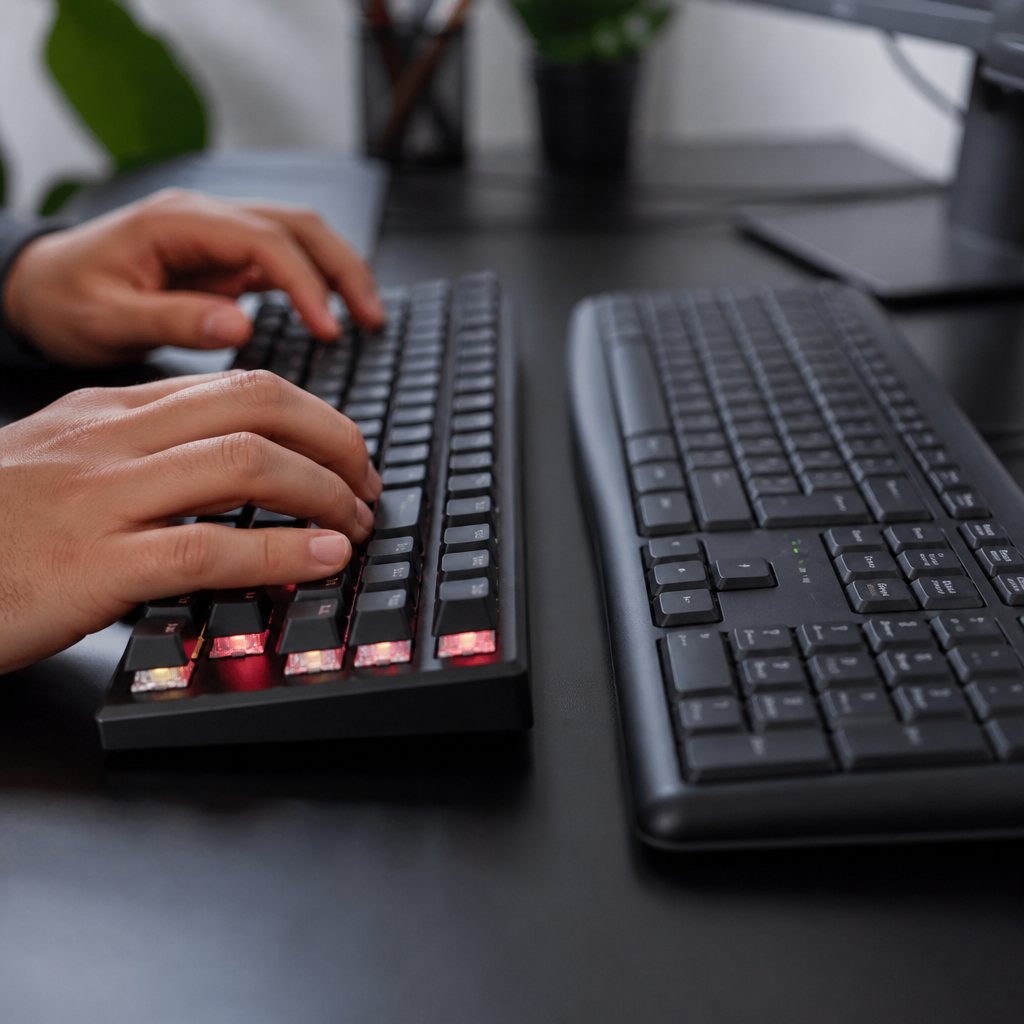
The auditory experience is another significant difference between the two keyboard types. Keyboards with mechanical switches are known for their distinct and often varied sound profiles, directly influenced by the switch type. Clicky switches produce an audible "click" along with their tactile bump, often measuring 60-70 dB. Tactile switches provide a tactile bump without the click, resulting in quieter operation, typically between 50-60 dB. Linear switches are the quietest, offering a smooth keystroke with minimal sound, usually in the 45-55 dB range. These sounds are often described as distinct "thock" or "click" noises.
In stark contrast, membrane keyboards typically produce a much more muted and dampened sound. The rubber dome mechanism creates a soft "thud" as the key bottoms out against the circuit layer. The overall sound level for membrane keyboards usually falls within the 40-50 dB range, making them generally quieter than most mechanical options. Acoustic testing has provided concrete evidence of these differences, with studies showing clicky switches can measure between 64-68 dB at a distance of 1 meter, while standard membrane keyboards typically register much lower, around 42-48 dB.
The sound profile of a device with mechanical switches isn't just a byproduct of its design; it's often a deliberate feature. The distinct sounds can provide auditory feedback that complements the tactile sensation. However, the louder nature of some switches can be a concern in shared environments. _Your choice of switch should always consider your work or home environment to avoid disturbing others._ Fortunately, these keyboards offer sound modification options largely unavailable to membrane users:
- O-rings: Placed under keycaps to cushion the bottom-out and reduce impact noise by 5-10 dB.
- Foam Dampening: Inserted into the case to absorb internal resonance and create a deeper sound.
- Switch Lubrication: Applied to smooth out switch operation, reducing scratchiness and unwanted noise.
These customization options allow you to fine-tune the acoustic experience. Membrane keyboards, due to their integrated design, offer very limited, if any, sound customization.
Mechanical Keyboard vs. Regular Typing Feel
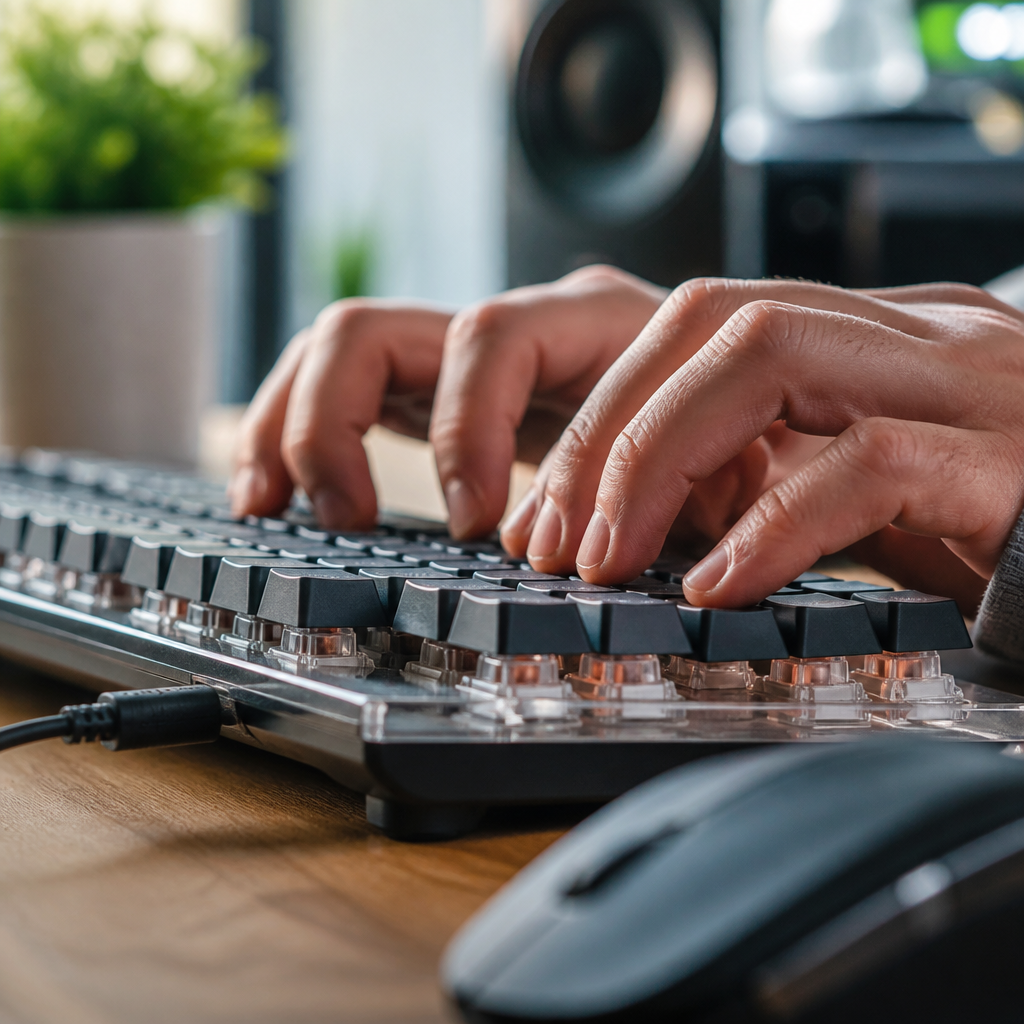
The "typing feel" is a complex interplay of tactile feedback, actuation force, and key travel. This precise feedback allows typists to develop a more consistent rhythm and potentially improve accuracy. Keyboards with mechanical switches are widely recognized for offering a distinct and often superior typing feel. They provide consistent resistance and, depending on the switch, a clear tactile bump or an audible click that signals actuation. The consistency means each key feels largely the same, contributing to a predictable and reliable typing experience.
In contrast, membrane keyboards typically present a more gradual and mushy resistance. As a key is pressed, the rubber dome collapses, offering a soft, indistinct feel without a clear actuation point. This can make it harder for typists to know exactly when a keypress has registered without fully depressing the key. The lack of distinct feedback can also contribute to finger fatigue during extended typing sessions. Ergonomic studies have indicated that the consistent actuation points of mechanical switches can prevent unnecessary bottoming out, which in turn may alleviate strain on your fingers.
Beyond comfort, the typing feel can also influence typing speed. Some studies suggest experienced typists may achieve faster speeds on keyboards with mechanical switches, with averages typically ranging from 75-95 words per minute (WPM), compared to 70-85 WPM on membrane keyboards. This potential improvement is often attributed to the clear tactile feedback and faster key reset times.
Another aspect of typing feel is key wobble. High-quality keyboards with mechanical switches generally exhibit less lateral key wobble, meaning the keycaps remain more stable as they are pressed. This stability contributes to a more precise and confident typing experience. Membrane keyboards, with their often simpler keycap mounting mechanisms, can sometimes display more key wobble. Furthermore, the actuation consistency of mechanical switches tends to remain stable over their lifespan. Membrane domes, however, can degrade over time, leading to a less consistent feel after millions of actuations.

How Do Durability and Cost Compare?
Mechanical Keyboard vs. Regular Durability
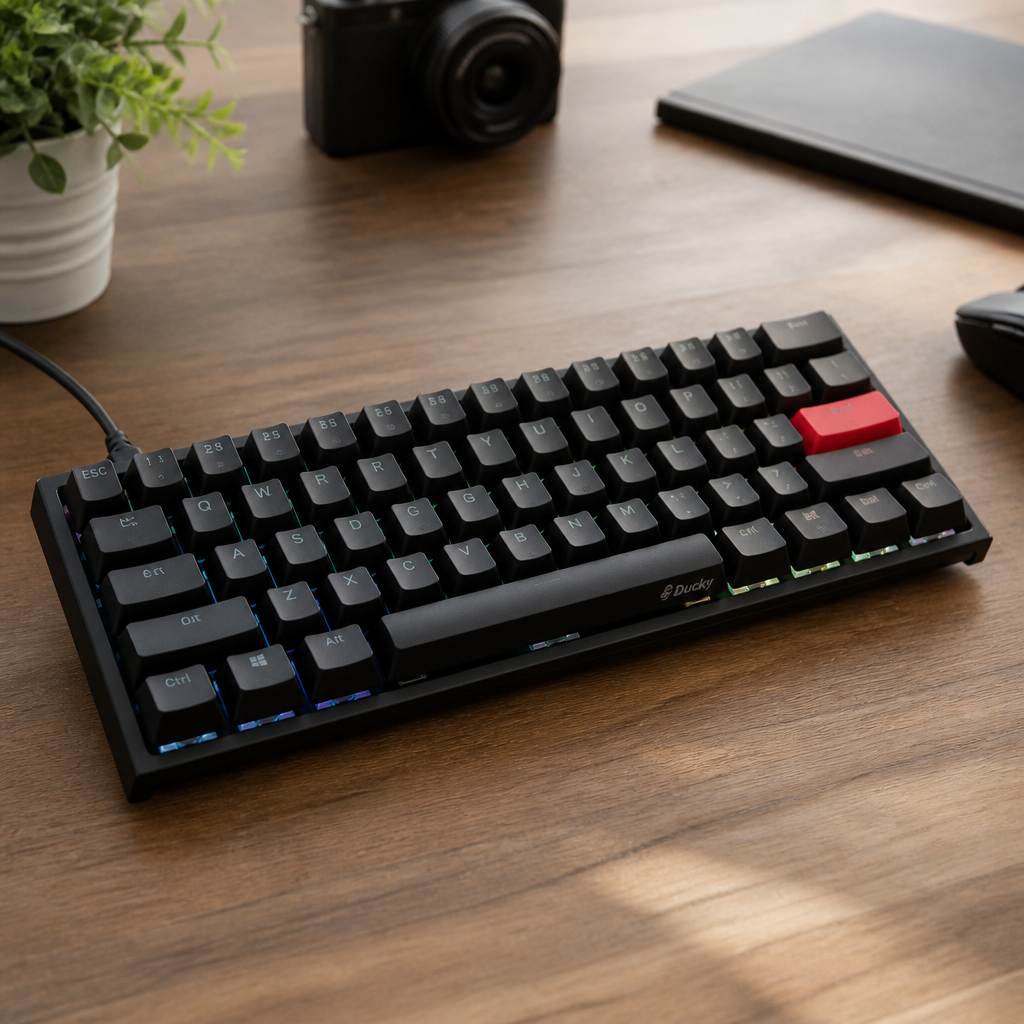
When considering a keyboard purchase, durability is crucial. In this regard, mechanical keyboards generally hold a significant advantage. Their switches are engineered for extreme longevity, typically rated for 50-100 million keystrokes per switch. This robust design means individual keys can withstand extensive use for many years. My current keyboard, a Ducky One 2 Mini, has been my daily driver for over five years, and every key still feels crisp. In stark contrast, membrane keyboards are usually rated for a much shorter lifespan of 5-10 million keystrokes.
| Feature | Mechanical Keyboard | Regular (Membrane) Keyboard |
|---|---|---|
| Keystroke Lifespan | 50-100 million | 5-10 million |
| Typical Lifespan | 10-15+ years | 2-5 years |
| Price Range | $50 – $300+ | $10 – $100 |
| Sound Level | 45-70 dB (variable) | 40-50 dB (quiet) |
This substantial difference in keystroke rating points to a fundamental disparity in their expected operational life. A mechanical keyboard can often last 10-15 years or even longer with heavy daily use. Membrane keyboards, under similar heavy usage, typically last only 2-5 years before their performance begins to degrade. This degradation can manifest as keys requiring more force, keys that stick, or keys that simply stop working reliably.
The superior durability is also reflected in build materials. These durable keyboards often feature robust construction, utilizing materials like aluminum or high-grade plastic for their frames, which contributes to greater structural rigidity. Membrane keyboards, conversely, commonly use thinner plastic for their casings, resulting in a less rigid build. The modular nature of these devices also contributes to their longevity. If a single switch fails, it can often be replaced without needing to discard the entire keyboard.
Furthermore, _while no keyboard is truly impervious to liquid damage, models with mechanical switches may offer better recovery chances._ Their modular construction can allow for easier cleaning and replacement of individual components. In contrast, a spill on a membrane keyboard can often be catastrophic as liquid seeps into the integrated layers, causing widespread damage that is difficult to repair.
Mechanical Keyboard vs. Regular Price
Generally, keyboards with mechanical switches represent a higher upfront investment, reflecting their more complex construction and higher-quality materials. Entry-level models typically range from $50-80. Mid-range models can cost between $80-150, while premium versions can climb to $150-300 or more.
In contrast, membrane keyboards are significantly more affordable. Budget-friendly options can be found for as little as $10-25. Standard membrane keyboards typically fall within the $25-50 range, and even specialized gaming membrane keyboards usually top out around $50-100. While the initial outlay is higher, the extended lifespan and potential for customization can offer better long-term value.
The higher price point of these keyboards can be understood by examining their component costs. The individual switches, higher-quality keycaps, more complex circuit board, and robust case materials all contribute to the manufacturing cost. You're paying for the engineering and quality of each individual component, not just a single, mass-produced rubber sheet.
Beyond the core components, several premium features can further increase the price. Integrated RGB lighting, hot-swappable switch sockets, wireless connectivity, and higher-quality PBT keycaps are optional enhancements that allow you to tailor your keyboard to specific needs, but they also contribute to the overall investment.
Which Keyboard Is Best for Your Use Case?

Mechanical Keyboard vs. Regular for Gaming
For gamers, keyboard choice can significantly impact performance, and mechanical keyboards have largely become the preferred option. They prioritize rapid response time, effective anti-ghosting, and N-key rollover (NKRO) capabilities. These keyboards typically boast impressive response times of 1-5ms and full NKRO, meaning every keypress is registered accurately. _While improved over standard models, even specialized gaming membrane keyboards generally offer slower response times_ of 5-15ms and limited rollover capabilities.
The dominance of these devices in professional esports underscores their performance advantages. Over 95% of professional gamers opt for mechanical keyboards. Within this sphere, linear switches are popular due to their smooth travel and fast actuation. Input lag testing further supports this preference, showing that keyboards with linear mechanical switches can achieve a total latency of 3-7ms, whereas membrane keyboards typically exhibit higher latencies of 8-15ms. This reduced input lag can provide a tangible competitive advantage, allowing players to react more quickly to in-game events.
Switch preferences among gamers vary by genre. FPS gamers often favor linear switches for speed. MOBA players may prefer tactile switches for precise feedback. I remember playing World of Warcraft on my first mechanical keyboard, a Razer BlackWidow Ultimate, and setting up macros felt much more reliable and responsive with its clicky switches than with my old membrane keyboard.
Technical advancements like 'speed' switches further enhance their gaming appeal. These are engineered for ultra-short actuation distances (1.0-1.2mm), translating to faster input registration. Moreover, these keyboards demonstrate superior durability under the intense stress of gaming. Heavily used keys like WASD maintain their performance, whereas on membrane keyboards, these keys can show significant tactile degradation over time. For serious gamers, the precision, speed, and durability offered by these devices make them a highly valued tool.
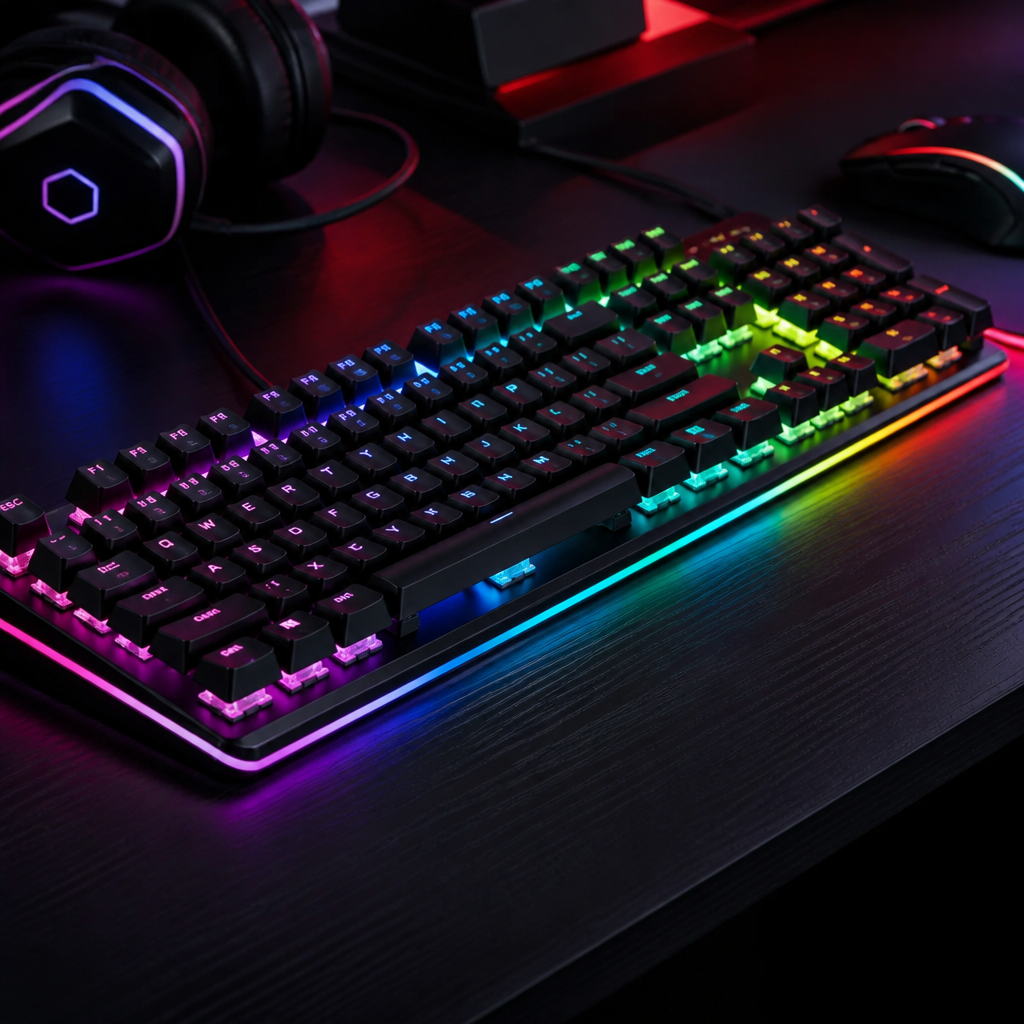
Mechanical Keyboard vs. Regular Keyboard
The term "mechanical keyboard vs. regular keyboard" encapsulates the comprehensive comparison between these two technologies. Beyond core performance differences, other practical considerations distinguish them, particularly portability and customization.
One noticeable difference is weight. Keyboards with mechanical switches tend to be significantly heavier, averaging between 800-1400g, due to their robust internal components. This contributes to a solid, planted feel on the desk but can impact portability. Membrane keyboards are typically much lighter, averaging 400-700g, making them more convenient for transport.
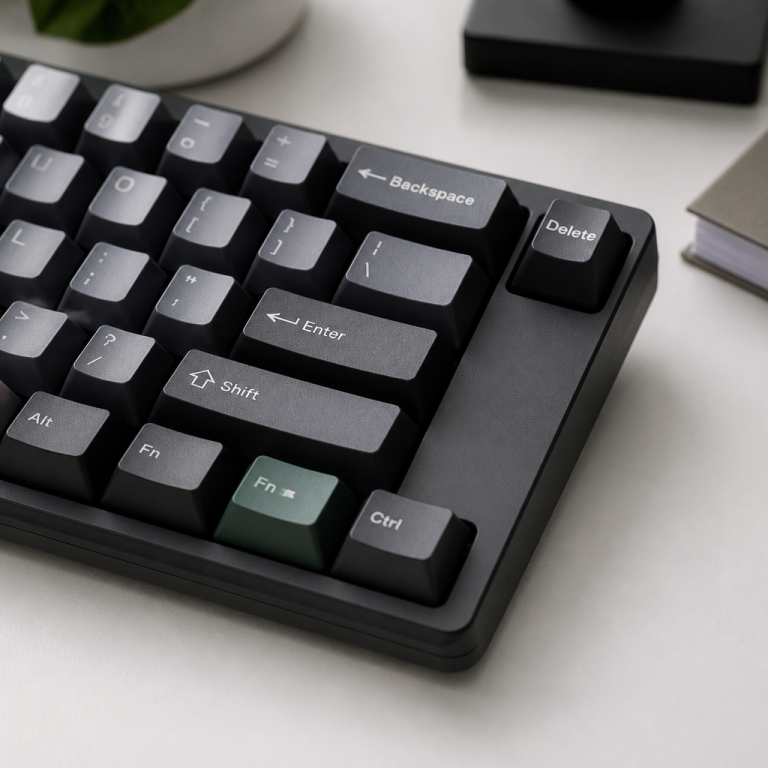
Perhaps one of the most compelling aspects of mechanical models is their extensive customization ecosystem. This vibrant market allows users to personalize nearly every aspect of their keyboard. You can choose from a vast array of aftermarket keycaps, swap out switches (especially with hot-swappable PCBs), and even engage in modifications like adding foam or lubricating switches to fine-tune the sound and feel. This level of deep customization is virtually non-existent for membrane keyboards.
This rich ecosystem means such a keyboard can evolve with your preferences, offering a long-term, adaptable solution. For many, the keyboard becomes more than just an input device; it's a personal tool optimized for specific tasks. The choice ultimately depends on your priorities: budget and basic functionality versus a premium, customizable, and durable typing experience.
FAQ
Q1: What is the fundamental difference in how mechanical and regular (membrane) keyboards register a keypress?
A1: Mechanical keyboards use individual mechanical switches under each key, which are self-contained units that actuate at a specific point in their travel. Regular membrane keyboards, however, use a continuous rubber dome or membrane layer that collapses to complete a circuit when a key is pressed.
Q2: Are mechanical keyboards always louder than membrane keyboards?
A2: Not necessarily. Mechanical keyboard sound varies significantly by switch type; clicky switches are generally louder (60-70 dB), while tactile (50-60 dB) and linear switches (45-55 dB) can be much quieter. Membrane keyboards typically produce a muted sound (40-50 dB). Mechanical keyboards also offer sound modification options like O-rings and foam dampening to reduce noise.
Q3: Why do mechanical keyboards generally cost more than membrane keyboards?
A3: Mechanical keyboards have a higher price due to their more complex construction, individual mechanical switches, and often more robust build materials like aluminum frames. The cost breakdown includes individual switches ($10-50), keycaps ($10-40), and a more intricate PCB and case ($35-120), plus premium features like RGB lighting or hot-swap capability that add to the overall price.
Q4: Which type of keyboard is typically preferred for gaming, and why?
A4: Mechanical keyboards are largely preferred for gaming, especially by professional esports players. They offer faster response times (1-5ms), full N-key rollover (meaning all simultaneous key presses are registered), and superior durability under rapid inputs. Linear mechanical switches are particularly favored for their speed and consistent feel, providing a competitive advantage in reaction-based games.
Q5: What is the typical lifespan difference between mechanical and membrane keyboards?
A5: Mechanical keyboards are significantly more durable, with individual switches rated for 50-100 million keystrokes, often lasting 10-15+ years with heavy use. Membrane keyboards, relying on rubber domes, typically last for 5-10 million keystrokes, translating to an expected lifespan of 2-5 years under similar conditions.

Hi, I’m Alex Morgan.
Welcome to my blog! As a dedicated mechanical keyboard enthusiast, I’m passionate about exploring everything from custom builds to the finest details of switches and keycaps. My goal is to break down specs, sound profiles, and ergonomics to help you find the absolute best keyboard for your setup. Whether you’re a gamer, programmer, or desk setup fanatic, I’m here to share honest reviews and practical recommendations.