What are the quietest keyboard switches: 7 Best Silent Picks
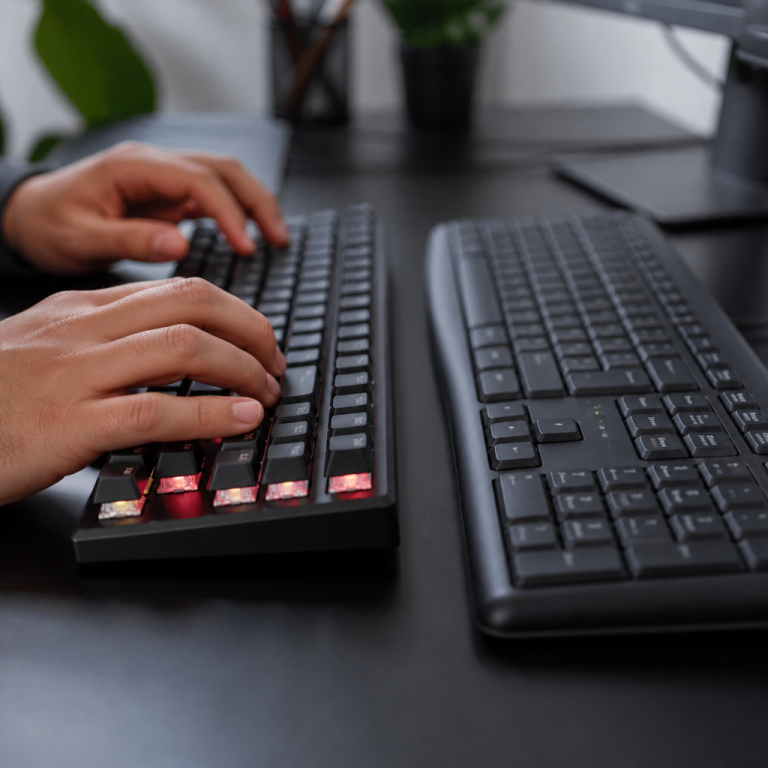
For many computer users, how a keyboard sounds significantly impacts their daily experience. Whether you work in a shared office, game late at night, or simply prefer a more peaceful typing environment, understanding what makes a keyboard quiet can greatly enhance your setup. Quiet keyboard switches are specifically engineered to minimize the audible noise produced during typing. Unlike standard mechanical switches that can generate sounds upwards of 70 decibels (dB)—about as loud as a vacuum cleaner—quiet switches typically aim to keep noise levels below 50 dB. This considerable sound reduction is achieved through clever design and the integration of dampening materials.
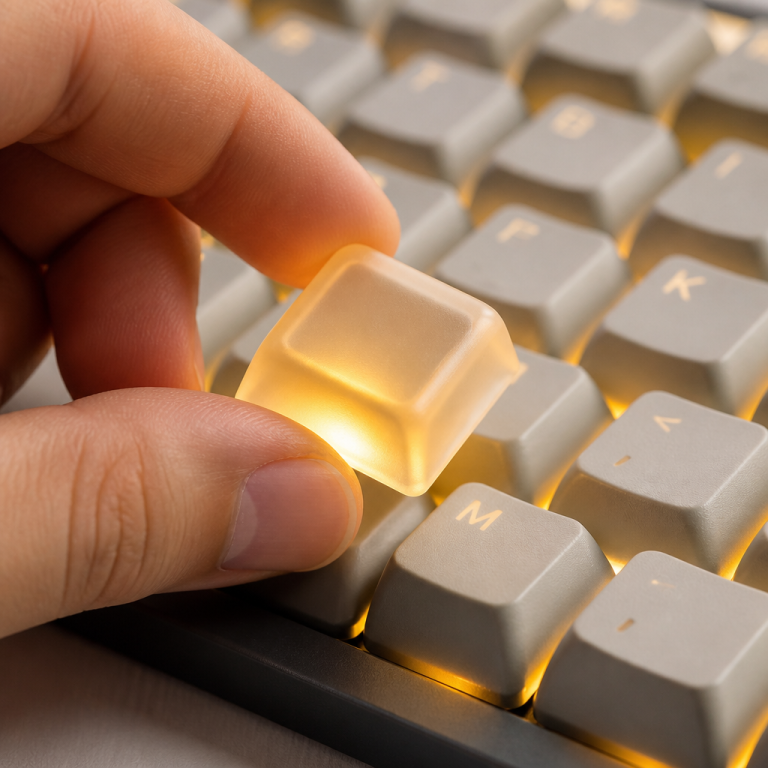
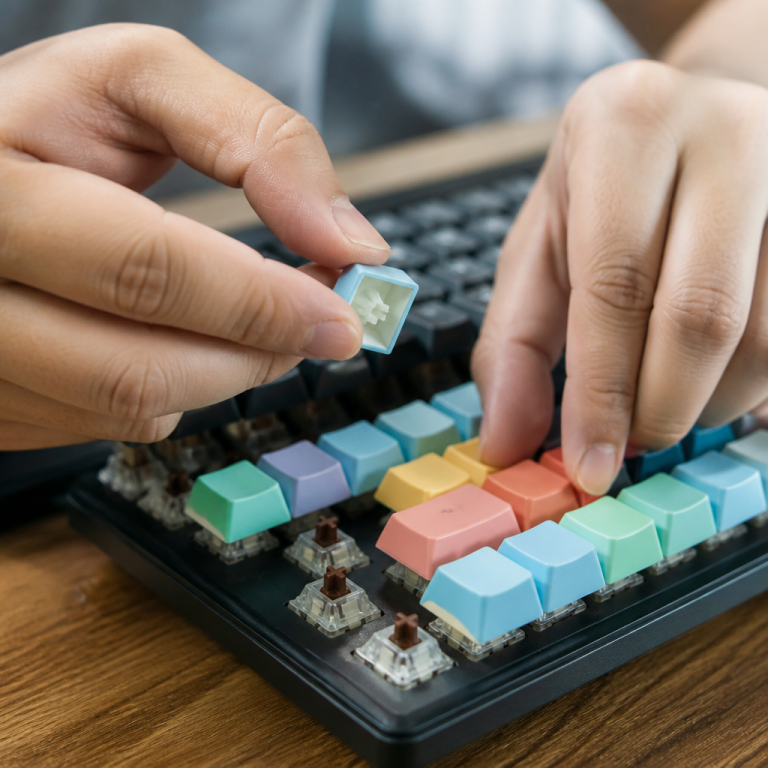
The core principle behind quiet mechanical switches involves specialized dampening components, often made from rubber or silicone. These parts are strategically placed within the switch’s housing to absorb the impact noise that occurs during both the downstroke (when you press the key fully) and the upstroke (when the key returns to its original position). This internal cushioning effectively reduces the characteristic “clack” and “thwack” sounds associated with traditional mechanical keyboards. As a result of these internal dampening mechanisms, silent switches often have a slightly shorter total travel distance, typically by about 0.5-1 millimeter, compared to their non-silent counterparts. This subtle change helps cushion the “bottom-out” point, further contributing to noise reduction.
Scientific research consistently demonstrates the effectiveness of these silent designs. For instance, a 2023 acoustic study measured Cherry MX Silent Red switches at a remarkably low 41-43 dB. This stands in stark contrast to the much louder Cherry MX Blue switches, which registered at 68-72 dB in the same study.
Quiet switches generally fall into three main categories. First, there are silent linear switches, which provide a smooth, consistent keystroke. Second, silent tactile switches offer a subtle bump at the actuation point combined with dampening to keep noise low. Lastly, membrane switches, which use a rubber dome design, are inherently quiet, though they offer a different feel. It’s worth noting that while internal dampeners are highly effective, they can impart a slightly “mushier” feel compared to standard switches, a trade-off many users accept for a quieter environment.
What Defines Quiet Keyboard Switches?
Delving deeper into quiet keyboard switches involves a systematic approach to comparison, evaluating various models based on key metrics. This includes not only their sound output in decibels but also their actuation force (pressure needed to register a key press), total travel distance (how far the key moves), and the subjective typing feel. Understanding these factors helps users make an informed decision tailored to their specific needs and preferences.
Quietest Mechanical Keyboard Switches Compared
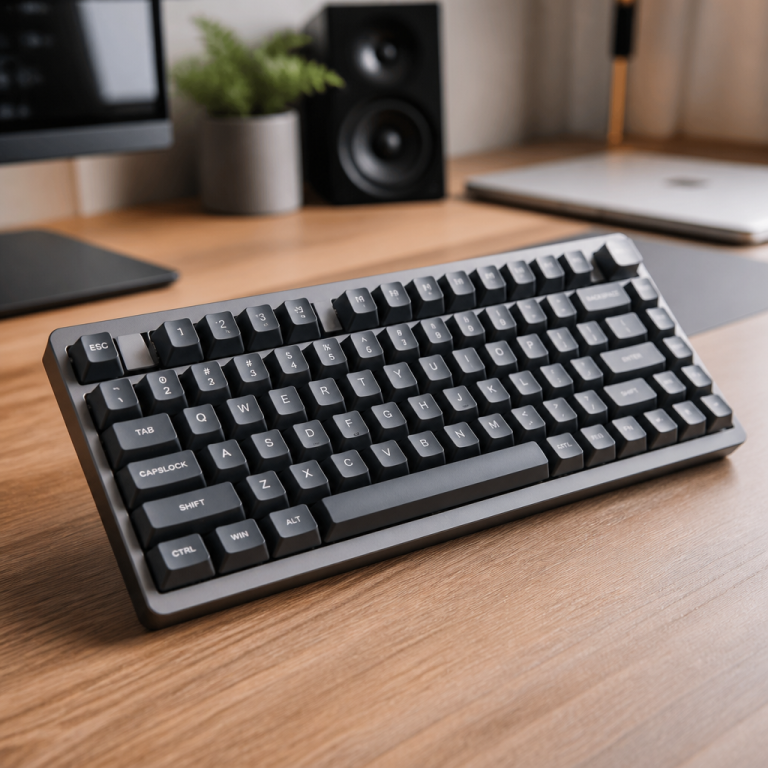
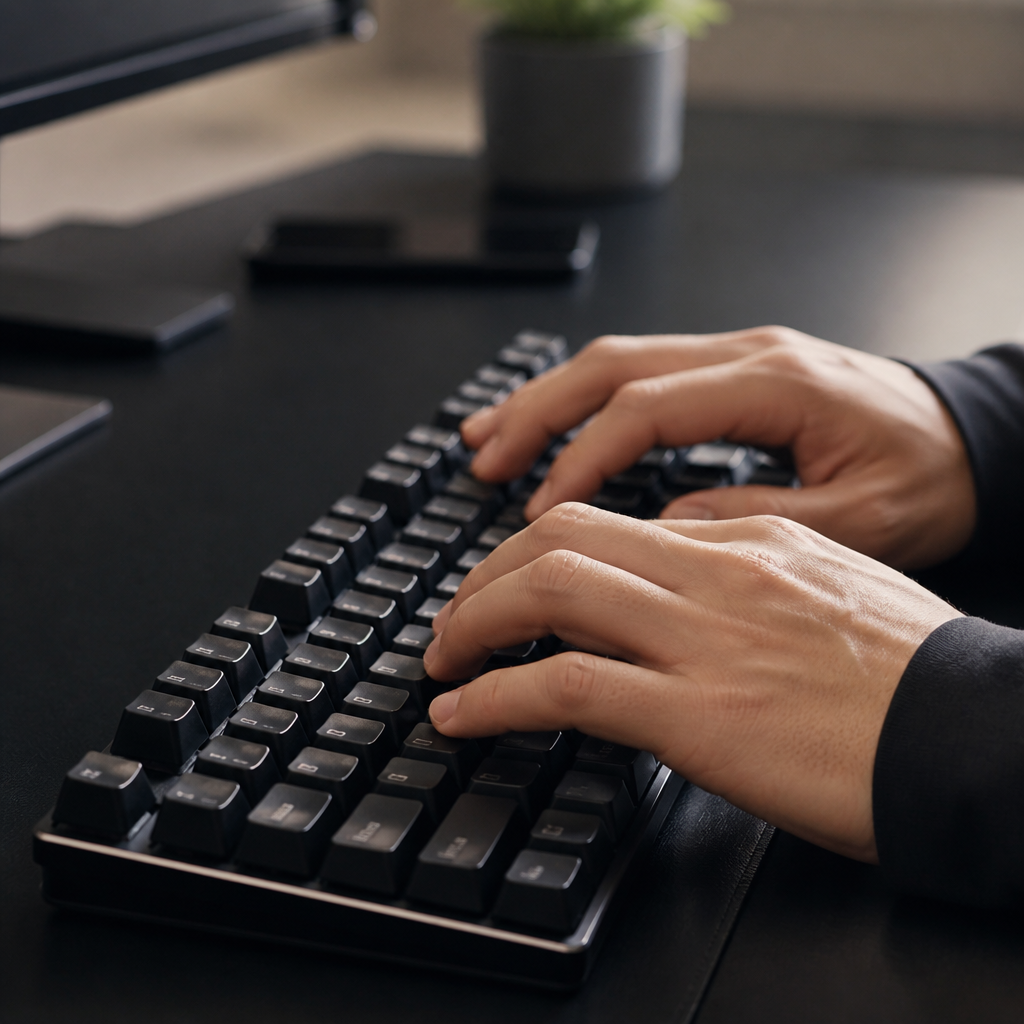
When it comes to industry benchmarks, Cherry MX Silent Red and Silent Black switches are frequently cited, operating within a 40-45 dB range. However, the market has expanded considerably. Gateron Silent switches offer a compelling alternative, often at a lower price. Kailh Box Silent switches introduce a unique “box” design for durability and quiet operation. For those seeking the absolute quietest options, premium switches like ZealPC Zilent V2 and Gazzew Boba U4 have emerged, with some measuring as low as 39 dB. These are often considered a “gold standard” for combining excellent noise reduction with high-quality tactile feedback.
| Switch Model | Type | Noise Level (dB) | Actuation Force (g) | Avg. Price (per switch) |
|---|---|---|---|---|
| Cherry MX Silent Red | Linear | 40-45 dB | 45g | $0.80 – $1.20 |
| Gateron Silent Brown | Tactile | 42-46 dB | 55g | $0.35 – $0.50 |
| Kailh Box Silent Pink | Linear | 43-47 dB | 35g | $0.40 – $0.55 |
| ZealPC Zilent V2 | Tactile | ~39 dB | 62g – 78g | $1.00 – $1.20 |
| Gazzew Boba U4 | Tactile | ~40 dB | 62g | $0.65 – $0.75 |
_This premium performance, however, often comes with a higher price tag_, with options like ZealPC Zilent V2 costing two to three times more than some mainstream alternatives. Beyond mechanical options, Topre switches offer a distinct electro-capacitive experience, resulting in a quiet operation of 45-50 dB favored in many professional environments.
Quietest Keyboard Switches: Linear vs. Tactile
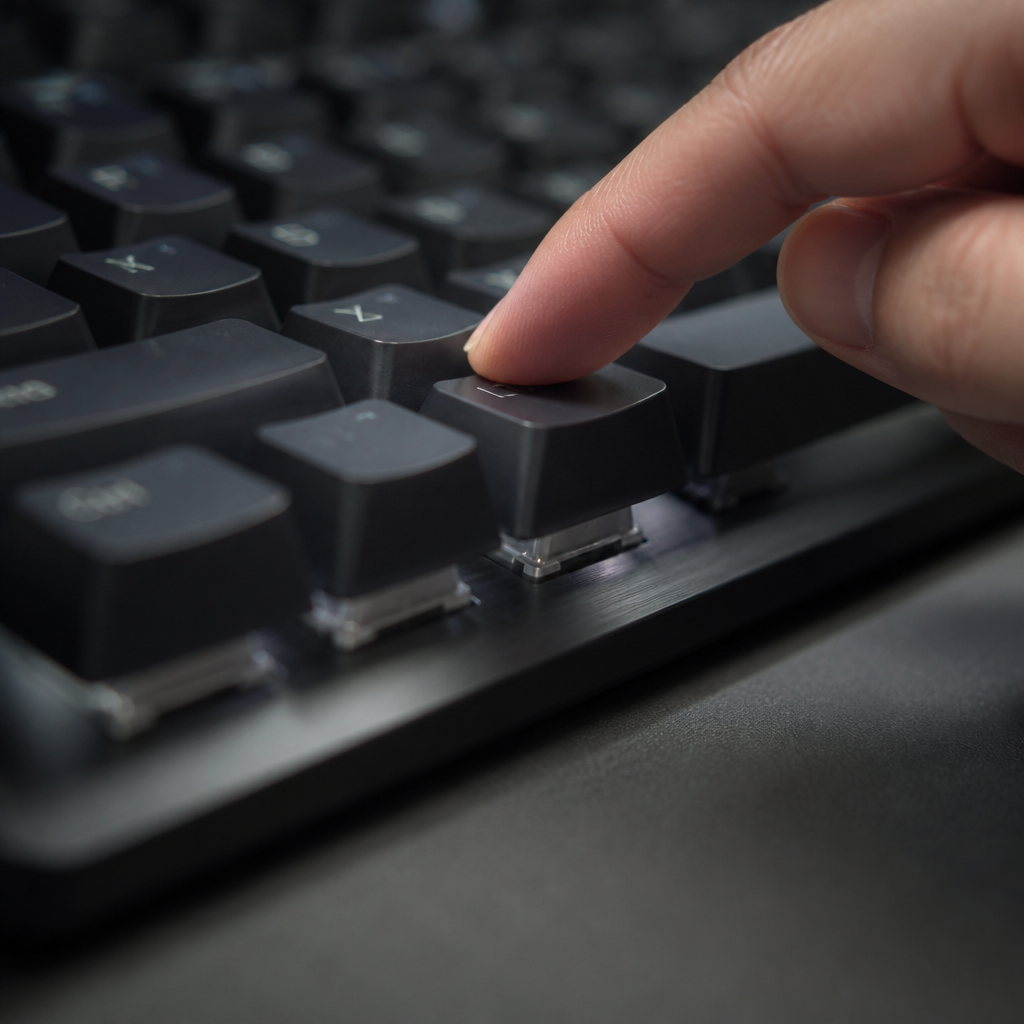
The fundamental distinction between linear and tactile keyboard switches lies in their keystroke feel. Linear switches are characterized by a smooth, consistent keystroke, while tactile switches provide a distinct bump at the actuation point. Both types are available in silent versions that incorporate dampening mechanisms.
When comparing noise output, silent linear switches often have a slight edge, typically measuring 1-3 dB quieter than their silent tactile counterparts. This is because the tactile leaf mechanism can generate a small amount of additional noise. Silent linear switches generally operate in the 42-44 dB range, while silent tactile switches are typically between 39-44 dB.
The choice often comes down to personal preference. Gamers frequently prefer silent linear switches (e.g., Cherry MX Silent Red, Gateron Silent Ink Black) for their smooth travel and faster actuation. Conversely, silent tactile switches (e.g., Boba U4, ZealPC Zilent) are often favored for typing, as the bump provides clear feedback that can help users avoid “bottoming out” the key—a significant source of noise.

Best Quiet Keyboard Switches by Use Case
Selecting the ideal quiet keyboard switch depends on the specific environment and primary activity. Different use cases demand different characteristics, balancing noise reduction with factors like typing comfort, speed, and tactile feedback.

What are the Best Quiet Keyboard Switches for Office Use?
For office environments, the primary goal is to minimize noise pollution to avoid distracting coworkers, ideally keeping sound levels below 45 dB. Beyond quietness, office switches should be durable and provide comfort for long work sessions.
Tactile silent switches are frequently recommended for office use because the feedback encourages a more deliberate typing style, preventing harsh bottoming out. Premium options like the Boba U4 and ZealPC Zilent switches are excellent for their refined feel, while the Gateron Silent Brown stands out for offering a great balance of professional noise levels, subtle feedback, and affordability. Keyboards like the Logitech MX Mechanical or Keychron Q series often come with suitable quiet switches pre-installed.
Quietest Keyboard Switches for Typing
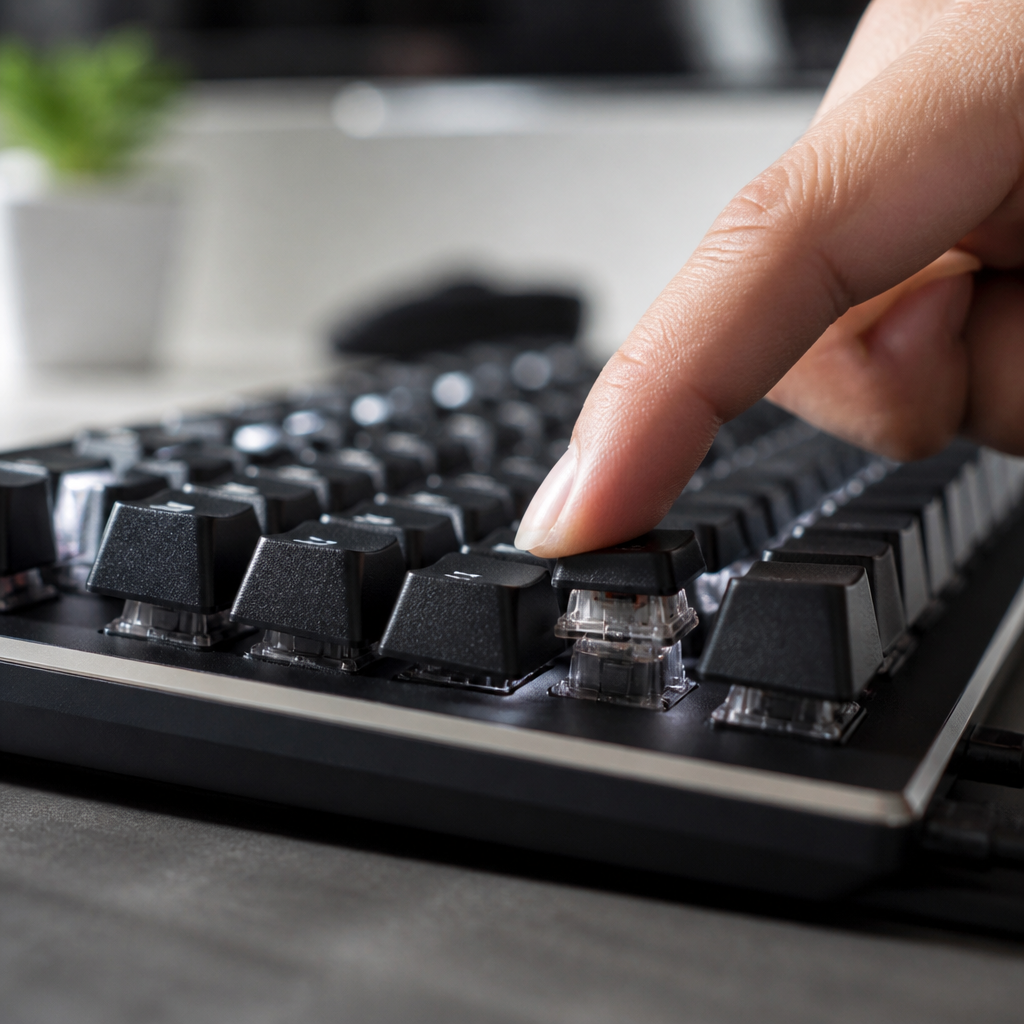
For extensive typing, the ideal quiet switch prioritizes not only noise reduction but also tactile feedback and comfort. Switches with medium actuation forces (50-65g) and clear, subdued tactile bumps are preferred.
The ZealPC Zilent V2, Boba U4 Silent Tactile, and Cherry MX Silent Brown consistently receive high praise. The Boba U4 switches are widely lauded by serious typists for their outstanding combination of silence (~40 dB) and pronounced yet non-fatiguing tactile feedback. For typists who are heavy-handed, heavier switches like the ZealPC Zilent 78g variant can help reduce harsh bottoming out. It’s also possible to achieve a deep, satisfying “thock” sound while keeping noise low through keyboard modifications like adding foam and upgrading keycaps.
Quietest Keyboard Switches for Gaming
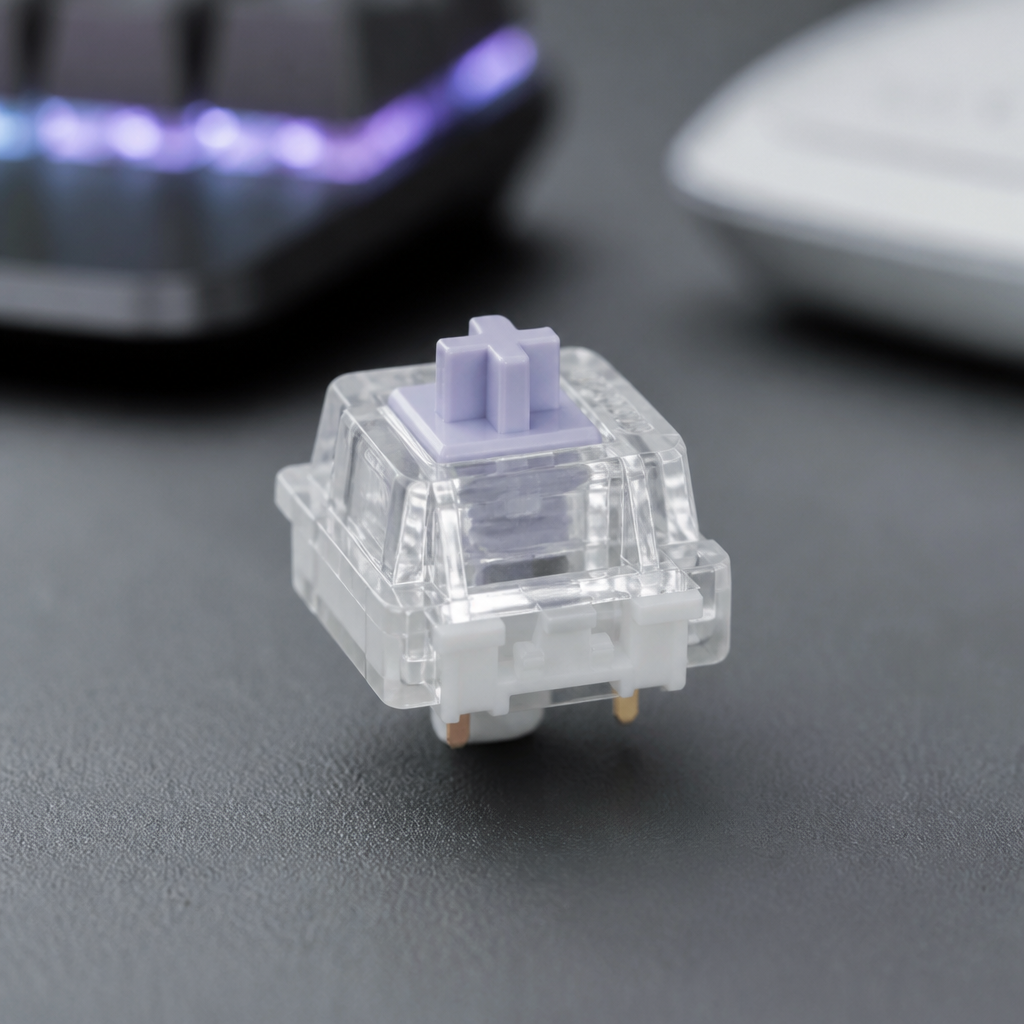
For gamers, quiet switches must offer fast actuation (1.2-2.0mm) and a light-to-medium actuation force (35-50g) without sacrificing performance. Smooth linear travel is key for rapid key presses, all while keeping noise levels under 50 dB.
Popular choices include the Cherry MX Silent Red, Gateron Silent Yellow, and Kailh Box Silent Pink. The Gateron Silent Yellow is often considered an excellent value, providing smooth linear action at an affordable price. _While professional esports players might typically opt for non-silent switches, quiet switches are highly popular for home gaming and streaming._ The noise reduction helps minimize microphone pickup, ensuring clearer audio for teammates and viewers.

Quietest Keyboard Switches for Beginners
For newcomers, beginner-friendly quiet switches should be affordable (under $0.60 per switch), readily available in pre-built keyboards, and feature a moderate actuation force (45-55g).
Gateron Silent Red (linear) and Gateron Silent Brown (tactile) are highly recommended. The Gateron Silent Brown is an ideal starting point for those unsure of their preference, as it offers subtle tactile feedback at a low cost. It is generally advised that beginners avoid expensive premium switches until they understand their preferences. Starting with affordable options like those found in the Royal Kludge RK61 or Ducky One 2 allows for exploration without a significant financial commitment.

How Can You Reduce Keyboard Switch Noise?
Even with quiet switches, you can discover exactly how to further reduce keyboard noise. These modifications target the primary sources of sound: switch bottom-out, switch return, stabilizer rattle, and case resonance. By implementing these techniques, it’s possible to achieve a significant noise reduction, often by 10-20 dB.
How to Make Keyboard Switches Quieter
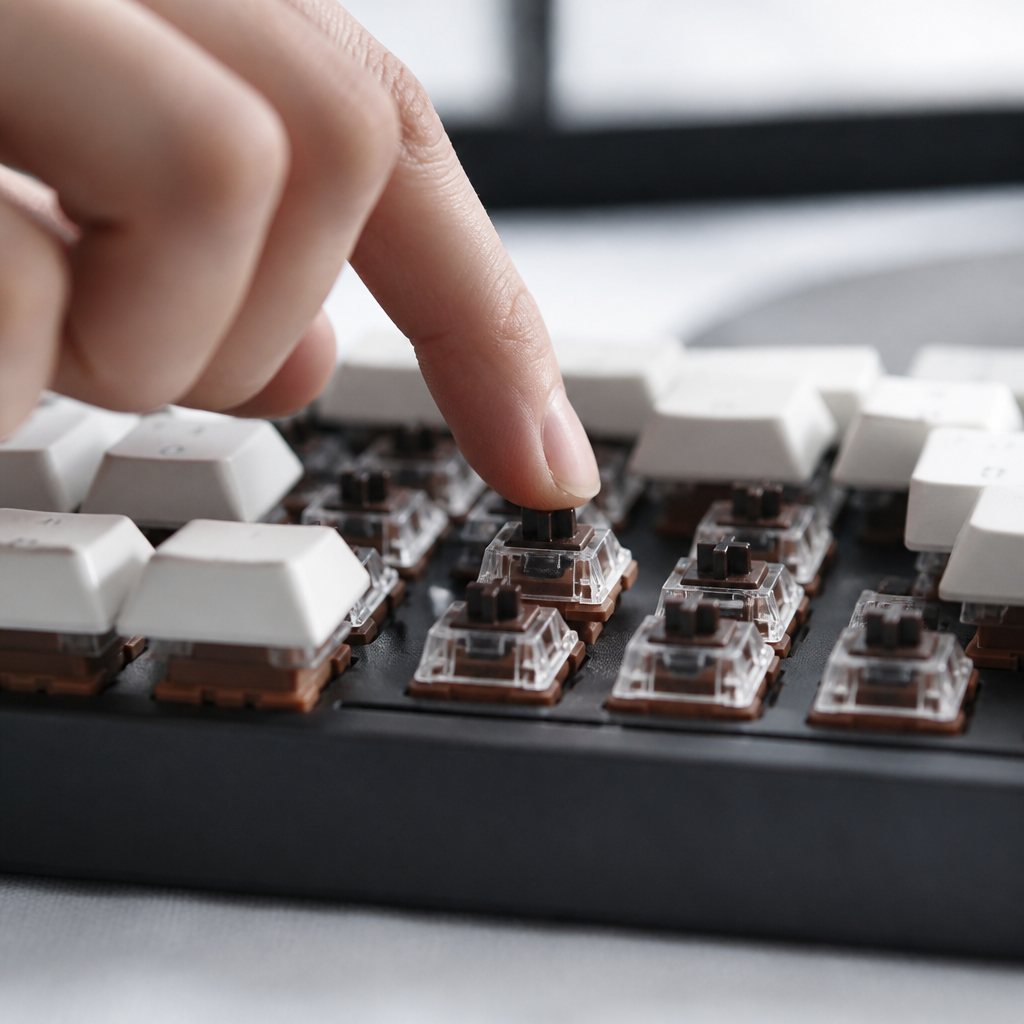
One of the most effective modifications is switch lubrication. Applying a lubricant like Krytox 205g0 reduces friction and eliminates annoying “spring ping.” Stabilizer modifications are also crucial for larger keys, involving lubrication or mods like the “Holee mod” to reduce rattle. _It’s important to note that some modifications, like adding O-rings, can reduce noise but may create a slightly mushier feel._
Here are some common methods to make your keyboard quieter:
- Switch Lubrication: Apply lubricant (e.g., Krytox 205g0) to the switch stem and housing to reduce friction. (3-5 dB reduction)
- Switch Films: Place thin plastic films between the switch housings to reduce wobble. (2-4 dB reduction)
- Case Foam: Add foam (neoprene, EVA foam) inside the keyboard case to absorb resonance and hollow sounds. (4-7 dB reduction)
- Stabilizer Tuning: Lubricate and modify stabilizers to eliminate rattle from larger keys like the spacebar.
- Desk Mat: Use a thick desk mat to absorb vibrations and prevent your desk from amplifying noise. (3-5 dB reduction)
Choosing the quietest keyboard switches involves understanding their design and your specific needs. While silent switches offer a great starting point, combining them with these noise-reduction techniques allows you to create a keyboard setup that is both highly functional and remarkably quiet.
FAQ
Q1: What makes a keyboard switch “quiet” compared to a standard one?
A1: Quiet keyboard switches are designed with internal dampening materials, typically rubber or silicone, that absorb the impact noise during both the downstroke and upstroke of a key press. This reduces the characteristic “clack” and “thwack” sounds, bringing noise levels below 50 decibels.
Q2: Do silent switches feel different from regular mechanical switches?
A2: Yes, the internal dampeners can result in a marginally “mushier” or softer feel compared to the crisp feedback of standard mechanical switches. They also typically have a slightly reduced total travel distance.
Q3: Which quiet switches are best for an office environment?
A3: For office use, switches like Cherry MX Silent Red, Gateron Silent Brown, and Boba U4 Silent Tactile are highly recommended. They all operate under 45 dB and offer a balance of quietness, durability, and typing comfort.
Q4: Can I make my existing keyboard switches quieter without replacing them?
A4: Yes, several modifications can significantly reduce keyboard noise. These include lubricating switches and stabilizers, installing switch films, adding case foam, and upgrading to denser PBT keycaps.
Q5: Are silent linear or silent tactile switches better for gaming?
A5: For gaming, silent linear switches like Gateron Silent Yellows and Cherry MX Silent Reds are generally recommended. Their smooth, consistent actuation without a tactile bump is preferred for rapid and repetitive key presses.

Hi, I’m Alex Morgan.
Welcome to my blog! As a dedicated mechanical keyboard enthusiast, I’m passionate about exploring everything from custom builds to the finest details of switches and keycaps. My goal is to break down specs, sound profiles, and ergonomics to help you find the absolute best keyboard for your setup. Whether you’re a gamer, programmer, or desk setup fanatic, I’m here to share honest reviews and practical recommendations.