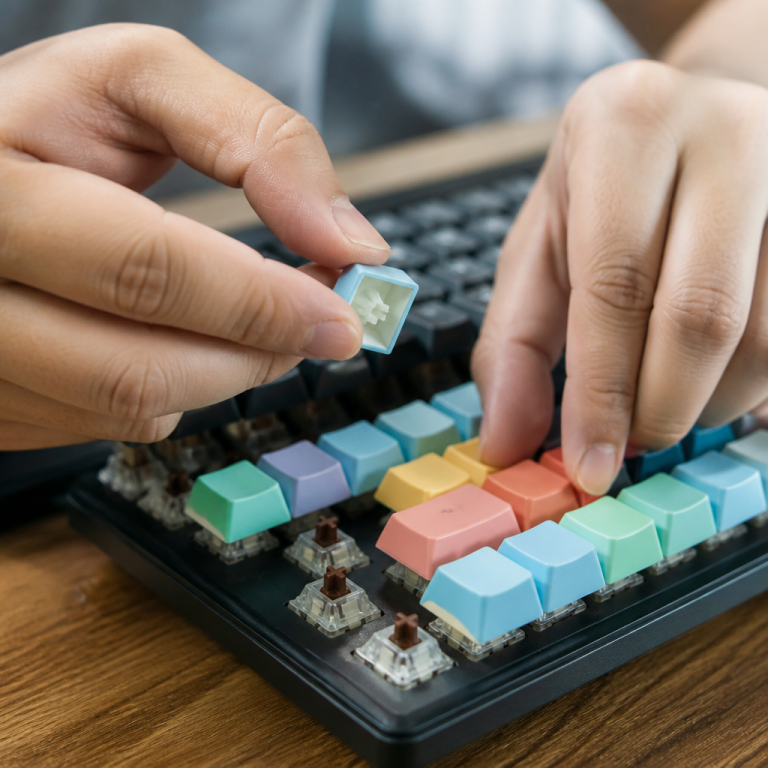
how to tell if keyboard is hot swappable: Easy Guide
I first dove deep into the world of mechanical keyboards in late 2017. My initial board came with Gateron Blue switches, which I adored for their satisfying click. However, after several months of late-night coding, my partner found the constant clicking less than ideal! I wanted to try quieter, linear switches, but discovered my keyboard was soldered. The thought of desoldering every switch to experiment felt daunting and required tools I didn’t have. It was a frustrating obstacle for many early in the hobby. That’s why, when hot-swappable keyboards became more common, it felt like a new realm of customization had opened up. You no longer have to commit to one switch type forever! This guide is for anyone who wants this flexibility and needs to know if their keyboard can join the hot-swap trend.
Understanding Hot Swappable Keyboards
Hot-swappable keyboards mark a significant advancement in mechanical keyboard design. They offer a level of customization previously accessible only to advanced hobbyists with soldering irons. This technology now makes the complex world of mechanical switches approachable for a wider audience, changing how many people, including myself, use their keyboards. Understanding the basic principles behind these keyboards helps you appreciate their usefulness and potential for improving your daily computing.
What Is a Hot Swappable Keyboard
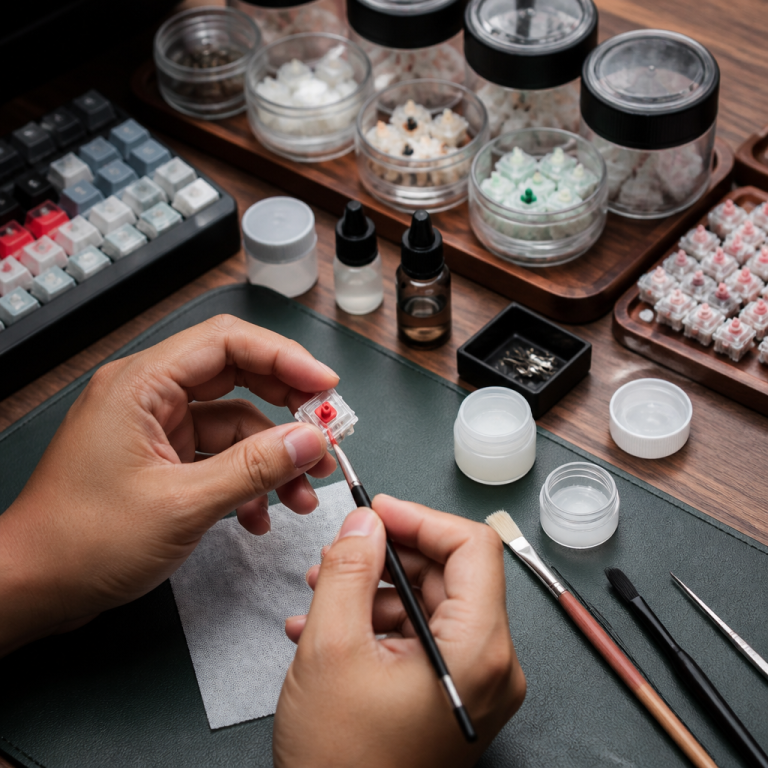
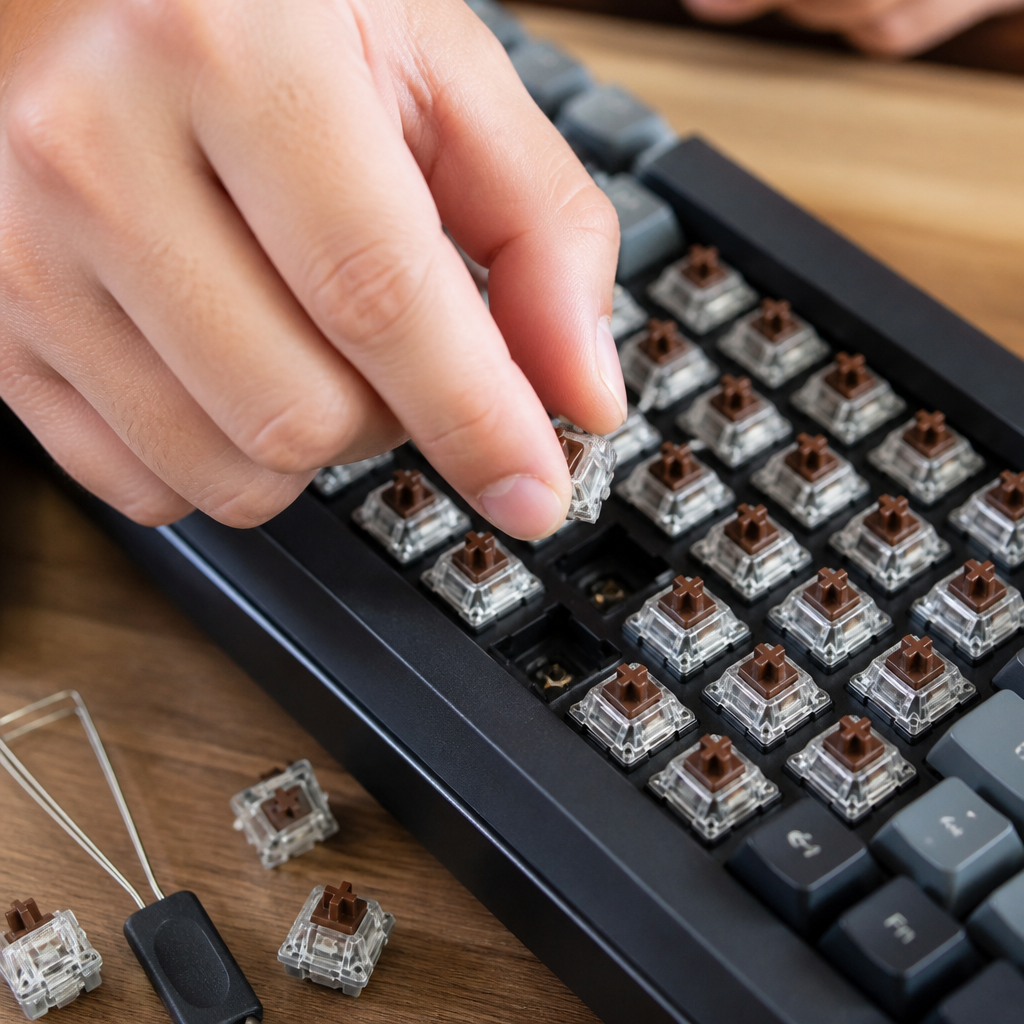
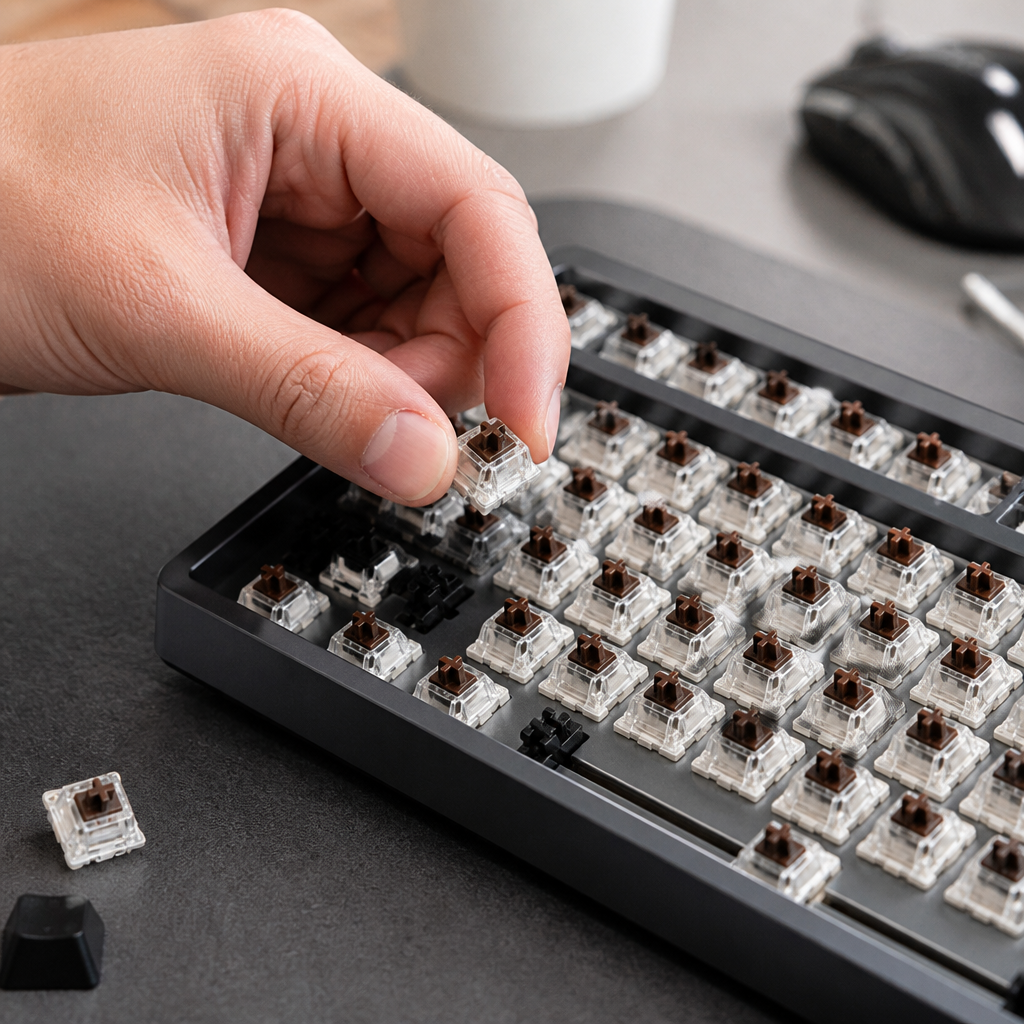
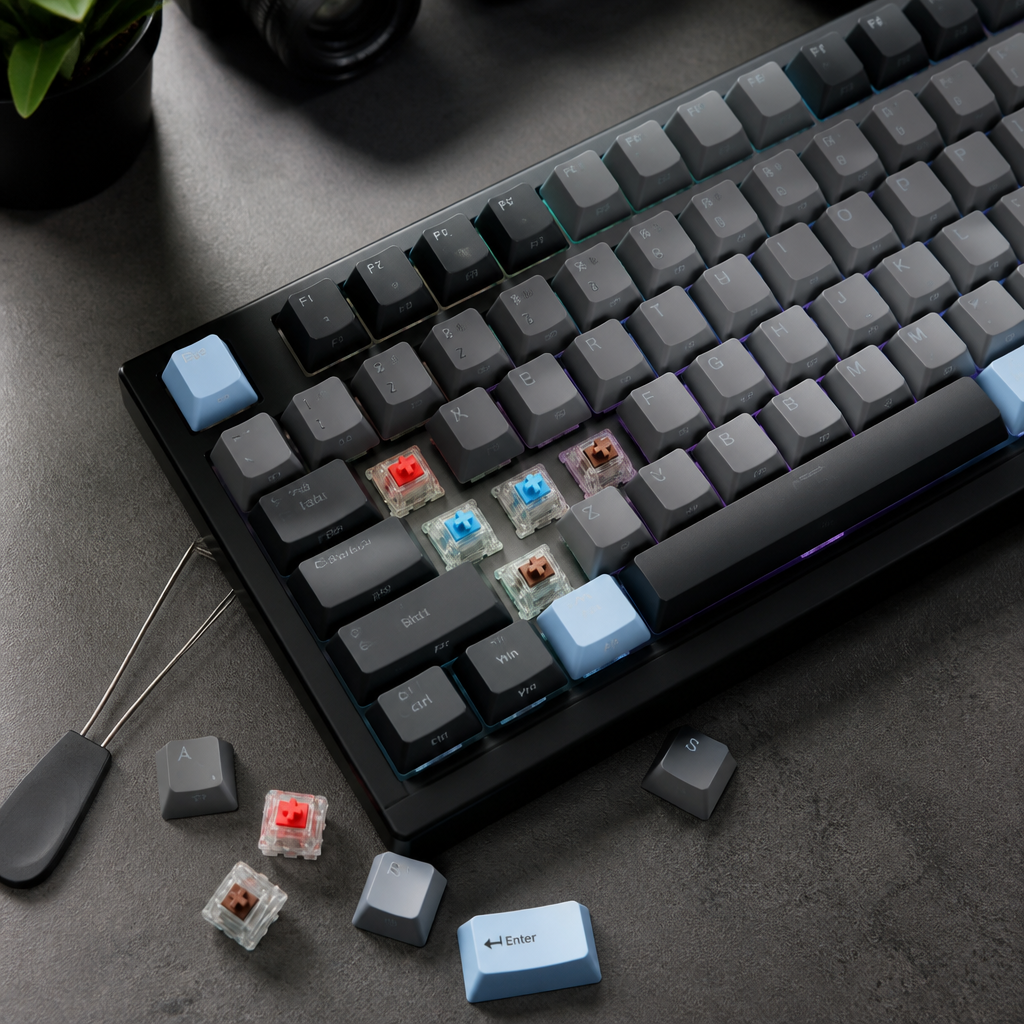
A hot-swappable keyboard is a mechanical keyboard engineered with special sockets on its Printed Circuit Board (PCB). These sockets allow you to insert and remove mechanical switches without needing soldering equipment or specialized skills. Unlike traditional mechanical keyboards, where switches are permanently attached to the PCB with solder, hot-swappable versions use sockets that grip the switch pins. These sockets create a secure electrical connection and provide mechanical stability through a friction fit. This design means you can swap switches in seconds, offering a convenience previously unavailable to most users.
The commercial availability of hot-swap technology in mechanical keyboards began to grow around 2016-2017, partly due to companies like Kailh introducing more affordable socket options. This development democratized keyboard customization, making it accessible to enthusiasts of all levels, not just dedicated DIYers. Before this, trying different switch types meant buying multiple keyboards or undertaking the difficult process of desoldering and resoldering switches. With hot-swap technology, users can now easily experiment with linear (smooth), tactile (with a bump), or clicky (with a click) switches without the cost of buying many keyboards or the steep learning curve of soldering. This benefit has made hot-swappable keyboards a popular choice for anyone wanting to personalize their typing experience easily. The ability to change switches quickly lets you adapt your keyboard’s feel and sound for different tasks, whether gaming, typing, or programming. This adaptability enhances user experience and encourages exploration within the mechanical keyboard hobby.
Hot Swappable Keyboard Switches Explained
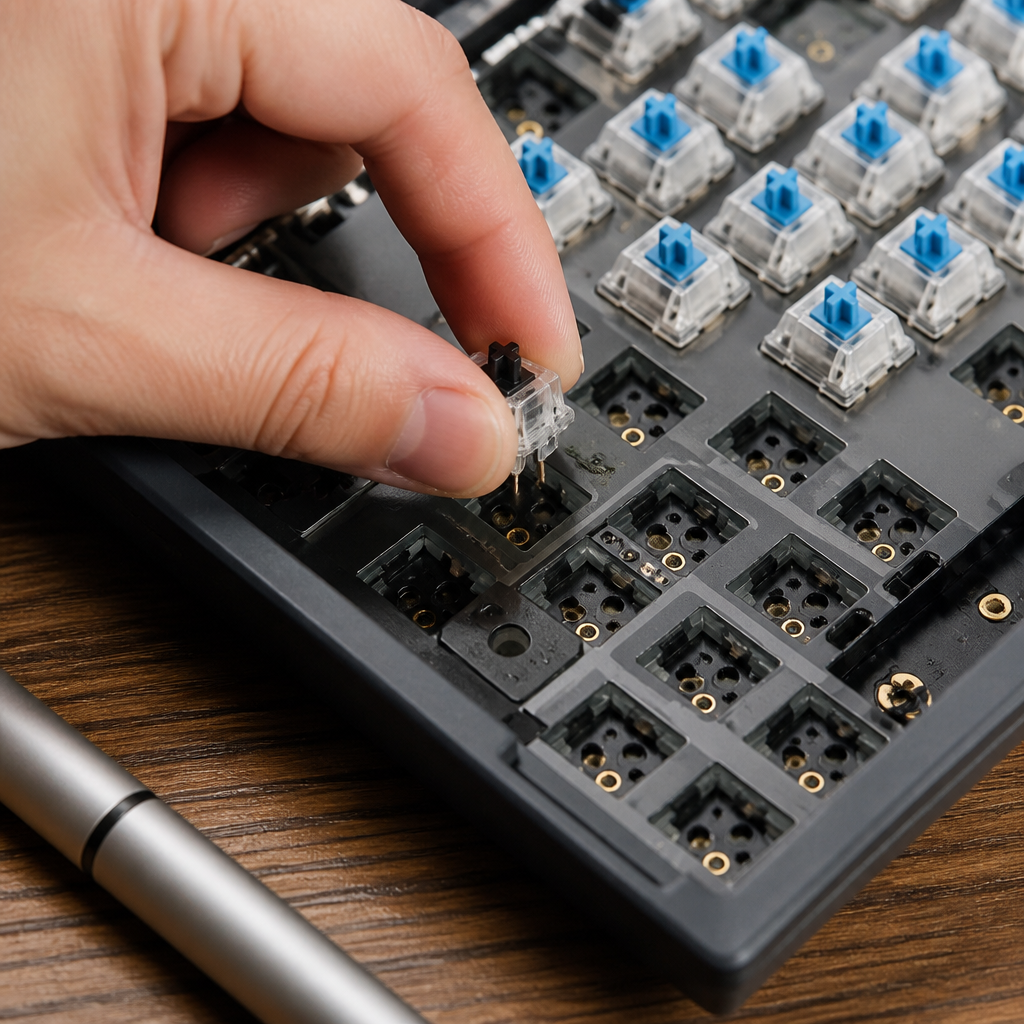
Hot-swappable switches are mechanical keyboard switches designed to be inserted into and removed from hot-swap sockets without soldering. They feature standardized pin configurations that allow them to work with the sockets on a hot-swappable PCB. Understanding these configurations is crucial for compatibility and proper installation. Switches typically come in two formats: 3-pin and 5-pin. A 3-pin switch has two metal contact pins for electrical conductivity and one larger plastic alignment pin. A 5-pin switch includes the same two metal pins plus three smaller plastic stabilizer pins for added stability, especially with larger keycaps. Most hot-swap keyboards accommodate both 3-pin and 5-pin switches, but the PCB must have corresponding holes for the stabilizer pins if you plan to use 5-pin switches.
A wide variety of mechanical switch types work with hot-swap sockets, including linear, tactile, and clicky options. Linear switches provide a smooth keystroke, often preferred by gamers for rapid actuation. Tactile switches offer a noticeable bump during the keystroke, providing feedback without an audible click, which typists might prefer. Clicky switches produce an audible click along with a tactile bump for distinct feedback. Major manufacturers like Cherry MX, Gateron, Kailh, and Durock produce switches compatible with standard hot-swap sockets. Installing these switches involves aligning their pins with the socket holes and pressing firmly until they click into place. To remove a switch, use a switch puller tool to grip its housing and pull it straight up.
While hot-swap sockets offer great convenience, their durability is also a consideration. Quality hot-swap sockets are typically rated for 100-300 insertion cycles before they might loosen. However, careful handling during installation and removal can extend their lifespan. I’ve swapped switches on my Keychron K6 dozens of times over the past few years without issues, so don’t let the number deter you if you’re careful. It’s also important to note compatibility limitations. For instance, _Outemu hot-swap sockets are often proprietary and may only accept Outemu switches_ due to slightly different pin dimensions. Kailh and Gateron sockets, on the other hand, generally accept most MX-style switches from various manufacturers. This highlights the importance of checking your keyboard’s specifications or socket type if you plan to use switches from different brands. Understanding these details helps you confidently explore and customize your keyboard’s feel and performance.
What Are the Benefits of a Hot Swappable Keyboard?
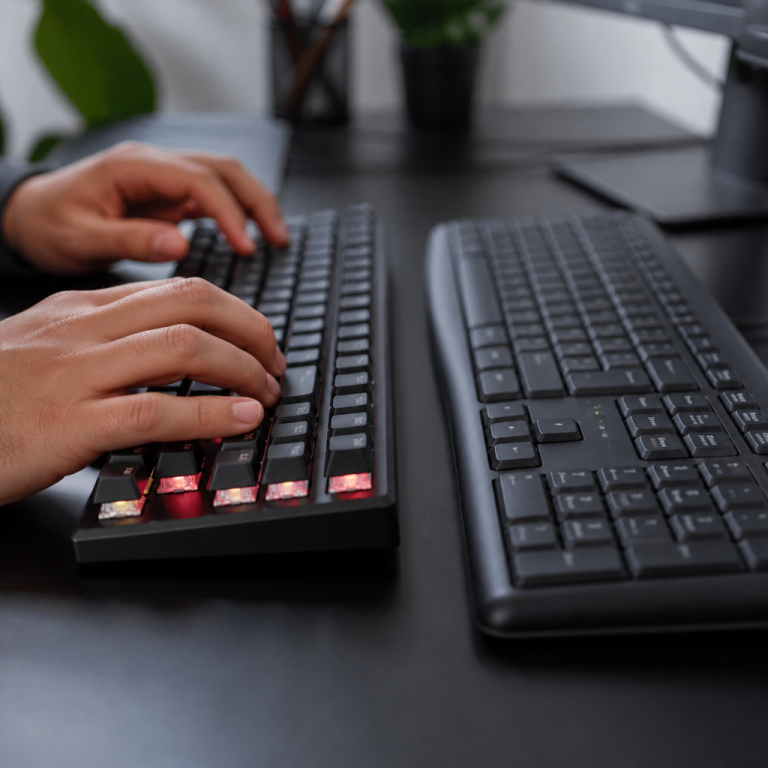
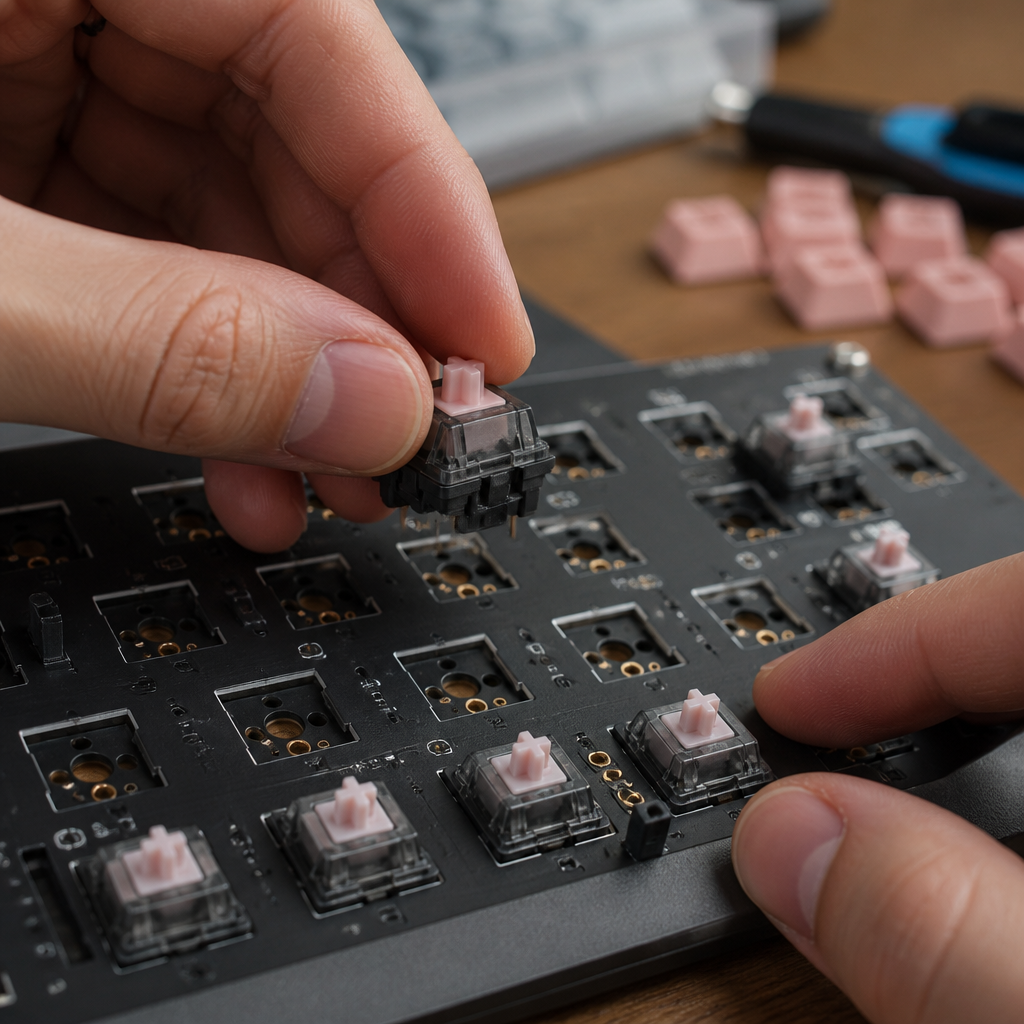
Hot-swappable keyboards have significantly changed the mechanical keyboard market by providing numerous benefits for both experienced enthusiasts and newcomers. The most considerable advantage is the high degree of customization they offer. Users can quickly alter their typing feel and sound by swapping switches. This flexibility allows for personalized setups for various tasks, whether you need fast linear switches for gaming, tactile switches for precise typing, or clicky switches for audible feedback during programming. The key benefits include:
- Enhanced Customization: Allows for easy and frequent switch changes to tailor the keyboard’s feel and sound for different activities like gaming or typing.
- Cost Savings: Instead of buying multiple keyboards, one hot-swap board can accommodate numerous switch experiments, reducing the overall cost of exploring the hobby.
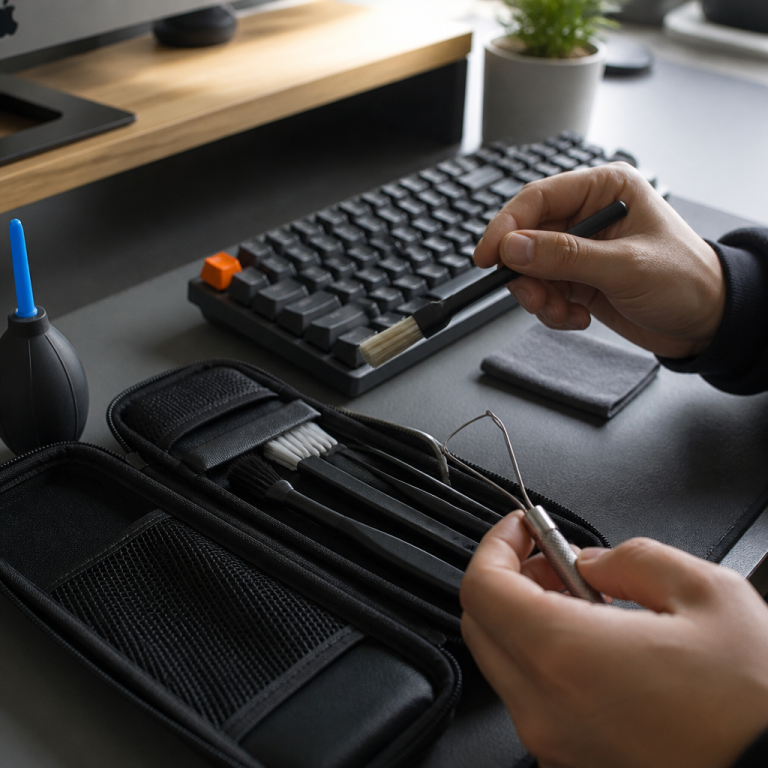
- Easy Maintenance: If a switch becomes faulty, it can be replaced individually in under a minute, avoiding the need for professional repair or lengthy warranty claims.
- Excellent Learning Tool: Beginners can explore different switch characteristics through hands-on experimentation without significant financial commitment or technical risk.
- Higher Resale Value: These keyboards tend to hold their resale value better because potential buyers can customize the switches to their own liking.
From my experience, this adaptability means a single hot-swap keyboard can serve multiple purposes, eliminating the need to own several specialized keyboards. This ease of maintenance extends the keyboard’s lifespan and enhances user independence.
How to Identify If Your Keyboard Is Hot Swappable
You can determine if your keyboard is hot-swappable using a few straightforward methods, from checking documentation to physically inspecting its components. Knowing these techniques can save you time and prevent potential damage to your keyboard if it’s not hot-swappable. I always start with documentation, but sometimes a quick look under a keycap is all that’s needed. This section will guide you through the most reliable ways to identify this feature.
How to Check Keyboard PCB for Hot Swap Sockets
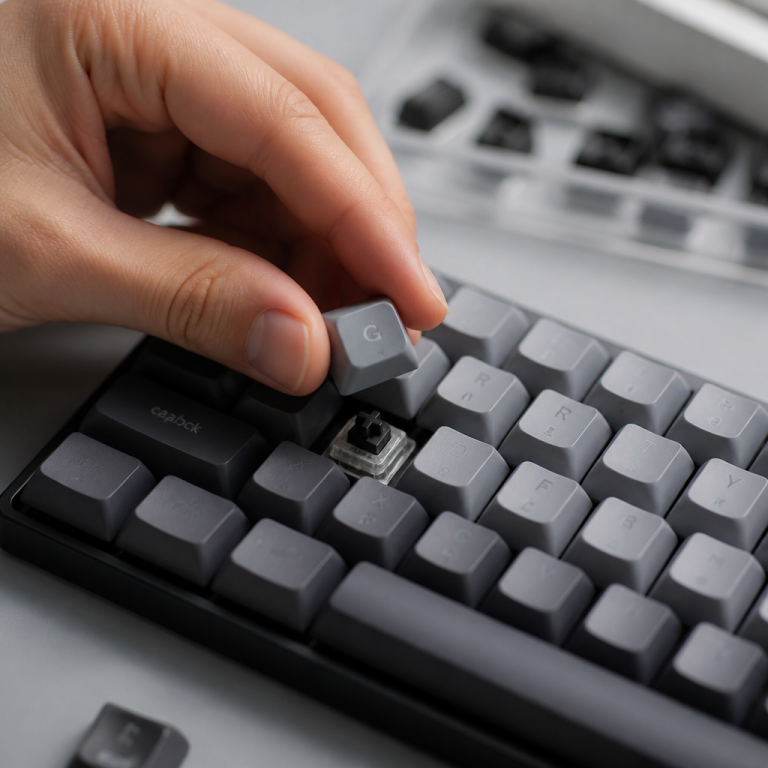
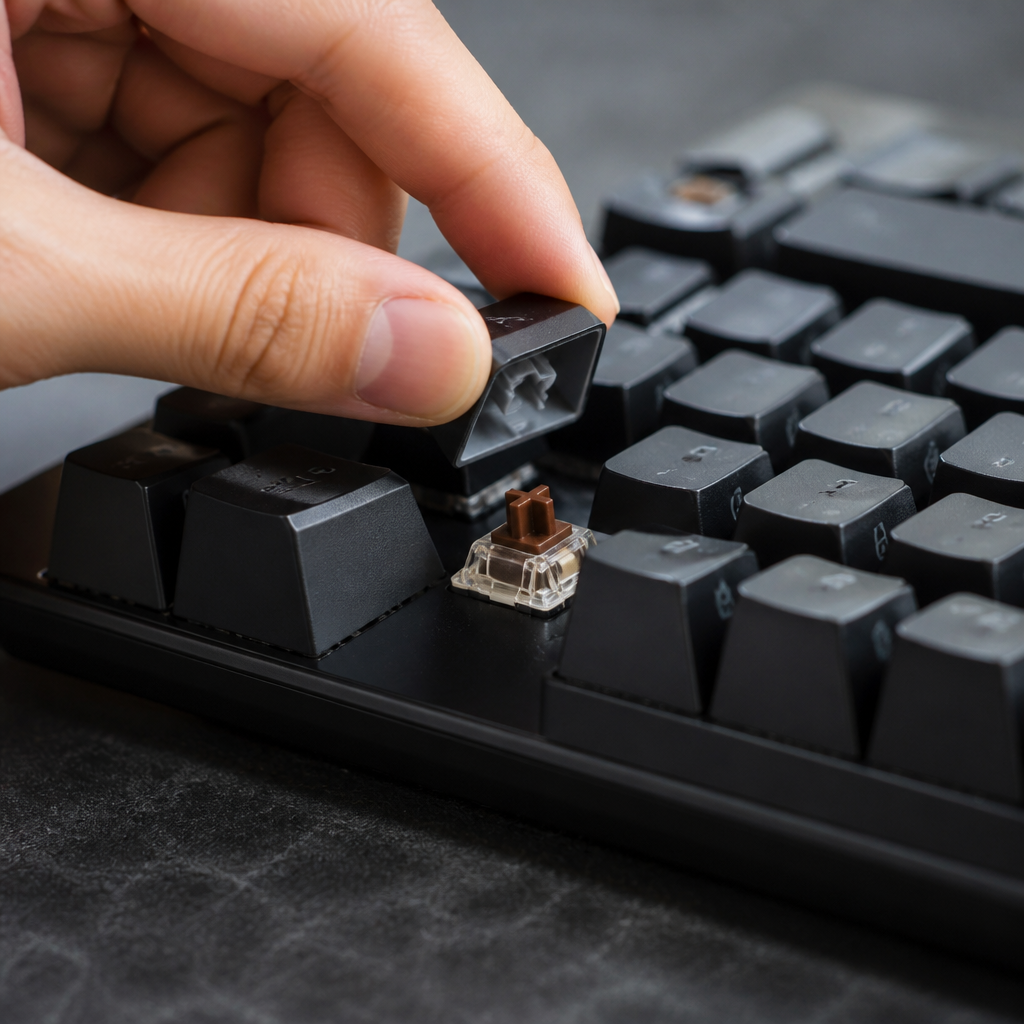
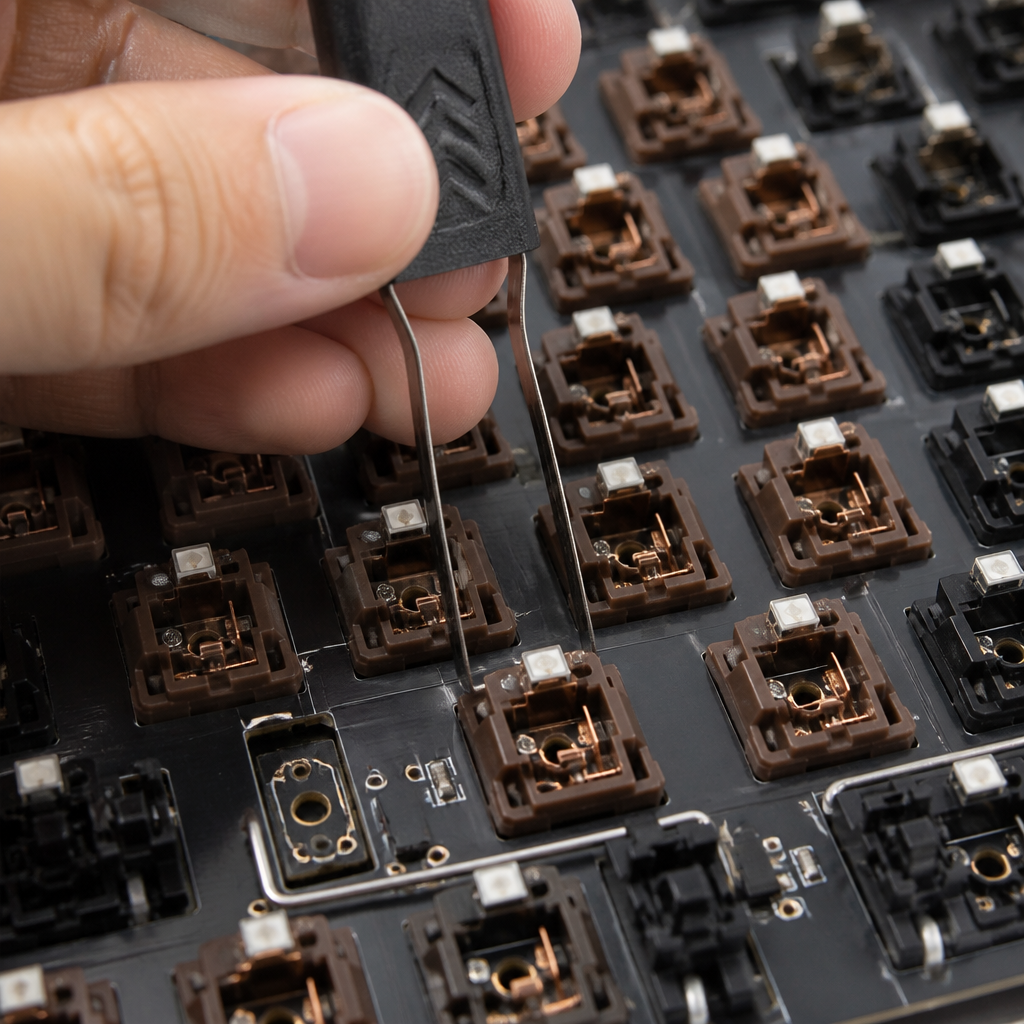
The most definitive way to discover if your keyboard is hot-swappable is by visually inspecting its Printed Circuit Board (PCB) for hot-swap sockets. This usually involves removing a few keycaps and switches to expose the board underneath. Once visible, hot-swap sockets appear as distinct plastic housings, often black or white, with metal contacts surrounding each switch position. These sockets are designed to securely hold switch pins and establish an electrical connection without solder. For example, Kailh sockets are often recognized as rectangular black plastic housings with gold-colored contacts, while Gateron sockets are similar but can sometimes be white.
Conversely, on a soldered keyboard, the PCB looks different. Instead of plastic housings, you’ll see shiny metal solder joints directly connecting the switch pins to the copper pads on the circuit board. There won’t be a distinct plastic socket housing around the switch’s mounting area. This visual difference is usually clear once you know what to look for.
Before disassembling your keyboard, always consult the manufacturer’s documentation. Check the user manual, product page, or specification sheet for terms like “hot-swap PCB” or specific socket brand names. This information can quickly answer your question. If documentation is unavailable, a simple physical test can often confirm hot-swap capability. After removing a keycap, gently try to remove a switch with a switch puller tool. If the keyboard is hot-swappable, the switch should come out cleanly. If the switch doesn’t budge or requires excessive force, it’s highly likely soldered to the PCB, and _forcing it could damage the switch or the board_.
Hot Swappable Keyboard vs Soldered Keyboard
The main difference between a hot-swappable keyboard and a soldered keyboard lies in how their mechanical switches attach to the PCB. This core difference leads to several practical implications for users regarding customization, durability, cost, and repair.
| Feature | Hot-Swappable Keyboard | Soldered Keyboard |
|---|---|---|
| Customization | High flexibility; switches can be changed in seconds without tools. | Low flexibility; changing switches requires desoldering and soldering. |
| Durability | Sockets have a limited lifespan (e.g., 100-300 swaps). | Permanent solder joints offer superior long-term stability. |
| Cost | Typically costs $20-$50 more due to specialized socket components. | Generally more affordable for a similar feature set. |
| Repair | Very easy; faulty switches can be replaced individually by the user. | Complex; requires soldering skills or professional service for repair. |
Durability is another factor. Soldered connections generally offer more robust mechanical and electrical stability. Hot-swap sockets, while convenient, have a rated lifespan. However, with careful handling, this can often be extended.
Professional keyboard builder Taeha Types suggests that for enthusiasts who frequently experiment with switches, hot-swap technology is invaluable, providing the freedom to test and change switches without significant effort.
For users who find their preferred switch and have no intention of changing it, soldered boards may offer superior long-term reliability and often better acoustics.
Choosing a Hot Swappable Keyboard
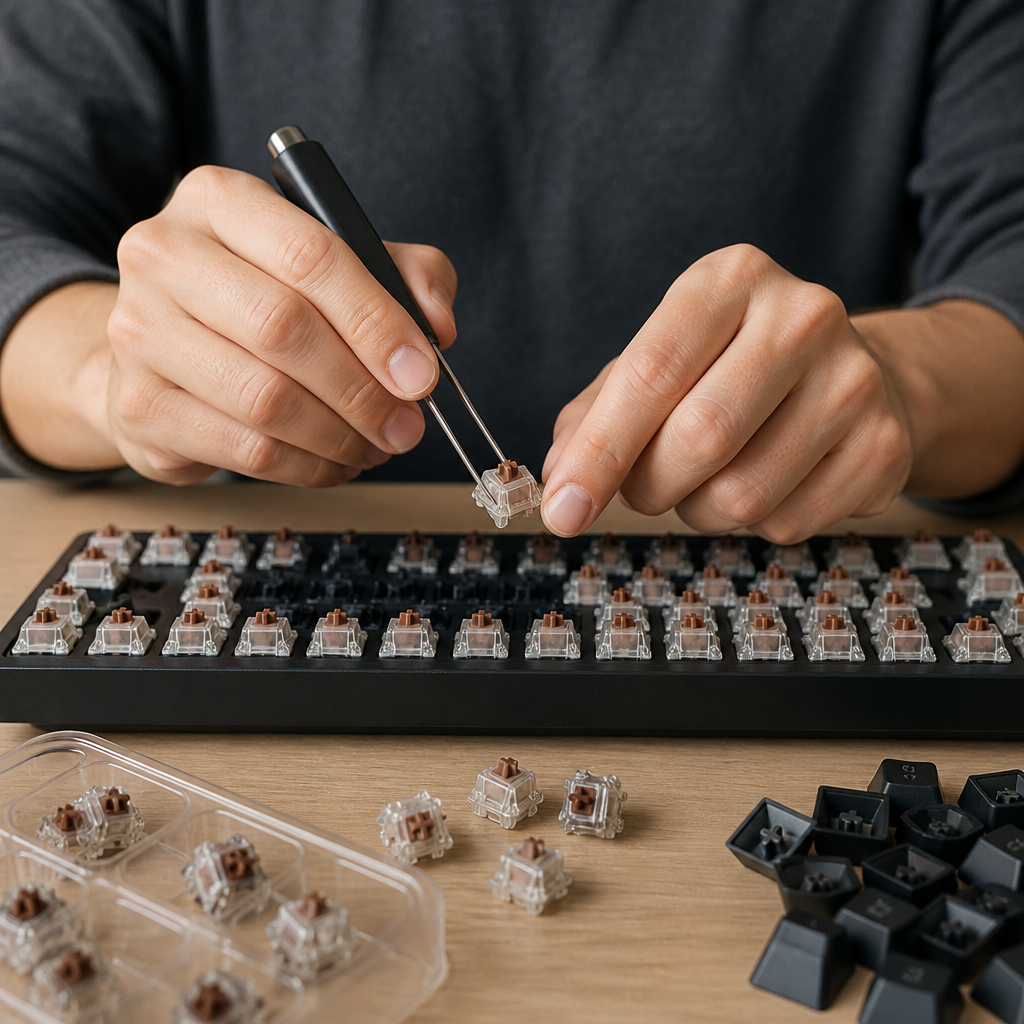
Selecting the right hot-swappable keyboard involves considering factors like your budget and preferred layout, as well as specific features that enhance your typing or gaming experience. The market for hot-swappable keyboards has expanded significantly, offering a diverse range of options for different needs and preferences. I’ve owned several hot-swap boards over the years, from compact 60% layouts to full-size productivity models, and each choice depended on my priorities at the time. This section highlights some of the best hot-swappable keyboards available.
Best Hot Swappable Keyboards to Buy
The market for hot-swappable keyboards has matured considerably, offering options from budget-friendly models to premium enthusiast-grade boards. This broad range ensures a hot-swappable keyboard exists for nearly any budget and preference.
According to Tom’s Hardware, the Keychron Q series provides an excellent value-to-quality ratio in hot-swap keyboards, offering features previously found only on more expensive custom boards, thus making premium customization accessible.
Here are some of the best options available:
- Keychron Q Series (Q1, Q2, Q3): A premium option with a full aluminum case, gasket-mounted design, and QMK/VIA programmability. Excellent for enthusiasts looking for high-end features at a reasonable price ($169-$199).
- Royal Kludge RK61: A fantastic budget-friendly choice with a compact 60% layout, wireless connectivity, and Kailh hot-swap sockets. It’s an excellent entry point for beginners ($45-$60).
- Glorious GMMK Pro: A popular choice for gamers, featuring a 75% layout, aluminum case, and a rotary encoder knob. It offers a solid, premium feel ideal for gaming setups ($169 barebones).
- Epomaker TH80 Pro: A strong value leader that offers a 75% layout, tri-mode connectivity, and a gasket-mount design for a comfortable typing experience ($99-$119).
- Nuphy Air75 V2: An excellent choice for those who value a slim profile and wireless performance. It combines low-profile hot-swap switches with a portable 75% layout ($139).
A keyboard’s layout significantly impacts its daily usability and comfort more than many other features, so choosing one that fits your workflow and desk space is crucial for long-term satisfaction. I’d personally recommend starting with a 75% or TKL (Tenkeyless) layout if you’re unsure, as they offer a good balance of compactness and functionality.

Hi, I’m Alex Morgan.
Welcome to my blog! As a dedicated mechanical keyboard enthusiast, I’m passionate about exploring everything from custom builds to the finest details of switches and keycaps. My goal is to break down specs, sound profiles, and ergonomics to help you find the absolute best keyboard for your setup. Whether you’re a gamer, programmer, or desk setup fanatic, I’m here to share honest reviews and practical recommendations.