Are Keycaps Universal? 3 Key Checks for a Perfect Fit
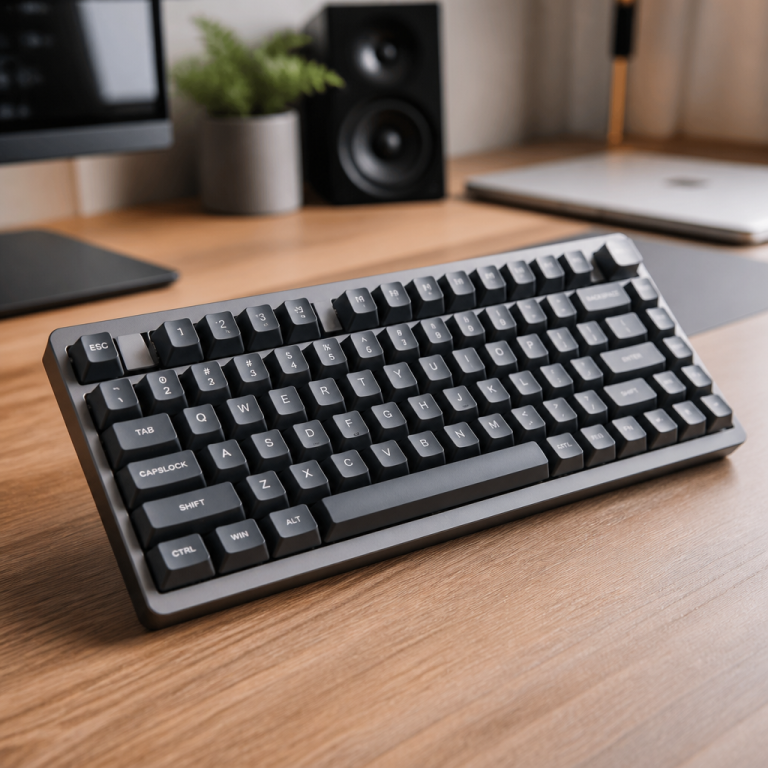
Many keyboard enthusiasts eventually ask the same question: are keycaps universal? The straightforward answer is no. As many discover, keycap compatibility isn't a one-size-fits-all situation. Instead, it depends on a combination of three crucial factors: the switch stem type, the keycap size and layout, and the fundamental construction of the keyboard itself. Understanding these elements is essential to avoid the frustration of buying a beautiful new set only to find it doesn't fit. This guide will walk you through everything you need to know to discover the perfect compatible keycaps for your keyboard.
Keycap Universality Across Keyboard Types

Are Keycaps Universal for All Keyboards?
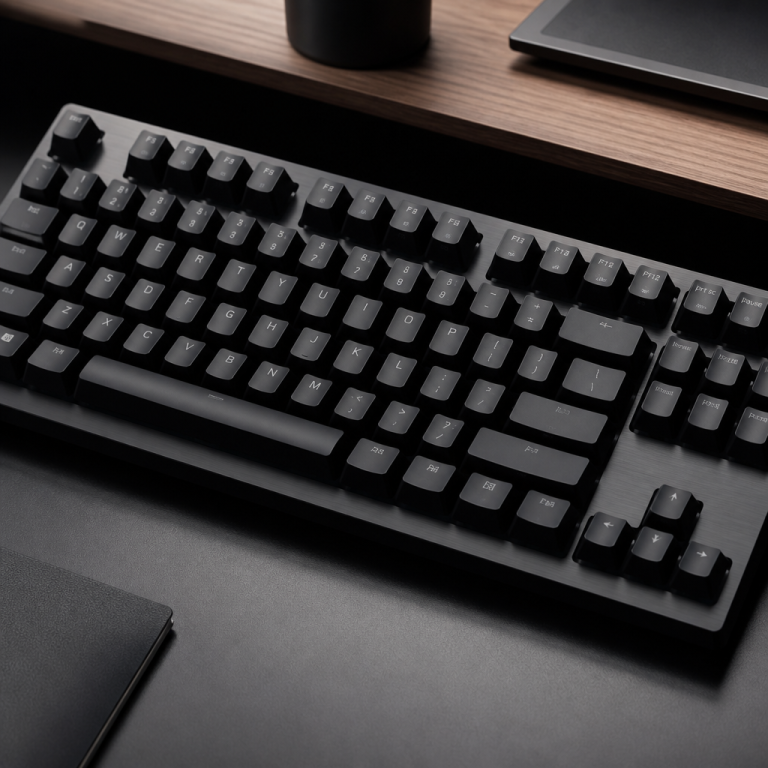
Keycaps are not universally compatible across all keyboards due to fundamental differences in their construction. Mechanical keyboards, popular among enthusiasts, feature individual switches with standardized stems that allow for easy keycap removal and replacement. In stark contrast, membrane keyboards, laptop keyboards, and scissor-switch keyboards employ entirely different key mechanisms where the keycaps are often integrated into the design. This design means that if a single keycap is damaged or if a user wishes to change the aesthetic of their keyboard, they generally can't simply swap out the keycaps with aftermarket options. The integrated nature of these designs necessitates specific parts from the original manufacturer for any repairs or replacements, severely limiting customization.
Beyond common mechanical and membrane distinctions, specialized keyboards present unique challenges. Topre keyboards, for instance, use a hybrid electro-capacitive switch with a unique circular stem, requiring specific Topre-compatible keycaps. _While adapters are available to allow MX-style keycaps to be used on Topre switches, these may alter the typing feel or acoustics._ Similarly, low-profile mechanical keyboards, which often use switches like Kailh Choc, require specific low-profile keycaps with a reduced height and different stem dimensions, rendering them incompatible with standard switches.
Brandon Taylor, a Mechanical Keyboard Reviewer at TechSpot, highlights a key issue:
The biggest misconception among new mechanical keyboard users is assuming all keycaps will fit their board. Stem compatibility is just the first hurdle—layout compatibility, particularly the bottom row, is where most people encounter problems.
This expert opinion underscores the multifaceted nature of keycap compatibility. Understanding these distinctions is vital for anyone looking to customize their keyboard, as it prevents frustration and ensures a successful upgrade.
Are Keycaps Universal for Mechanical Keyboards?
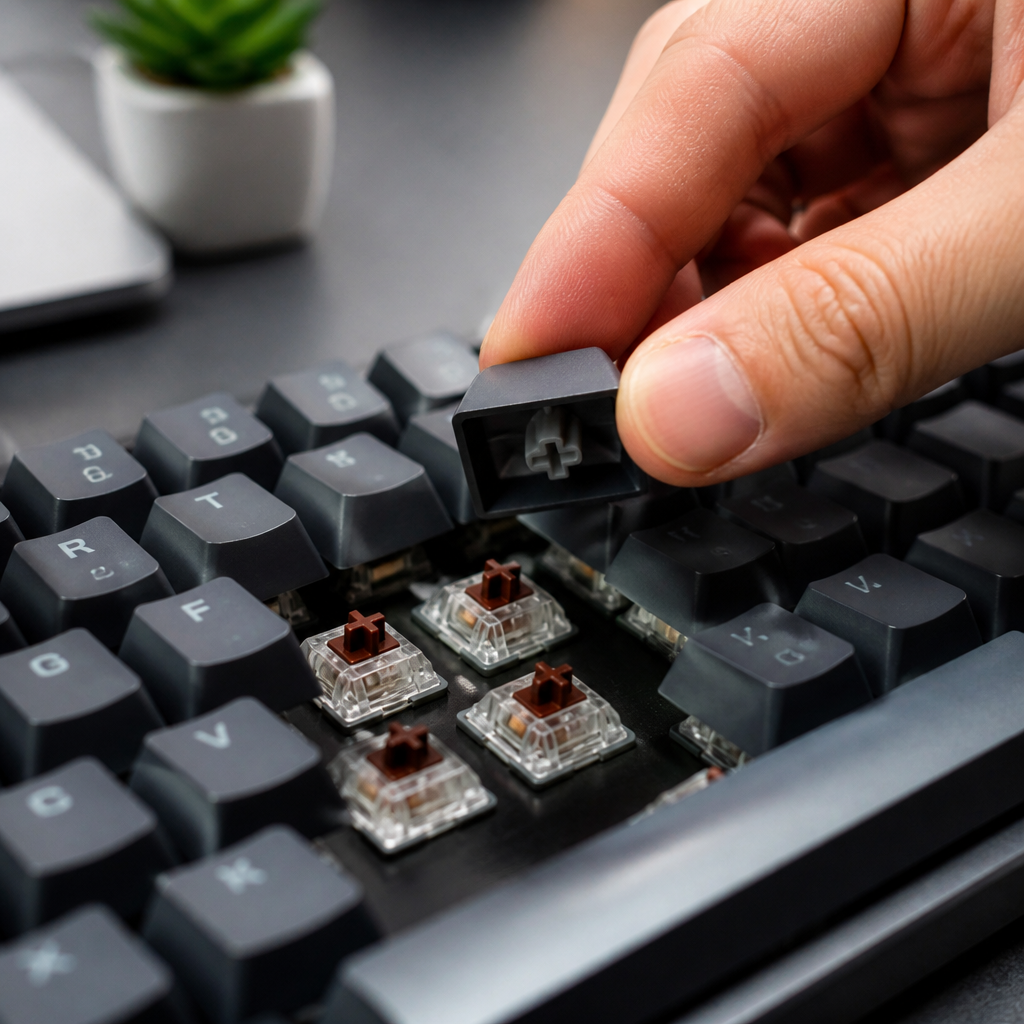
Within the realm of mechanical keyboards, keycaps are largely universal for switches that use the Cherry MX-style stem. This cross-shaped stem design has become the de facto standard in the industry since its introduction in 1983. Its widespread adoption means that switches from manufacturers like Gateron, Kailh, Outemu, and Durock are designed to accept MX-style keycaps, opening up a vast market of aftermarket sets for customization.
However, significant compatibility issues can still arise due to non-standard layouts, variations in stabilizer sizes, and proprietary stem designs used by certain manufacturers. This is a common issue with pre-built gaming keyboards. For example, a user might purchase a keycap set for their Corsair keyboard, only to find the 6.5u spacebar and 1u modifier keys don't match the standard 6.25u and 1.25u keys in the new set. This often requires purchasing an expensive, specialized compatibility kit just for those few bottom-row keys.
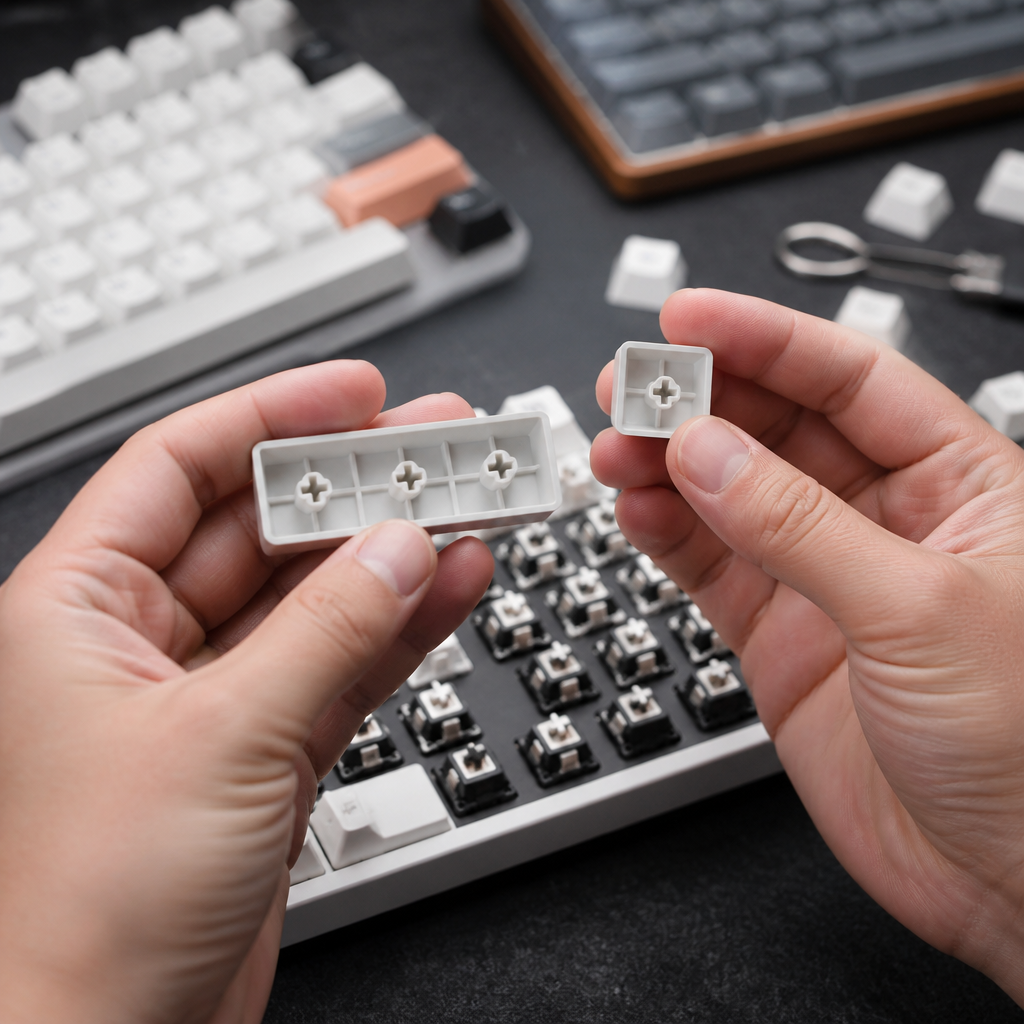
Stabilizer compatibility is another critical factor for keys 2u and larger, such as the spacebar, Shift, and Enter keys. The two main types are Cherry-style and Costar-style stabilizers. Most modern keycaps are designed with mounts for Cherry-style stabilizers; if a keyboard uses Costar stabilizers, the keycaps must have the correct inserts to attach to the stabilizer wire. Even with the rise of optical mechanical switches from brands like Razer, keycap compatibility generally remains consistent as they typically maintain the MX-style cross stem. Therefore, while mechanical keyboards offer a high degree of keycap universality, it is crucial for users to be aware of the specific layout and stabilizer requirements of their board.
Keycap Sizes, Layouts, and Stem Compatibility
Keycap Sizes and Layouts Explained
Keycap sizes are systematically measured in units, often denoted as "u," where 1u represents the approximate 19.05mm width of a standard alphanumeric key. This unit system provides a universal reference for the dimensions of all keys on a keyboard. Layouts refer to the specific arrangement and sizing of these keys across various keyboard form factors.
The standard ANSI (American National Standards Institute) layout, prevalent in North America, uses a consistent set of keycap sizes: 1u for alphanumeric keys, 1.25u for modifiers (Ctrl, Alt), 2.25u for the left Shift and Enter keys, and a 6.25u spacebar. In contrast, the ISO (International Organization for Standardization) layout, common in Europe, features a taller, vertical Enter key and a shorter 1.25u left Shift key. These differences mean that keycap sets are often not interchangeable between ANSI and ISO layouts without specific compatibility kits.
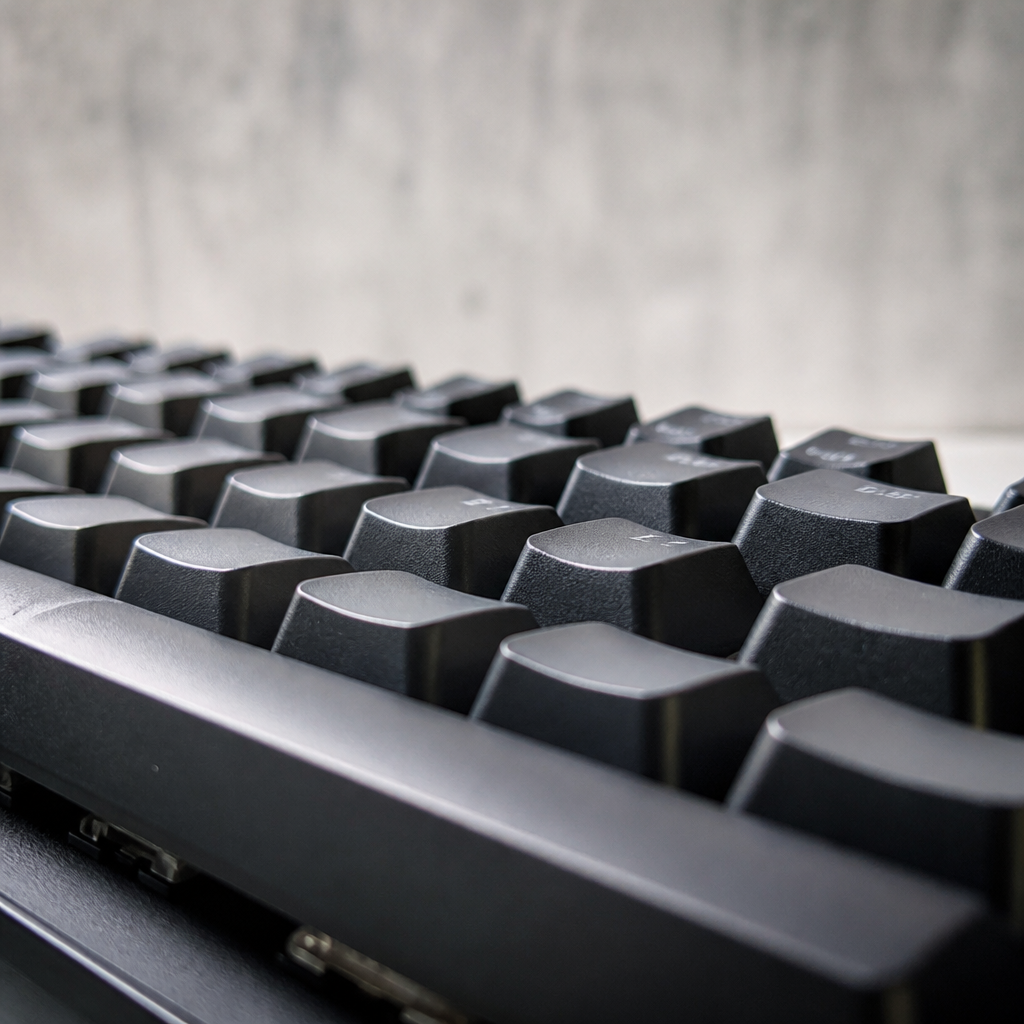
Beyond size and layout, keycap profile refers to the shape and height variation across different rows. Common profiles include sculpted ones like Cherry, OEM, and SA, where each row has a distinct angle for ergonomic typing, and uniform profiles like DSA and XDA, where all keys have the same height and shape. Non-standard bottom rows, particularly in gaming keyboards, often feature spacebars of 6u, 6.5u, or 7u, deviating from the standard 6.25u. These variations present a significant challenge for finding compatible keycap sets.
Keycap Stem Types and Differences
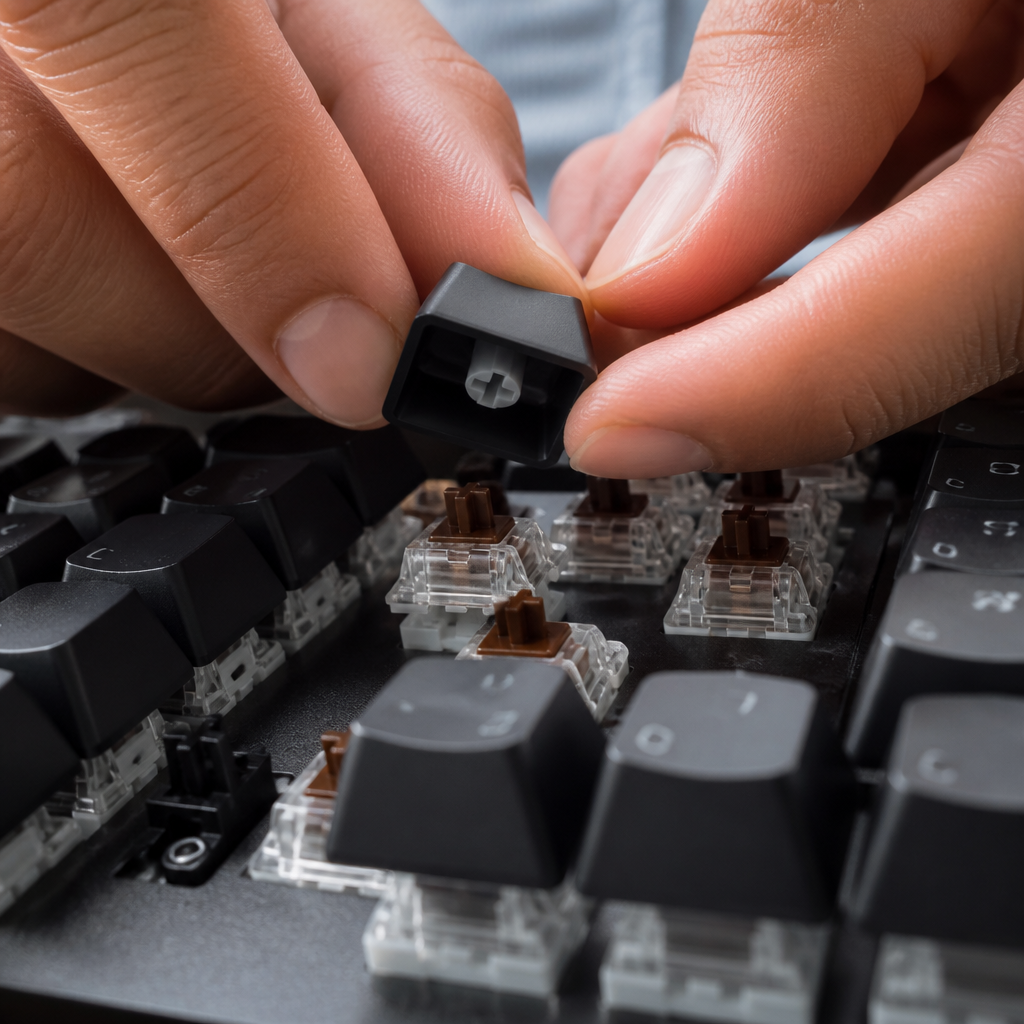
Keycap stems are the crucial mounting mechanisms on the underside of each keycap that connect to the keyboard switches. Without a matching stem type, a keycap simply cannot be properly installed or function correctly on a switch. The connection point is the most fundamental compatibility check you must make.
The Cherry MX stem is by far the most ubiquitous design in the industry. Introduced in 1983, its distinctive cross-shape (cruciform) has become the standard, leading to a vast ecosystem of compatible switches and keycaps from manufacturers like Gateron, Kailh, and Outemu. However, other stem types exist. The Alps stem, found in some vintage and modern keyboards, features a rectangular design and requires specific Alps-compatible keycaps. Topre switches use a circular stem unique to their electro-capacitive system, though adapters are available.
The rise of low-profile mechanical keyboards has also introduced new stem types. Kailh Choc switches, for example, feature a smaller cross-shaped stem that requires specific low-profile Choc keycaps. These specialized stems achieve a thinner keyboard profile but sacrifice broader keycap compatibility.

Keycap Switch Compatibility Guide
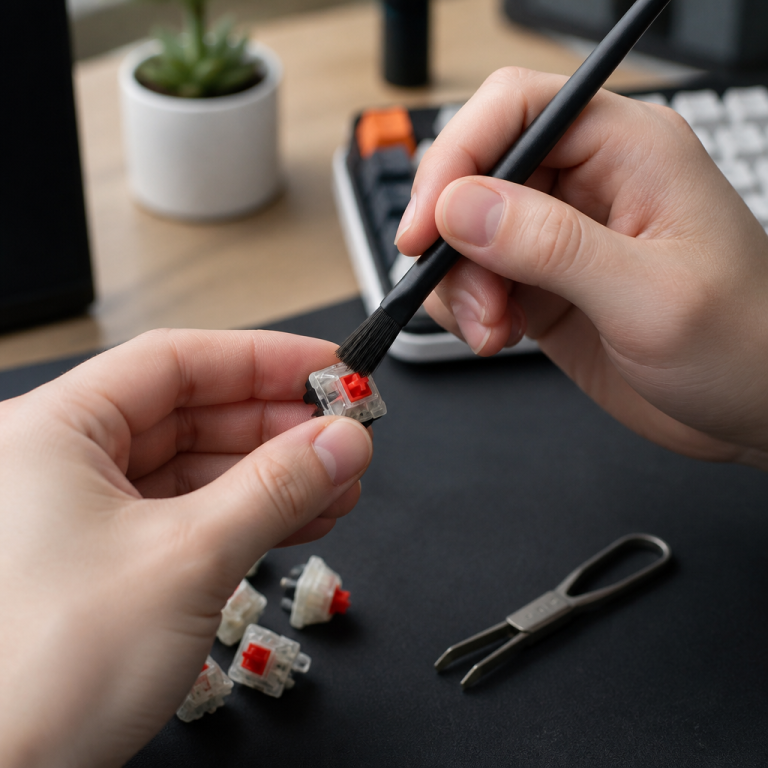
Keycap switch compatibility refers to the physical matching between a keycap's stem and the switch's top housing. Proper compatibility ensures keycaps mount securely and provide the intended feedback. The vast majority of modern mechanical keyboards use switches compatible with MX-stem keycaps. The good news is that if you have a Cherry MX-style switch—whether it's a clicky blue, a tactile brown, or a smooth linear red—the keycaps will generally fit them all.
The table below provides a clear compatibility overview for common stem types.
| Keycap Stem Type | Compatible Switch Brands/Types |
|---|---|
| MX-stem | Cherry MX, Gateron, Kailh (Box/Speed/Pro), Outemu, TTC, Durock, Akko, JWK, and virtually all other MX-style clones. |
| Alps-stem | Alps SKCM/SKCL switches, Matias switches (Quiet Click, Click, Linear). |
| Topre-stem | Topre electro-capacitive switches (e.g., Realforce, HHKB), Niz Plum electro-capacitive switches. |
| Low-Profile | Kailh Choc switches require Choc-specific keycaps; Cherry MX Low Profile switches require their own low-profile keycaps. |
A notable historical issue involved early Kailh Box switches. _Users with older, pre-2018 Kailh Box switches should exercise caution, as their slightly oversized stems were known to potentially crack keycaps._ Kailh has since retooled the design to prevent this. Additionally, interference can occur between certain keycap profiles (like Cherry) and switch configurations (north-facing LEDs), sometimes causing a scratchy feel or incomplete key travel.
Finding and Choosing Compatible Keycaps
What Keycaps Are Compatible with My Keyboard?
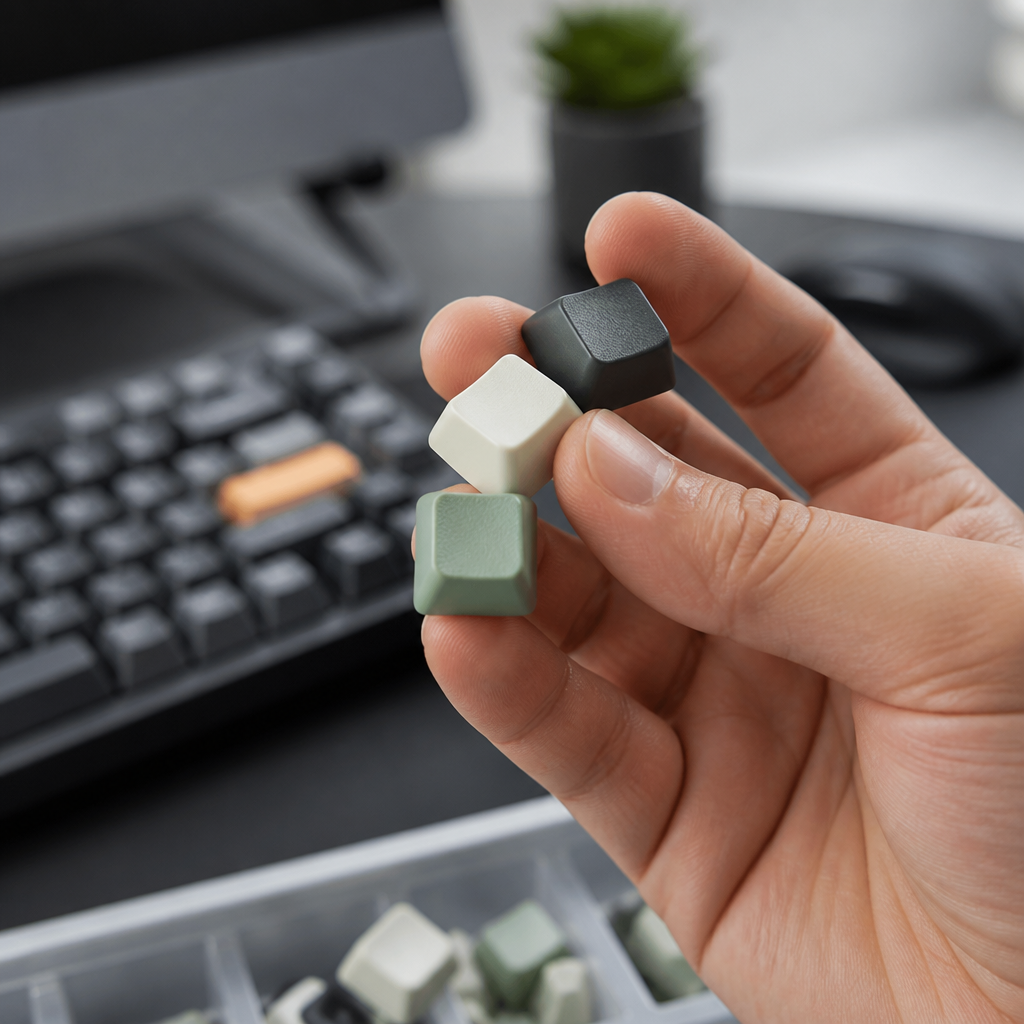
Determining which keycaps are compatible with your keyboard requires a systematic check of three primary specifications: the switch stem type, the keyboard layout (including the bottom row), and the stabilizer type. Overlooking any of these factors can lead to buying an incompatible set.
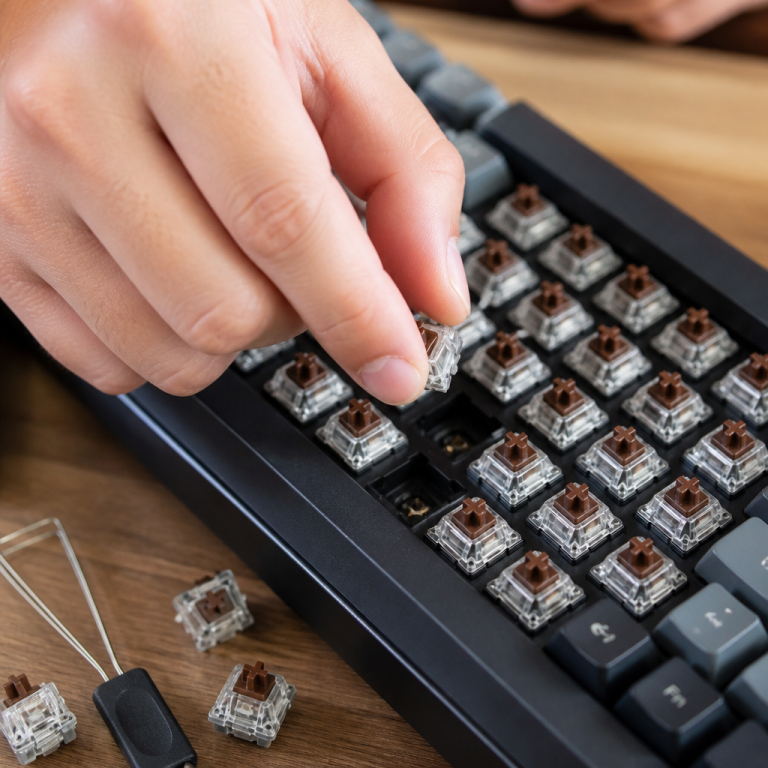
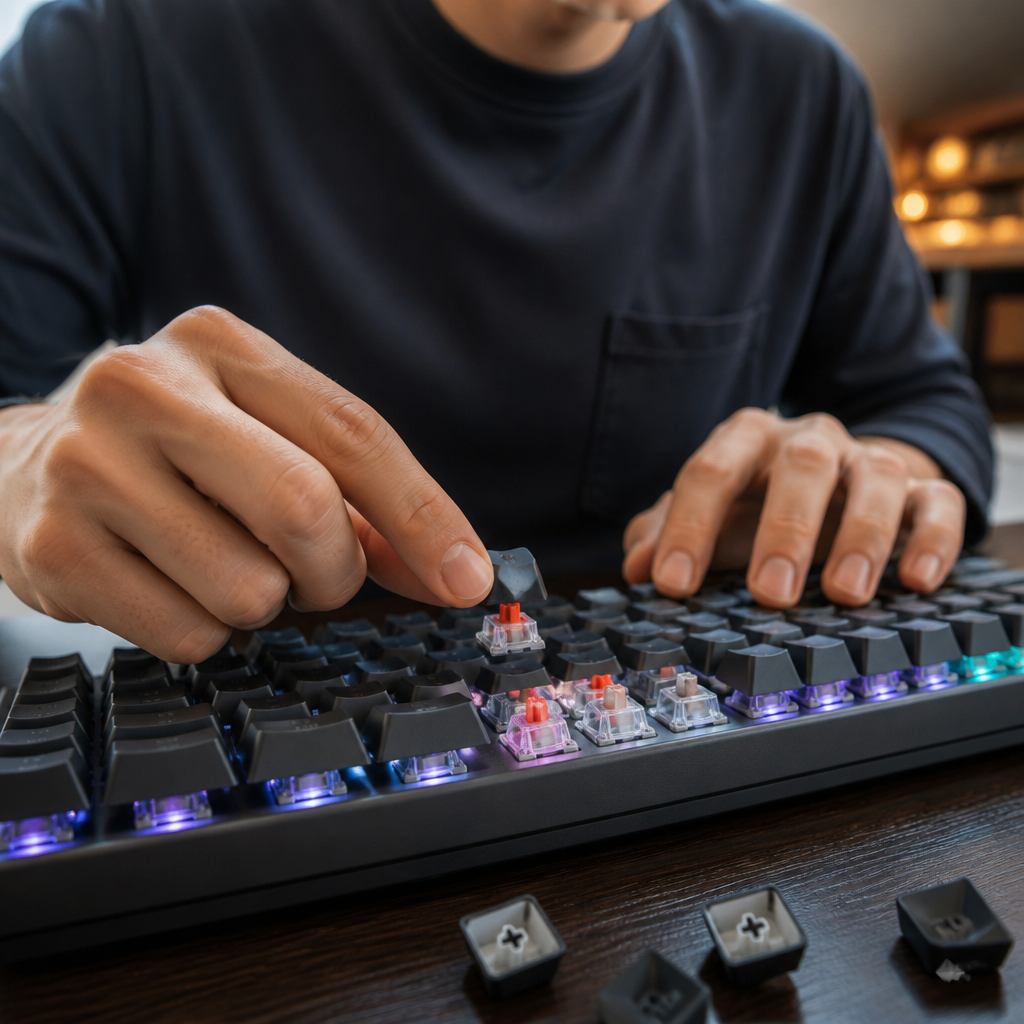
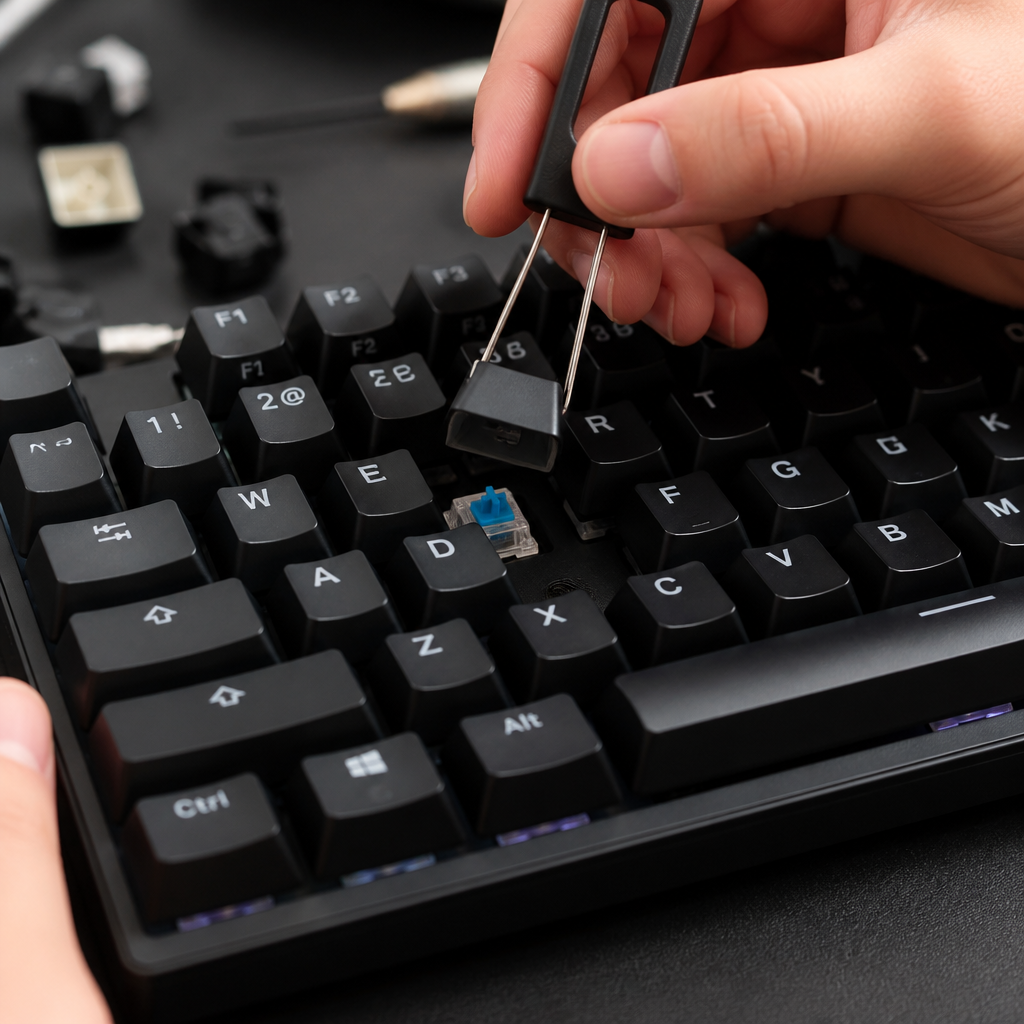
The most reliable method to identify your keyboard's switch type is to physically inspect a switch. Use a keycap puller to gently remove a keycap and look at the stem. A cross shape indicates MX-style compatibility. Some keyboards, however, may feature proprietary stems, such as Logitech's Romer-G, which are incompatible with standard MX keycaps. Manufacturer specifications and product pages are also valuable resources.
Identifying your keyboard's layout, especially the bottom row, is equally crucial. Standard layouts use 1.25u modifier keys and a 6.25u spacebar. _Be aware that many pre-built gaming keyboards from major brands feature non-standard bottom rows._ For example, Corsair keyboards often use a 6.5u spacebar, while older Razer models might have a 6.0u spacebar. When buying a keycap set, look for a "Base Kit," which typically covers standard layouts. If your keyboard is non-standard, you may need an additional "Compatibility Kit" or "Spacebars Kit."
How to Choose the Right Keycaps
Once you have confirmed compatibility, choosing the right keycaps involves evaluating material, quality, and ergonomics. A well-chosen keycap set can significantly enhance both the typing experience and the visual appeal of your keyboard.
First, consider the material. The two primary options are ABS (Acrylonitrile Butadiene Styrene) and PBT (Polybutylene Terephthalate). ABS is smooth and produces a higher-pitched sound but can develop a shine with use. PBT is more durable, has a textured feel, resists shine, and typically produces a deeper sound. Keycap thickness also plays a role, with thicker caps (1.5mm+) feeling more solid and producing a lower-pitched sound compared to thinner caps (~1.0mm).
The method used for printing legends (characters) directly impacts their durability. In order of longevity, the methods are:
- Doubleshot: Two plastic layers are molded together, creating legends that will never fade. This is considered the gold standard.
- Dye-sublimation (Dye-sub): Dye is infused into the plastic, creating highly durable legends that won't wear off. This is typically used on PBT keycaps.
- Laser Etching: Legends are burned onto the surface. They are durable but can wear down over time.
- Pad Printing/UV Printing: Ink is printed on the surface. This is the least durable method and is prone to fading.
Finally, consider keycap profiles, which affect typing ergonomics. Profiles like Cherry and OEM are sculpted and popular for their comfortable typing angle, while uniform profiles like XDA and DSA offer a consistent feel across all rows. By carefully weighing these factors—material, legend durability, and profile—you can select a set that perfectly suits your needs and style.
FAQ
Q1: What are the three main factors determining keycap compatibility?
A1: The three main factors are the switch stem type (e.g., Cherry MX-style), the keycap size and keyboard layout (especially the bottom row), and the keyboard's construction method (e.g., mechanical vs. membrane).
Q2: Are keycaps for gaming keyboards like Razer or Corsair usually standard?
A2: No, pre-built gaming keyboards from brands like Razer and Corsair often use non-standard bottom row layouts, such as a 6u or 6.5u spacebar instead of the standard 6.25u, which can make finding fully compatible aftermarket keycap sets challenging.
Q3: What is the difference between ABS and PBT keycaps?
A3: ABS (Acrylonitrile Butadiene Styrene) keycaps are generally smoother, tend to develop a shine over time, and produce a higher-pitched sound. PBT (Polybutylene Terephthalate) keycaps are typically more durable, resistant to shine, have a textured feel, and produce a deeper sound.
Q4: How do I identify my keyboard's switch type for keycap compatibility?
A4: The most reliable way is to carefully remove a keycap using a keycap puller and visually inspect the switch. A cross-shaped stem indicates Cherry MX-style compatibility.
Q5: What are keycap profiles, and how do they affect typing?
A5: Keycap profiles refer to the shape, height, and angle variations across different rows of keys. Profiles like Cherry, OEM, SA, and XDA offer distinct ergonomic feels and aesthetics, influencing typing comfort and the overall look of the keyboard.

Hi, I’m Alex Morgan.
Welcome to my blog! As a dedicated mechanical keyboard enthusiast, I’m passionate about exploring everything from custom builds to the finest details of switches and keycaps. My goal is to break down specs, sound profiles, and ergonomics to help you find the absolute best keyboard for your setup. Whether you’re a gamer, programmer, or desk setup fanatic, I’m here to share honest reviews and practical recommendations.