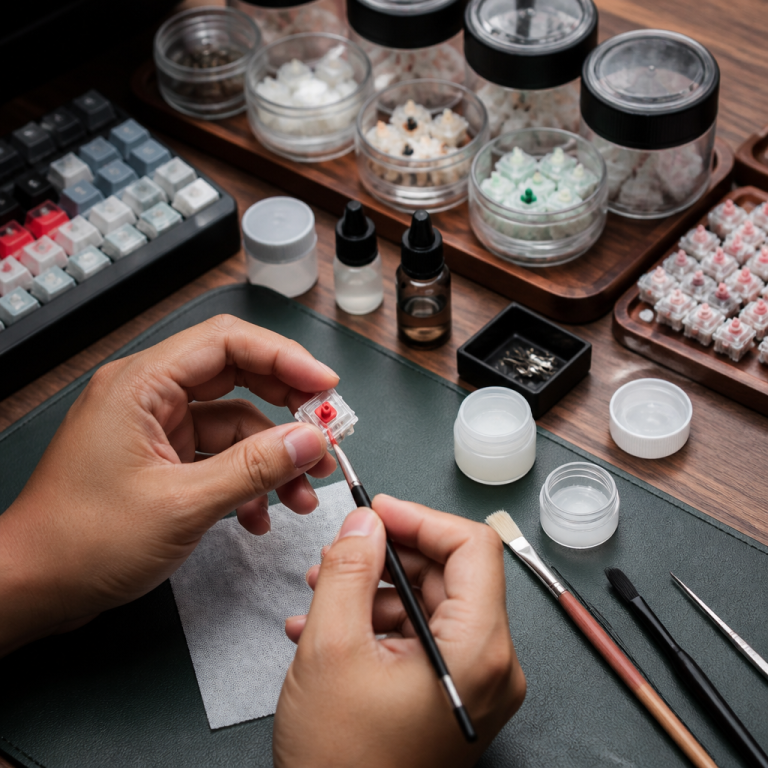
do all keycaps fit all keyboards? 4 Crucial Checks
The short answer is no. While many keycaps are interchangeable, the idea that all keycaps fit all keyboards is a common misconception among newcomers to the mechanical keyboard hobby. Compatibility depends on several critical factors, including the keyboard’s layout, the type of switches it uses, and the profile of the keycaps themselves. Before you invest in a new set, it’s essential to understand these details to avoid disappointment. Discover exactly what you need to know to find the perfect keycaps for your setup.
Understanding Keycap Compatibility Basics
To answer the question “do all keycaps fit all keyboards?”, you first need to grasp the fundamentals. The physical dimensions, row shape, and switch mount are the primary determinants of whether a keycap set will work with your board.
What are the common keycap sizes and layouts?
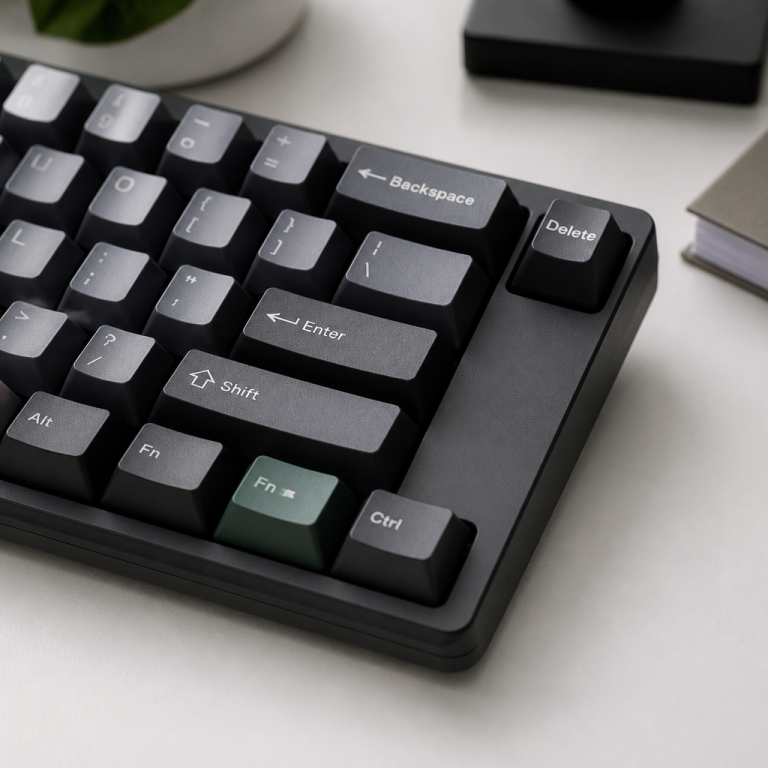
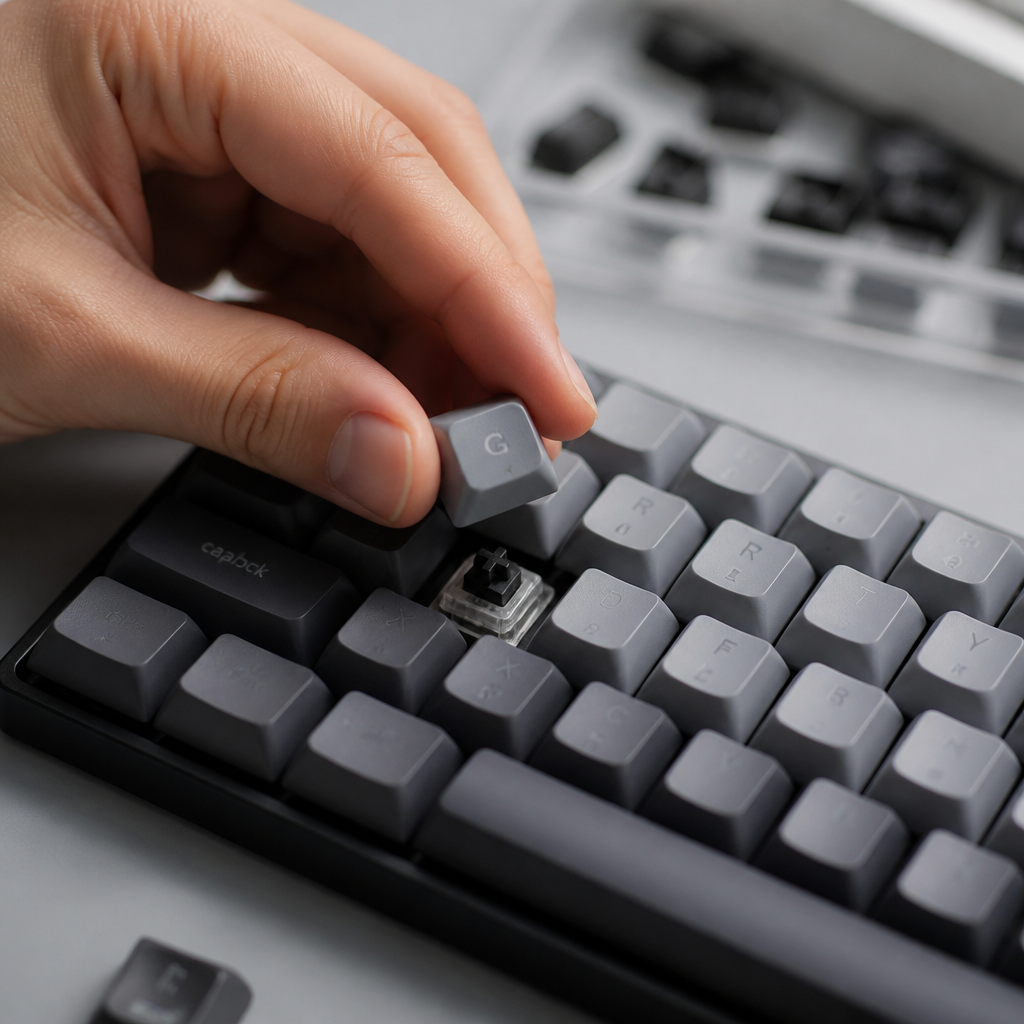
Keyboards come in various layouts, with ANSI (American National Standards Institute) and ISO (International Organization for Standardization) being the most common. These layouts affect the size and shape of keys like Enter and Left Shift. Furthermore, keycap sizes are measured in units or “u,” where 1u is the size of a standard letter key. Modifiers like Shift, Control, and the spacebar have non-standard sizes that must match your keyboard’s layout.
Most compatibility issues arise from the bottom row (Ctrl, Alt, Win keys) and the larger modifier keys.
| Key Name | Standard Size (ANSI) | Common Non-Standard Sizes |
|---|---|---|
| Left Shift | 2.25u | 1.75u (for 65% layouts), 2u |
| Enter | 2.25u | ISO Enter (L-shaped) |
| Backspace | 2u | 1.5u |
| Spacebar | 6.25u | 7u, 6.5u, 6u |
Keycap profiles and what they mean
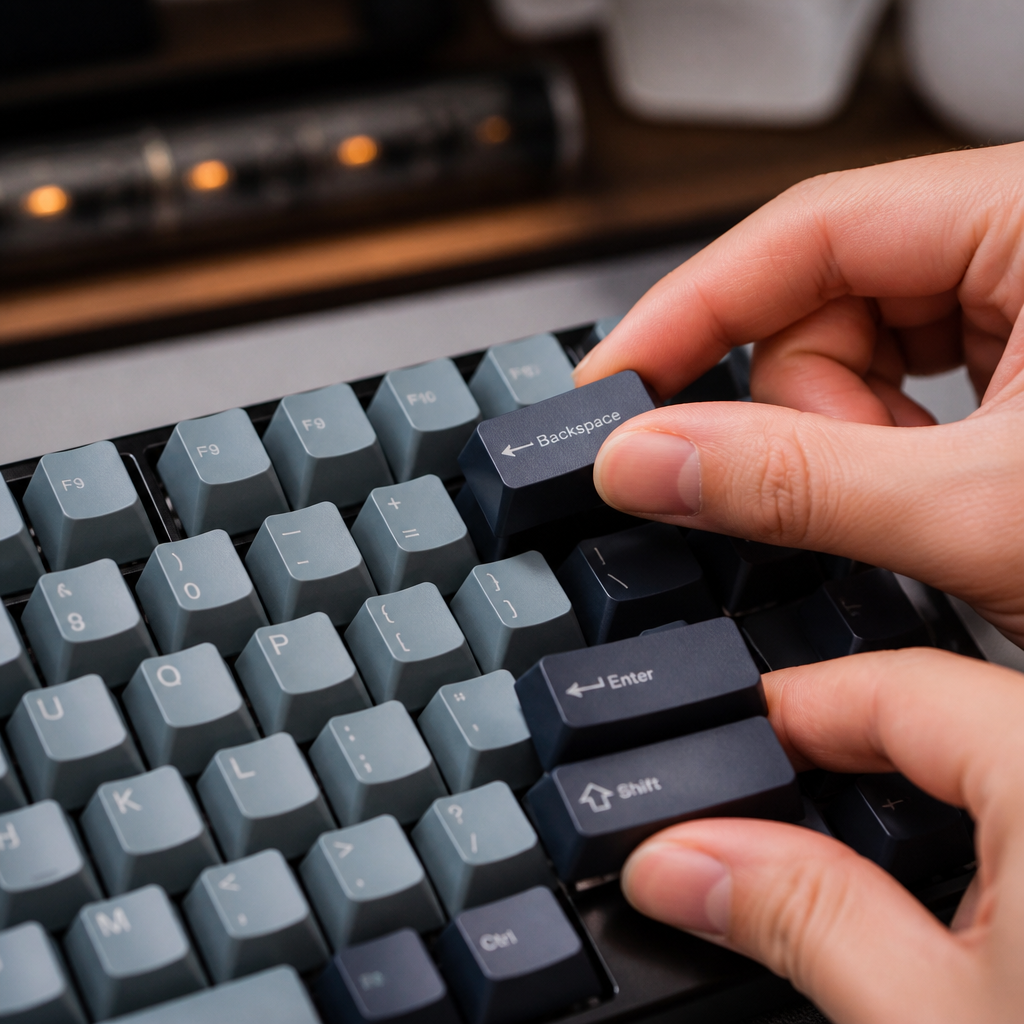
A keycap profile refers to the overall shape and height of the keycaps across the keyboard. There are two main categories: uniform and sculpted. Uniform profiles, like DSA or XDA, feature keycaps that are the same shape and height in every row. Sculpted profiles, such as Cherry, OEM, or SA, have varying heights and angles for each row to create a more ergonomic, curved typing surface. _You cannot mix and match keycaps from different rows in a sculpted set_, as it would disrupt the intended ergonomic curve.
Types of keyboard switches and keycap fitting
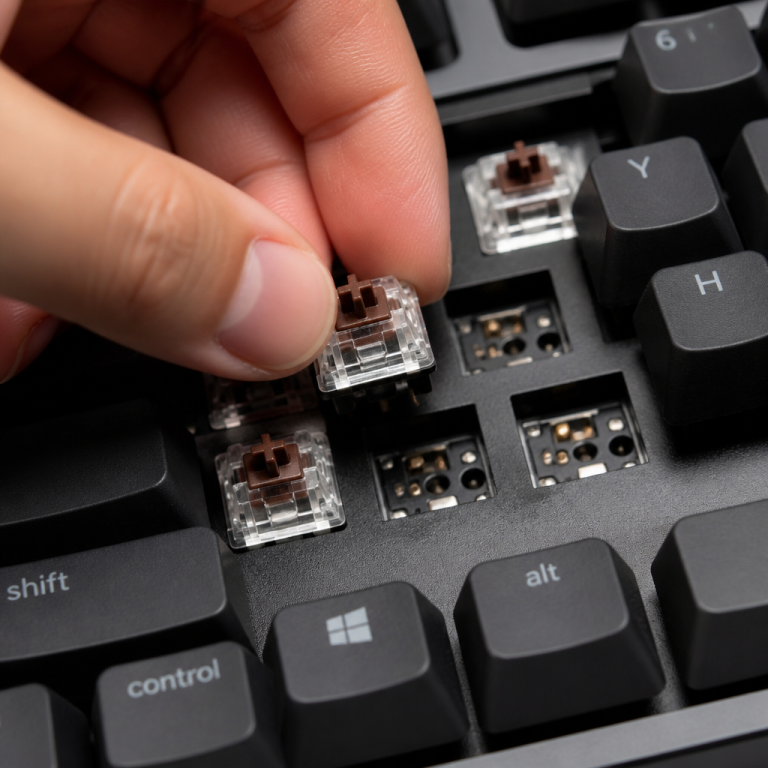
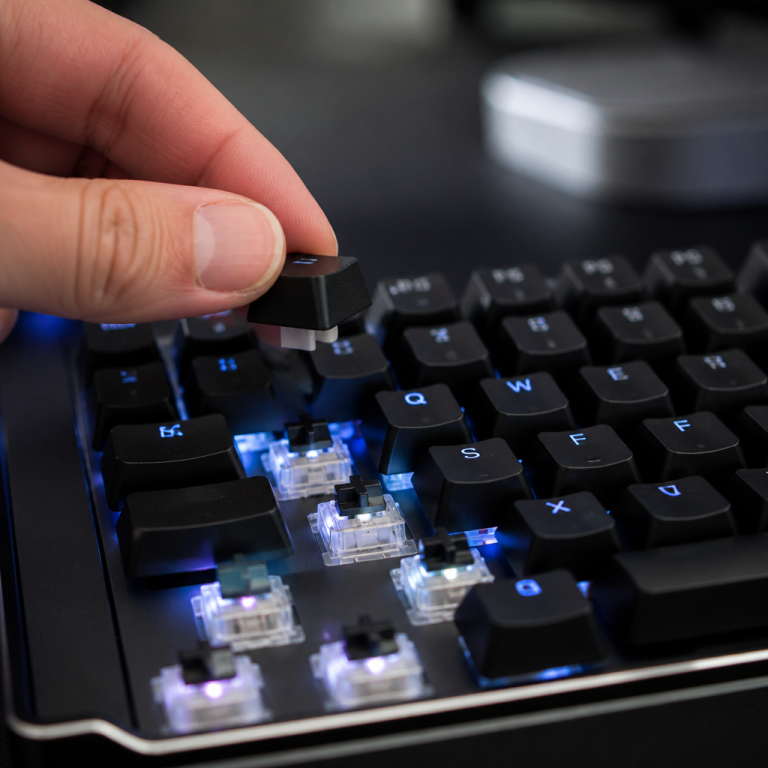
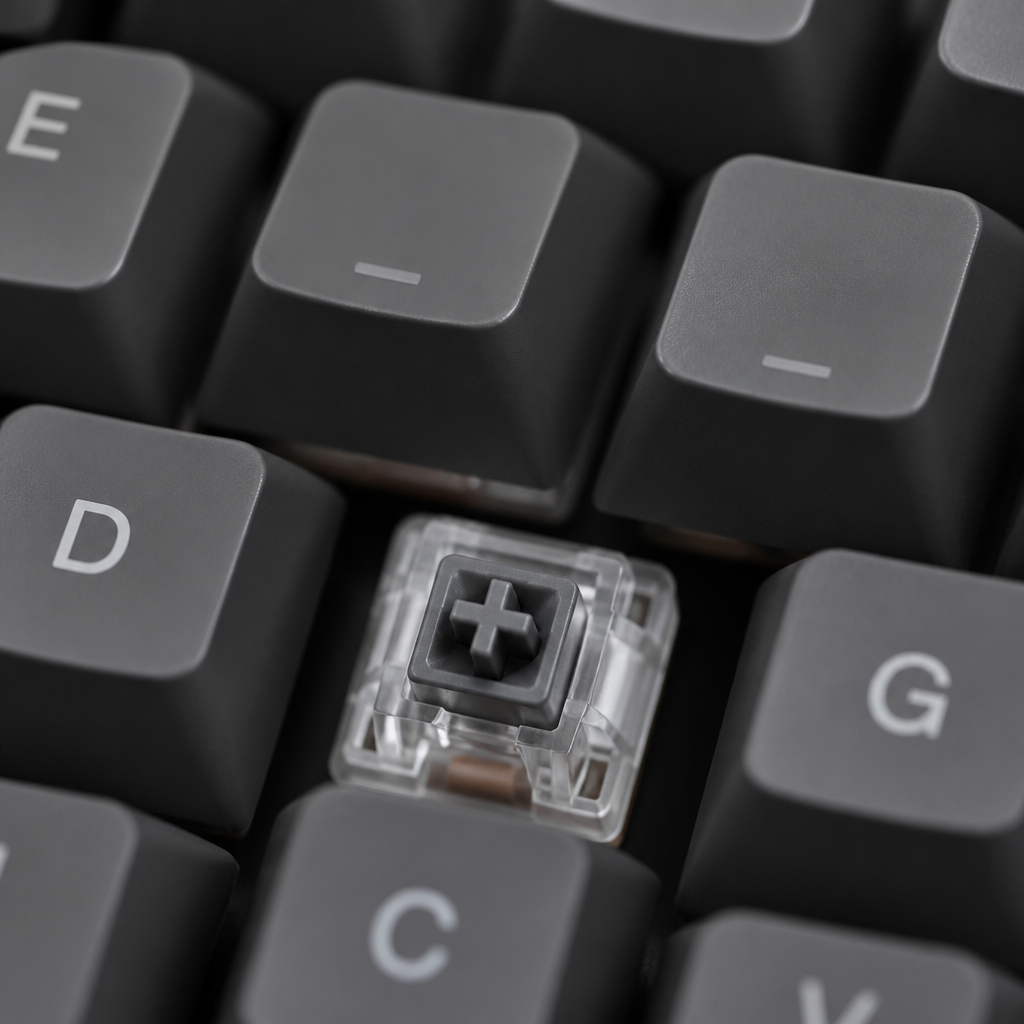
The most crucial factor for fitting is the switch stem. The vast majority of mechanical keyboards use switches with a cross-shaped stem, known as the Cherry MX mount. This has become the industry standard, and most aftermarket keycaps are designed to fit it. However, some keyboards use different switch types, like Topre (a circular stem) or Alps (a rectangular stem), which require specific, less common keycaps.
“The MX-style stem is the great unifier in the keyboard world. If your board has those, you’re in a good spot. If not, your options become much more limited.” – Keyboard Enthusiast Forum
Universal vs Keyboard-Specific Keycaps
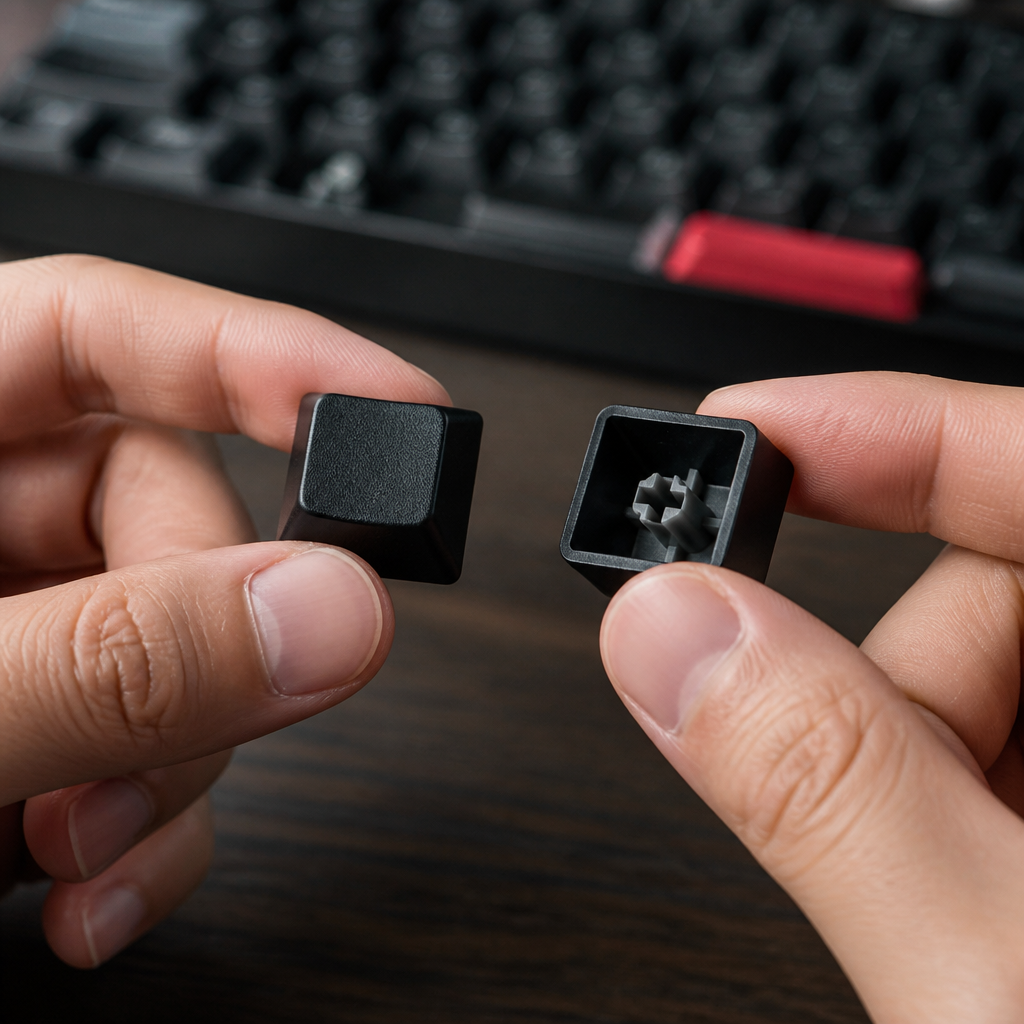
When shopping for keycaps, you’ll see sets marketed as “universal” and others designed for specific keyboards, particularly from major gaming brands. Understanding the difference is key to making the right choice.
Universal keycaps vs keyboard-specific keycaps
A truly universal keycap set is rare because not all keycaps fit all keyboards. However, many aftermarket sets aim for broad compatibility by including extra keys to fit various non-standard layouts.
- Universal Sets: These often come with over 100 keys, including alternate sizes for keys like the spacebar, Shift, and bottom-row modifiers to accommodate compact layouts (65%, 75%) and unique configurations.
- Keyboard-Specific Sets: These are manufactured by brands like Razer, Corsair, or Logitech for their own keyboards. They are guaranteed to fit the specific models they are designed for but are unlikely to fully fit a standard keyboard due to non-standard bottom rows or spacebar sizes.
Why don’t some keycaps fit certain keyboards?
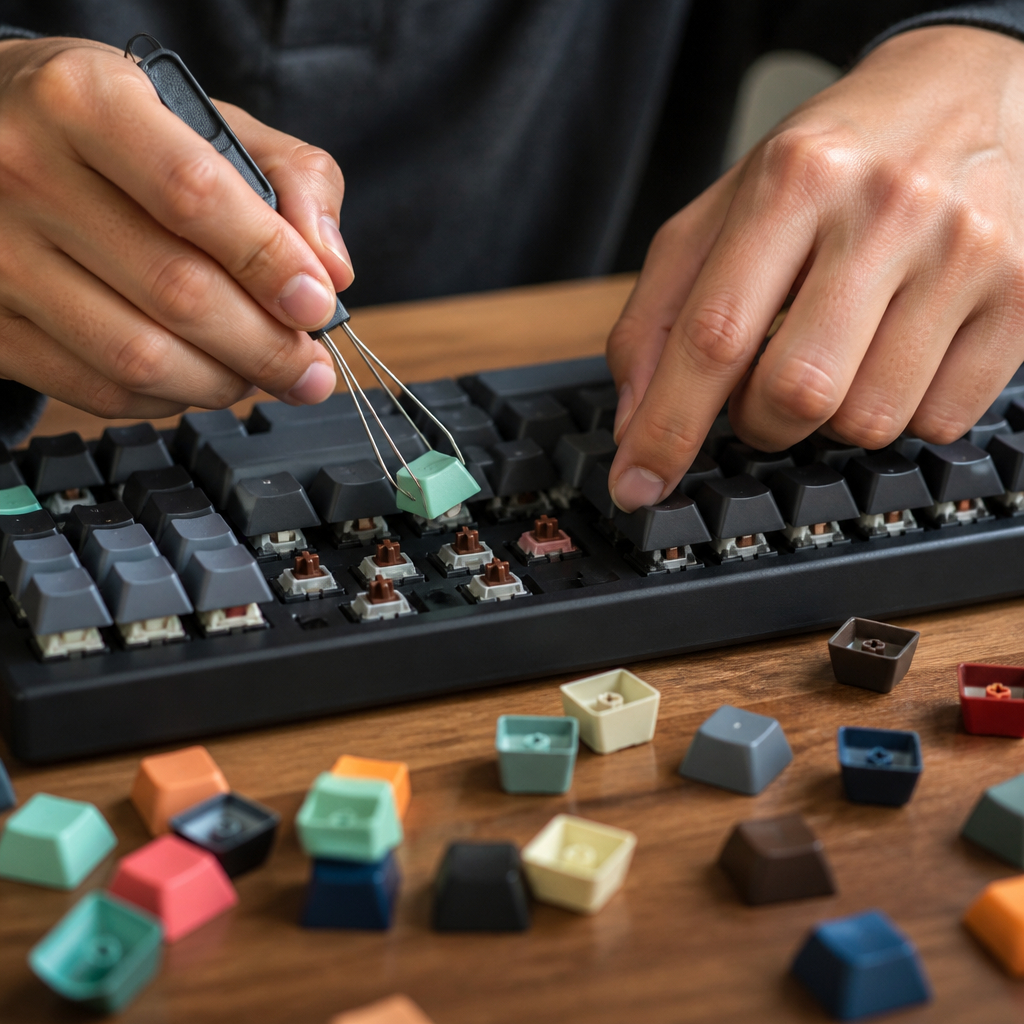
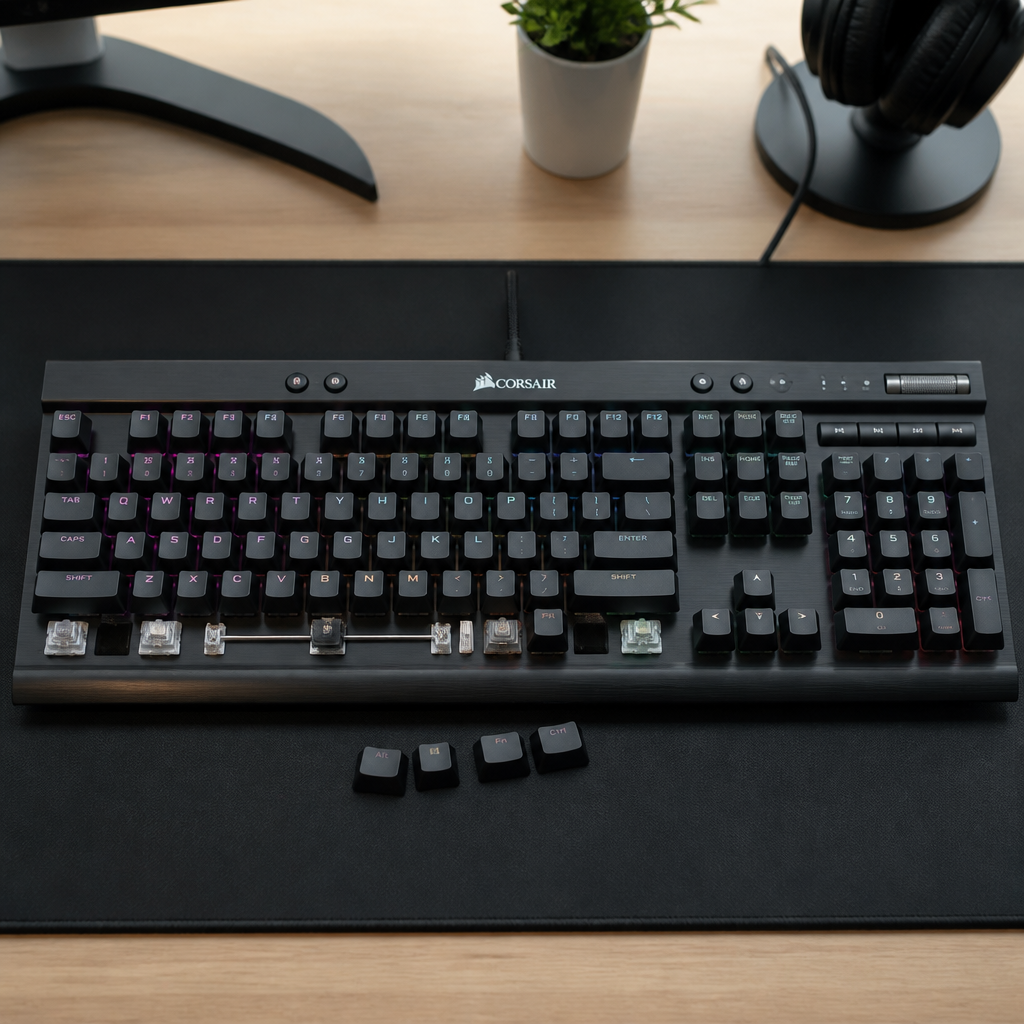
Compatibility issues most often stem from keyboards made by major gaming brands or those with compact, non-standard layouts. The primary reason is a non-standard bottom row, where the Ctrl, Windows, and Alt keys are not the standard 1.25u size. This is a frequent issue with boards from brands like Corsair and Razer. Another common problem is stabilizer placement for wider keys; if the stabilizer mounts on the keycap don’t align with the stabilizers on the keyboard, the key will not fit or function properly. _Always check your keyboard’s bottom row layout before purchasing a keycap set._
Keycap Compatibility Guide and Selection
Choosing the right keycaps involves more than just aesthetics. Following a simple guide can help you navigate the process and find a set that is both beautiful and functional for your specific keyboard.
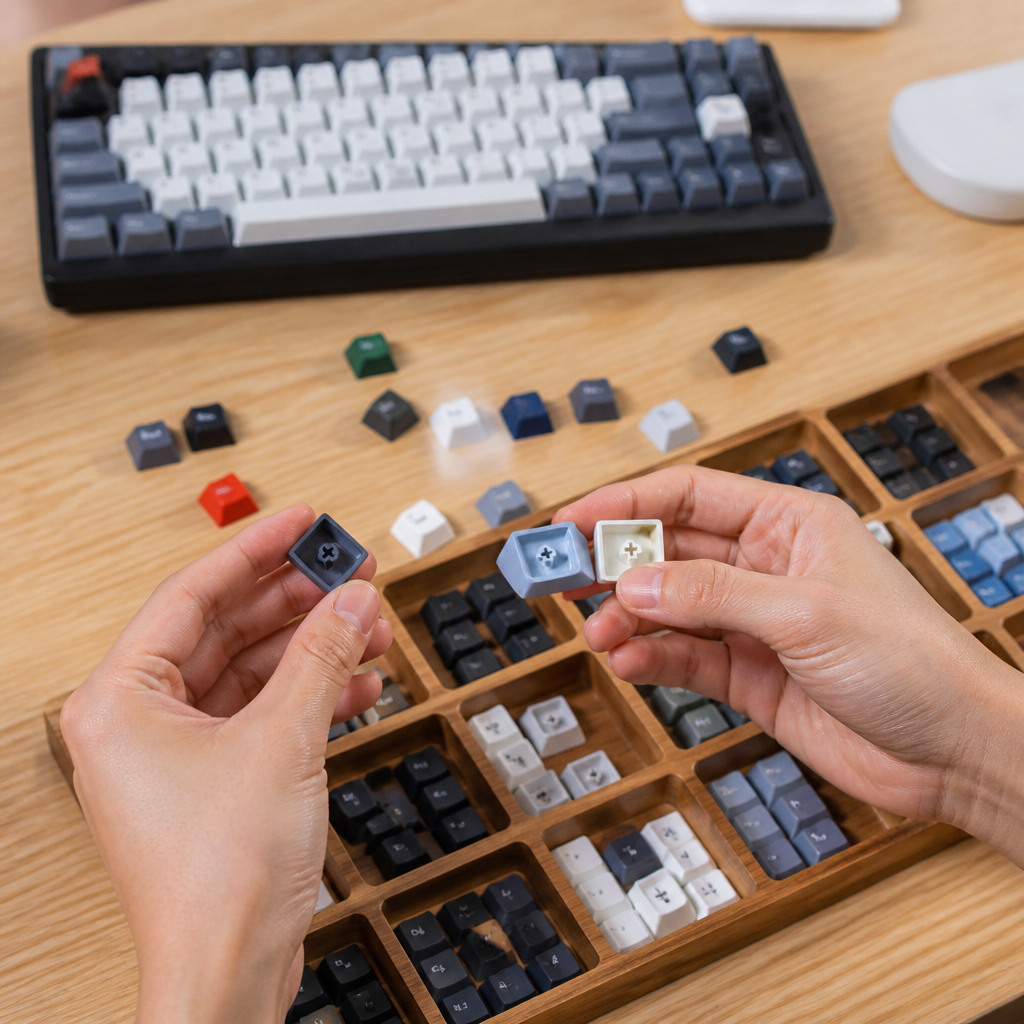
Keycap compatibility guide
Before you buy, run through this checklist to ensure the keycaps will fit:
- Identify Your Switch Type: Confirm that your keyboard has Cherry MX-style switches. This is the most important step.
- Determine Your Layout: Know if you have a standard ANSI or ISO layout, and note the size of your keyboard (Full-size, TKL, 65%, etc.).
- Measure Your Modifiers: Check the sizes of your spacebar, Shift, Enter, and bottom row keys. A keycap sizing guide can be found online to help you measure in ‘u’ units.
- Consider the Profile: Make sure the keycap profile (e.g., Cherry, OEM, SA) is comfortable for your typing style and that you are not mixing profiles.
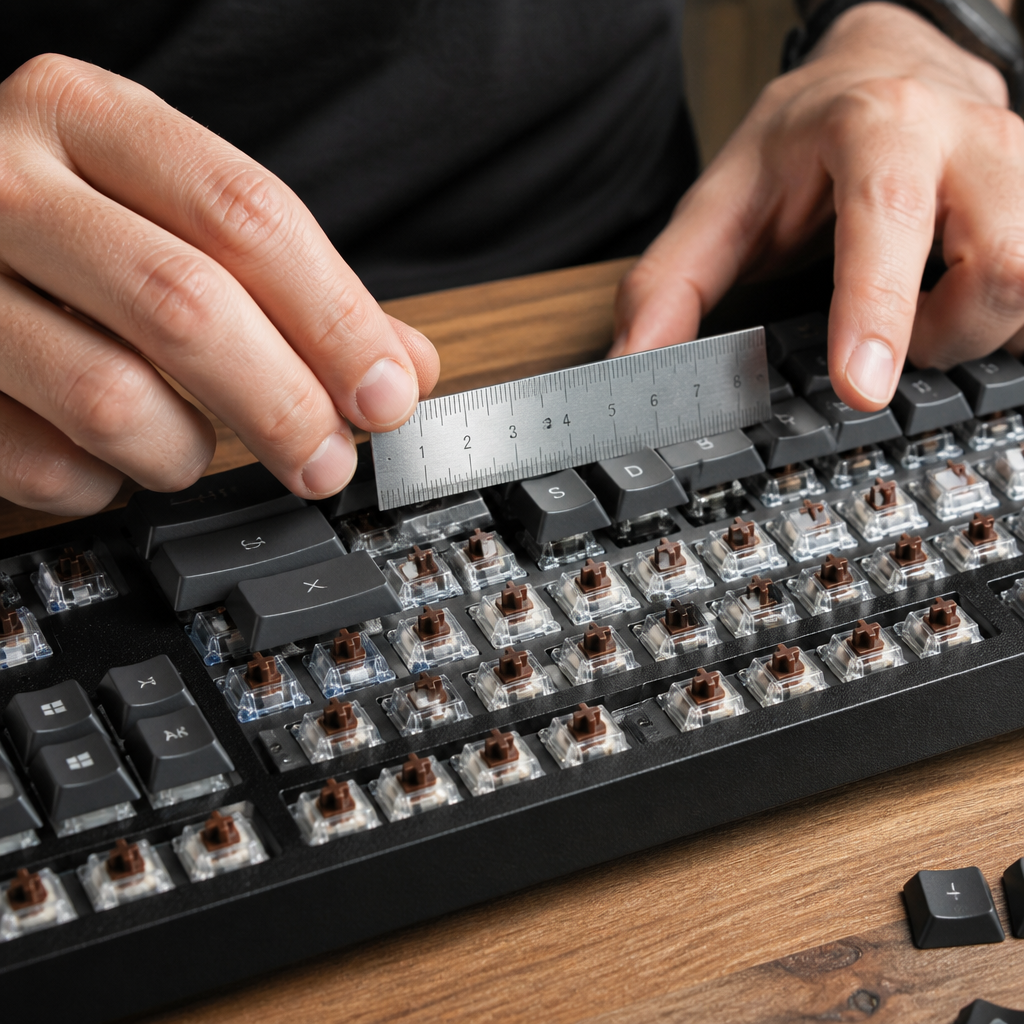
How to choose keycaps for your keyboard
Once compatibility is confirmed, you can focus on personal preference. Key factors include the material—ABS plastic is smooth and affordable, while PBT is more durable and textured. The legend printing method also matters; doubleshot or dye-sublimated legends will never fade, unlike cheaper pad-printed ones. Ultimately, choosing keycaps is a balance of ensuring compatibility, selecting a quality material, and finding a design that matches your personal style.

Hi, I’m Alex Morgan.
Welcome to my blog! As a dedicated mechanical keyboard enthusiast, I’m passionate about exploring everything from custom builds to the finest details of switches and keycaps. My goal is to break down specs, sound profiles, and ergonomics to help you find the absolute best keyboard for your setup. Whether you’re a gamer, programmer, or desk setup fanatic, I’m here to share honest reviews and practical recommendations.